

Cyber Incidents
Logs information-security and cyber incidents (mfi.cyber.incident) - breaches, fraud attempts, outages and data exposures - with severity, impact and response timeline. It gives the board oversight of operational-technology risk and supports mandatory breach notifications. Each incident tracks containment, root cause and lessons learned.
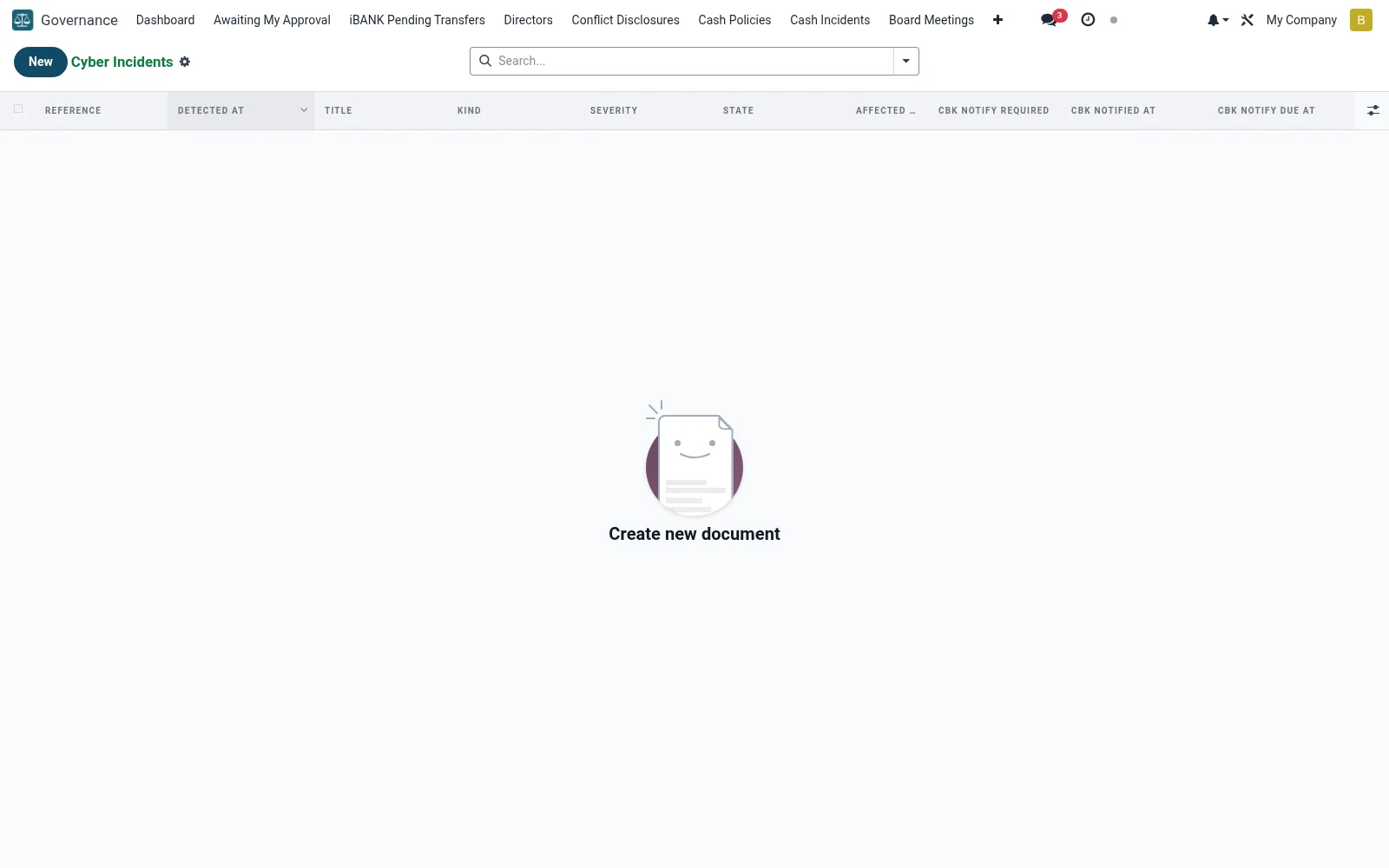
Workflow
- Open Cyber Incidents under Governance.
- Raise an incident with its category, severity and detection time.
- Record affected systems, data and customer impact.
- Track containment, investigation and root-cause findings.
- Close with lessons learned and any regulator notification logged.
Fields reference
Every field on this screen, drawn from the live data model.
| Field | Type | Required | Description |
|---|---|---|---|
Cbk Notify Requiredcbk_notify_required | Yes/No | — | Computed: True when severity is high or critical. |
Cbk Notify Due Atcbk_notify_due_at | Date & time | — | Computed: detected_at + 24h. |
Cbk Notified Viacbk_notified_via | Text | — | How the notification was delivered (email + ref). |
Notification narrativecbk_notify_text | Long text | — | Free-text narrative sent to CBK. |
Affected Recordsaffected_records | Number | — | Estimated number of customer records affected. |
Affected membersaffected_members_ids | Tags | — | Members whose data was potentially exposed. |
Titletitle | Text | Yes | Title |
Kindkind | Choice: Phishing, Malware / Ransomware, Credential Compromise, DDoS / Availability Attack, Data Breach, Insider Threat, Third-Party / Vendor Compromise, Misconfiguration / Drift | Yes | Kind |
Severityseverity | Choice: Low — informational, Medium — material impact, High — significant impact, Critical — adverse impact (CBK 24h notify) | Yes | Severity |
Statestate | Choice: Detected, Assessing impact, Reported to Regulator, Contained, Resolved, Post-mortem complete, Cancelled / False positive | Yes | State |
Detected Atdetected_at | Date & time | Yes | Detected At |
Has Messagehas_message | Yes/No | — | Has Message |
Referencereference | Text | — | Reference |
Detected Bydetected_by | Link → res.users | — | Detected By |
Detection Sourcedetection_source | Choice: SIEM alert, User report, Routine audit, Vendor notification, Vulnerability scan, Other | — | Detection Source |
Cbk Notified Atcbk_notified_at | Date & time | — | Cbk Notified At |
Monetary Lossmonetary_loss | Money | — | Monetary Loss |
Currencycurrency_id | Link → res.currency | — | Currency |
Containment Actionscontainment_actions | Long text | — | Containment Actions |
Eradication Actionseradication_actions | Long text | — | Eradication Actions |
Recovery Actionsrecovery_actions | Long text | — | Recovery Actions |
Root Causeroot_cause | Long text | — | Root Cause |
Lessons Learnedlessons_learned | Long text | — | Lessons Learned |
Contained Atcontained_at | Date & time | — | Contained At |
Resolved Atresolved_at | Date & time | — | Resolved At |
Resolved Byresolved_by | Link → res.users | — | Resolved By |
Post Mortem Urlpost_mortem_url | Text | — | Post Mortem Url |
Companycompany_id | Link → res.company | — | Company |
Actions & buttons
Buttons available on this screen and what they do:
- Start Assessment
- Notify CBK Now
- Mark Contained
- Mark Resolved
- Post-mortem Done
Status lifecycle
Records on this screen move through these statuses:
Detected → Assessing impact → Reported to Regulator → Contained → Resolved → Post-mortem complete → Cancelled / False positive
Notes & rules
- Captures breaches, fraud, outages and data exposures.
- Severity and impact drive escalation to the board.
- Supports mandatory breach-notification timelines.
- Root-cause and lessons-learned feed risk management.
Was this page helpful?