

Standing Instructions
Holds recurring automated payment mandates (mfi.standing.instruction) - scheduled transfers, sweeps and repayments authorised to run without manual intervention. Each instruction defines the source, destination, amount and schedule, governed by approval before activation. Governance reviews them to ensure recurring movements remain authorised and current.
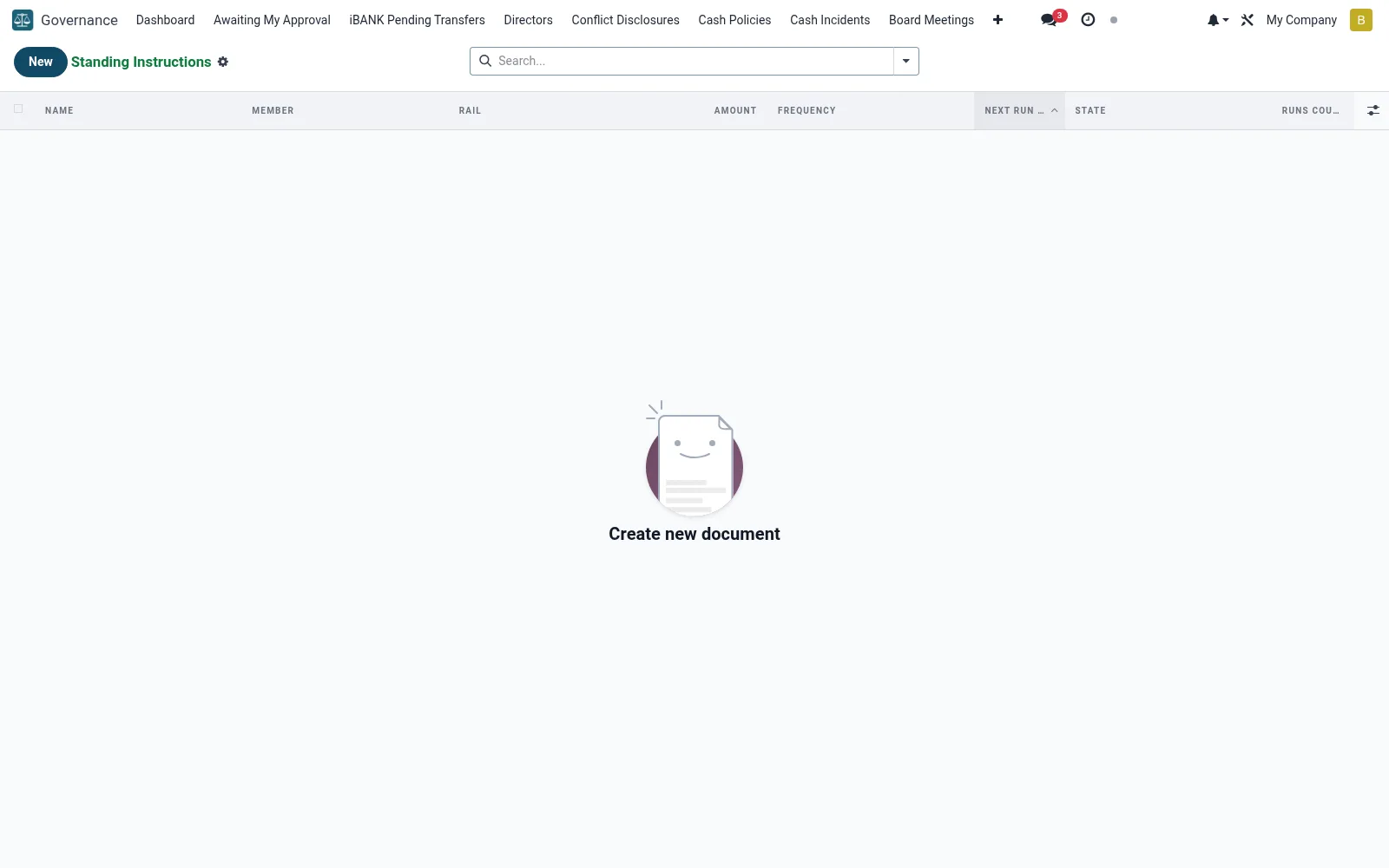
Workflow
- Open Standing Instructions under Governance.
- Create an instruction with source, destination and amount.
- Set the frequency and start/end dates.
- Obtain approval to activate the mandate.
- Suspend or amend instructions that are no longer valid.
Fields reference
Every field on this screen, drawn from the live data model.
| Field | Type | Required | Description |
|---|---|---|---|
Dst Accountdst_account_id | Link → mfi.savings.account | — | Required for "own" + "member" rails. |
Dst Phonedst_phone | Text | — | Required for "mpesa" rail. |
End Dateend_date | Date | — | Leave blank for no end date. |
Namename | Text | Yes | Name |
Membermember_id | Link → mfi.member | Yes | Member |
Src Accountsrc_account_id | Link → mfi.savings.account | Yes | Src Account |
Railrail | Choice: Between own accounts, To another member, PesaLink — external bank, M-Pesa wallet | Yes | Rail |
Amountamount | Money | Yes | Amount |
Frequencyfrequency | Choice: Daily, Weekly, Monthly, Quarterly | Yes | Frequency |
Start Datestart_date | Date | Yes | Start Date |
Next Run Datenext_run_date | Date | Yes | Next Run Date |
Statestate | Choice: Active, Paused, Completed (end date reached), Cancelled | Yes | State |
Has Messagehas_message | Yes/No | — | Has Message |
Recipient name (PesaLink)dst_counterparty | Text | — | Recipient name (PesaLink) |
Recipient account numberdst_account_no | Text | — | Recipient account number |
Recipient bankdst_bank_id | Link → mfi.bank | — | Recipient bank |
Currencycurrency_id | Link → res.currency | — | Currency |
Memomemo | Text | — | Memo |
Last Run Datelast_run_date | Date | — | Last Run Date |
Last Run Oklast_run_ok | Yes/No | — | Last Run Ok |
Last Run Messagelast_run_message | Text | — | Last Run Message |
Runs Countruns_count | Number | — | Runs Count |
Failures Countfailures_count | Number | — | Failures Count |
Companycompany_id | Link → res.company | — | Company |
Actions & buttons
Buttons available on this screen and what they do:
- Pause
- Resume
- Cancel
Status lifecycle
Records on this screen move through these statuses:
Active → Paused → Completed (end date reached) → Cancelled
Notes & rules
- Automates recurring transfers, sweeps and repayments.
- Activation requires governance approval.
- Schedule defines when each run executes.
- Periodic review confirms mandates remain authorised.
Was this page helpful?