

Migration Importer
The Migration Importer is how every new MFI Suite tenant in Kenya goes live. It accepts CSV, XLSX, fixed-width and SQL extracts from the systems that Kenyan SACCOs and microlenders typically retire — Loan Performer, Bankers Realm, Musoni, Mambu, Co-op Bank's CBS and a long tail of Excel ledgers — and lands them through a four-stage pipeline of staging, validation, commit and cutover, with every row tagged to its source so an auditor can reconstruct how each KES of balance arrived.
Why migration is its own workspace, not a one-off script
Kenyan microfinance institutions almost never go live on a clean slate. A typical mid-sized SACCO arriving from Loan Performer carries 8,000-25,000 members, 12,000-60,000 active and dormant savings accounts, 3,000-9,000 live loans, six to eleven years of repayment history, and a stack of collateral instruments. CBK and SASRA both expect those balances to reconcile to the audited financial statements of the last closed year. A scripted, undocumented import almost always breaks something — a savings account is created without its product, a loan is loaded without its schedule, or interest accruals are double-counted — and the recovery cost is measured in lost member trust, not just hours.
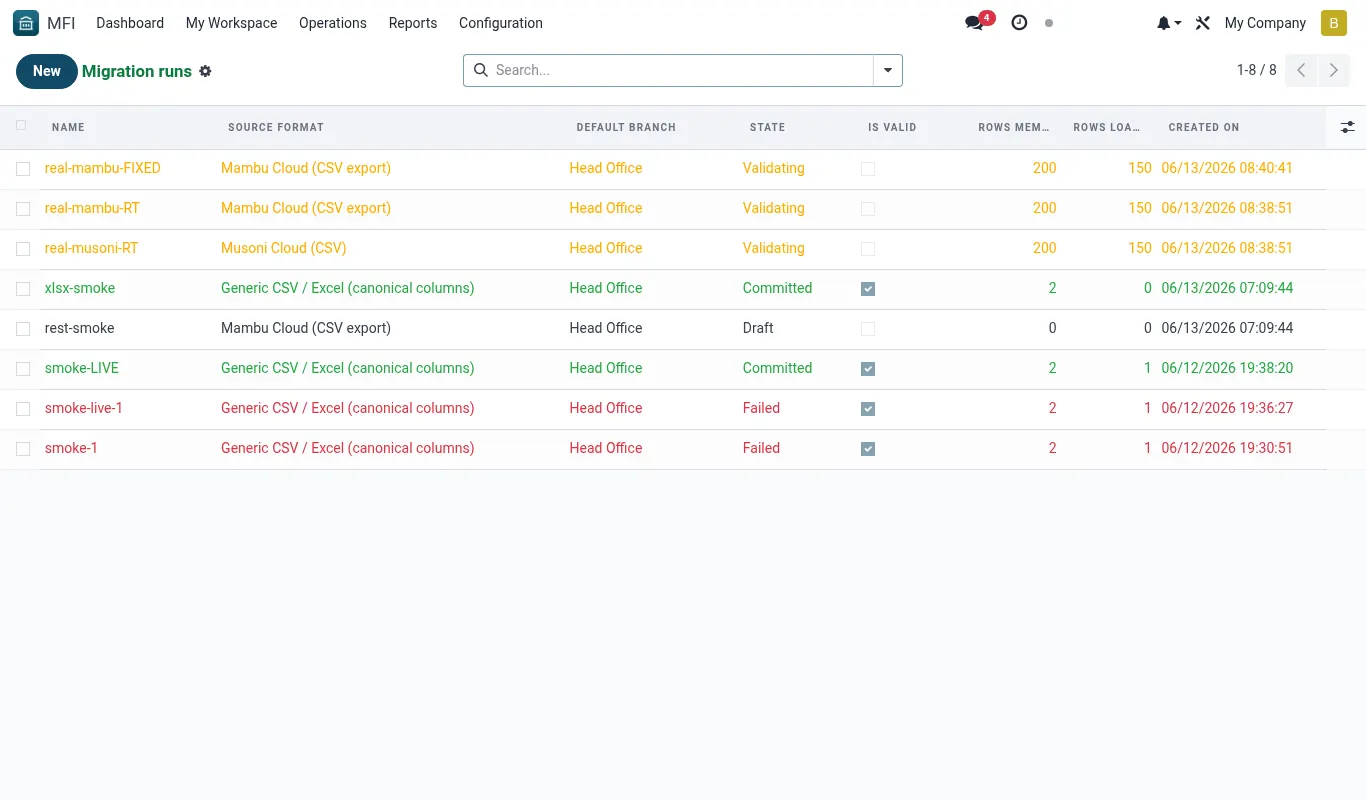
The Migration Importer replaces all of that with a controlled workspace. Every file is a Migration Source. Every load is a Migration Run. Every row lands first in a staging table that lives alongside production but does not affect any GL until a human Commit step is taken. Every committed record retains the staging row's hash and source-file pointer indefinitely in the Mapping Audit, so an operator three years from now can still answer the question 'where did this member's opening balance come from?' with a single click.
Because migration is a one-time activity per tenant but a recurring activity across the platform, the workspace is shared across every Kenyan tenant on the same BridgeERP 18 staging container. Each tenant's data is isolated by the multi-company record rules already present in MFI Suite — a migration lead at Tenant A cannot see Tenant B's staging rows even though they share the same Migration model.
The four stages
Every migration in MFI Suite passes through exactly four stages, in order. The workspace enforces this order — the Commit button is greyed out until Validation passes, and Cutover is greyed out until Commit has completed at least one full reconciling run.
| Stage | What it does | Reversible? | Page |
|---|---|---|---|
| Sources | Register the legacy system, the file format and the field mapping. No data is moved. | Yes — sources can be edited freely before the first run. | applications/mfi/migration/sources |
| Staging | Upload extract files. Rows land in mfi.migration.staging.* tables with a per-run batch id. No production records are touched. | Yes — staging rows can be dropped and re-uploaded any number of times. | applications/mfi/migration/staging |
| Validation | Run row-level checks (data types, referential integrity, business rules) and produce an Exception Report. The Commit button stays disabled until the report shows zero blockers. | Yes — failed rows are fixed in the source file and re-uploaded. | applications/mfi/migration/validation |
| Commit | Promote staging rows to production records (res.partner, mfi.savings.account, mfi.loan, mfi.loan.schedule, account.move). Each promoted record stores the staging hash. | Partially — a Commit can be rolled back within 24h via Reverse Commit; after that, only an BridgeERP admin can unwind. | applications/mfi/migration/commit |
| Cutover | Generate the Go/No-Go report, freeze the legacy system, post opening-balance journals and unlock member-facing channels (iBANK, USSD, Daraja). | No — by design. Cutover is the point of no return. | applications/mfi/migration/cutover |
Roles on a Kenyan migration project
A successful Kenyan migration needs five distinct roles. The Migration Importer enforces these by group membership and Two-Person Rules.
- Migration Lead (MFI / Migration Lead group) — owns the plan, registers sources, kicks off runs, and is the only role allowed to press Commit. Usually a BridgeERP implementation consultant.
- Data Steward (MFI / Data Steward group) — reviews exception reports, fixes source files, and signs off mapping. Usually the tenant's Operations Manager or Head of Credit.
- Finance Reviewer (Account / Audit group) — countersigns the opening-balance journal at Cutover. The Two-Person Rule on commit-large-batches requires this signature for any run with > KES 50,000,000 in aggregate value.
- IT Counterpart (Tenant IT) — produces the SQL or CSV extracts from the legacy system. Read-only access to staging is enough; never grant Commit.
- Internal Auditor — read-only access to the Mapping Audit page. Should not have Commit or Validate rights.
Legacy systems supported out of the box
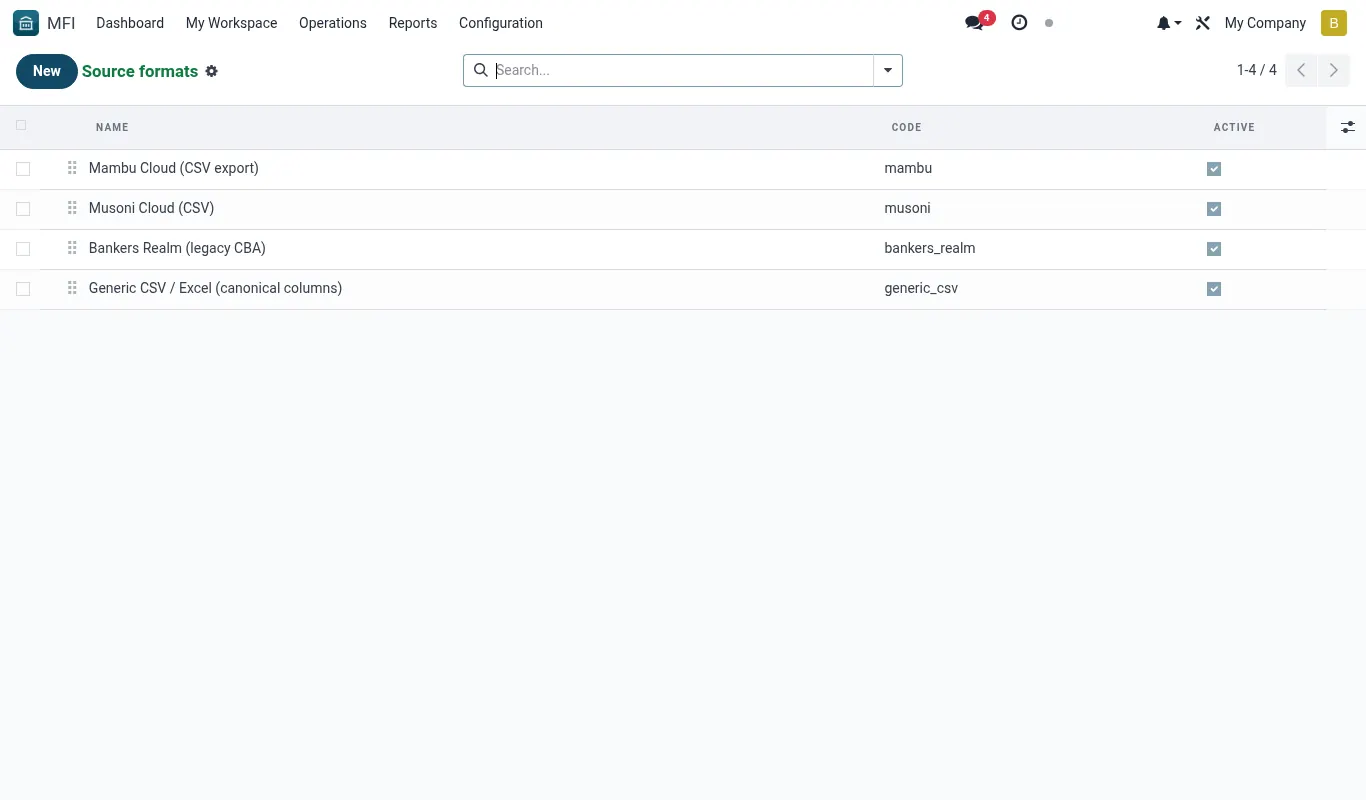
MFI Suite ships with preconfigured Source templates for the systems most commonly encountered in Kenyan migrations. A Source template is a CSV layout, a field map, and a set of business-rule defaults — not a live connector.
| Legacy system | Template id | Extract method | Notes |
|---|---|---|---|
| Loan Performer 8.x | src.loanperformer.v8 | Crystal Reports -> CSV export of the LP_MEMBERS, LP_LOANS, LP_SAVINGS, LP_TRANS views | Most common SACCO migration in Kenya. Watch for date format dd/mm/yyyy. |
| Bankers Realm Microfinance | src.bankersrealm.mf | SQL Server linked-server SELECT into CSV; column names already match | Co-operative Bank's legacy product. Member numbers are 10-digit strings, never truncate to int. |
| Musoni Cloud | src.musoni.api | REST API pull via the Musoni reports endpoint | Token-based. Token expires every 60 minutes; the importer auto-refreshes. |
| Mambu 5.x | src.mambu.v5 | Mambu Streams or paginated REST export | Currency must be hard-set to KES on the source row even if Mambu reports it as a code. |
| Co-op Bank Sacco-Link | src.coopbank.saccolink | Excel workbook with one sheet per entity | Members and savings on the same sheet — the template splits them automatically. |
| Generic Excel | src.excel.generic | Operator-defined column map via the Mapping Studio | Fallback for the long tail of homemade ledgers. |
The data-lineage promise
Every record committed by the Migration Importer carries four immutable lineage fields. These are exposed on every form (Member, Savings Account, Loan, Schedule Line, opening Journal Entry) under the Migration tab.
| Field | Meaning |
|---|---|
| x_migration_source_id | The Migration Source the row came from (e.g. Loan Performer extract of 12 Nov 2025). |
| x_migration_run_id | The specific Migration Run that committed the row. |
| x_migration_staging_hash | SHA-256 of the original staging row content. Lets auditors prove the production record matches what was loaded. |
| x_migration_source_key | The natural key from the legacy system (e.g. Loan Performer MemberNo) — used for re-running, deduplication and member-service lookups for 18 months after go-live. |
Reference
Migration models
The mfi_migration module installs these models. All are prefixed mfi.migration.* and live in the Migration menu.
| Model | Purpose | Key fields | Group |
|---|---|---|---|
| mfi.migration.source | Source registration | name, template_id, legacy_system, file_format, owner_id | MFI / Migration Lead |
| mfi.migration.run | One pipeline run | source_id, state, started_at, completed_at, batch_uuid | MFI / Migration Lead |
| mfi.migration.staging.member | Staged member rows | source_key, full_name, id_number, phone, date_of_birth, status | Steward (read), Lead (write) |
| mfi.migration.staging.savings | Staged savings accounts | source_key, member_key, product_code, balance, opened_on | Steward (read), Lead (write) |
| mfi.migration.staging.loan | Staged loans | source_key, member_key, product_code, principal, outstanding, disb_date, term_months | Steward (read), Lead (write) |
| mfi.migration.staging.schedule | Staged amortisation lines | loan_key, due_date, principal_due, interest_due, paid_principal, paid_interest | Steward (read), Lead (write) |
| mfi.migration.staging.transaction | Staged historical txns (savings + loan) | source_key, account_key, txn_date, amount, dr_cr, narration | Steward (read), Lead (write) |
| mfi.migration.exception | Validation exception | run_id, row_ref, rule_code, severity, message, resolved | Steward (write) |
| mfi.migration.mapping | Field map per source | source_id, target_field, legacy_field, transform_python | Lead |
| mfi.migration.cutover | Cutover record | tenant_id, planned_at, go_no_go, signatures | Lead + Finance Reviewer |
Troubleshooting
| Symptom | Likely cause | Fix |
|---|---|---|
| Migration menu is not visible to my user. | The MFI / Migration Lead group is not assigned, or the migration_workspace_enabled system parameter is False. | Settings -> Technical -> Parameters -> System Parameters, set mfi.migration.workspace_enabled = True; then assign the user to MFI / Migration Lead. |
| Commit button is greyed out even though Validation shows zero exceptions. | There is at least one Warning-severity exception that has not been explicitly acknowledged. | Open the Validation report and tick 'Acknowledge' on every Warning row. Commit will enable within five seconds. |
| Two different runs both claim to have loaded member MEM00421. | Re-upload without dropping the first run's staging rows; the source-key uniqueness check fires at Commit, not at upload. | Cancel the older Migration Run (state -> cancelled), which drops its staging rows, then re-run validation on the newer run. |
| Cutover keeps the legacy system editable for an extra day. | Cutover is informational — it cannot lock a third-party system. Operator must shut it down manually. | Treat Cutover -> Freeze Legacy as a checklist item; physically disable logins on the legacy system before clicking Confirm Cutover. |