

Accounting integration
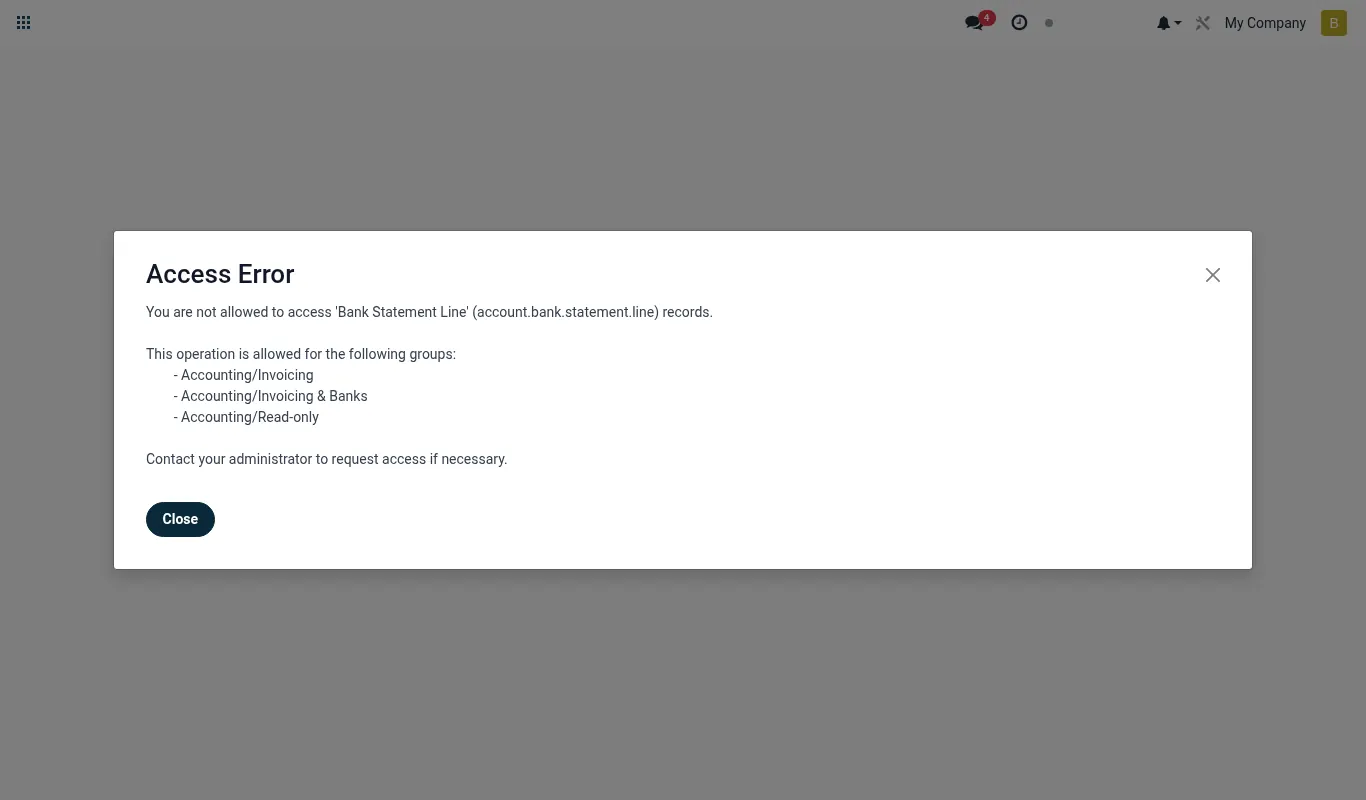
Every transaction the suite handles — disbursement, repayment, deposit, withdrawal, transfer, fee, interest accrual, IFRS 9 provisioning — posts a balanced journal entry to the BridgeERP General Ledger at the moment the event happens. This page is the reference for how that wiring works.
How the integration is wired
The integration is event-source, not batch. Each app has a thin GL bridge module that listens
for the operational event (e.g. mfi.loan._post_repayment) and posts the journal in
the same transaction. If the posting fails, the operational event is rolled back too — the suite
never leaves the GL out of sync with the sub-ledger.
Wiring summary:
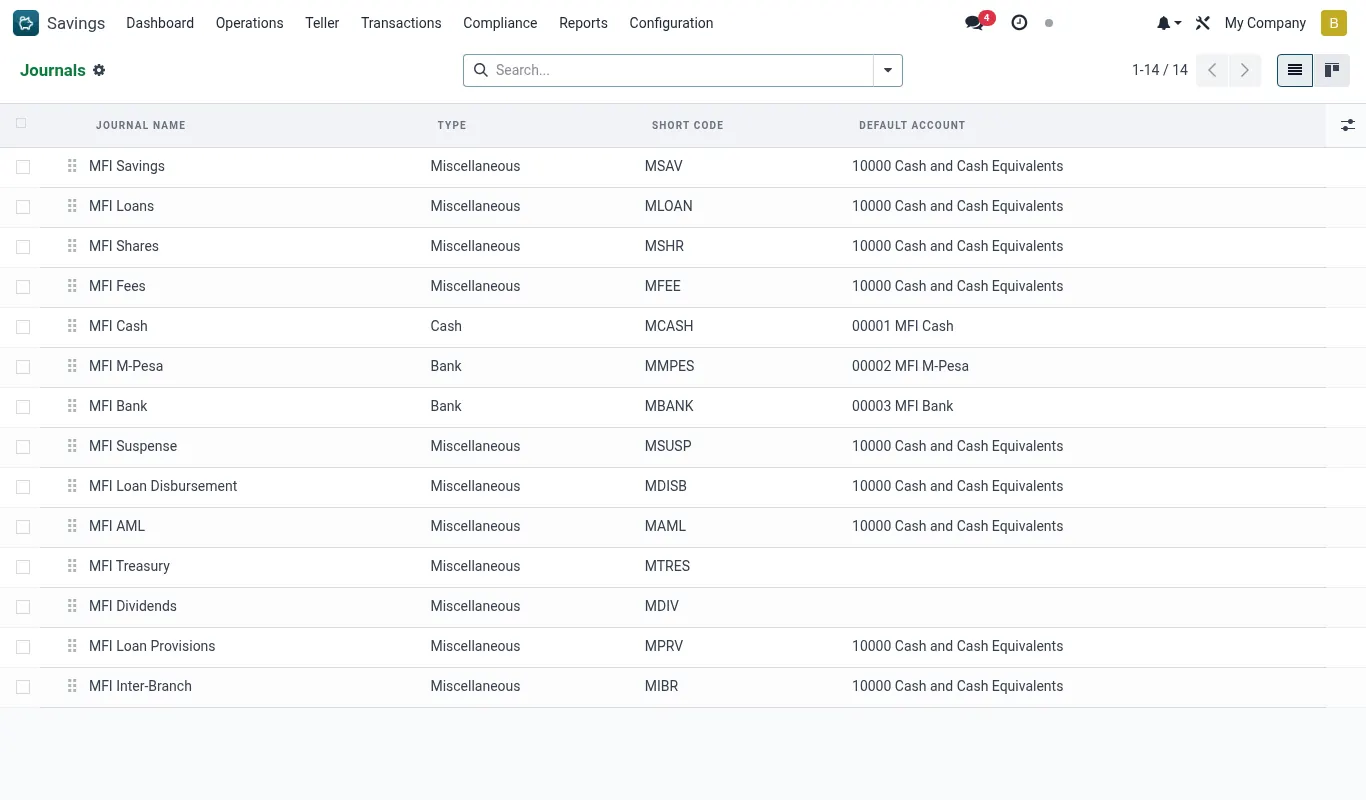
- Every loan + savings product has 3–4 GL accounts mapped on its form (principal receivable, interest income, fee income, write-off).
- Every channel (cash, M-Pesa float, Airtel float, sponsor-bank float) has a dedicated cash-equivalent account.
- Every MFI journal (
MLOAN,MSAV,MMOB,MSHR,MTRS,MFEE) routes a specific class of entries. - The company-level defaults (
mfi_*_journal_id, share-related accounts) tie the products to the company's books.
The Odoo Apps store edition (MFI Accounting)
The MFI apps sold on apps.odoo.com do not use the GL bridge modules described on this page. MFI Accounting (aminitech_mfi_accounting) posts the entries itself, for any mix of MFI apps installed, with these accounts:
| Movement | Debit | Credit |
|---|---|---|
| Membership fee paid | MFI Cash and Clearing | MFI Membership and Registration Fees |
| Savings deposit | MFI Cash and Clearing | MFI Member Savings Deposits |
| Savings withdrawal, account closure, loan auto-debit | MFI Member Savings Deposits | MFI Cash and Clearing |
| Savings interest posted | MFI Interest on Member Savings | MFI Member Savings Deposits |
| Savings fee charged | MFI Member Savings Deposits | MFI Savings Fees and Charges |
| Savings fee waived | MFI Savings Fees and Charges | MFI Member Savings Deposits |
| Dividend credited to savings | MFI Dividends to Members | MFI Member Savings Deposits |
| Loan disbursed (fees deducted at disbursement) | MFI Loans to Members (gross) | MFI Cash and Clearing (net) + MFI Loan Fees and Commissions |
| Loan repayment | MFI Cash and Clearing | MFI Loans to Members (principal), MFI Interest on Loans, MFI Loan Fees and Commissions, MFI Loan Penalties |
| Loan written off | MFI Loans Written Off | MFI Loans to Members |
| Repayment on a written-off loan | MFI Cash and Clearing | MFI Recoveries on Written-off Loans |
| Share purchase, rights issue | MFI Cash and Clearing | MFI Member Share Capital |
| Share redemption, buyback | MFI Member Share Capital | MFI Cash and Clearing |
| Bonus issue | MFI Share Premium and Reserves | MFI Member Share Capital |
| Share dividend declared | MFI Dividends to Members | MFI Dividends Payable to Members |
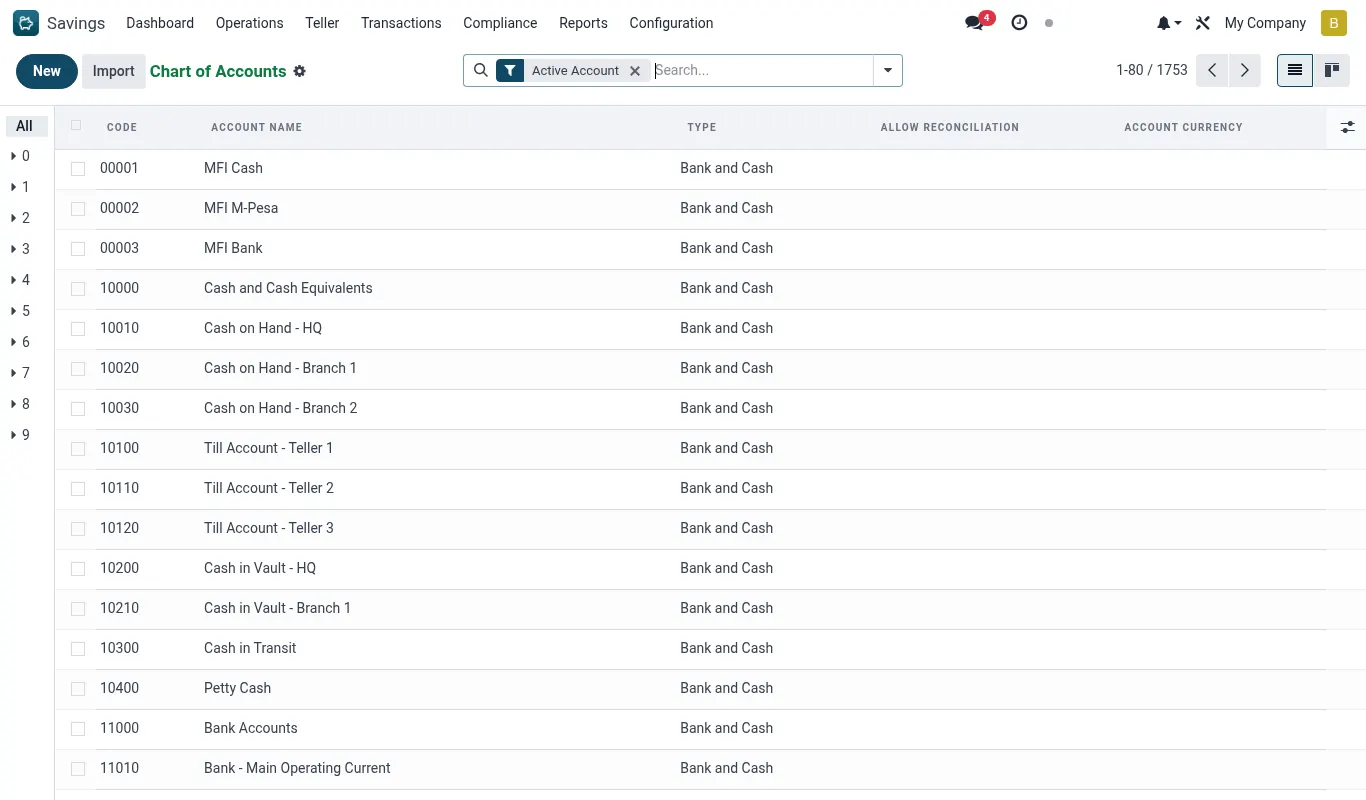
- The accounts are created from your chart of accounts when the app is installed (or found by name if they exist), and you can point each one at your own account in Settings → MFI Accounting → Journal entries for MFI transactions.
- Money that moves between two MFI apps (a loan instalment debited from savings, say) goes through MFI Cash and Clearing, so the two sides net out whichever apps you own.
- Transfers between two members’ savings or shares change no balance-sheet total and post nothing. Reversing a transaction reverses its entry.
- Transactions recorded before MFI Accounting was installed: press Post missing journal entries on the same settings page. It only posts what has no entry yet, so it is safe to press again.
- A posting never blocks the teller or loan officer. If an account is missing, the transaction goes through, the reason is noted on the record, and the button above catches it up once the account is set.
- All entries: Accounting → Journal Entries → MFI Journal Entries, each linked back to the loan, savings, share or member record it came from.
The full event → journal entry map
| Event | Module | DR | CR |
|---|---|---|---|
| Loan disbursement | mfi_loan_gl_bridge | Loans Receivable (12000) | Cash or M-Pesa Float |
| Loan repayment (principal) | mfi_loan | Cash / Member Savings | Loans Receivable (12000) |
| Loan repayment (interest) | mfi_loan | Cash / Member Savings | Interest Income (240000) |
| Loan repayment (fee) | mfi_loan | Cash / Member Savings | Fee & Commission Income (242000) |
| Loan fee charge | mfi_loan | Receivable | Fee Income (242000) |
| Loan write-off | mfi_loan | Bad-Debt Expense | Loans Receivable (12000) |
| Loan recovery (after write-off) | mfi_loan | Cash | Bad-Debt Recoveries |
| Savings deposit | mfi_savings_gl_bridge | Cash or M-Pesa Float | Member Deposits (20000) |
| Savings withdrawal | mfi_savings_gl_bridge | Member Deposits (20000) | Cash or M-Pesa Float |
| Savings interest posting | mfi_savings_gl_bridge | Interest Expense — Deposits (250000) | Member Deposits (20000) |
| Savings fee charge | mfi_savings_gl_bridge | Member Deposits (20000) | Fee Income (242000) |
| Suspense receipt | mfi_savings_gl_bridge | Cash or M-Pesa Float | Suspense — Unidentified Deposits (29900) |
| Suspense release | mfi_savings_gl_bridge | Suspense (29900) | Member Deposits (20000) |
| Share purchase | mfi_accounting | Cash | Share Capital |
| Dividend declaration | mfi_accounting | Retained Earnings | Dividends Payable |
| Dividend payment | mfi_accounting | Dividends Payable | Cash / Member Savings |
| IFRS 9 ECL provisioning | mfi_ifrs9_ecl | Loan Loss Provisioning — Expense | Loan Loss Allowance |
| Bureau fee | mfi_credit_bureau | Bureau Fees — Expense | Sundry Payable |
| Insurance premium | mfi_bancassurance | Cash | Underwriter Payable + Commission Income |
How to read the Profit and Loss
The MFI Suite posts Revenue under 240xxx (Interest Income, Fee & Commission Income) and Expenses under 25xxxx (Interest Expense, Loan Loss Provisioning, Bad-Debt Expense).
The Kenya P&L variant has been extended to include those code prefixes — on a live tenant with this guide's configuration, opening Accounting → Reporting → Profit and Loss (KE) at "All Time" shows the numbers below:
| Line | Value |
|---|---|
| Operating Revenues | KES 208,694.75 |
| Interest Income | KES 90,540.11 |
| Fee & Commission Income | KES 118,154.64 |
| Operating Costs | (KES 175,829.11) |
| Interest Expense — Deposits | KES 175,829.11 |
| Net Profit / Loss | KES 32,865.64 |
How to verify the Trial Balance
The trial balance is the production-readiness gate. Open Accounting → Reporting → Trial Balance with date filter "All Time".
Total Debits must equal Total Credits exactly. If not:
- Search Journal Entries for state = Draft. Each draft is missing from the TB and probably has a rounding gap.
- Open each draft and look for a 0.01–1.00 imbalance between the principal / interest / fee components.
- Post the draft (the suite's repayment-posting flow handles rounding by widening the largest line).
Where to wire a new module to the GL
If you build a new MFI module that moves money, follow these conventions:
- Add a tiny
<module>_gl_bridgeshim module (or extend an existing bridge). - Listen on the operational event method (
action_post/action_confirm). - Build the
account.movewith two or more lines that sum to zero. - Call
move.action_post()in the same transaction. - On failure, let the exception bubble so the operational event rolls back too.