

EduPrime
EduPrime is BridgeERP's complete school and university management suite — one platform that runs admissions, the student record, academics, examinations, fees, library, transport, boarding, meals, human resources, the parent and student portal, compliance reporting and an AI early-warning engine. It scales from a single nursery to a multi-campus university, and supports CBC, Cambridge, IB and degree pathways side by side on one transcript.
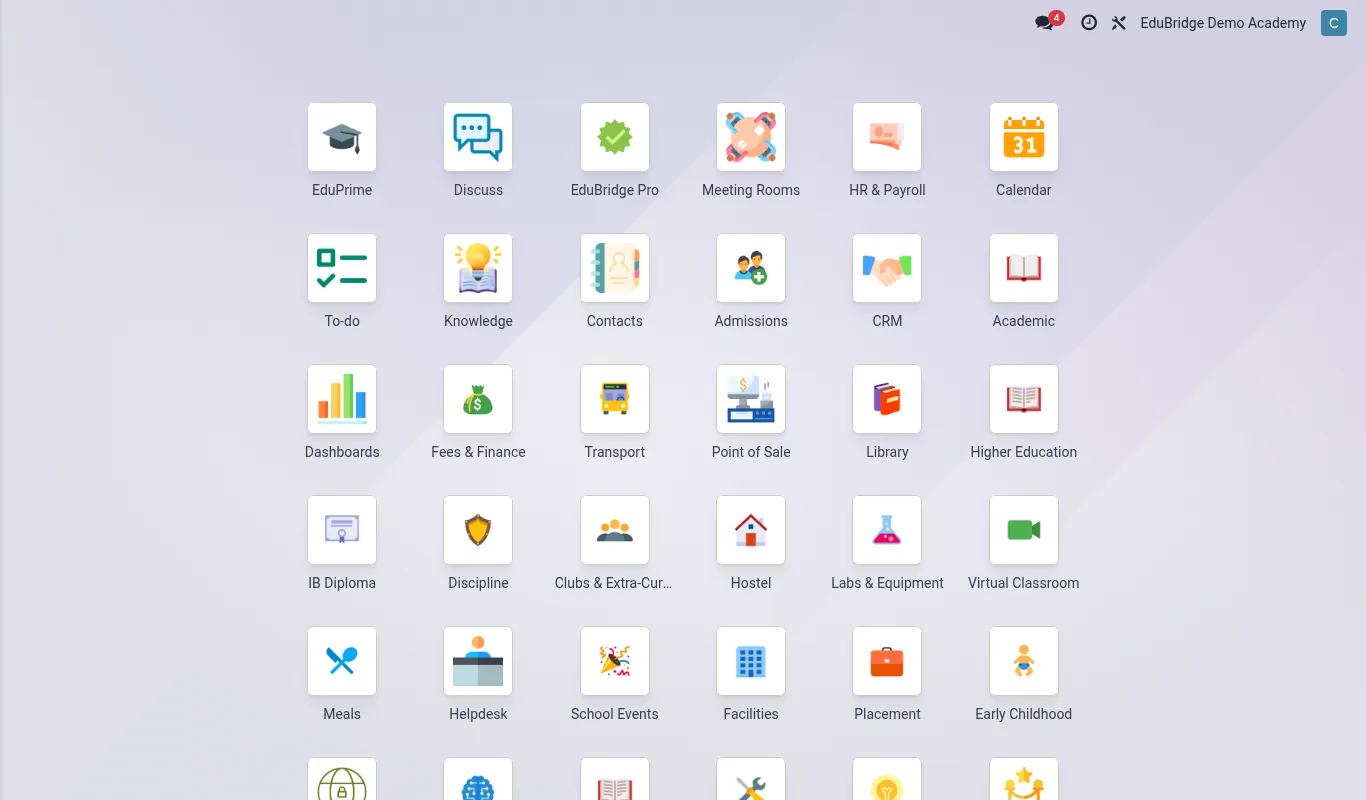
What's in the suite
| Area | App | What it does |
|---|---|---|
| Student records | EduPrime (SIS) | The single source of truth — enrolment, profiles, promotion, transfers, health, at-risk flags. |
| Admissions | Admissions | Inquiry → application → interview → offer → enrolment pipeline with online forms. |
| Academics | Academic | Subjects, classes, timetable, gradebook, report cards and transcripts. |
| Examinations | Assessments | Exam scheduling, question bank, online attempts and proctoring. |
| Finance | Fees & Finance | Fee structures, invoicing, mobile-money collection, statements, scholarships and bursaries. |
| Library | Library | MARC-21 catalogue, circulation, self-checkout and the public OPAC. |
| Transport | Transport | Routes, vehicles, live GPS and the driver app. |
| Boarding & meals | Hostel, Meals | Room allocation, roll call, leave passes, menu cycles and dietary needs. |
| People | HR & Payroll | Staff directory, contracts, payroll and leave. |
| Engagement | Parent Engagement & Portal | Announcements, meetings, alerts and the family portal. |
| Welfare | Clinic, Counseling, Special Needs, Discipline | Health visits, counselling, IEPs and behaviour. |
| Higher ed | Higher Education, CBET, Research, IB, Placement | Programmes, competency training, grants, IB candidates and attachments. |
| Intelligence | Bria — Insights | AI at-risk scoring and intervention tracking. |
| Compliance | ODPC Compliance, Compliance & Returns | Data-protection registration and statutory exports. |
How to read these docs
Every page follows the same shape: a short summary, a screenshot of the real screen, the steps to do the task, and a reference table where useful. Use the sidebar to jump to an area, or the search box (top right) to find a term. The docs are available in English, French, Portuguese, Swahili and Arabic, in light or dark mode — use the controls in the top bar.
Signing in
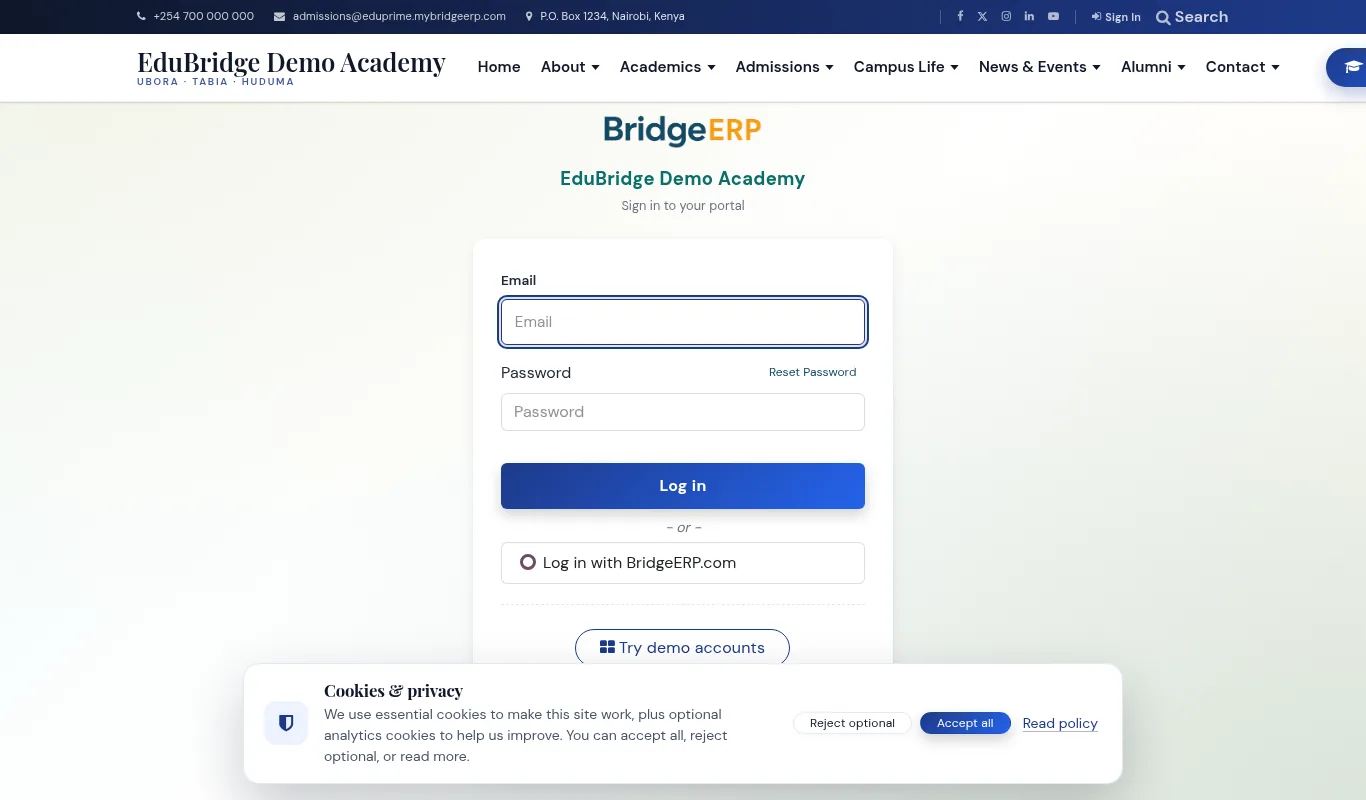
/web/login.Staff sign in at /web/login with the credentials your administrator issued. Parents and students use the same page or the dedicated portal link. Roles decide what each person sees — a bursar lands on Fees, a class teacher on their register, a parent on their child's timeline.