

Overview & architecture
EduPrime is BridgeERP's school & university management suite. It keeps one record per student — from admission through graduation and into the alumni roll — while letting each department run its own focused app on a single shared platform.
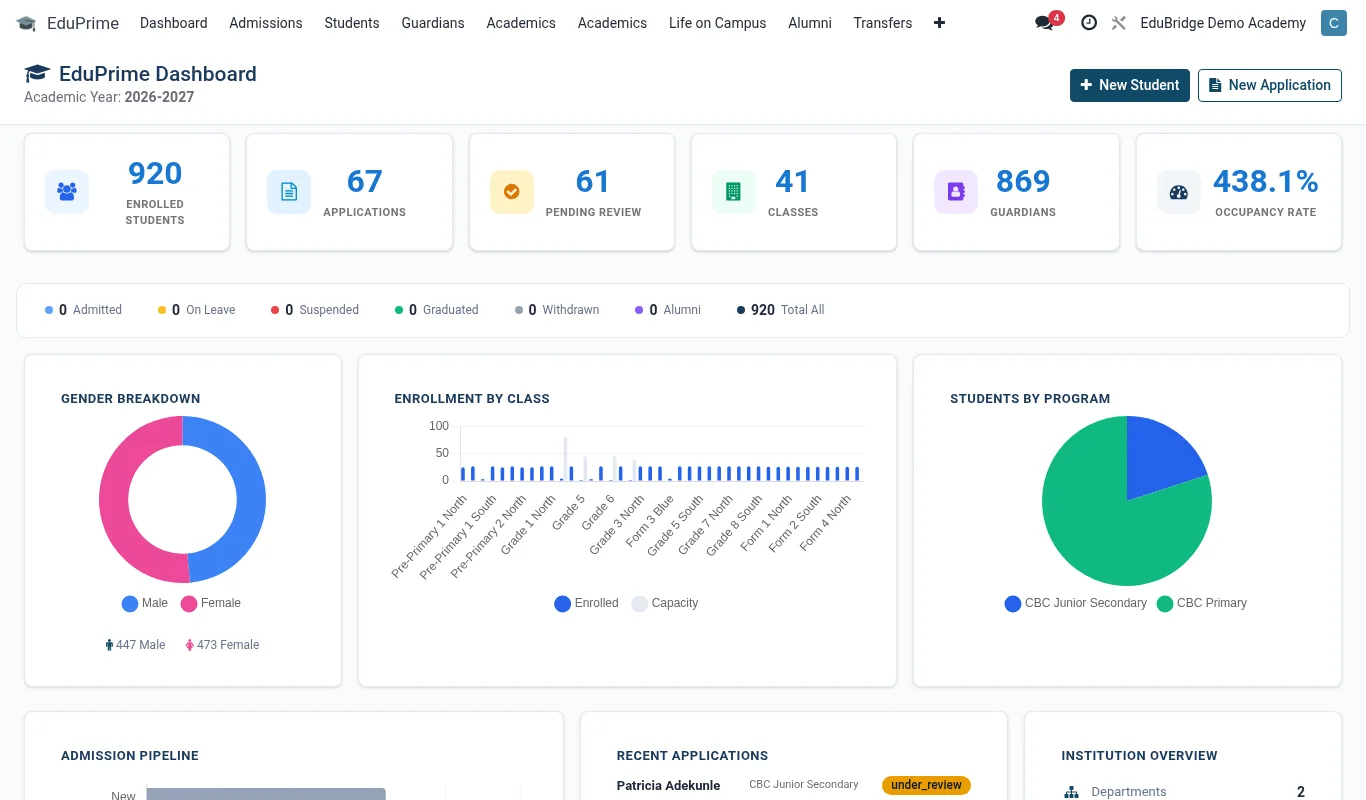
This page explains how EduPrime is put together so that, as the administrator, you understand the moving parts before you configure them. Everything below runs on the BridgeERP platform: a multi-user, web-based, role-secured application server with a single relational database behind it.
The app-per-department model
EduPrime is not one giant program. It is a family of cooperating apps that you install only as you need them. Each app owns a department's day-to-day work but reads and writes the same shared data, so information entered once is visible everywhere it is relevant.
| App | Owns |
|---|---|
| SIS / Academic core | The student record, classes, subjects, enrolment, attendance, grades, transcripts |
| Admissions | Enquiries, applications, offers, conversion to enrolled student |
| Fees & Finance | Fee structures, invoicing, mobile-money collection, statements |
| HR & Payroll | Staff records, contracts, leave, payroll |
| Library, Transport, Hostel, Meals | Department operations bridged to the same students |
| LMS / E-learning | Courses, SCORM/xAPI content, virtual classrooms, LTI 1.3 tools |
| AI Insights (Bria) | Early-warning signals for at-risk learners |
| Compliance & Data Protection | Statutory exports (KEMIS/NEMIS) and ODPC/GDPR/POPIA/NDPR controls |
One student, one record
The most important design idea in EduPrime is the single student record. A learner's identity, guardians, photo, medical flags and contact details live in exactly one place. Fees, library loans, hostel beds, bus routes, grades and welfare notes all reference that one record rather than copying it.
Because of this, EduPrime can carry a learner across very different programmes on a single transcript — CBC, Cambridge (IGCSE / A-Level), IB (PYP/MYP/DP), CBET/TVET and university degree pathways — without forcing you to maintain duplicate profiles.
Deployment shapes
EduPrime adapts to three common institution shapes. Choose the one that matches your reality before you start configuring.
- Single school — one campus, one set of classes and one fee structure. The simplest setup; most configuration pages apply directly.
- Multi-campus group — several schools under one trust or sponsor. Each campus is a separate company within the same database, with shared staff directory and consolidated reporting.
- University / college — faculties, schools and departments with degree pathways, credit-bearing courses and semester sessions instead of terms.