

Getting Started with MFI Suite
This section walks a new tenant from a clean BridgeERP Enterprise database through a fully usable microfinance platform. Follow the pages in order — each builds on the previous — and budget about two working days for a single-branch SACCO or four working days for a multi-branch MFI with mobile money integration.
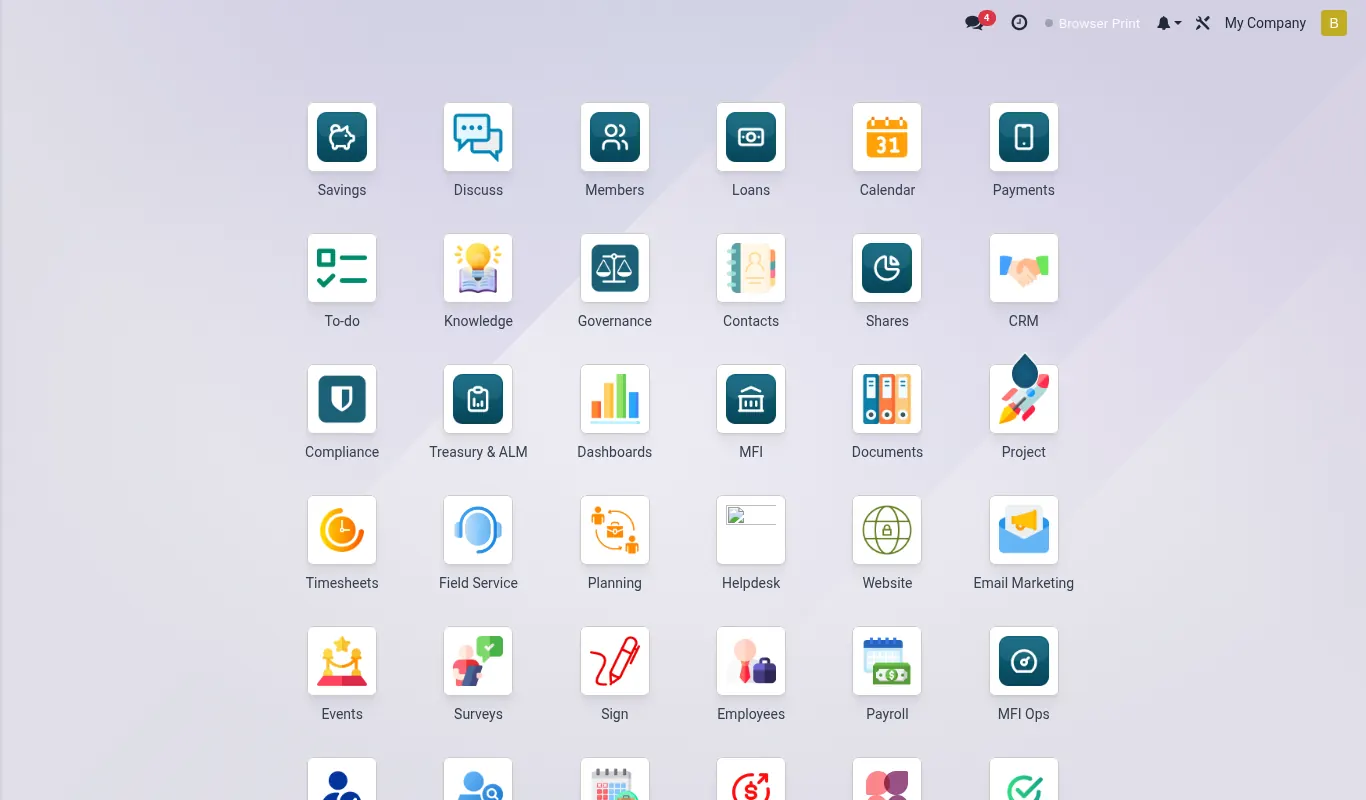
Who this section is for
You are a system administrator, branch operations lead, or implementation consultant standing up a new MFI Suite tenant for a Kenyan deposit-taking SACCO, credit-only MFI, or community-based lender. You have a Linux server (or a managed BridgeERP tenant) with BridgeERP Enterprise installed, network access to Safaricom Daraja and at least one bank API, and a board-approved chart of operations covering products, branches, and approval thresholds.
If you are an end-user (loan officer, teller, recoveries clerk) skip this section and read Members, Savings, or Loans instead. Those pages assume Getting Started is already done.
What you will build in this section
By the end of the eight pages in this section you will have:
- A licensed BridgeERP Enterprise database with the 21 mfi_* modules installed and upgraded cleanly.
- A Kenya country profile loaded (KES currency, KRA PIN format, ODPC data-protection consent text, CBK reporting calendar).
- At least one branch with cash tills, vault, daily limits, and a branch-level chart of accounts.
- User accounts mapped to the seven shipped security groups (Officer, Senior Officer, Supervisor, Branch Manager, Credit Committee, Internal Audit, System Admin).
- Two-person rules active on loan approval, write-off, member status change, cash-out above limit, and ledger reversal.
- At least one payment rail wired — Safaricom Daraja STK Push and C2B for collections, B2C for disbursement.
- Your first real member captured, KYC verified, and ready to open a savings account.
Order of operations
Do the pages in this order. Skipping ahead — for example creating users before defining branches — will force you to redo work because users belong to branches and inherit branch-level allowed companies.
| # | Page | Time | Owner |
|---|---|---|---|
| 1 | Install | 2–4 hours | System admin |
| 2 | Country profile | 1 hour | System admin + Compliance |
| 3 | Branches | 30 min per branch | Operations |
| 4 | Roles | 1–2 hours | System admin + HR |
| 5 | Two-person rules | 1 hour | Compliance + Internal audit |
| 6 | Payment rail | 2–4 hours | Finance + IT |
| 7 | First member | 15 min | Branch operations |
Hard prerequisites before page 1
- BridgeERP 18.0 Enterprise — community edition will not work because mfi_treasury depends on
account_reportsandaccount_accountant. - PostgreSQL 14+ with at least 8 GB RAM allocated to
shared_buffersfor tenants over 50,000 members. - A licensed Enterprise subscription code from BridgeERP Enterprise — without it accounting and studio raise
UserErroron upgrade. - Outbound HTTPS to
sandbox.safaricom.co.keandapi.safaricom.co.kefor Daraja; outbound to your core-bank API if you use one. - A KRA PIN and CBK reporting code for your institution — the country profile page asks for both.
Version matrix this section was written against
| Component | Version | Notes |
|---|---|---|
| BridgeERP | 18.0 | 18.0.20251101 or later — earlier 18.0 builds have a known bug in mail.thread that breaks two-person audit |
| PostgreSQL | 14, 15, 16 | 16 recommended |
| mfi_base | 18.0.4.x | Drives the workspace sidebar |
| mfi_treasury | 18.0.2.x | Requires account_reports |
| Daraja | v2.0 | OAuth + STK Push + C2B Validation + B2C Result |
| IFRS 9 macro pack | Q1-2026 | Refresh quarterly |
mfi-modules upgrade once before you read these pages — the schema migration adds partner_id.x_mfi_branch_id which the Branches page depends on.If something breaks
Every page in this section has a Troubleshoot block at the end with the three to five symptoms we see most often. If your symptom is not there, the canonical escalation order is: tenant logs at (managed by the platform team — raise a support case if needed), then mfi-doctor CLI tool, then BridgeERP support. Do not roll back database snapshots once members exist — use the targeted fix paths instead.
Reference
The 21 shipped mfi_* modules
| Module | Purpose | Auto-install |
|---|---|---|
| mfi_base | Workspace sidebar, branding, common widgets | No (root) |
| mfi_member | Member master, KYC, blacklist, groups | No |
| mfi_savings | Savings products, accounts, transactions | No |
| mfi_loan | Loan products, applications, schedules | No |
| mfi_treasury | Cash, vault, ALM, gap report | No |
| mfi_ifrs9 | ECL engine, macro scenarios, runs | No |
| mfi_soc2 | Controls catalogue, evidence calendar | No |
| mfi_migration | Legacy CSV ingestion | No |
| mfi_two_person | Maker-checker rule engine | No |
| mfi_cash_policy | Cash limits, vault thresholds | Yes if mfi_treasury |
| mfi_mpesa | Daraja STK / C2B / B2C | No |
| mfi_crb | Metropol / TransUnion / Creditinfo | No |
| mfi_recovery | Collections, follow-ups, write-off | Yes if mfi_loan |
| mfi_par_aging | PAR 1/7/30/60/90 aging | Yes if mfi_loan |
| mfi_officer_perf | Officer KPI scorecard | Yes if mfi_loan |
| mfi_dunning | SMS + email dunning | Yes if mfi_loan |
| mfi_share | Member share capital | No |
| mfi_dividend | Annual dividend declaration | Yes if mfi_share |
| mfi_audit | Audit log viewer | Yes if mfi_two_person |
| mfi_reports | Statutory + management pack | Yes if mfi_base |
| mfi_portal | iBANK member self-service | No |