

Operations & Monitoring
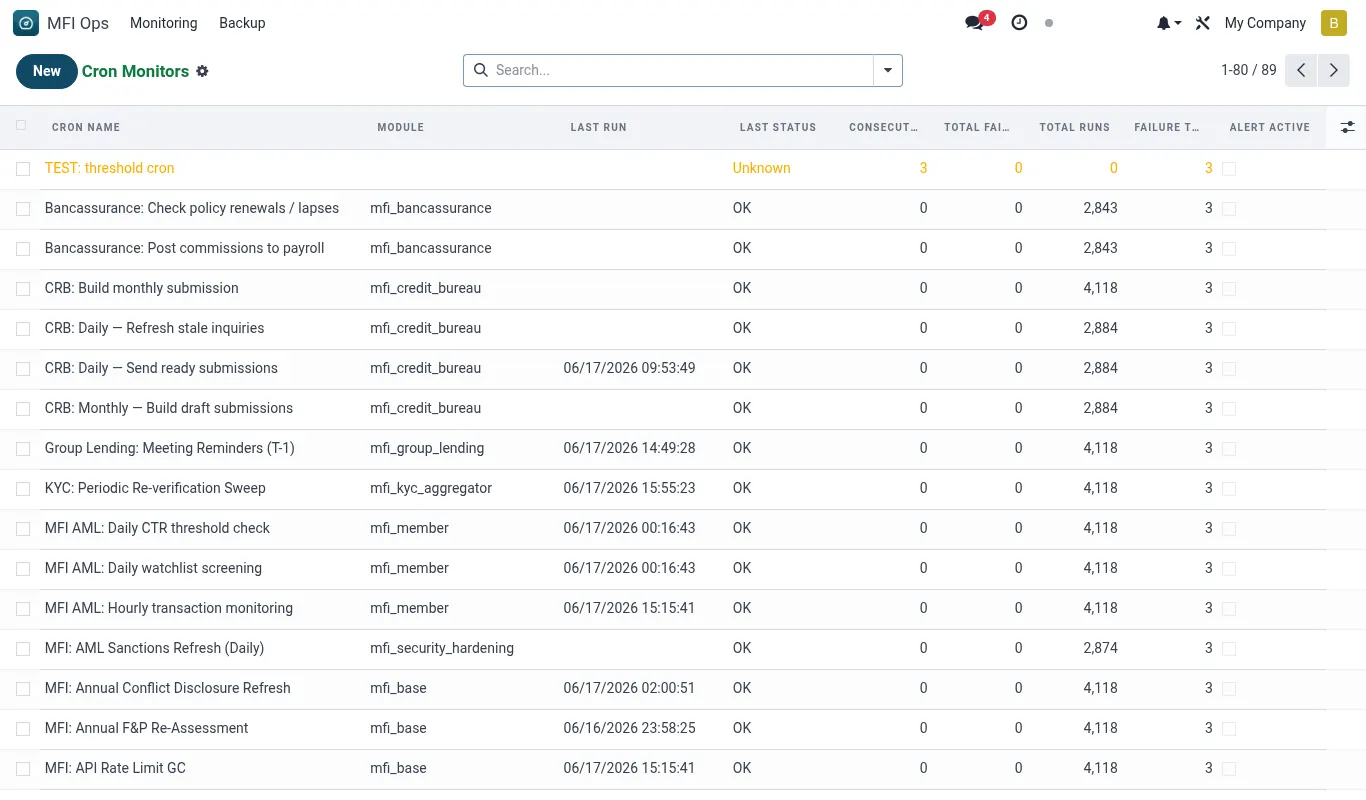
Operations & Monitoring is the SRE side of the suite. Cron health, backup destinations, DR drill, perf baseline, GL-posting hooks — everything that keeps the suite running between business hours.
How the health check works
Health-check is a one-screen go / no-go status for the suite. Run it before every release; run it daily as a cron; pipe failures into your alerting.
- Open Configuration → System Health Check (also accessible from Operations → Monitoring).
- The page runs ~20 probes — default journals, account mappings, callback latency, posting-queue depth, suspense ledger age.
- Each probe shows green / amber / red. Click any row for the diagnostic + remediation steps.
Reference
Feature checklist
- Per-cron monitor with alert on stale + slow
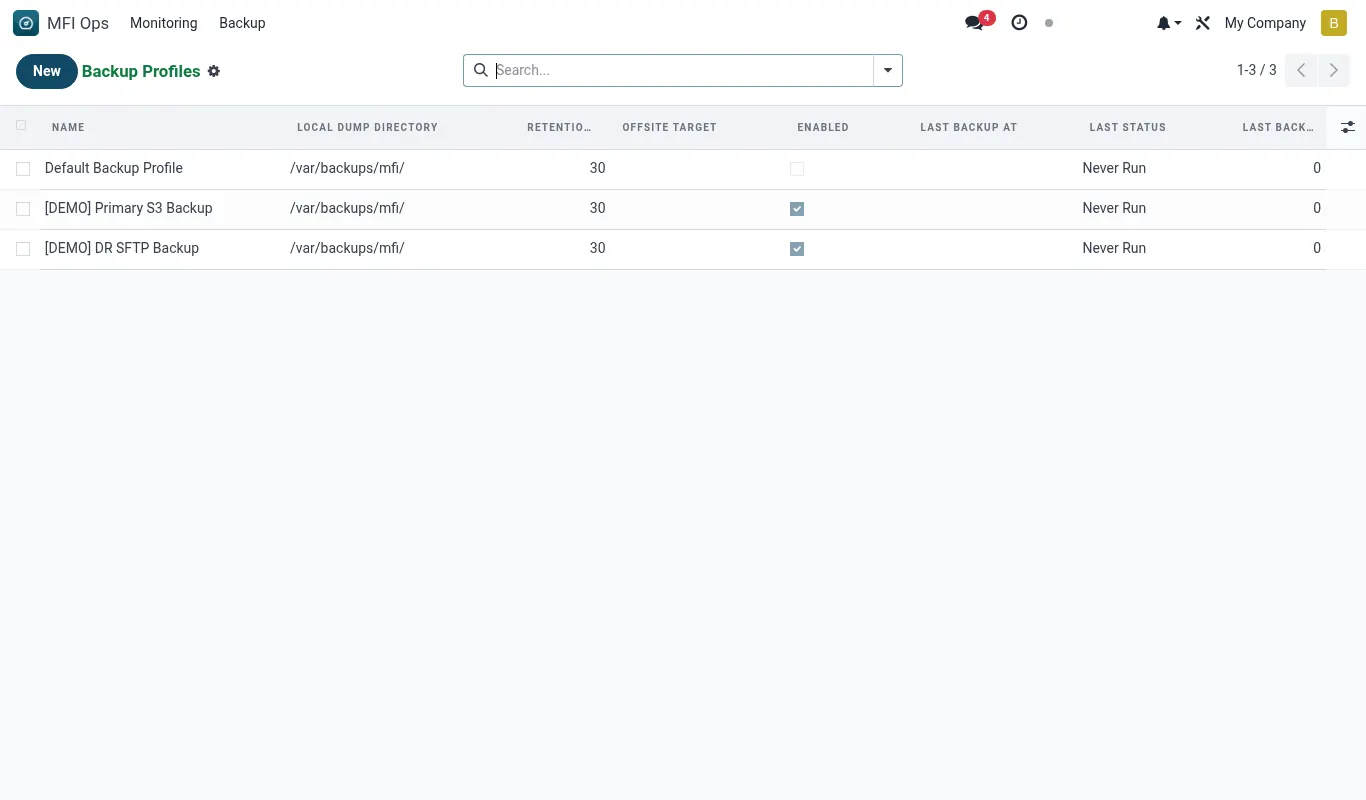
- Backup destinations: S3, SFTP, local
- Health check covers GL hooks, suspense queues, callback latency
- DR drill runbook
Configuration reference
| Where | What to set |
|---|---|
| Backup destinations | S3 bucket / SFTP |
| Cron alert thresholds | Stale-after, slow-after |
Roles & permissions
| Group | Capability |
|---|---|
| mfi_ops.group_ops_admin | Configure monitors, run drill |
Accounting integration
None.Tip. Always run the health check after the monthly upgrade — it surfaces newly-broken GL hooks before users see them.
Was this page helpful?