

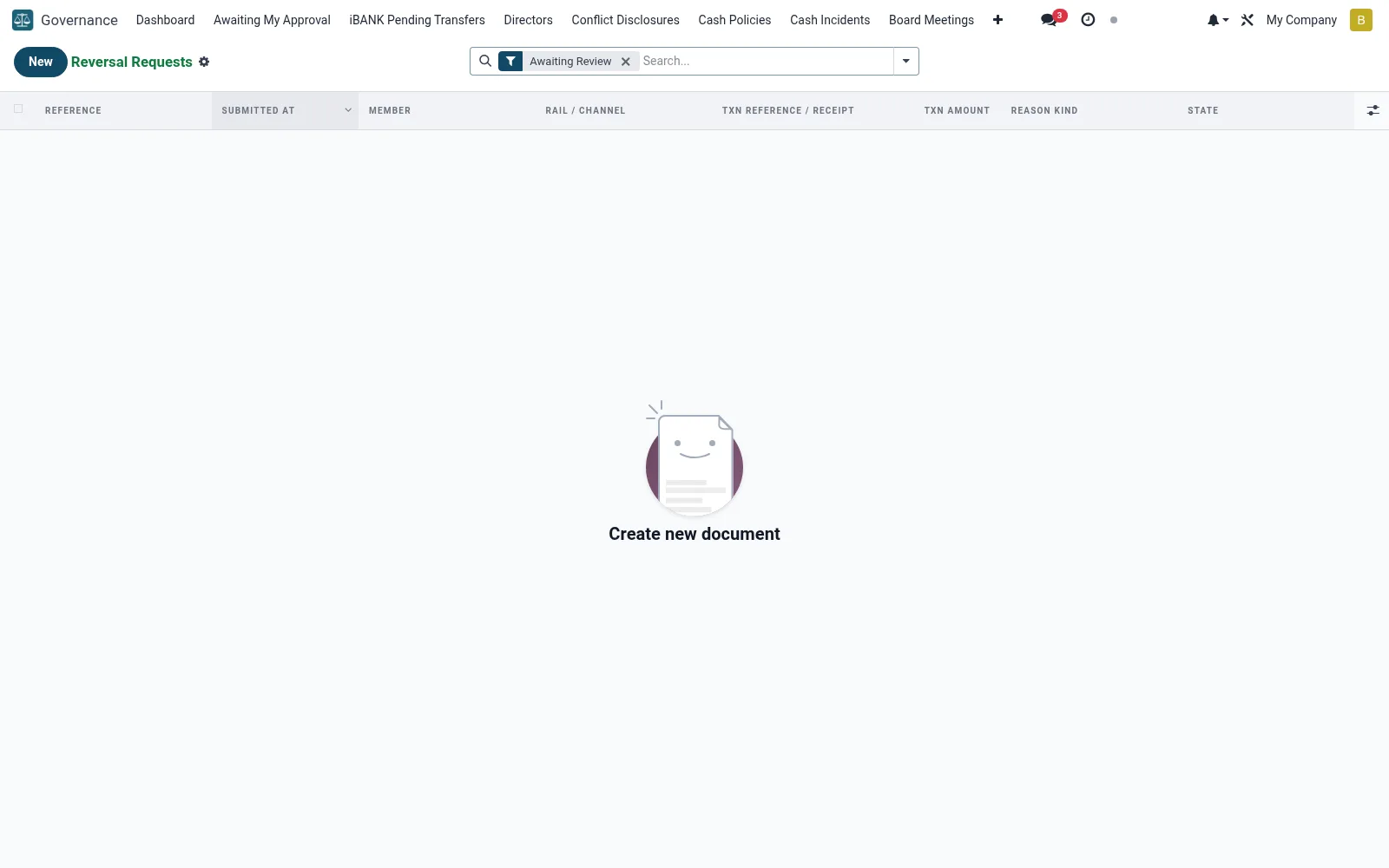
Reversal Requests
Manages requests to reverse posted transactions (mfi.ib.reversal.request) - erroneous, duplicate or fraudulent entries that need backing out under control. Each request states the reason and original entry and must be authorised before any reversal posts. It keeps corrective postings inside the maker-checker discipline rather than letting staff reverse at will.
Workflow
- Open Reversal Requests under Governance.
- Create a request, linking the original transaction and reason.
- Attach supporting evidence for the correction.
- Route it for authorised approval under dual control.
- On approval, the reversal posts and the request closes with an audit link.
Fields reference
Every field on this screen, drawn from the live data model.
| Field | Type | Required | Description |
|---|---|---|---|
Rail / channelrail | Text | Yes | own / member / mpesa / external / etc. |
Txn modeltxn_model | Text | Yes | e.g. mfi.savings.transaction, mmm.transaction |
Txntxn_id | Number | Yes | Row id in the model above. |
Reason Detailreason_detail | Long text | Yes | Free-text narrative from the member. |
Txn reference / receipttxn_reference | Text | — | Cached so we can display even if the row is gone. |
Decision reasondecision_reason | Text | — | Required on reject; optional on approve. |
Execution Resultexecution_result | Long text | — | What the underlying action_reverse() returned. |
Window Hourswindow_hours | Number | — | Reversal window at the time of submission. |
Deadline Atdeadline_at | Date & time | — | Cron auto-expires after this date if still open. |
Membermember_id | Link → mfi.member | Yes | Member |
Submitted Atsubmitted_at | Date & time | Yes | Submitted At |
Reason Kindreason_kind | Choice: Wrong amount, Wrong recipient, Duplicate transaction, Suspected fraud / unauthorised, Other (describe) | Yes | Reason Kind |
Statestate | Choice: Submitted, Under Review, Approved (awaiting execution), Executed, Rejected, Expired | Yes | State |
Has Messagehas_message | Yes/No | — | Has Message |
Referencereference | Text | — | Reference |
Txn Amounttxn_amount | Money | — | Txn Amount |
Txn Datetxn_date | Date & time | — | Txn Date |
Currencycurrency_id | Link → res.currency | — | Currency |
Evidence (screenshots etc.)evidence_ids | Tags | — | Evidence (screenshots etc.) |
Decision Bydecision_by | Link → res.users | — | Decision By |
Decision Atdecision_at | Date & time | — | Decision At |
Executed Byexecuted_by | Link → res.users | — | Executed By |
Executed Atexecuted_at | Date & time | — | Executed At |
Second Rulesecond_rule_id | Link → mfi.two.person.rule | — | Second Rule |
Second Approversecond_approver_id | Link → res.users | — | Second Approver |
Second Approved Atsecond_approved_at | Date & time | — | Second Approved At |
Maker Uidmaker_uid | Link → res.users | — | Maker Uid |
Companycompany_id | Link → res.company | — | Company |
Actions & buttons
Buttons available on this screen and what they do:
- Start Review
- Approve + Execute
- Reject
Status lifecycle
Records on this screen move through these statuses:
Submitted → Under Review → Approved (awaiting execution) → Executed → Rejected → Expired
Notes & rules
- Every reversal requires a documented reason and approval.
- Linked to the original entry being corrected.
- Enforces maker-checker on corrective postings.
- Approved reversals leave a complete audit trail.
Was this page helpful?