

Awaiting My Approval
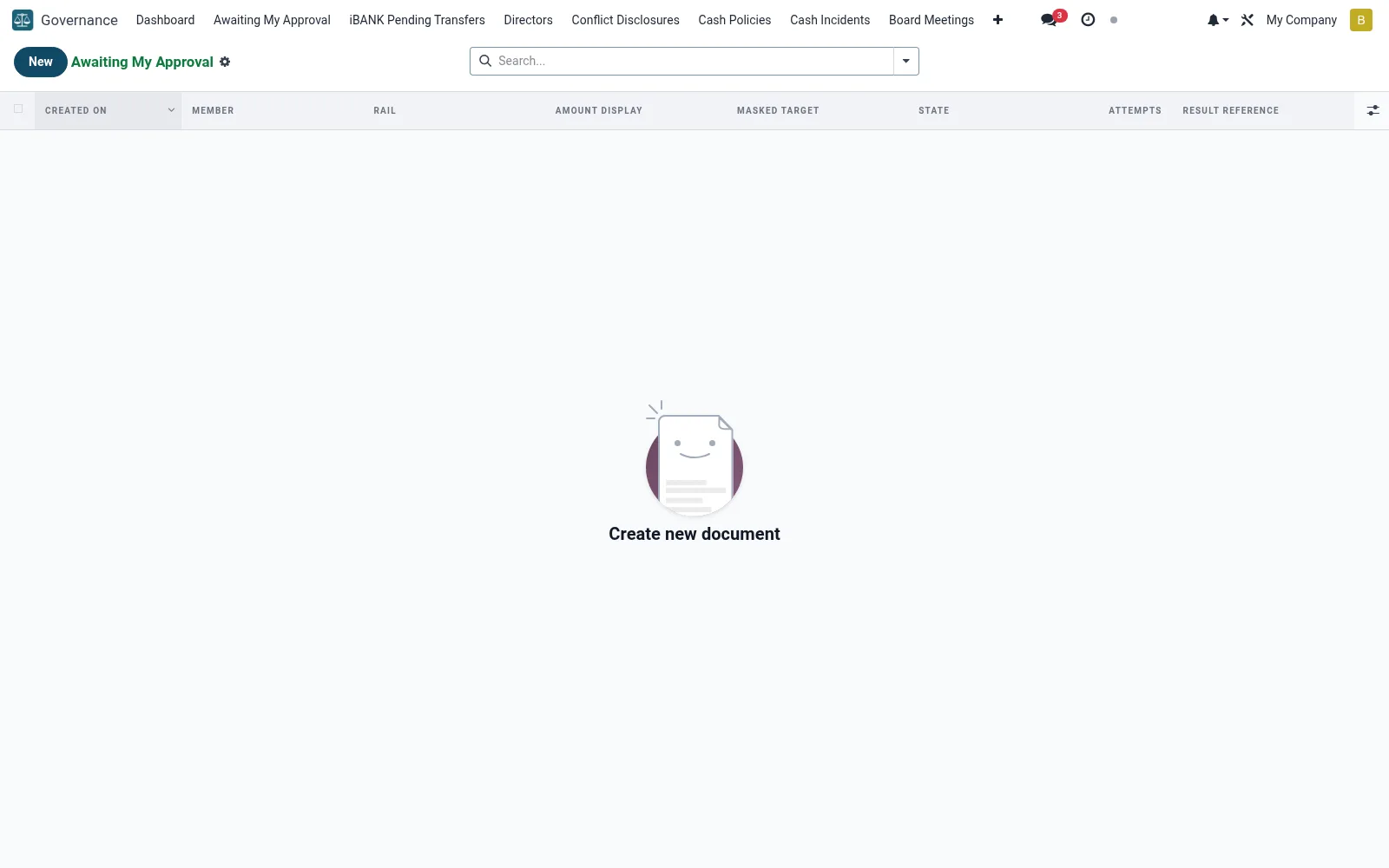
A personal work queue of transfers and actions awaiting the signed-in approver under the iBANK dual-control workflow (mfi.ib.pending). It shows only the items this user is authorised to approve or reject, enforcing maker-checker separation. Approvers clear high-value and sensitive instructions here without sifting the whole pending pool.
Workflow
- Open Awaiting My Approval under Governance.
- Review each item's amount, beneficiary and originating maker.
- Open a record to inspect the full instruction and supporting detail.
- Approve to release it for processing, or reject with a reason.
- Confirm the action is logged against your user for the audit trail.
Fields reference
Every field on this screen, drawn from the live data model.
| Field | Type | Required | Description |
|---|---|---|---|
Masked Targetmasked_target | Text | — | What the user sees on the confirm page |
Requires 2Prequires_2p | Yes/No | — | Set after OTP if rule triggers |
Second Rulesecond_rule_id | Link → mfi.two.person.rule | — | Which rule held this record |
Second-approver groupsecond_group_id | Link → res.groups | — | Approver group at time of hold |
Second Approversecond_approver_id | Link → res.users | — | Who signed off (or rejected) |
Maker Uidmaker_uid | Link → res.users | — | User who originated the request |
Amount Kesamount_kes | Decimal | — | Cached amount for fast list rendering |
Tokentoken | Text | Yes | Token |
Membermember_id | Link → mfi.member | Yes | Member |
Railrail | Text | Yes | Rail |
Payload Jsonpayload_json | Long text | Yes | Payload Json |
Otp Hashotp_hash | Text | Yes | Otp Hash |
Otp Expiresotp_expires | Date & time | Yes | Otp Expires |
Has Messagehas_message | Yes/No | — | Has Message |
Idempotency Keyidempotency_key | Text | — | Idempotency Key |
Attemptsattempts | Number | — | Attempts |
Statestate | Choice: Awaiting OTP, OTP Confirmed (auto-executing), Awaiting Second Approval, Second Approval Granted, Rejected by Second Approver, Executed, Expired, Failed | — | State |
Confirmed Atconfirmed_at | Date & time | — | Confirmed At |
Result Referenceresult_reference | Text | — | Result Reference |
Result Messageresult_message | Text | — | Result Message |
Amount Displayamount_display | Text | — | Amount Display |
Delivery Emaildelivery_email | Text | — | Delivery Email |
Delivery Phonedelivery_phone | Text | — | Delivery Phone |
Second Approved Atsecond_approved_at | Date & time | — | Second Approved At |
Second Rejected Atsecond_rejected_at | Date & time | — | Second Rejected At |
Second Reject Reasonsecond_reject_reason | Text | — | Second Reject Reason |
Actions & buttons
Buttons available on this screen and what they do:
- Approve and execute
- Reject
Status lifecycle
Records on this screen move through these statuses:
Awaiting OTP → OTP Confirmed (auto-executing) → Awaiting Second Approval → Second Approval Granted → Rejected by Second Approver → Executed → Expired → Failed → Cancelled
Notes & rules
- Shows only items the current user is mandated to approve.
- Enforces maker-checker so no one approves their own instruction.
- Approve/reject decisions are attributed and time-stamped.
- Part of the iBANK dual-authorisation control framework.
Was this page helpful?