

iBANK Pending Transfers
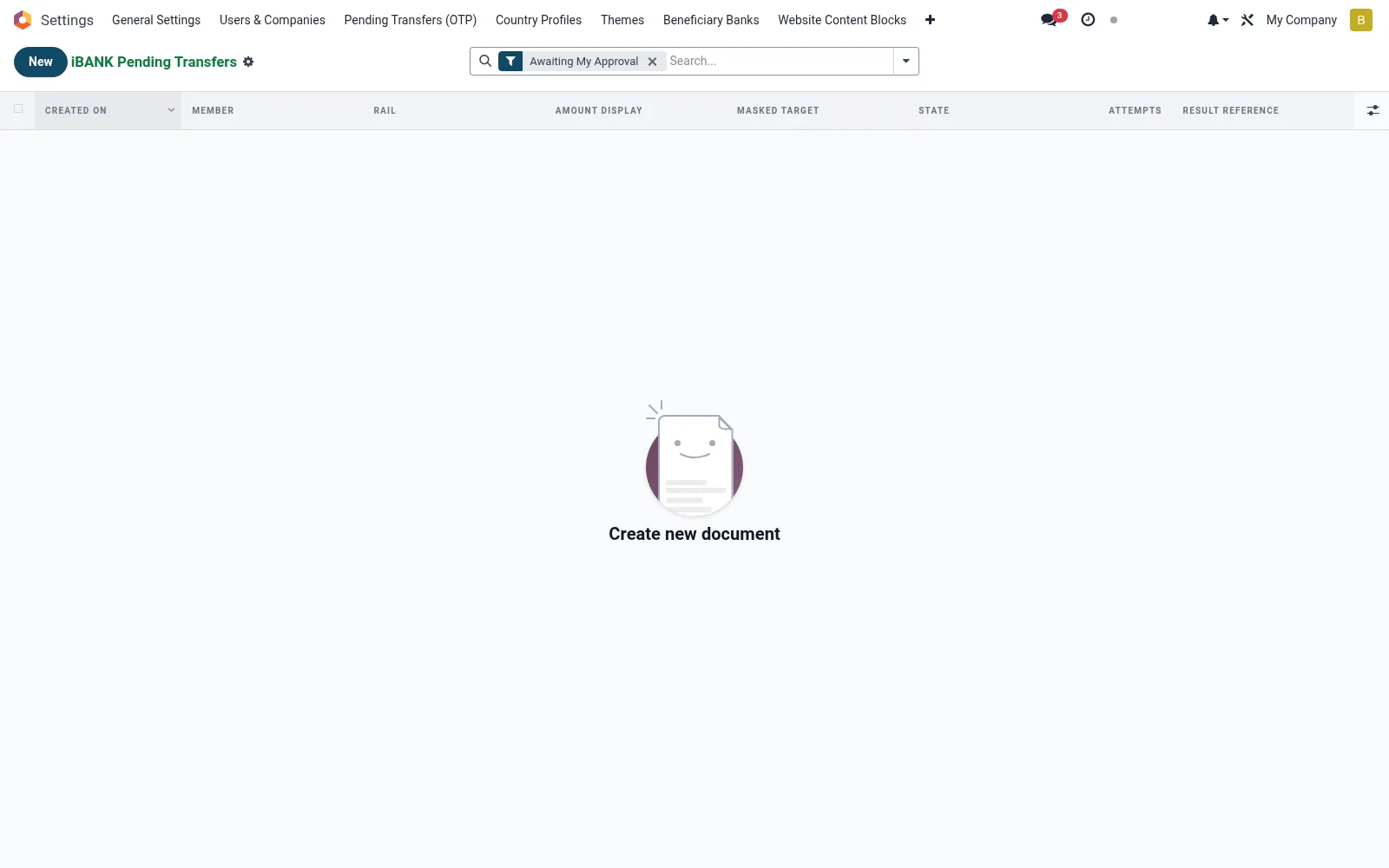
The full pool of transfers held pending authorisation across the institution (mfi.ib.pending), giving supervisors a complete view of what is queued under dual control. Unlike the personal queue, it shows every awaiting item regardless of approver, for oversight and bottleneck management. Supervisors monitor ageing and reassign approvals as needed.
Workflow
- Open iBANK Pending Transfers under Governance.
- Filter by amount band, branch or assigned approver.
- Identify items ageing beyond their approval SLA.
- Open a record to review its instruction and approval state.
- Reassign or escalate stalled approvals to keep flow moving.
Fields reference
Every field on this screen, drawn from the live data model.
| Field | Type | Required | Description |
|---|---|---|---|
Masked Targetmasked_target | Text | — | What the user sees on the confirm page |
Requires 2Prequires_2p | Yes/No | — | Set after OTP if rule triggers |
Second Rulesecond_rule_id | Link → mfi.two.person.rule | — | Which rule held this record |
Second-approver groupsecond_group_id | Link → res.groups | — | Approver group at time of hold |
Second Approversecond_approver_id | Link → res.users | — | Who signed off (or rejected) |
Maker Uidmaker_uid | Link → res.users | — | User who originated the request |
Amount Kesamount_kes | Decimal | — | Cached amount for fast list rendering |
Tokentoken | Text | Yes | Token |
Membermember_id | Link → mfi.member | Yes | Member |
Railrail | Text | Yes | Rail |
Payload Jsonpayload_json | Long text | Yes | Payload Json |
Otp Hashotp_hash | Text | Yes | Otp Hash |
Otp Expiresotp_expires | Date & time | Yes | Otp Expires |
Has Messagehas_message | Yes/No | — | Has Message |
Idempotency Keyidempotency_key | Text | — | Idempotency Key |
Attemptsattempts | Number | — | Attempts |
Statestate | Choice: Awaiting OTP, OTP Confirmed (auto-executing), Awaiting Second Approval, Second Approval Granted, Rejected by Second Approver, Executed, Expired, Failed | — | State |
Confirmed Atconfirmed_at | Date & time | — | Confirmed At |
Result Referenceresult_reference | Text | — | Result Reference |
Result Messageresult_message | Text | — | Result Message |
Amount Displayamount_display | Text | — | Amount Display |
Delivery Emaildelivery_email | Text | — | Delivery Email |
Delivery Phonedelivery_phone | Text | — | Delivery Phone |
Second Approved Atsecond_approved_at | Date & time | — | Second Approved At |
Second Rejected Atsecond_rejected_at | Date & time | — | Second Rejected At |
Second Reject Reasonsecond_reject_reason | Text | — | Second Reject Reason |
Actions & buttons
Buttons available on this screen and what they do:
- Approve and execute
- Reject
Status lifecycle
Records on this screen move through these statuses:
Awaiting OTP → OTP Confirmed (auto-executing) → Awaiting Second Approval → Second Approval Granted → Rejected by Second Approver → Executed → Expired → Failed → Cancelled
Notes & rules
- Institution-wide view of all dual-control pending items.
- Used for oversight, ageing analysis and bottleneck management.
- Complements the per-user Awaiting My Approval queue.
- Reassignment keeps authorisation flowing without breaching controls.
Was this page helpful?