

Bonus Issue
Bonus Issue capitalises reserves into new shares granted free to members in proportion to their holdings, with no cash subscription. The screen sets the bonus ratio and record date, calculates each member's bonus units and posts capitalisation transactions across all eligible accounts. It rewards members and converts retained reserves into permanent share capital.
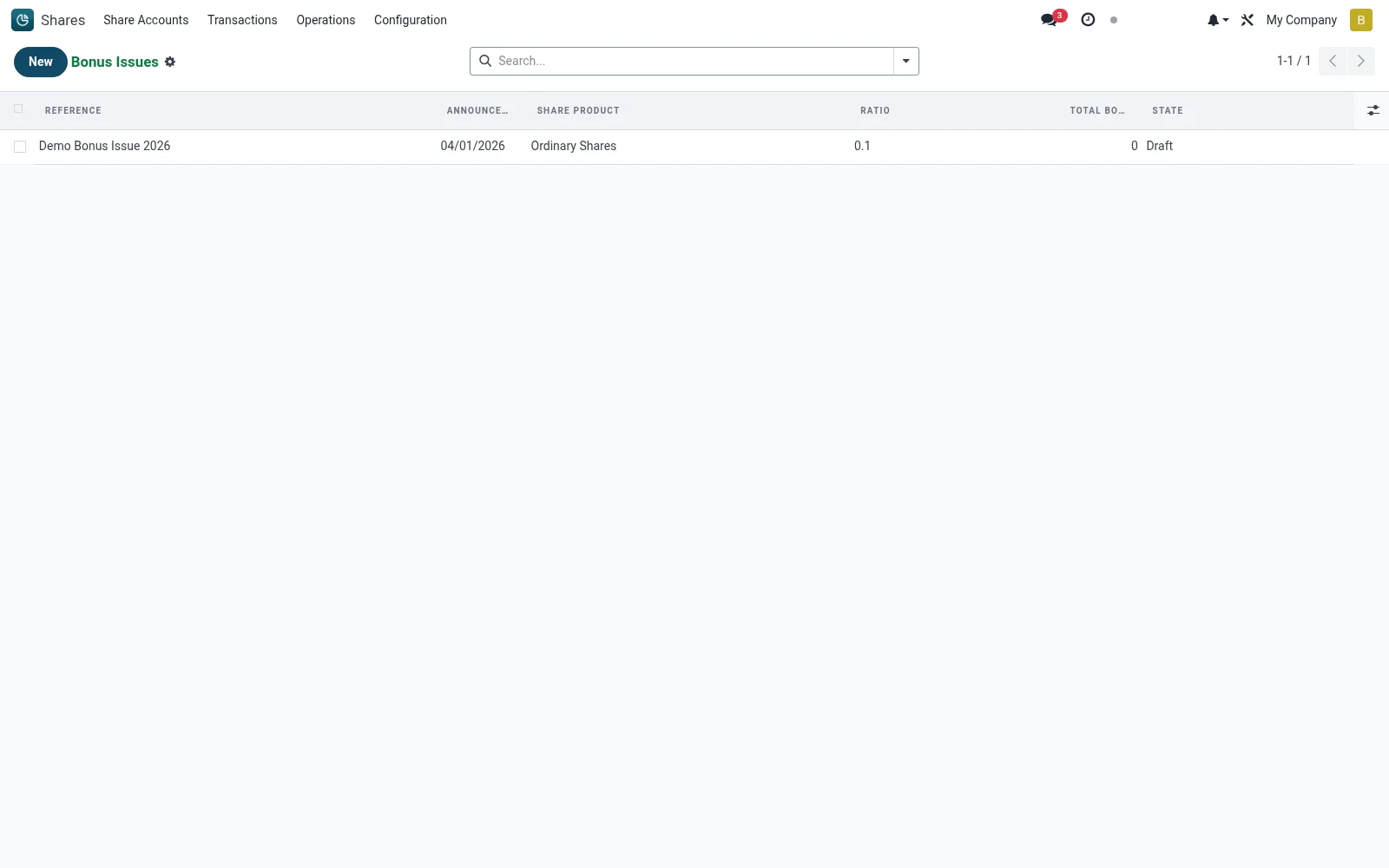
Workflow
- Open Shares then Operations then Corporate Actions then Bonus Issue.
- Set the bonus ratio and the record date for eligibility.
- Generate the bonus entitlement for each qualifying holding.
- Review the computed bonus units and total capital impact.
- Confirm to post the capitalisation and update accounts and certificates.
Fields reference
Every field on this screen, drawn from the live data model.
| Field | Type | Required | Description |
|---|---|---|---|
Ratioratio | Text | Yes | e.g., 1:10 - one bonus share per 10 held |
Announcement Dateannouncement_date | Date | Yes | Announcement Date |
Share Productproduct_id | Link → mfi.share.product | Yes | Share Product |
Companycompany_id | Link → res.company | Yes | Company |
Has Messagehas_message | Yes/No | — | Has Message |
Referencename | Text | — | Reference |
Record Daterecord_date | Date | — | Record Date |
Currencycurrency_id | Link → res.currency | — | Currency |
Statestate | Choice: Draft, Approved, Allocated | — | State |
Total Bonus Sharestotal_bonus_shares | Number | — | Total Bonus Shares |
Actions & buttons
Buttons available on this screen and what they do:
- Approve
- Allocate
Status lifecycle
Records on this screen move through these statuses:
Draft → Approved → Allocated
Notes & rules
- No member payment is involved; the issue is funded by capitalising reserves.
- Bonus units are proportional to holdings at the record date.
- Each member receives a capitalisation transaction increasing their held units.
- Certificates are reissued or topped up to reflect the new totals.
Was this page helpful?