

Sell / Redeem
The Sell / Redeem wizard processes a member surrendering or redeeming shares back to the SACCO, capturing the holding, units to redeem, redemption price and payout method. It checks that the units are free of pledges and within any redemption notice or limit rules before posting the reduction and scheduling the refund. It is used for partial exits, full withdrawals and redemption of redeemable preference shares.
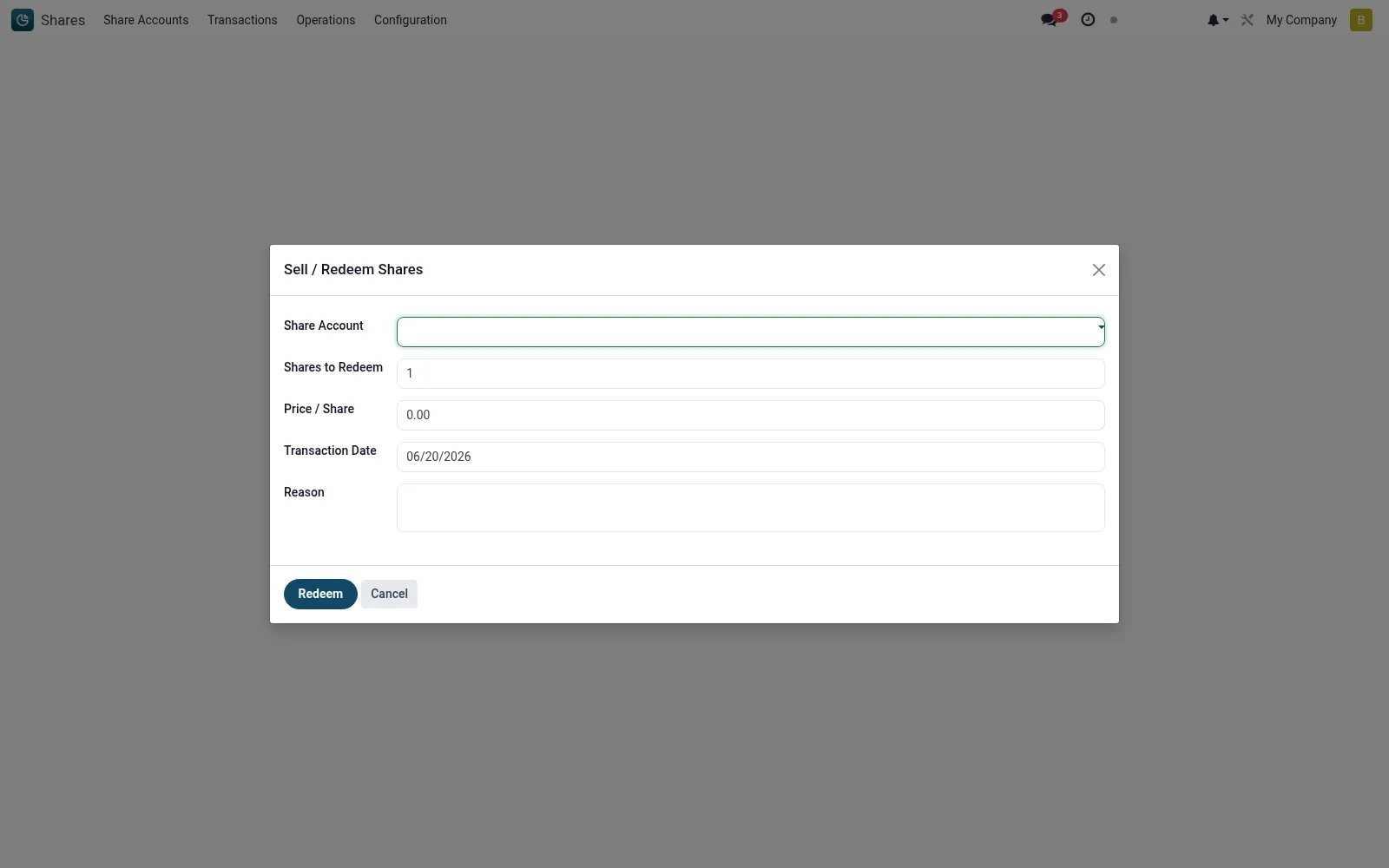
Workflow
- Open Shares then Operations then Sell / Redeem.
- Select the member's share account and the number of units to redeem.
- Confirm the redemption price and the resulting payout amount.
- Choose the refund channel and reference the disbursement.
- Confirm to post the reduction and update the account balance.
Fields reference
Every field on this screen, drawn from the live data model.
| Field | Type | Required | Description |
|---|---|---|---|
Share Accountaccount_id | Link → mfi.share.account | Yes | Share Account |
Shares to Redeemshares | Number | Yes | Shares to Redeem |
Transaction Datetransaction_date | Date | Yes | Transaction Date |
Price / Shareprice_per_share | Money | — | Price / Share |
Currencycurrency_id | Link → res.currency | — | Currency |
Reasonreason | Long text | — | Reason |
Actions & buttons
Buttons available on this screen and what they do:
- Redeem
Notes & rules
- Pledged units are blocked from redemption until the pledge is lifted.
- Redemption respects any notice period or annual redemption ceiling configured on the product.
- A redemption posts a debit movement and reduces paid-up capital accordingly.
- Affected certificates are cancelled or reissued for the residual holding.
Was this page helpful?