

Universal Search
Universal Search is a cross-cutting lookup that finds savings entities - accounts, members, transactions and references - from a single search box, so staff can jump straight to a record without navigating individual lists. It is a productivity tool for busy front and back office.
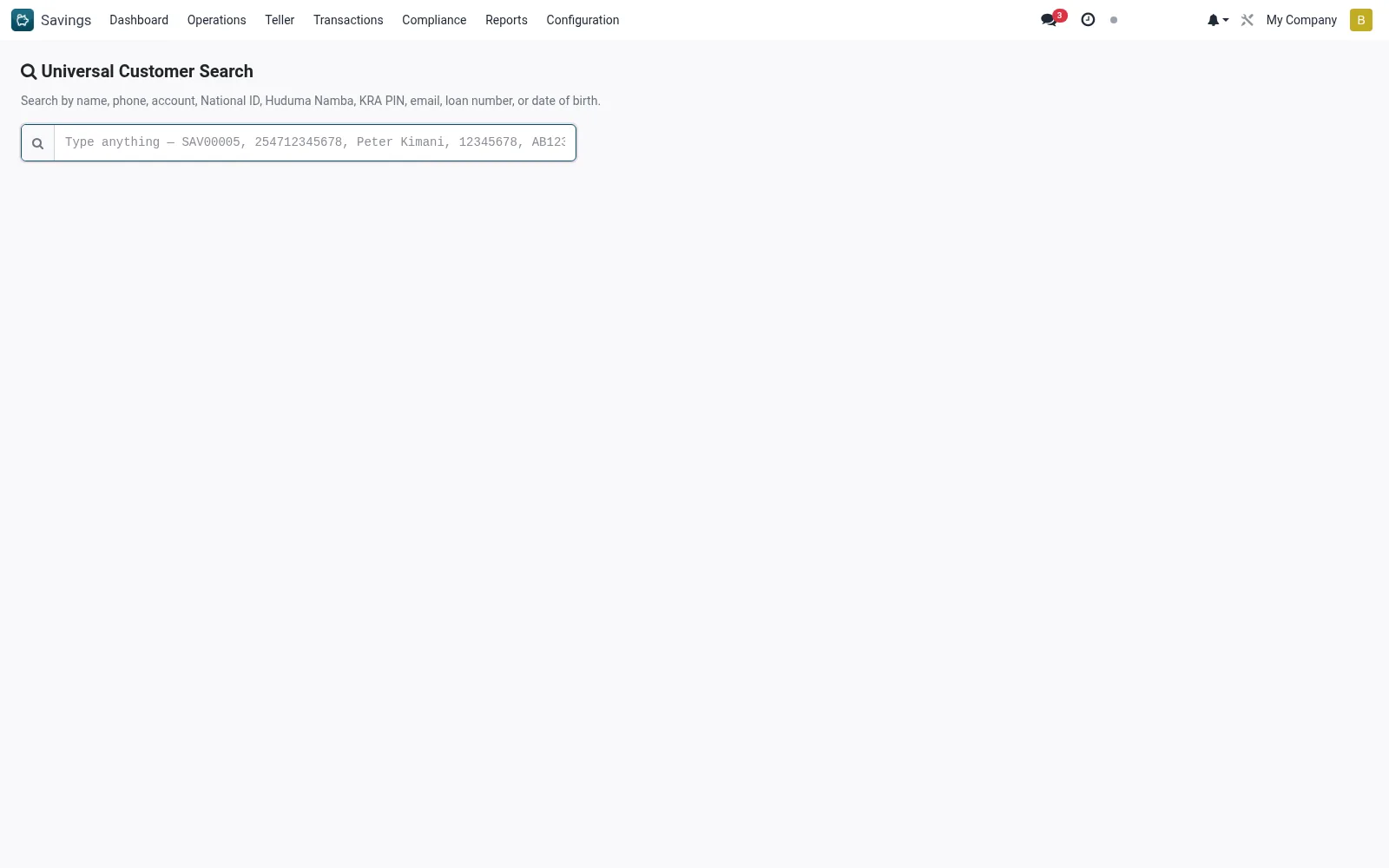
Workflow
- Open Savings > Configuration > Tools > Universal Search.
- Type a member name, account number, phone or transaction reference.
- Review the matched results across record types.
- Click a result to open the corresponding record.
- Refine the search term if too many results return.
Notes & rules
- Cross-entity search across savings accounts, members and transactions.
- Single entry point to locate any savings record fast.
- Productivity aid for front- and back-office staff.
Was this page helpful?