

Fee Templates
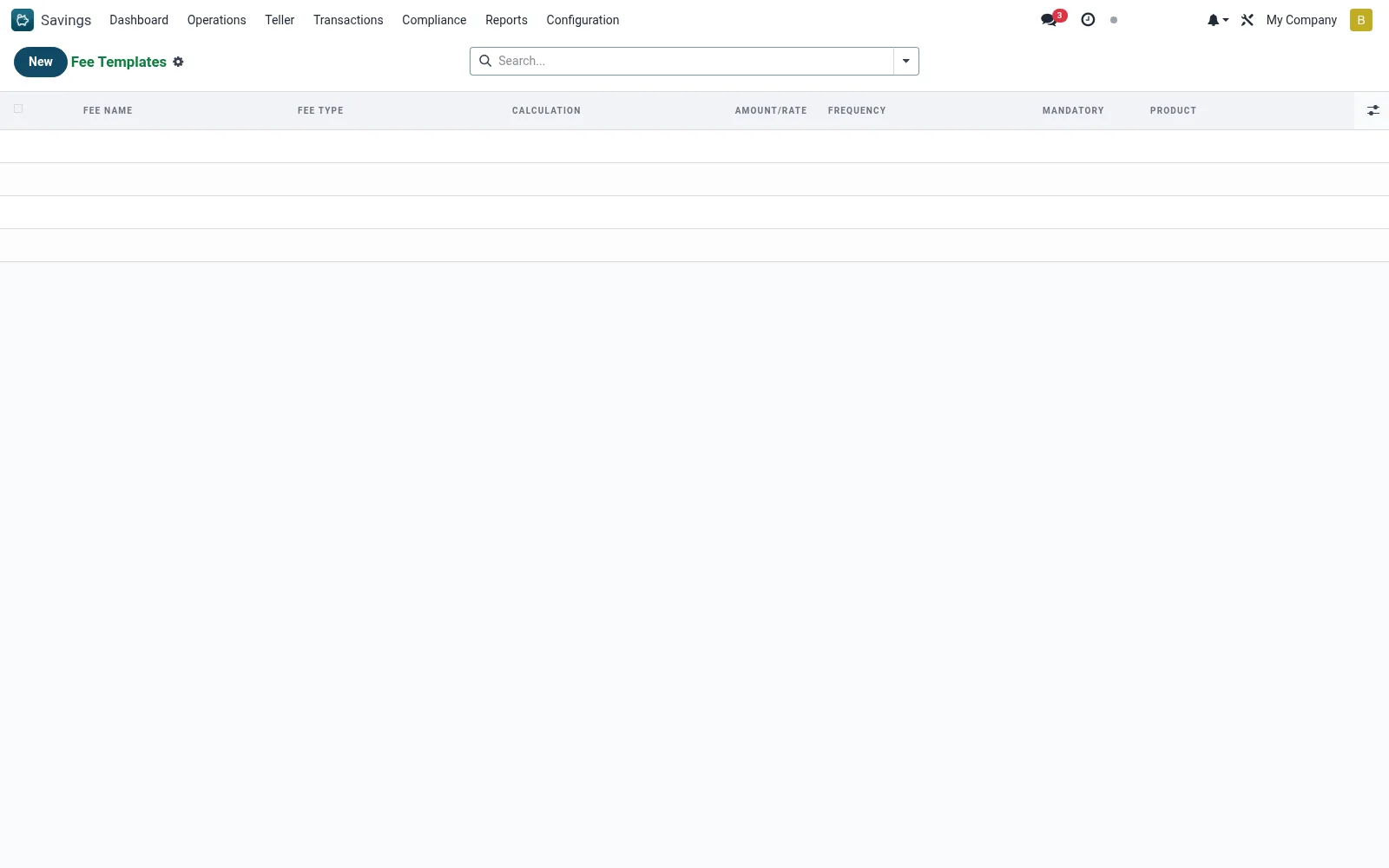
Fee Templates define the reusable fee structures that products attach - ledger/maintenance fees, dormancy fees, withdrawal charges, below-minimum-balance penalties and one-off fees. Each mfi.savings.product.fee specifies the trigger, calculation (fixed or percentage) and amount, so fees apply consistently across accounts.
Workflow
- Open Savings > Configuration > Fee Templates.
- Create a fee template and name it.
- Choose the fee trigger (opening, periodic, dormancy, withdrawal, etc.).
- Set the calculation method (fixed amount or percentage) and value.
- Save and attach the template to the relevant savings products.
- Confirm charges then appear in the Fee Register when triggered.
Fields reference
Every field on this screen, drawn from the live data model.
| Field | Type | Required | Description |
|---|---|---|---|
Productproduct_id | Link → mfi.savings.product | Yes | Product |
Fee Namename | Text | Yes | Fee Name |
Fee Typefee_type | Choice: Monthly Maintenance, Per Withdrawal, Below Minimum Balance, Account Closure, Dormancy Fee, ATM/Agent Fee, Statement Request, SMS Alert Fee | Yes | Fee Type |
Calculationcalculation | Choice: Flat Amount, Percentage of Balance | Yes | Calculation |
Amount/Rateamount | Decimal | Yes | Amount/Rate |
Sequencesequence | Number | — | Sequence |
Frequencyfrequency | Choice: One Time, Per Transaction, Monthly, Quarterly, Annual | — | Frequency |
Mandatoryis_mandatory | Yes/No | — | Mandatory |
Currencycurrency_id | Link → res.currency | — | Currency |
Companycompany_id | Link → res.company | — | Company |
Notes & rules
- Records on mfi.savings.product.fee reused across products.
- Support fixed and percentage-based fee calculation.
- Drive the postings seen in Fee Charges and the Fee Register.
Was this page helpful?