

Interest Rate Tiers
Interest Rate Tiers define banded interest rates where the rate depends on the account balance - for example a lower rate up to a threshold and higher rates on larger balances. Each mfi.savings.product.tier sets a balance band and its rate, letting products offer graduated interest to encourage higher savings.
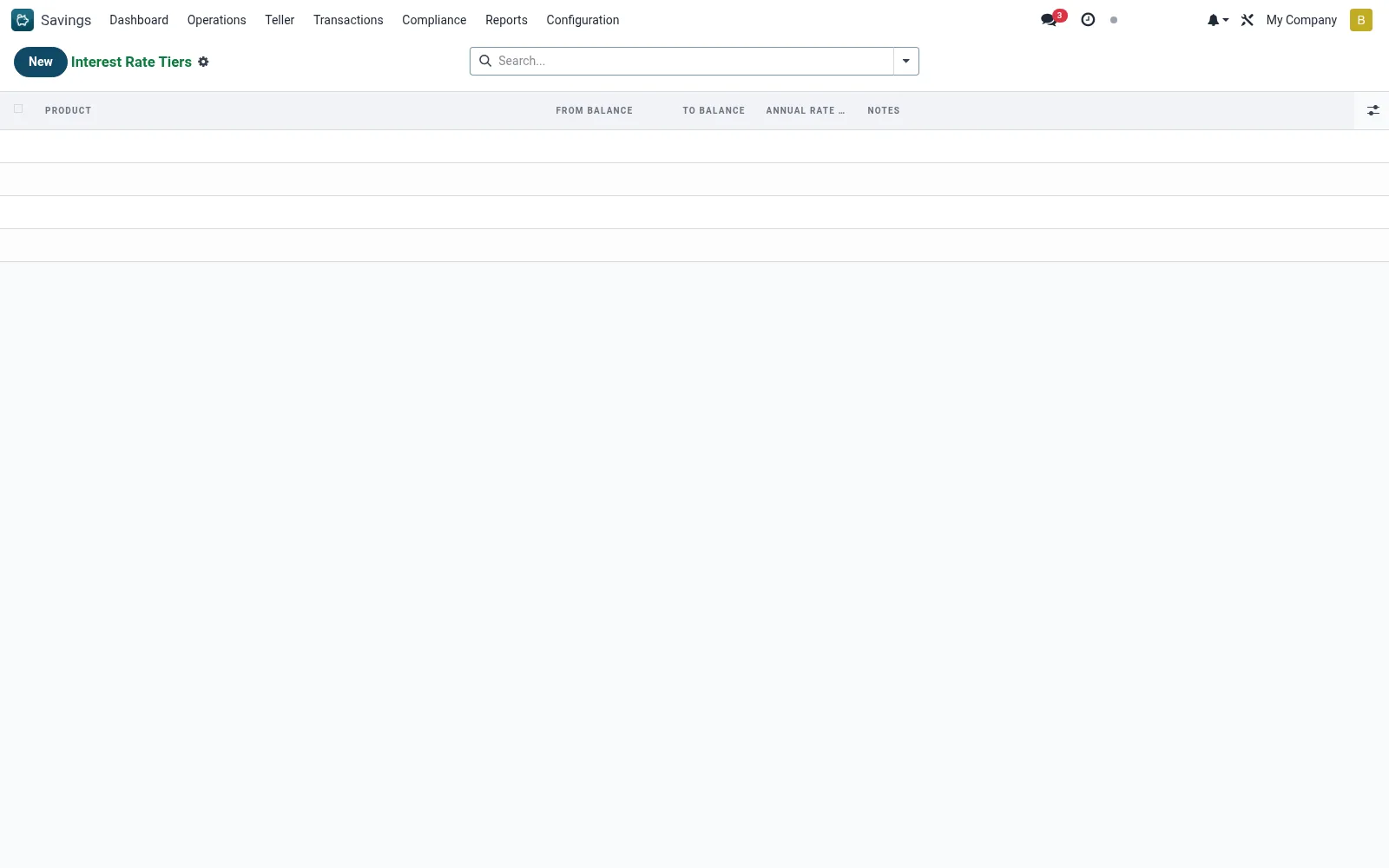
Workflow
- Open Savings > Configuration > Interest Rate Tiers.
- Create a tier and link it to its savings product.
- Set the balance band (from/to) and the applicable rate.
- Add further tiers to cover the full balance range.
- Save; interest accrual then applies the rate for each band.
- Verify the resulting accruals on the Interest Schedule.
Fields reference
Every field on this screen, drawn from the live data model.
| Field | Type | Required | Description |
|---|---|---|---|
To Balancemax_balance | Money | Yes | 0 = unlimited (no upper cap) |
Productproduct_id | Link → mfi.savings.product | Yes | Product |
From Balancemin_balance | Money | Yes | From Balance |
Annual Rate (%)interest_rate | Decimal | Yes | Annual Rate (%) |
Notesnotes | Text | — | Notes |
Currencycurrency_id | Link → res.currency | — | Currency |
Companycompany_id | Link → res.company | — | Company |
Notes & rules
- Records on mfi.savings.product.tier for balance-banded rates.
- Enable graduated/tiered interest on a savings product.
- Consumed by the interest accrual process when computing the schedule.
Was this page helpful?