

Dashboard
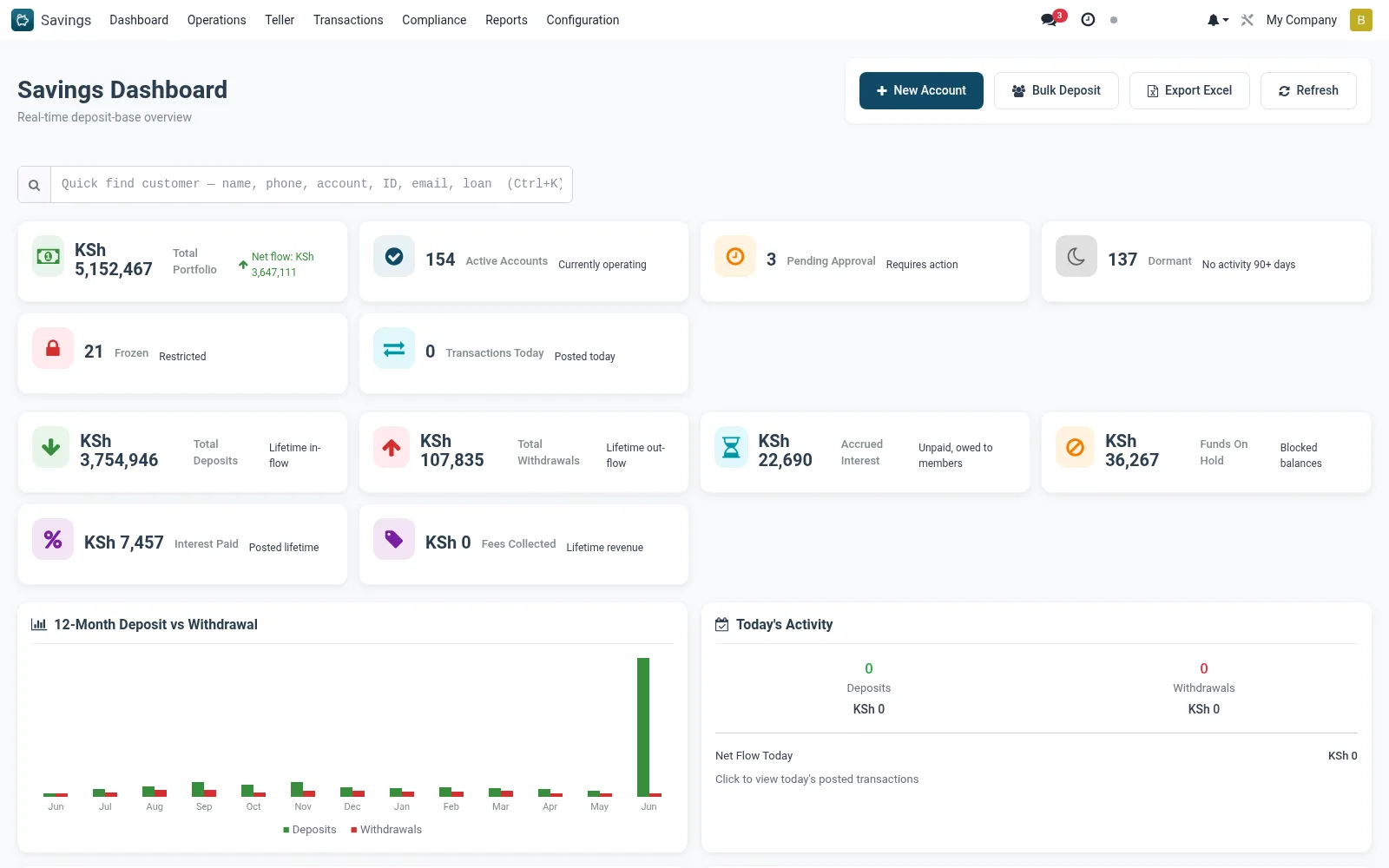
The Savings Dashboard gives a single-glance view of the deposit book: total balances, account counts by status, today's deposit and withdrawal volumes, dormancy exposure and maturing term deposits. It is the recommended landing screen for branch and savings supervisors at the start of each business day.
Workflow
- Open Savings > Dashboard to load the live tiles and charts.
- Review the headline balances and account-status counts for your branch.
- Click a tile (e.g. Dormant or Pending Approval) to drill straight into the filtered account list.
- Scan the deposit/withdrawal trend chart to confirm intra-day teller activity looks normal.
- Use the maturity widgets to plan for upcoming fixed-deposit roll-overs or payouts.
Notes & rules
- Read-only summary; all figures recompute from posted savings transactions.
- Tiles are clickable shortcuts into filtered Operations and Transactions views.
- Best used as the daily start screen for supervisors and branch managers.
Was this page helpful?