

Bulk Deposit (Group Meeting)
Bulk Deposit (Group Meeting) captures many member deposits at once, as collected during a group or field meeting, in a single batch rather than one teller posting at a time. It speeds up posting for group-based methodologies and ensures the meeting's collections reconcile to the cash banked.
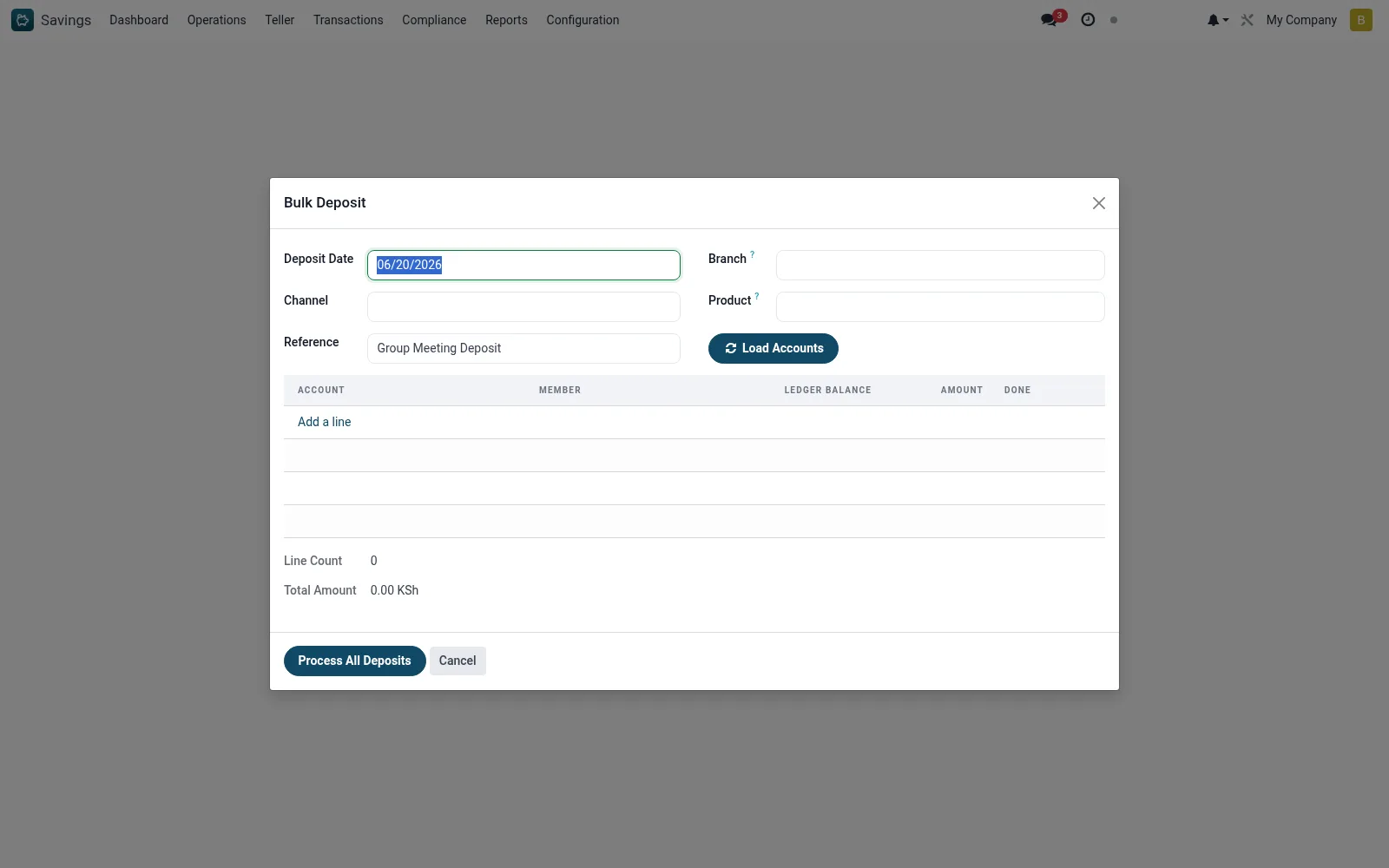
Workflow
- Open Savings > Configuration > Tools > Bulk Deposit (Group Meeting).
- Select the group or meeting and the deposit date.
- Enter each member's deposit amount on the batch line.
- Confirm the batch total matches the cash collected.
- Post the batch; individual deposits credit each member account.
- Review the resulting postings in Today's Transactions.
Fields reference
Every field on this screen, drawn from the live data model.
| Field | Type | Required | Description |
|---|---|---|---|
Branchbranch_id | Link → mfi.branch | — | Filter accounts by branch |
Productproduct_id | Link → mfi.savings.product | — | Filter accounts by product |
Deposit Datedeposit_date | Date | Yes | Deposit Date |
Channelchannel_id | Link → mfi.loan.repayment.channel | — | Channel |
Referencereference | Text | — | Reference |
Depositsline_ids | List | — | Deposits |
Total Amounttotal_amount | Money | — | Total Amount |
Currencycurrency_id | Link → res.currency | — | Currency |
Line Countline_count | Number | — | Line Count |
Actions & buttons
Buttons available on this screen and what they do:
- Load Accounts
- Process All Deposits
Notes & rules
- Wizard on mfi.savings.bulk.deposit.wizard for batch posting.
- Built for group methodology and field-collection workflows.
- Batch total should reconcile to cash banked before posting.
Was this page helpful?