

Source formats
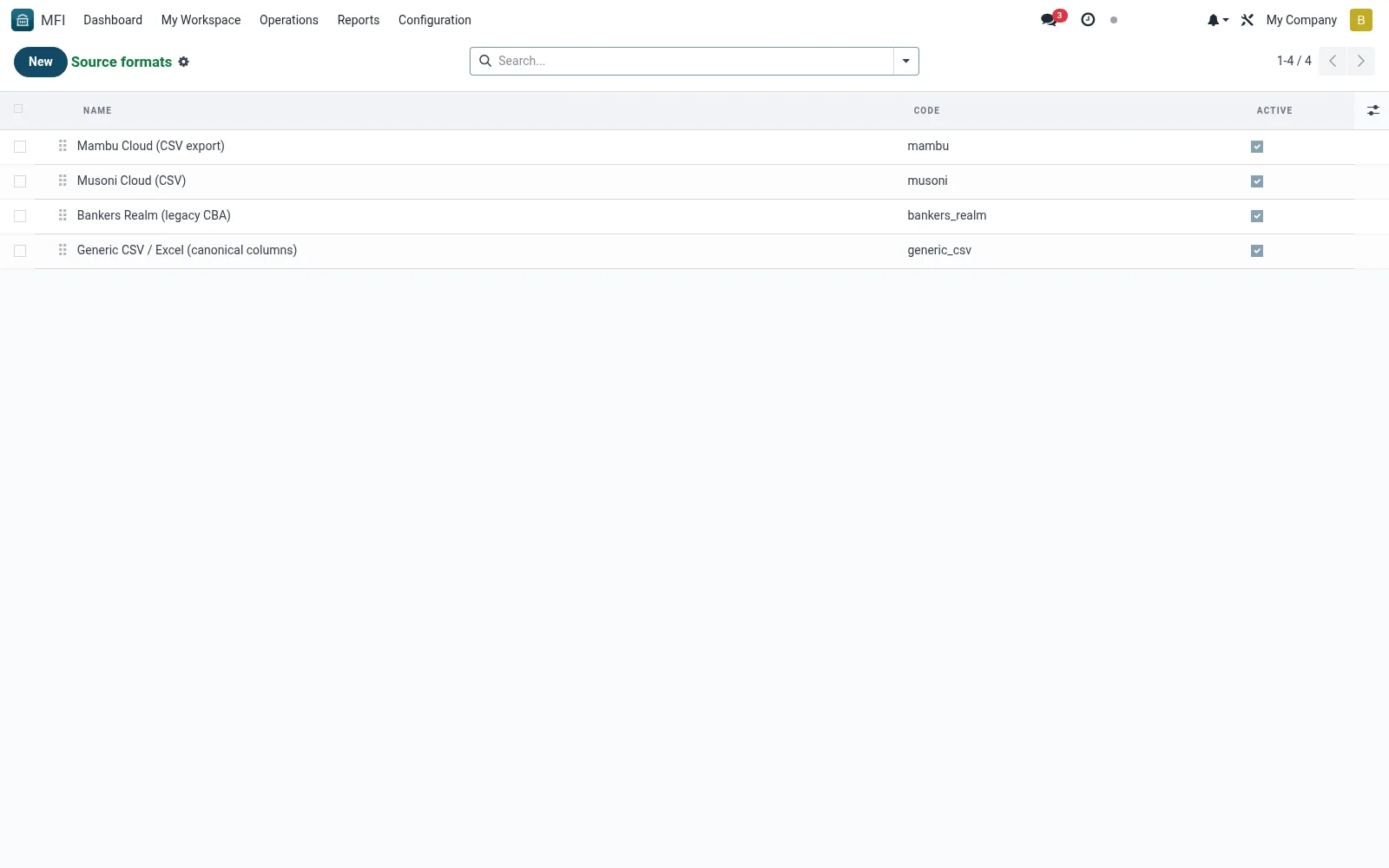
Source Formats defines the layouts of legacy systems the migration tool can read -- column structures, file types and parsing rules for each known origin system. Registering a format lets the institution map and import that source reliably. Implementers maintain these to support conversions from common SACCO and banking packages.
Workflow
- Open MFI > Configuration > Tools > Migration > Source Formats
- Click New and name the legacy source
- Define the file type and expected columns
- Set parsing and mapping rules for the fields
- Save so it can be selected when starting a migration run
Fields reference
Every field on this screen, drawn from the live data model.
| Field | Type | Required | Description |
|---|---|---|---|
Namename | Text | Yes | Name |
Codecode | Text | Yes | Code |
Column Map Jsoncolumn_map_json | Long text | Yes | Column Map Json |
Sequencesequence | Number | — | Sequence |
Descriptiondescription | Long text | — | Description |
Activeactive | Yes/No | — | Active |
Notes & rules
- Model mfi.migration.source.format -- legacy layouts
- Key fields: source name, file type, columns, rules
- Related: Runs, Mapping Audit
- Used by implementers
Was this page helpful?