

Bulk Operations History
Bulk Operations History is the audit record of every mass action run -- what was changed, by whom, against which records and with what result. It provides accountability and a rollback reference for high-impact bulk changes. Admins and auditors review it to confirm and trace mass updates.
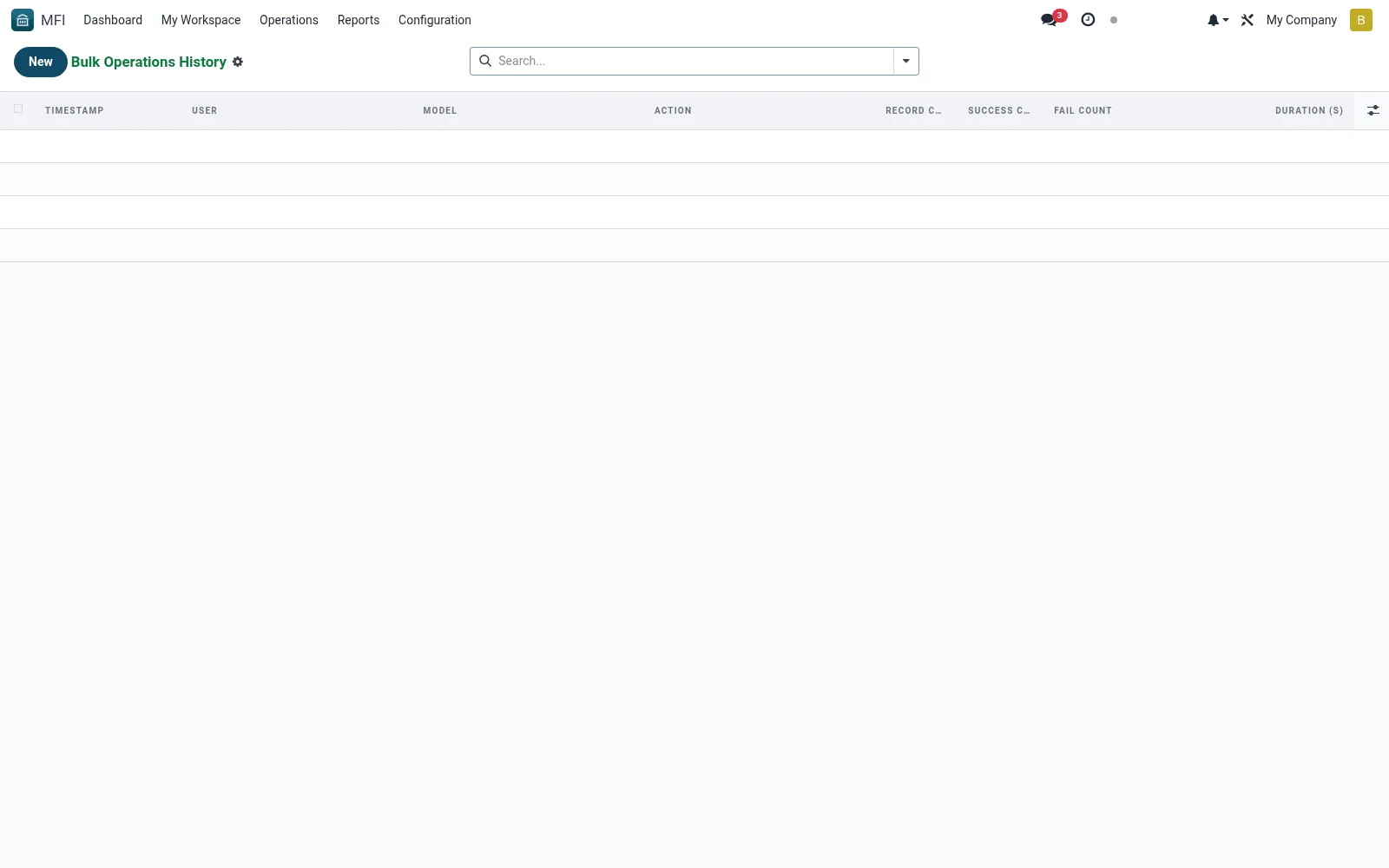
Workflow
- Open MFI > Configuration > Tools > Bulk Operations History
- Filter by action, user or date
- Open an entry to see affected records and outcome
- Verify a recent bulk change ran as intended
- Export the history for audit
Fields reference
Every field on this screen, drawn from the live data model.
| Field | Type | Required | Description |
|---|---|---|---|
Useruser_id | Link → res.users | Yes | User |
Timestamptimestamp | Date & time | Yes | Timestamp |
Modelmodel_name | Text | Yes | Model |
Actionaction_type | Text | Yes | Action |
Record IDsrecord_ids | Text | — | Record IDs |
Record Countrecord_count | Number | — | Record Count |
Success Countsuccess_count | Number | — | Success Count |
Fail Countfail_count | Number | — | Fail Count |
Failures (JSON)failures | Long text | — | Failures (JSON) |
Reasonreason | Long text | — | Reason |
Supervisorsupervisor_override_id | Link → res.users | — | Supervisor |
Duration (s)duration_seconds | Decimal | — | Duration (s) |
Notes & rules
- Model mfi.bulk.action.history -- mass-action audit
- Key fields: action, user, record count, result
- Related: Bulk Operations, Audit Logs
- Used by admins and auditors
Was this page helpful?