

Bulk Operations
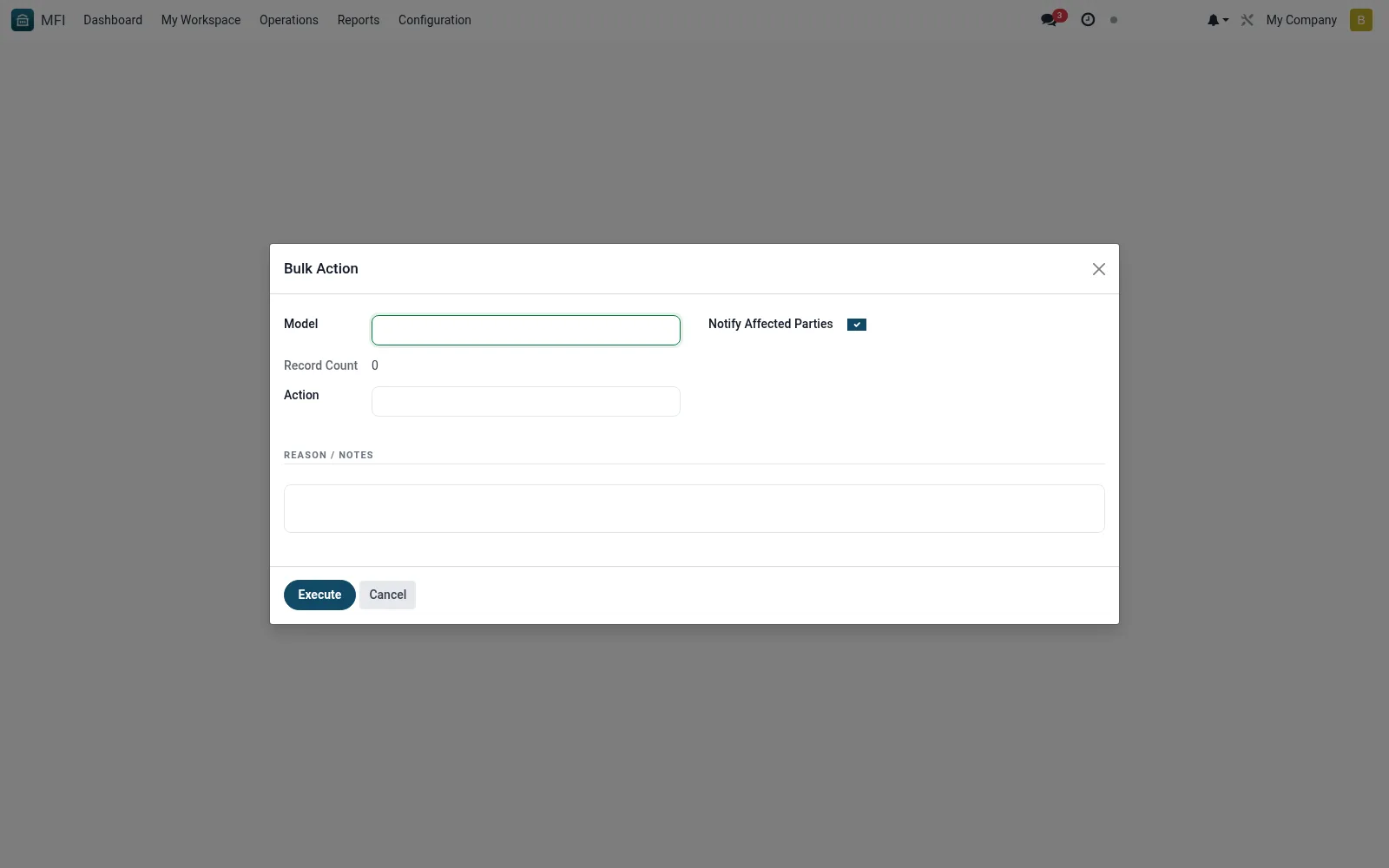
Bulk Operations is the wizard for applying a change across many records at once -- such as recalculating interest, updating a fee, reassigning an officer's portfolio or messaging a member segment. It saves admins from editing records one by one for institution-wide changes. Because it is high-impact, it runs against a defined action and records its history.
Workflow
- Open MFI > Configuration > Tools > Bulk Operations
- Select the bulk action definition to run
- Choose the target records via filters or selection
- Preview the scope and confirm the change
- Run the operation and review it in Bulk Operations History
Fields reference
Every field on this screen, drawn from the live data model.
| Field | Type | Required | Description |
|---|---|---|---|
Modelmodel_name | Text | Yes | Model |
Record IDs (JSON or CSV)record_ids | Text | Yes | Record IDs (JSON or CSV) |
Actionaction_type | Choice: Approve Loans, Close Loans, Reject Loans, Reschedule Loans, Write-off Loans, Approve Members, Blacklist Members, Exit / Close Members | Yes | Action |
Reason / Notesreason | Long text | Yes | Reason / Notes |
Record Countrecord_count | Number | — | Record Count |
Notify Affected Partiesnotify_affected | Yes/No | — | Notify Affected Parties |
Supervisor Overridesupervisor_override_id | Link → res.users | — | Supervisor Override |
Needs Supervisorneeds_supervisor | Yes/No | — | Needs Supervisor |
Actions & buttons
Buttons available on this screen and what they do:
- Execute
Notes & rules
- Wizard model mfi.bulk.action.wizard
- Acts on records per a chosen action definition
- Related: Bulk Operations History, Bulk Action Definitions
- Used by administrators
Was this page helpful?