

System Health Check
System Health Check is a diagnostic wizard that scans the deployment for configuration gaps, broken links, missing sequences and data-integrity issues, then reports findings. It lets administrators verify the institution is correctly set up before go-live or after upgrades. Running it regularly catches problems before they affect members.
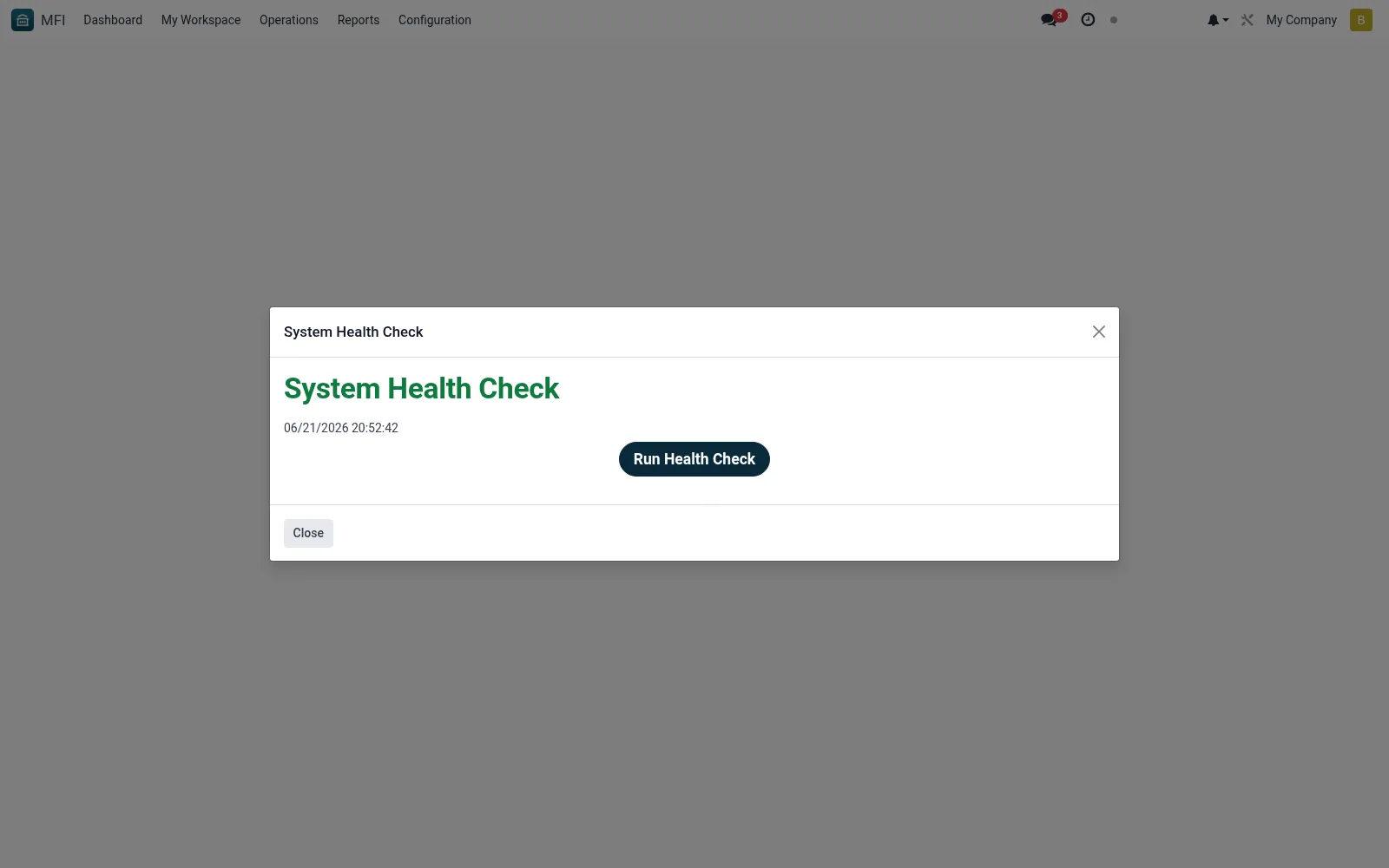
Workflow
- Open MFI > Configuration > System Health Check
- Choose the scope of checks to run
- Launch the scan and wait for it to complete
- Review flagged warnings and errors with their explanations
- Resolve each issue and re-run to confirm a clean result
Fields reference
Every field on this screen, drawn from the live data model.
| Field | Type | Required | Description |
|---|---|---|---|
Namename | Text | — | Name |
Check Datecheck_date | Date & time | — | Check Date |
Overall Statusoverall_status | Choice: Healthy, Warning, Critical | — | Overall Status |
Health Score (%)health_score | Number | — | Health Score (%) |
Check Resultscheck_line_ids | List | — | Check Results |
Summarysummary | Rich text | — | Summary |
Actions & buttons
Buttons available on this screen and what they do:
- Run Health Check
- Run Again
Notes & rules
- Wizard model mfi.system.health.wizard
- Checks configuration, sequences and data integrity
- Related: Settings, Audit Logs
- Used by administrators and implementers
Was this page helpful?