

Bulk Action Definitions
Bulk Action Definitions defines the reusable templates that power bulk operations -- naming the target model, the operation and its parameters and guardrails. It lets admins pre-configure safe, repeatable mass actions rather than improvising each time. This control keeps high-impact changes consistent and authorised.
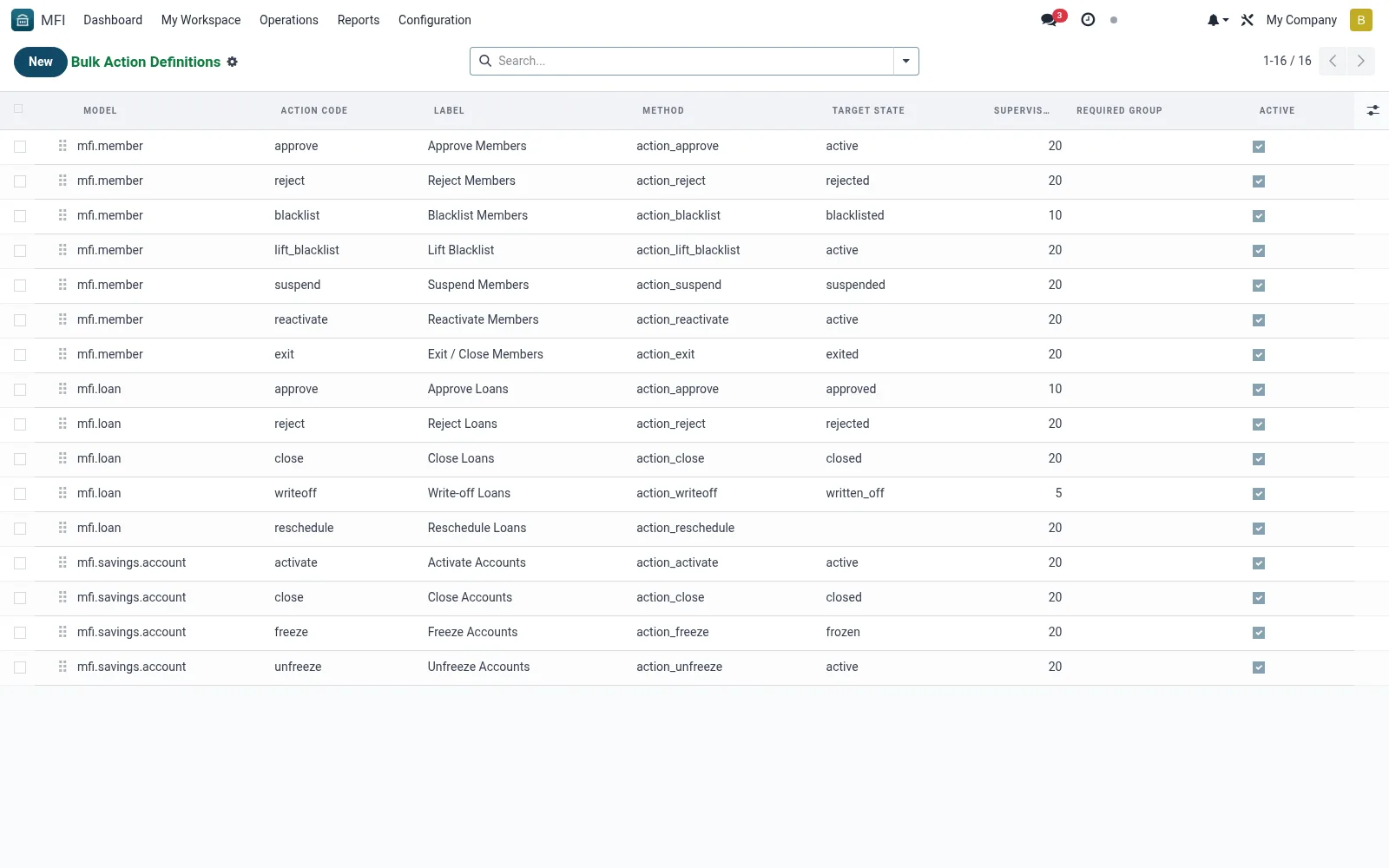
Workflow
- Open MFI > Configuration > Tools > Bulk Action Definitions
- Click New and name the bulk action
- Select the target model and the operation to perform
- Set parameters, filters and any safeguards
- Save so it appears as an option in Bulk Operations
Fields reference
Every field on this screen, drawn from the live data model.
| Field | Type | Required | Description |
|---|---|---|---|
Methodmethod_name | Text | — | Method called on the model (e.g. action_approve). |
Supervisor Thresholdconfirmation_threshold | Number | — | Above this many records, require supervisor override. |
Modelmodel_name | Text | Yes | Model |
Action Codeaction_type | Text | Yes | Action Code |
Labellabel | Text | Yes | Label |
Sequencesequence | Number | — | Sequence |
Descriptiondescription | Long text | — | Description |
Required Grouprequired_group | Link → res.groups | — | Required Group |
Target Statetarget_state | Text | — | Target State |
Activeactive | Yes/No | — | Active |
Notes & rules
- Model mfi.bulk.action.definition -- bulk templates
- Key fields: target model, operation, parameters
- Related: Bulk Operations, Bulk Operations History
- Used by administrators
Was this page helpful?