

Mapping audit
Mapping Audit records how each legacy field was matched to a suite field during migration, including unmatched or transformed values. It gives a transparent trail of the conversion logic so data lineage can be proven. Implementers and auditors use it to validate that imported balances and members carried over correctly.
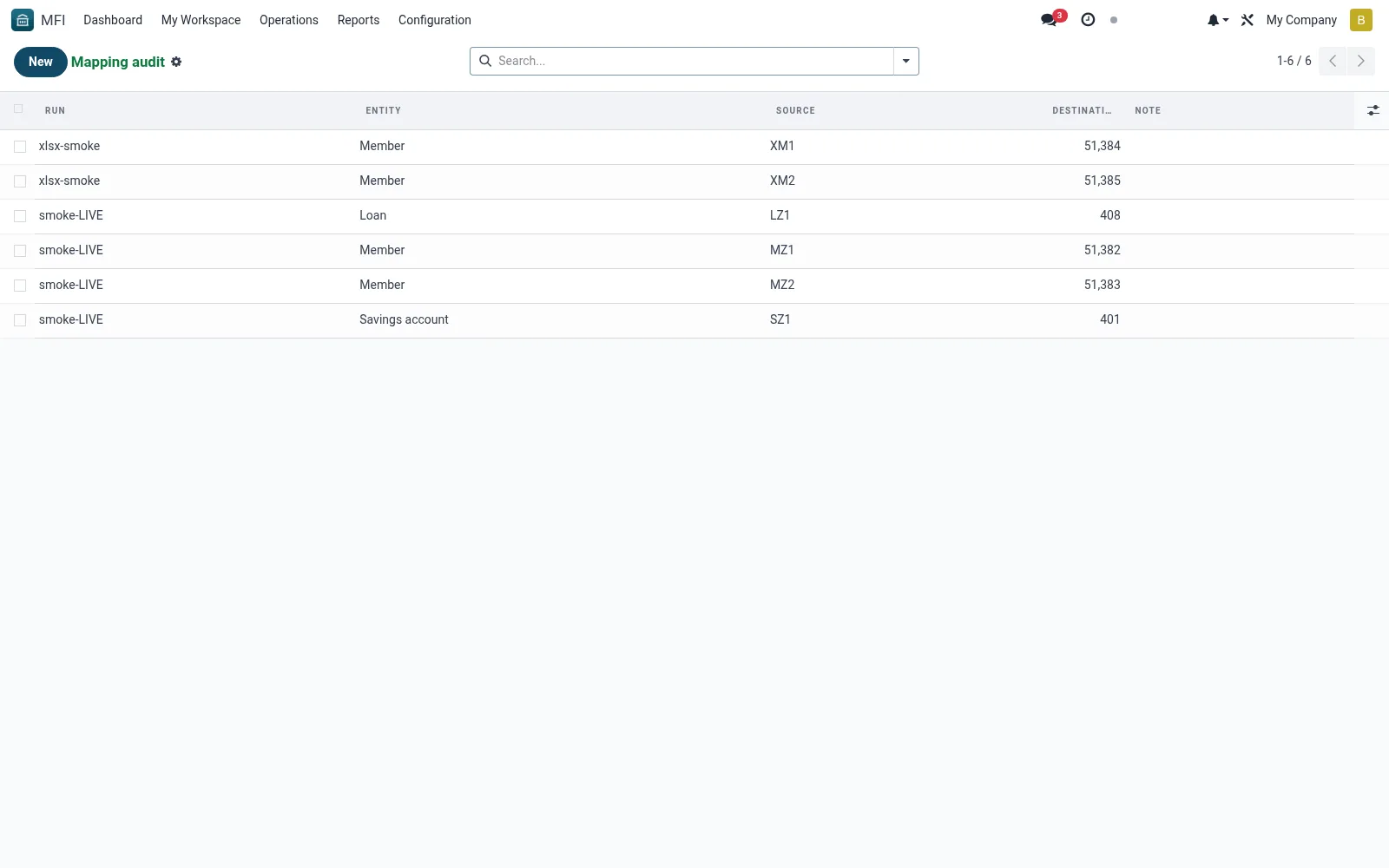
Workflow
- Open MFI > Configuration > Tools > Migration > Mapping Audit
- Filter by migration run to scope the entries
- Review how source fields mapped to suite fields
- Investigate unmatched or flagged transformations
- Confirm mappings before signing off a conversion
Fields reference
Every field on this screen, drawn from the live data model.
| Field | Type | Required | Description |
|---|---|---|---|
Runrun_id | Link → mfi.migration.run | Yes | Run |
Entityentity | Choice: Member, Savings account, Savings transaction, Loan, Loan schedule | Yes | Entity |
Sourcesource_id | Text | Yes | Source |
Destinationdestination_id | Number | Yes | Destination |
Notenote | Text | — | Note |
Notes & rules
- Model mfi.migration.mapping -- field-mapping trail
- Key fields: source field, target field, transform, run
- Related: Runs, Source Formats
- Used by implementers and auditors
Was this page helpful?