

Operations
The Operations workspace is the back-office hub for day-to-day processing -- reconciliations, batch postings, pending journals, till variances and exception items needing clearance. It centralises the routine plumbing that keeps the ledger clean. Operations staff use it to ensure each day closes balanced and exceptions are resolved promptly.
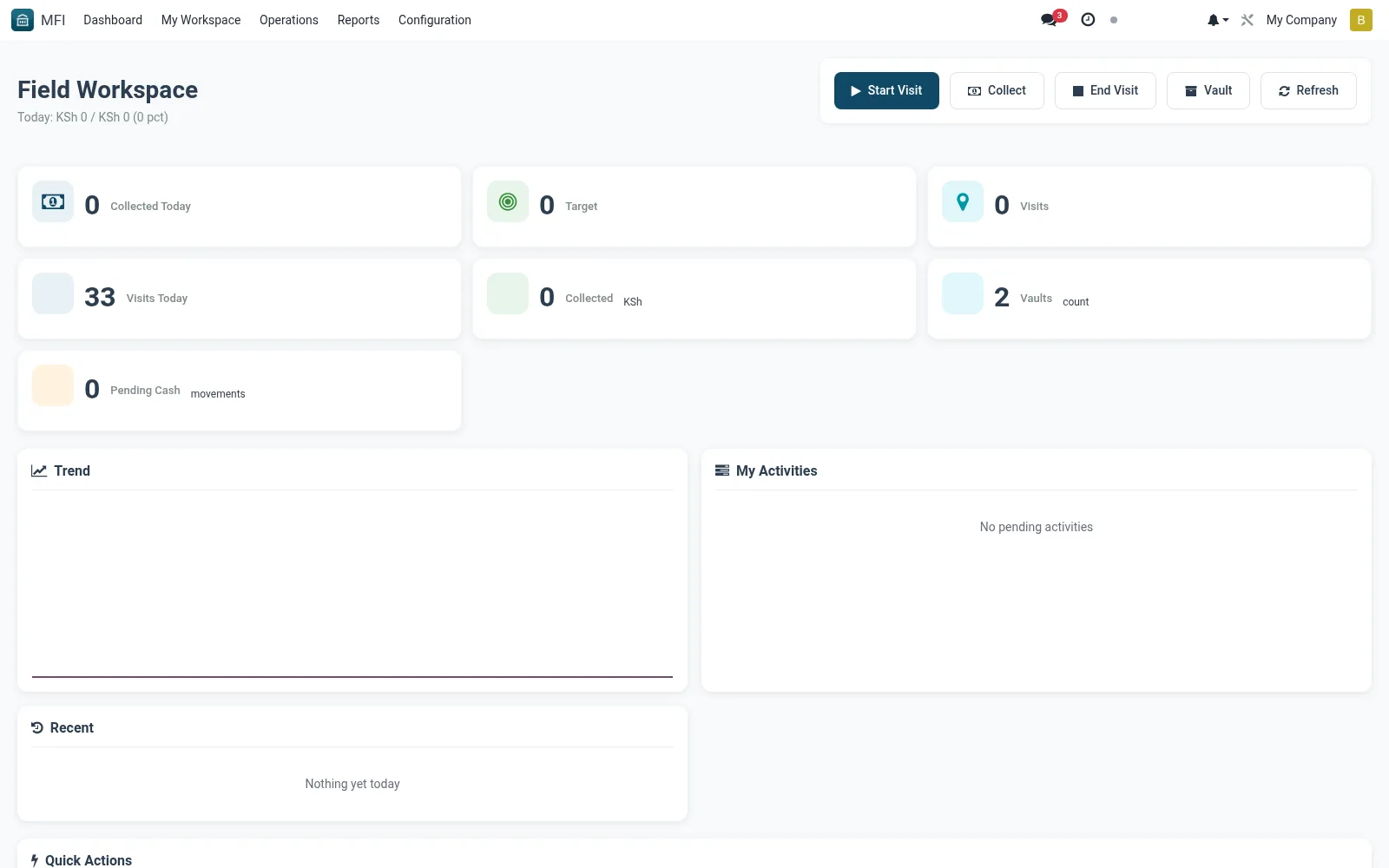
Workflow
- Open MFI > My Workspace > Operations
- Review reconciliation and exception queues for the day
- Open a flagged item to investigate and resolve the discrepancy
- Process pending batches or postings from the board
- Confirm queues are clear before end-of-day close
Notes & rules
- Centralises back-office processing and exceptions
- Links to treasury, journals and till records
- Related: Finance workspace, Audit Logs
- Used by operations and back-office officers
Was this page helpful?