

HR
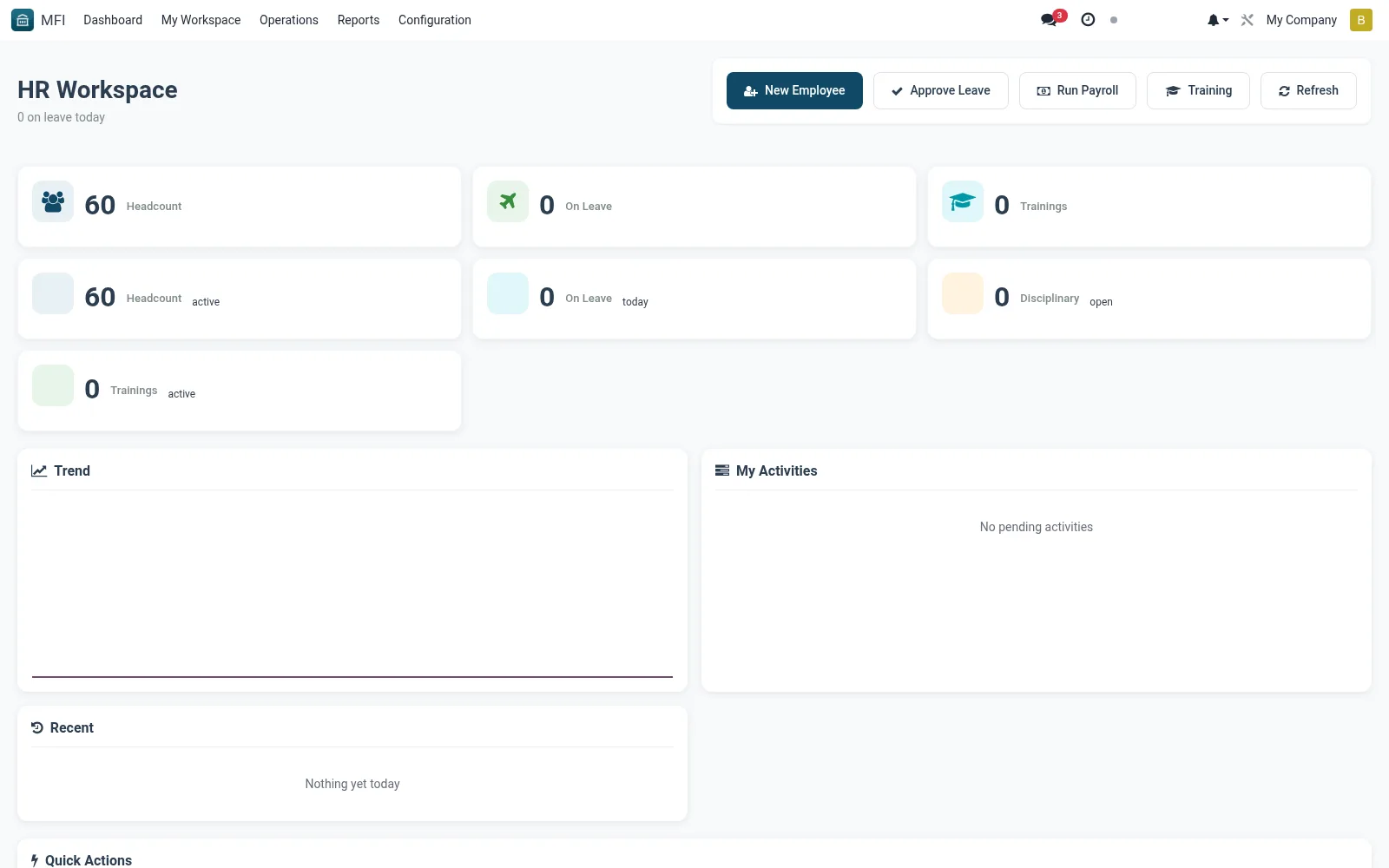
The HR workspace is the people-team board, surfacing staff approvals, leave requests, onboarding tasks and staff-related actions tied to the institution's branches. It connects human-resources activity to branch operations such as teller assignment and access. HR staff use it to keep staffing aligned with branch needs.
Workflow
- Open MFI > My Workspace > HR
- Review pending staff approvals and leave requests
- Open an item to action onboarding or staff changes
- Coordinate teller and branch assignments with operations
- Clear completed items from the queue
Notes & rules
- HR action board linked to branch staffing
- Links to staff and branch records
- Related: Branches, Tills assignment
- Used by HR officers and people managers
Was this page helpful?