

Front Office
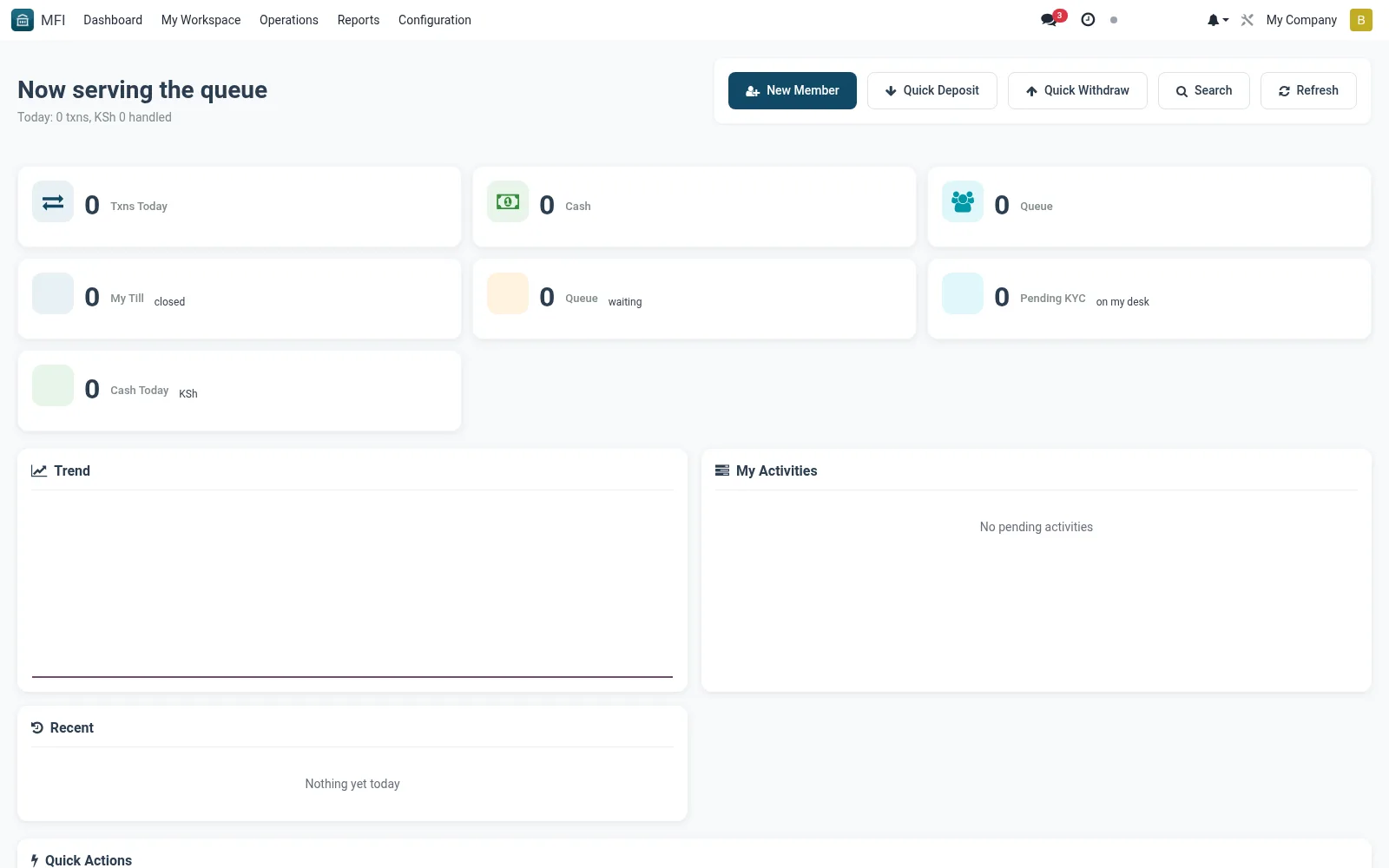
The Front Office workspace is the teller and customer-service starting board, presenting the day's counter tasks: member look-ups, deposit and withdrawal actions, account openings and pending service requests. It keeps a busy teller focused on queue items rather than hunting through menus. This reduces handling time at the counter and keeps walk-in service flowing.
Workflow
- Open MFI > My Workspace > Front Office at the start of a shift
- Review pending counter tasks and customer requests in the queues
- Click an item to open the related member or transaction record
- Action deposits, withdrawals and enquiries directly from the board
- Clear completed items so the queue reflects real outstanding work
Notes & rules
- Personalised action board for counter staff
- Links to member, savings and till transaction screens
- Related: Operations workspace, Tills configuration
- Used by tellers and front-desk officers
Was this page helpful?