

Member Portal
The Member Portal workspace is the staff-side view of member self-service activity -- online applications, portal sign-ups, member messages and self-initiated requests awaiting action. It bridges what members do online with the staff who must respond. Front-office and operations teams use it to keep digital channels responsive.
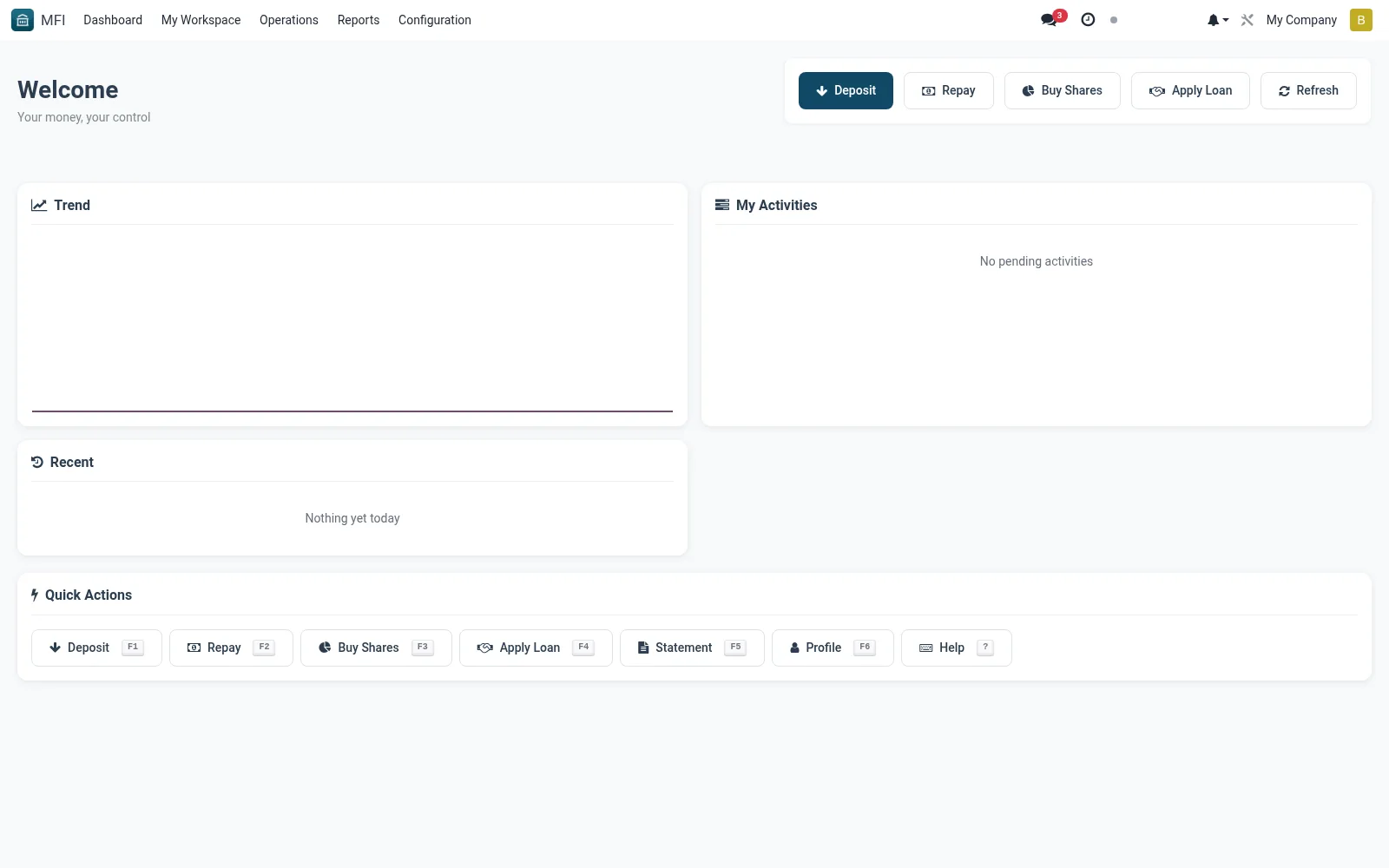
Workflow
- Open MFI > My Workspace > Member Portal
- Review incoming portal requests and applications
- Open a request to verify and action it in the back office
- Respond to member messages where required
- Mark requests resolved to update the member's portal status
Notes & rules
- Staff-side queue for member self-service activity
- Links to member and application records
- Related: Front Office workspace, Member records
- Used by front-office and digital-channel staff
Was this page helpful?