

Branch Manager
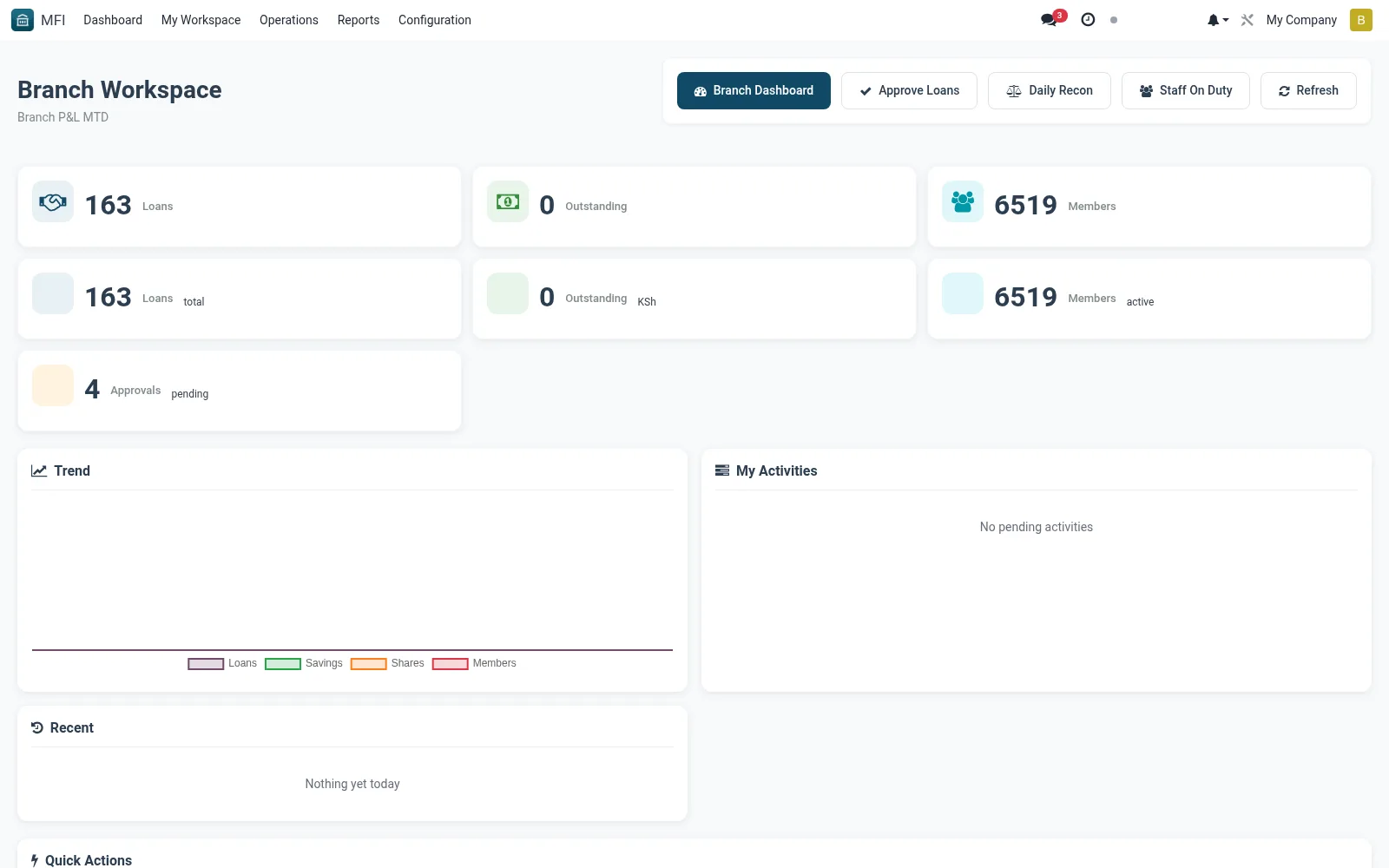
The Branch Manager workspace is the single-branch command board, rolling up that branch's portfolio, arrears, cash position, staff queues and pending approvals. It gives a manager full situational awareness of their location without enterprise-wide noise. Managers use it to run the branch and act on approvals routed to them.
Workflow
- Open MFI > My Workspace > Branch Manager
- Review the branch KPI summary and arrears figures
- Action approval requests routed to your authority level
- Drill into staff queues to balance workloads
- Monitor branch cash position against limits
Notes & rules
- Branch-scoped roll-up of portfolio, cash and approvals
- Links to branch, approval and till records
- Related: My Pending Approvals, Branch Analysis
- Used by branch managers
Was this page helpful?