

Finance
The Finance workspace is the accountant's personal board, presenting pending postings, journal reviews, GL exceptions and period-close tasks for the institution. It keeps the finance team focused on items that affect the books and statutory reporting. It is where month-end and year-end close activities are coordinated.
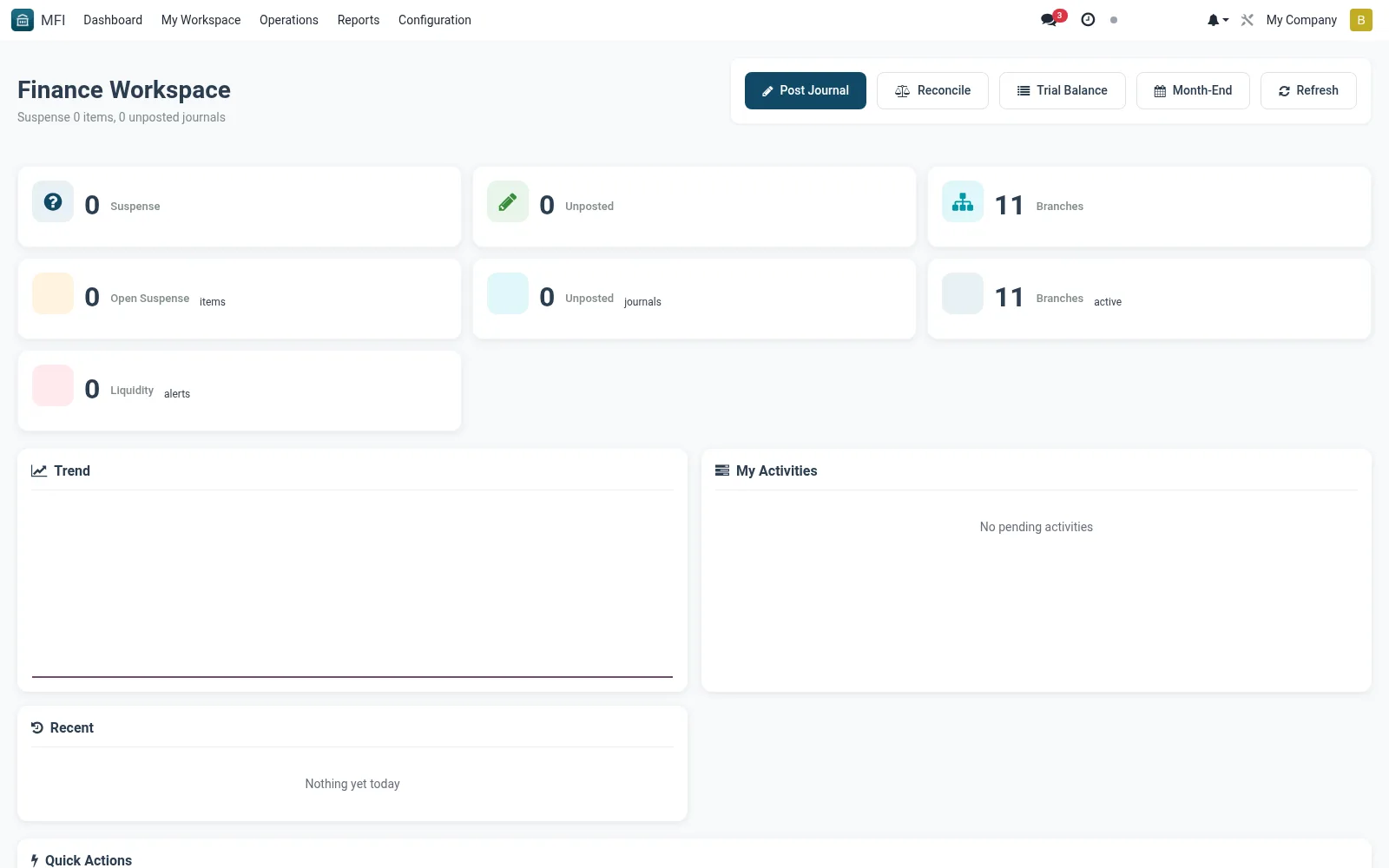
Workflow
- Open MFI > My Workspace > Finance
- Review pending journals and GL exception queues
- Open an item to verify and approve the accounting entry
- Track period-close tasks toward financial-year cutover
- Escalate unresolved items to operations or compliance
Notes & rules
- Finance-focused queues for postings and close tasks
- Links to accounting journals and treasury
- Related: Operations workspace, Financial Year settings
- Used by accountants and finance managers
Was this page helpful?