

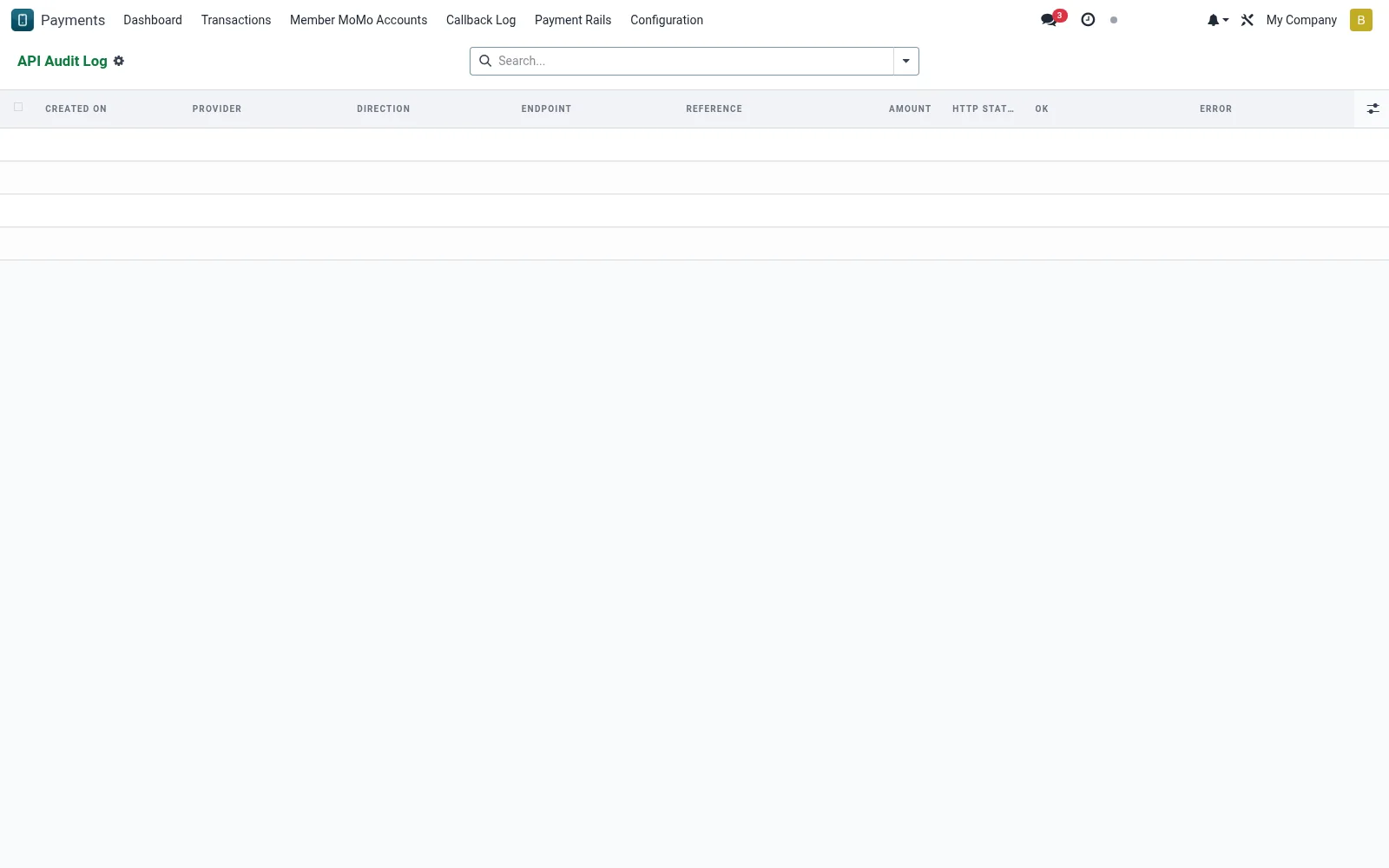
API Audit Log
An immutable record of every API call exchanged with the PesaLink rail (mfi.pesalink.audit.log), capturing request, response and timing. It is the technical evidence trail engineers use to diagnose integration faults and prove what was sent to the network. List-only, so entries cannot be tampered with after the fact.
Workflow
- Open API Audit Log under PesaLink Configuration.
- Filter by date, endpoint or outcome to find a specific exchange.
- Open an entry to compare the request and response payloads.
- Use the timestamp and reference to correlate with a transaction.
- Export entries when supporting an incident investigation.
Fields reference
Every field on this screen, drawn from the live data model.
| Field | Type | Required | Description |
|---|---|---|---|
Directiondirection | Choice: Outbound, Inbound | Yes | Direction |
Providerprovider_id | Link → mfi.pesalink.provider | — | Provider |
Endpointendpoint | Text | — | Endpoint |
Referencereference | Text | — | Reference |
Amountamount | Decimal | — | Amount |
HTTP Statushttp_status | Number | — | HTTP Status |
Request (masked)request_body | Long text | — | Request (masked) |
Responseresponse_body | Long text | — | Response |
OKok | Yes/No | — | OK |
Errorerror_message | Long text | — | Error |
Notes & rules
- Captures full request/response for each rail interaction.
- List-only presentation preserves the log's integrity.
- Correlates to transactions via shared provider references.
- Primary tool for diagnosing connectivity and signing errors.
Was this page helpful?