

Member MoMo Accounts
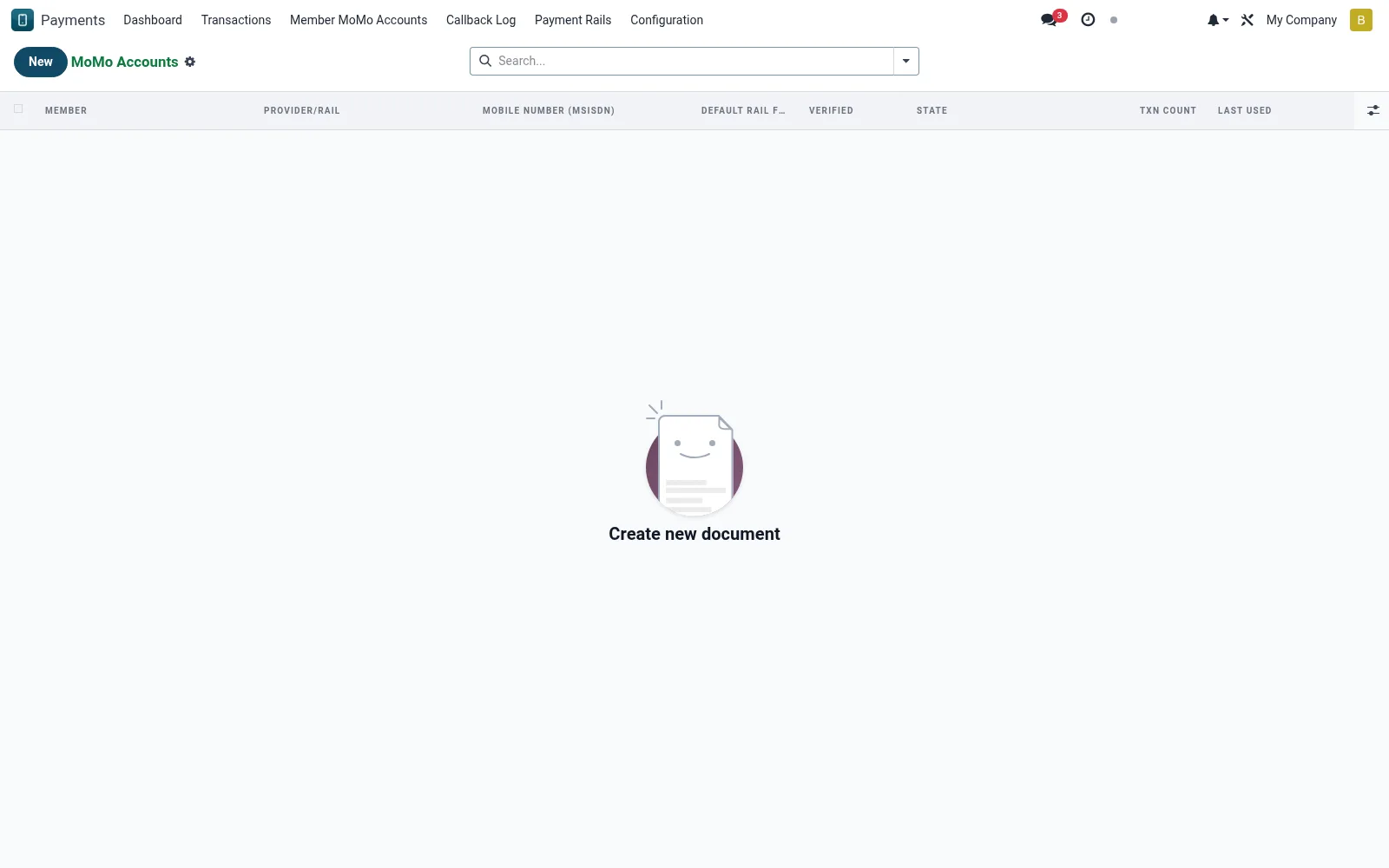
Holds each member's registered mobile-money identities (mmm.account) - the phone numbers and wallet handles used to collect repayments and push disbursements. Linking a verified MoMo account to a member lets the suite route STK prompts and payouts to the correct handset automatically. Staff manage activation, primary-account selection and de-registration here.
Workflow
- Open Member MoMo Accounts to view registered wallets.
- Create a record, choosing the member and the rail (M-Pesa, Airtel, MTN).
- Enter and verify the wallet phone number or handle.
- Mark the primary account used for default collections and payouts.
- Deactivate stale or fraudulent accounts to stop routing to them.
Fields reference
Every field on this screen, drawn from the live data model.
| Field | Type | Required | Description |
|---|---|---|---|
Mobile Number (MSISDN)msisdn | Text | Yes | International format: +254712345678 |
KYC Fingerprintkyc_fingerprint | Text | — | Hash of member ID + msisdn for fraud detection |
Membermember_id | Link → mfi.member | Yes | Member |
Provider/Railprovider_id | Link → mmm.provider | Yes | Provider/Rail |
Has Messagehas_message | Yes/No | — | Has Message |
Display Namename | Text | — | Display Name |
Default Rail for Memberis_default | Yes/No | — | Default Rail for Member |
Verifiedis_verified | Yes/No | — | Verified |
Verified Atverified_at | Date & time | — | Verified At |
Statestate | Choice: Pending Verification, Active, Suspended, Closed | — | State |
Last Usedlast_used | Date & time | — | Last Used |
Txn Counttxn_count | Number | — | Txn Count |
Companycompany_id | Link → res.company | — | Company |
Actions & buttons
Buttons available on this screen and what they do:
- Verify
- View Transactions
Status lifecycle
Records on this screen move through these statuses:
Pending Verification → Active → Suspended → Closed
Notes & rules
- A member may hold several wallets across different rails; one is flagged primary.
- Numbers are validated against the rail's format before activation.
- Disbursements route to the member's primary account unless overridden.
- De-registration is logged and reversible by an authorised officer.
Was this page helpful?