

Disputes
Manages PesaLink transfer disputes (mfi.pesalink.dispute) - cases where a transfer was wrong, duplicated, unreceived or fraudulent. Each dispute links to its underlying transaction and tracks investigation, counterparty correspondence and resolution. It gives the institution an auditable record of how every contested transfer was settled.
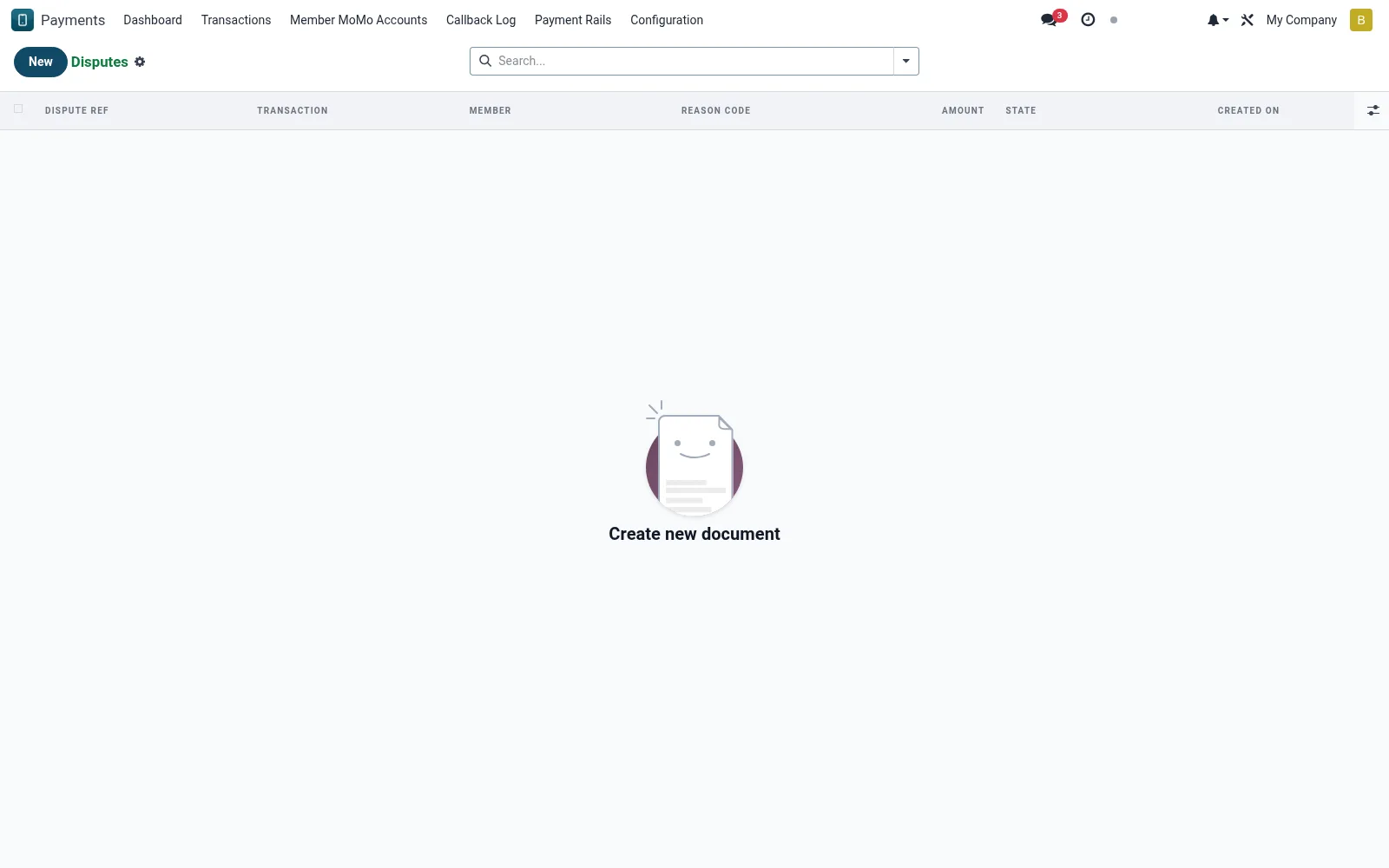
Workflow
- Open Disputes under PesaLink to see contested transfers.
- Create a dispute and link it to the affected transaction.
- Record the dispute reason and supporting evidence.
- Track correspondence with the counterparty bank.
- Close the dispute with a documented resolution and any reversal reference.
Fields reference
Every field on this screen, drawn from the live data model.
| Field | Type | Required | Description |
|---|---|---|---|
Transactiontransaction_id | Link → mfi.pesalink.transaction | Yes | Transaction |
Providerprovider_id | Link → mfi.pesalink.provider | Yes | Provider |
Amountamount | Money | Yes | Amount |
Reason Codereason_code | Choice: Duplicate Transaction, Suspected Fraud, Wrong Amount, Wrong Recipient, Funds Not Received, Other | Yes | Reason Code |
Statestate | Choice: Open, Investigating, Escalated to Bank, Resolved — Credit Issued, Resolved — No Credit, Cancelled | Yes | State |
Has Messagehas_message | Yes/No | — | Has Message |
Dispute Refname | Text | — | Dispute Ref |
Membermember_id | Link → mfi.member | — | Member |
Currencycurrency_id | Link → res.currency | — | Currency |
Descriptiondescription | Long text | — | Description |
Member Statementmember_statement | Long text | — | Member Statement |
Resolution Notesresolution_notes | Long text | — | Resolution Notes |
Resolved Atresolved_at | Date & time | — | Resolved At |
Resolved Byresolved_by | Link → res.users | — | Resolved By |
Reversal Transactionreversal_transaction_id | Link → mfi.pesalink.transaction | — | Reversal Transaction |
Companycompany_id | Link → res.company | — | Company |
Actions & buttons
Buttons available on this screen and what they do:
- Start Investigation
- Escalate to Bank
- Resolve — Credit Member
- Resolve — No Credit
- Cancel
Status lifecycle
Records on this screen move through these statuses:
Open → Investigating → Escalated to Bank → Resolved — Credit Issued → Resolved — No Credit → Cancelled
Notes & rules
- Every dispute is anchored to a specific PesaLink transaction.
- Status reflects open, under-investigation and resolved stages.
- Resolution notes form part of the regulatory audit trail.
- Linked reversals reconcile the disputed amount back to the ledger.
Was this page helpful?