

Runs
Runs executes a chosen stress scenario against the current portfolio and stores the results - the impact on PAR, expected credit loss, provisions, capital and liquidity. Comparing runs shows how much capital or provisioning buffer the institution would need under stress.
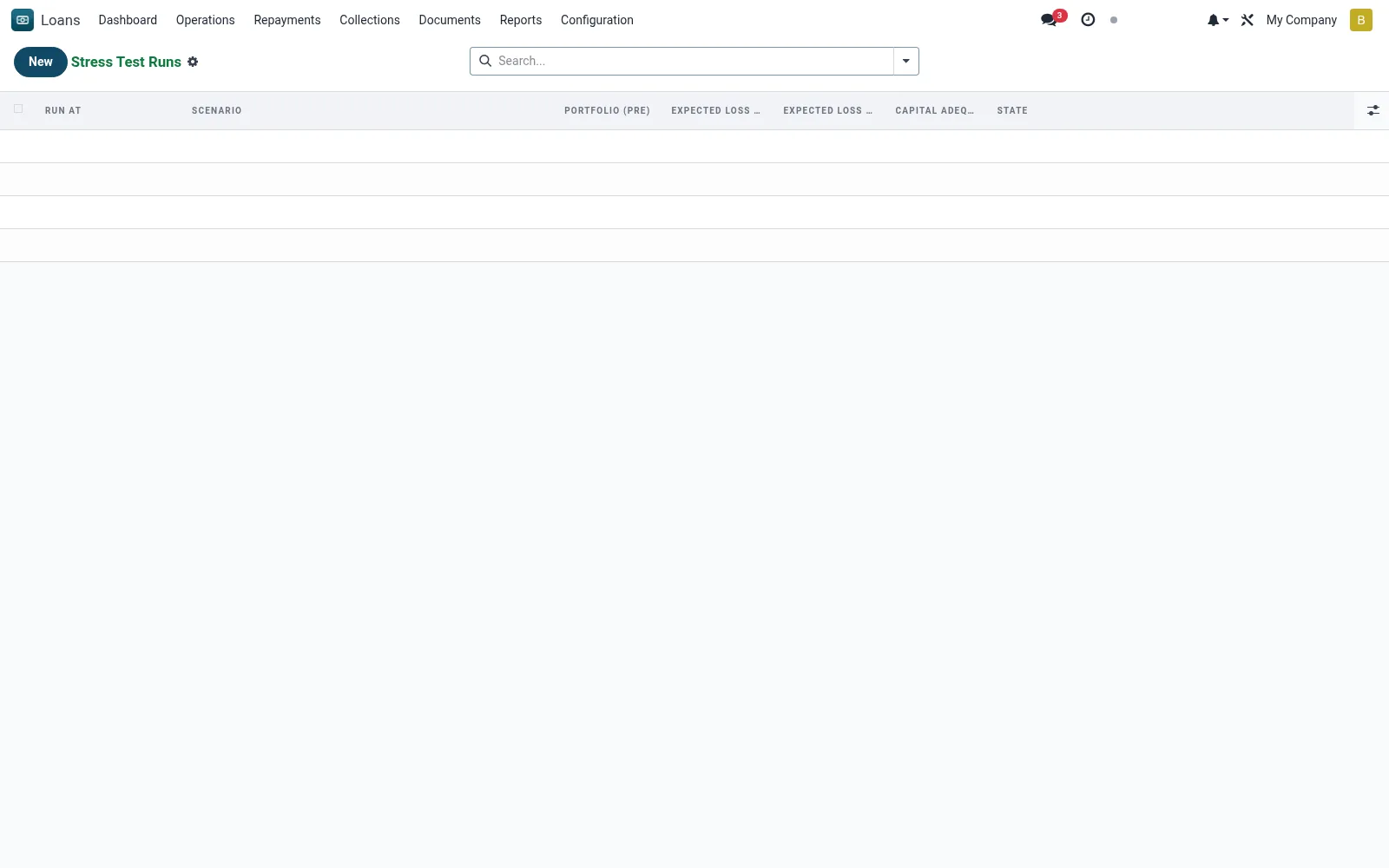
Workflow
- Start a run and select the scenario to apply.
- Confirm the portfolio snapshot date to stress.
- Execute the run to compute stressed PAR, ECL and capital impact.
- Review the result metrics against buffers and limits.
- Compare runs across scenarios for the risk report.
Fields reference
Every field on this screen, drawn from the live data model.
| Field | Type | Required | Description |
|---|---|---|---|
Scenarioscenario_id | Link → mfi.stress.scenario | Yes | Scenario |
Companycompany_id | Link → res.company | Yes | Company |
Run Atrun_date | Date & time | — | Run At |
Currencycurrency_id | Link → res.currency | — | Currency |
Portfolio (Pre)portfolio_total | Money | — | Portfolio (Pre) |
Expected Loss (Base)expected_loss_base | Money | — | Expected Loss (Base) |
Expected Loss (Stressed)expected_loss_stressed | Money | — | Expected Loss (Stressed) |
Deposits (Pre)deposit_total | Money | — | Deposits (Pre) |
Deposit Outflowdeposit_outflow | Money | — | Deposit Outflow |
Capital (Pre)capital_pre | Money | — | Capital (Pre) |
Capital (Post)capital_post | Money | — | Capital (Post) |
Capital Adequacy After (%)capital_adequacy_after | Decimal | — | Capital Adequacy After (%) |
Statestate | Choice: Draft, Completed, Failed | — | State |
Notesnotes | Long text | — | Notes |
Actions & buttons
Buttons available on this screen and what they do:
- Run Stress Test
Status lifecycle
Records on this screen move through these statuses:
Draft → Completed → Failed
Notes & rules
- Model: mfi.stress.run.
- Outputs: stressed PAR, ECL, provisions, capital/liquidity impact.
- References a mfi.stress.scenario.
- Feeds ICAAP and board risk reporting.
Was this page helpful?