

M-Pesa Unmatched Queue
M-Pesa Unmatched Queue holds incoming mobile-money callbacks that the suite could not automatically link to a savings account - typically because the account reference was mistyped, missing or ambiguous. Officers work this queue to match each payment to the correct member so the deposit can post.
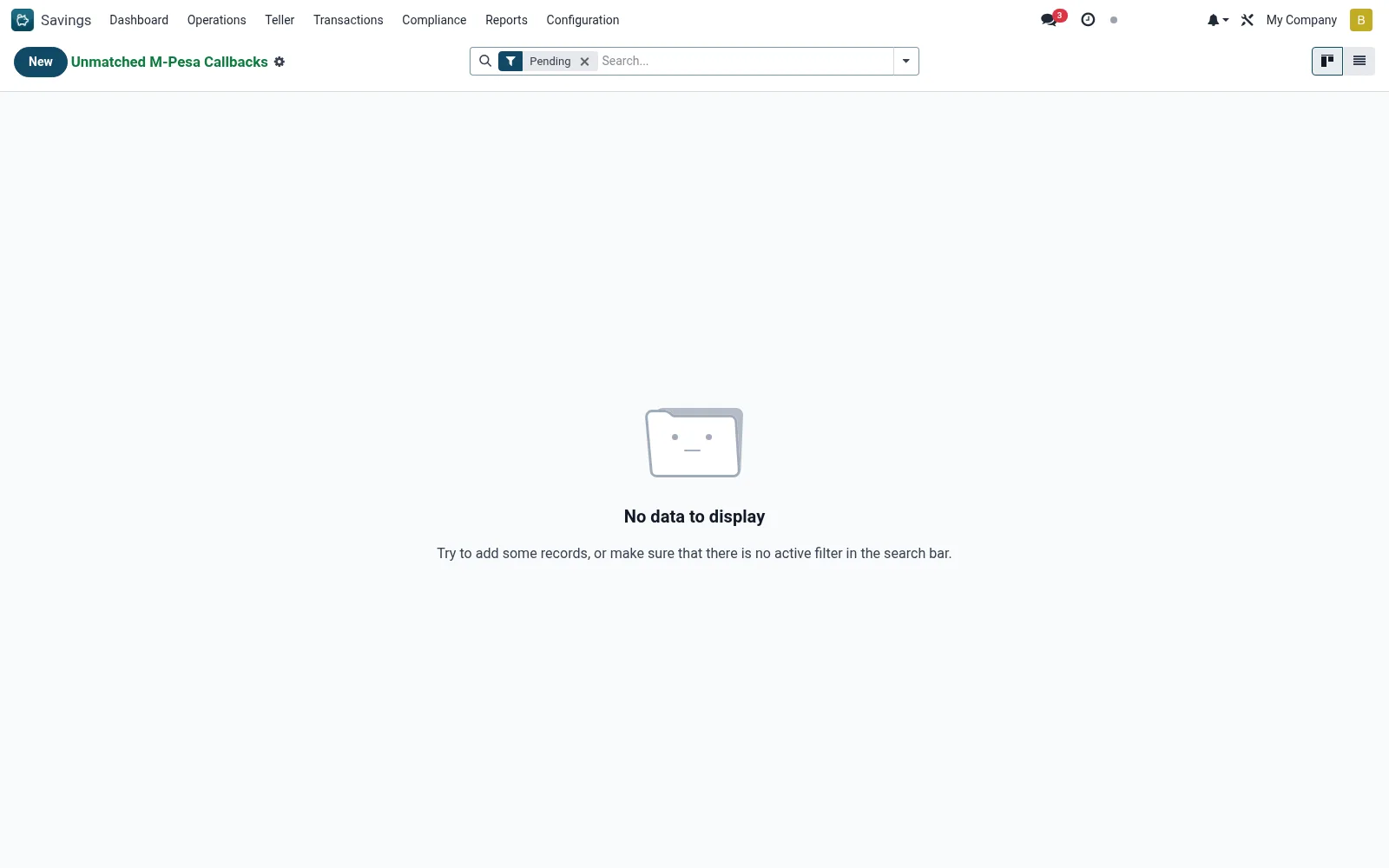
Workflow
- Open Savings > Transactions > M-Pesa Transactions > M-Pesa Unmatched Queue.
- Open an unmatched callback and review the payer name, phone and amount.
- Search for the intended member account using the available clues.
- Match the callback to the correct account to post the deposit.
- If genuinely unidentifiable, escalate or initiate a refund/reversal.
Fields reference
Every field on this screen, drawn from the live data model.
| Field | Type | Required | Description |
|---|---|---|---|
Receipt / TransIDreceipt_no | Text | Yes | Receipt / TransID |
Amountamount | Money | Yes | Amount |
Reasonreason | Choice: No Paybill / Wrong Shortcode, Account Not Found, Multiple Possible Matches, Cancelled by Payer, Amount Mismatch | Yes | Reason |
Statestate | Choice: Pending, Under Review, Matched / Cleared, Refunded, Written Off | Yes | State |
Phone (MSISDN)phone | Text | — | Phone (MSISDN) |
Currencycurrency_id | Link → res.currency | — | Currency |
M-Pesa Timestamptxn_timestamp | Date & time | — | M-Pesa Timestamp |
Bill Ref / Accountbill_ref | Text | — | Bill Ref / Account |
Payer Namepayer_name | Text | — | Payer Name |
Raw Payloadraw_payload | Long text | — | Raw Payload |
Suggested Memberssuggestion_member_ids | Tags | — | Suggested Members |
Matched Savings Accountmatched_account_id | Link → mfi.savings.account | — | Matched Savings Account |
Matched Loanmatched_loan_id | Link → mfi.loan | — | Matched Loan |
Posted Transactionmatched_transaction_id | Link → mfi.savings.transaction | — | Posted Transaction |
Source Loglog_id | Link → mfi.mpesa.callback.log | — | Source Log |
Suspense Entrysuspense_id | Link → mfi.suspense.ledger.entry | — | Suspense Entry |
Escalatedescalated | Yes/No | — | Escalated |
Escalated Onescalated_on | Date & time | — | Escalated On |
Age (h)age_hours | Decimal | — | Age (h) |
Operator Notesnotes | Long text | — | Operator Notes |
Actions & buttons
Buttons available on this screen and what they do:
- Match Manually
- Mark Under Review
- Write Off
Status lifecycle
Records on this screen move through these statuses:
Pending → Under Review → Matched / Cleared → Refunded → Written Off
Notes & rules
- Records on mfi.mpesa.unmatched.callback awaiting manual matching.
- Causes: wrong, missing or ambiguous account reference in the payment.
- Matching posts the held deposit to the resolved savings account.
Was this page helpful?