

Webhook Queue
Webhook Queue shows the pending and processed outbound webhook events with their delivery status, attempts and any failures. It lets admins confirm partners are receiving events and retry deliveries that did not land. It is essential for diagnosing sync gaps in real-time integrations.
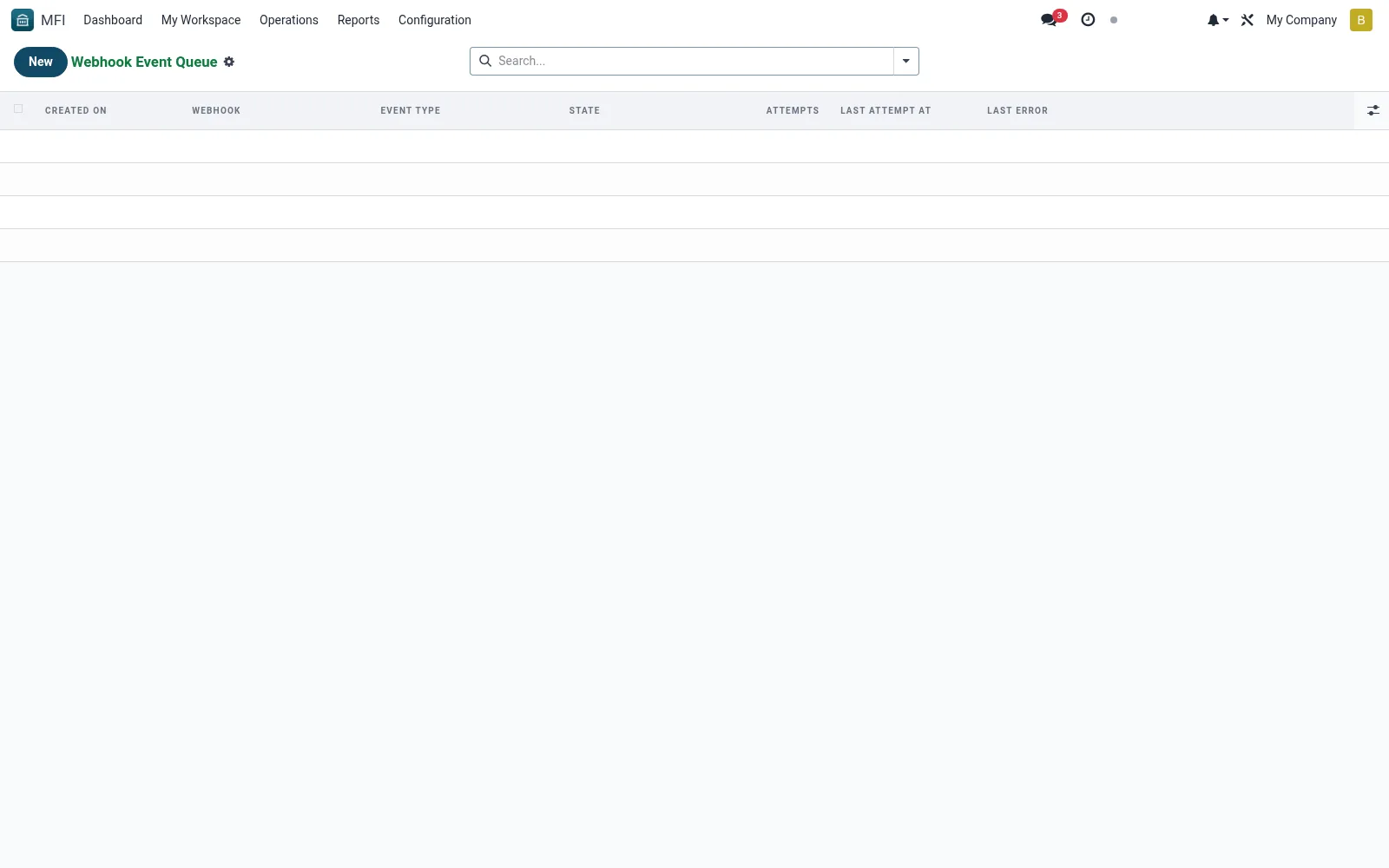
Workflow
- Open MFI > Configuration > API / Integrations > Webhook Queue
- Filter by webhook, status or date
- Open a failed event to read the error and response
- Retry delivery where the endpoint is now reachable
- Monitor the queue to confirm events drain successfully
Fields reference
Every field on this screen, drawn from the live data model.
| Field | Type | Required | Description |
|---|---|---|---|
Webhookwebhook_id | Link → mfi.webhook | Yes | Webhook |
Event Typeevent_type | Text | Yes | Event Type |
Payloadpayload | Long text | Yes | Payload |
Res Modelres_model | Text | — | Res Model |
Resres_id | Number | — | Res |
Statestate | Choice: Queued, Sent, Failed, Dead Letter | — | State |
Attemptsattempts | Number | — | Attempts |
Last Errorlast_error | Long text | — | Last Error |
Last Attempt Atlast_attempt_at | Date & time | — | Last Attempt At |
Next Attempt Atnext_attempt_at | Date & time | — | Next Attempt At |
Status lifecycle
Records on this screen move through these statuses:
Queued → Sent → Failed → Dead Letter
Notes & rules
- Model mfi.webhook.event -- delivery queue
- Key fields: webhook, payload, status, attempts
- Related: Webhooks, API Logs
- Used by integration admins
Was this page helpful?