

API Keys
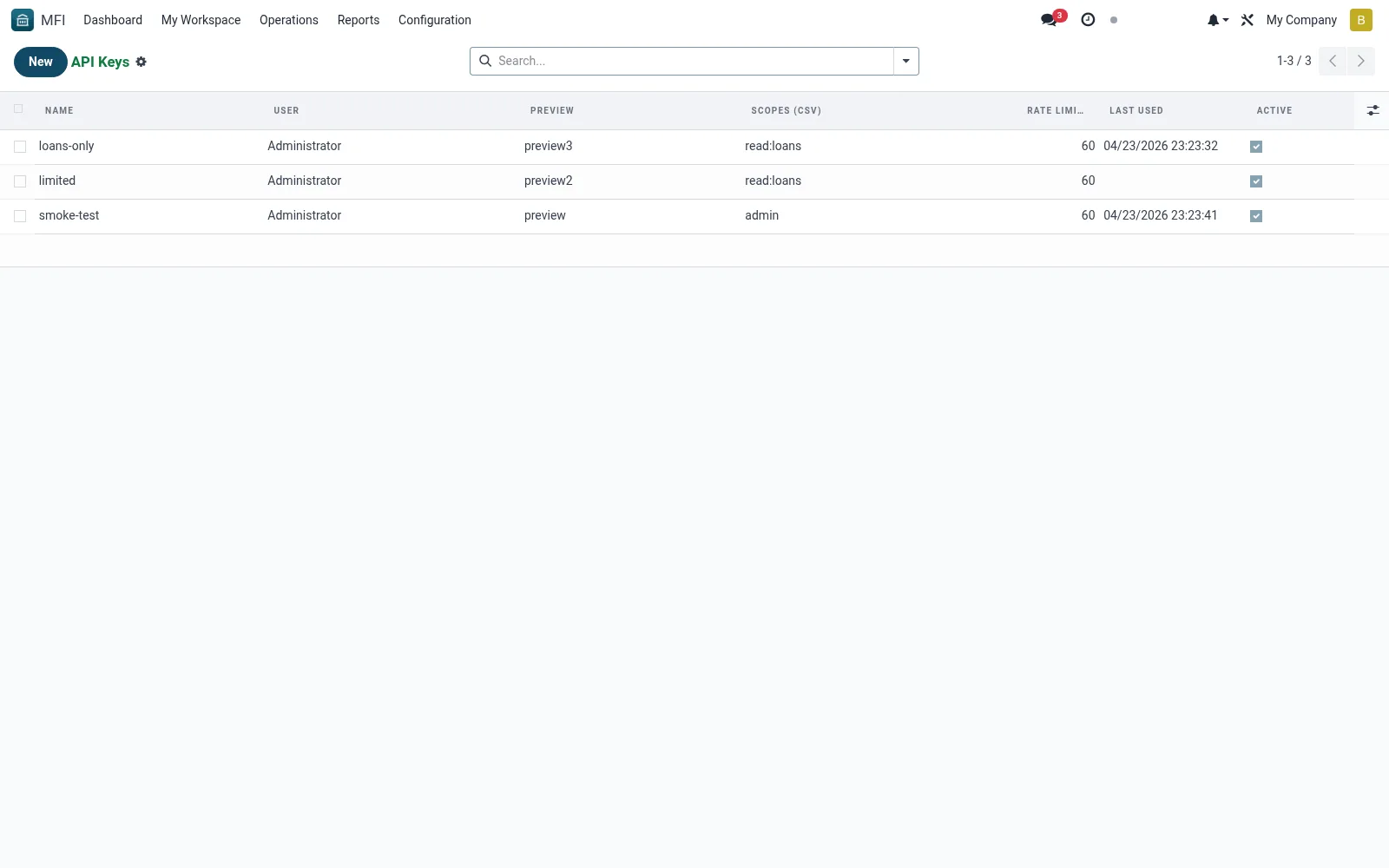
API Keys lists the credentials issued to external systems and partners that call the institution's API -- mobile apps, agency-banking platforms, payment aggregators and fintech partners. Each key carries scopes and status so access can be granted and revoked precisely. Managing keys here protects the core-banking data behind the integrations.
Workflow
- Open MFI > Configuration > API / Integrations > API Keys
- Review existing keys, their owners and scopes
- Open a key to adjust permissions or revoke it
- Disable any key that is compromised or unused
- Cross-check usage against the API Logs
Fields reference
Every field on this screen, drawn from the live data model.
| Field | Type | Required | Description |
|---|---|---|---|
Previewkey_preview | Text | — | First/last 4 chars for reference. |
Namename | Text | Yes | Name |
Useruser_id | Link → res.users | Yes | User |
Key (sha256)key_hash | Text | Yes | Key (sha256) |
Scopes (CSV)scopes | Text | — | Scopes (CSV) |
Rate Limit Per Minuterate_limit_per_minute | Number | — | Rate Limit Per Minute |
Last Usedlast_used | Date & time | — | Last Used |
Activeactive | Yes/No | — | Active |
Expires Onexpires_on | Date | — | Expires On |
Actions & buttons
Buttons available on this screen and what they do:
- Regenerate
- Deactivate
Notes & rules
- Model mfi.api.key -- issued API credentials
- Key fields: owner, scopes, status, last used
- Related: Generate New API Key, API Logs, Webhooks
- Used by IT and integration admins
Was this page helpful?