

Committees
Committees defines each credit/approval committee, its members, approval mandate limits and quorum rules. It establishes the governance bodies that sanction loans above delegated officer limits, enforcing the institution's segregation-of-duties and approval-authority framework.
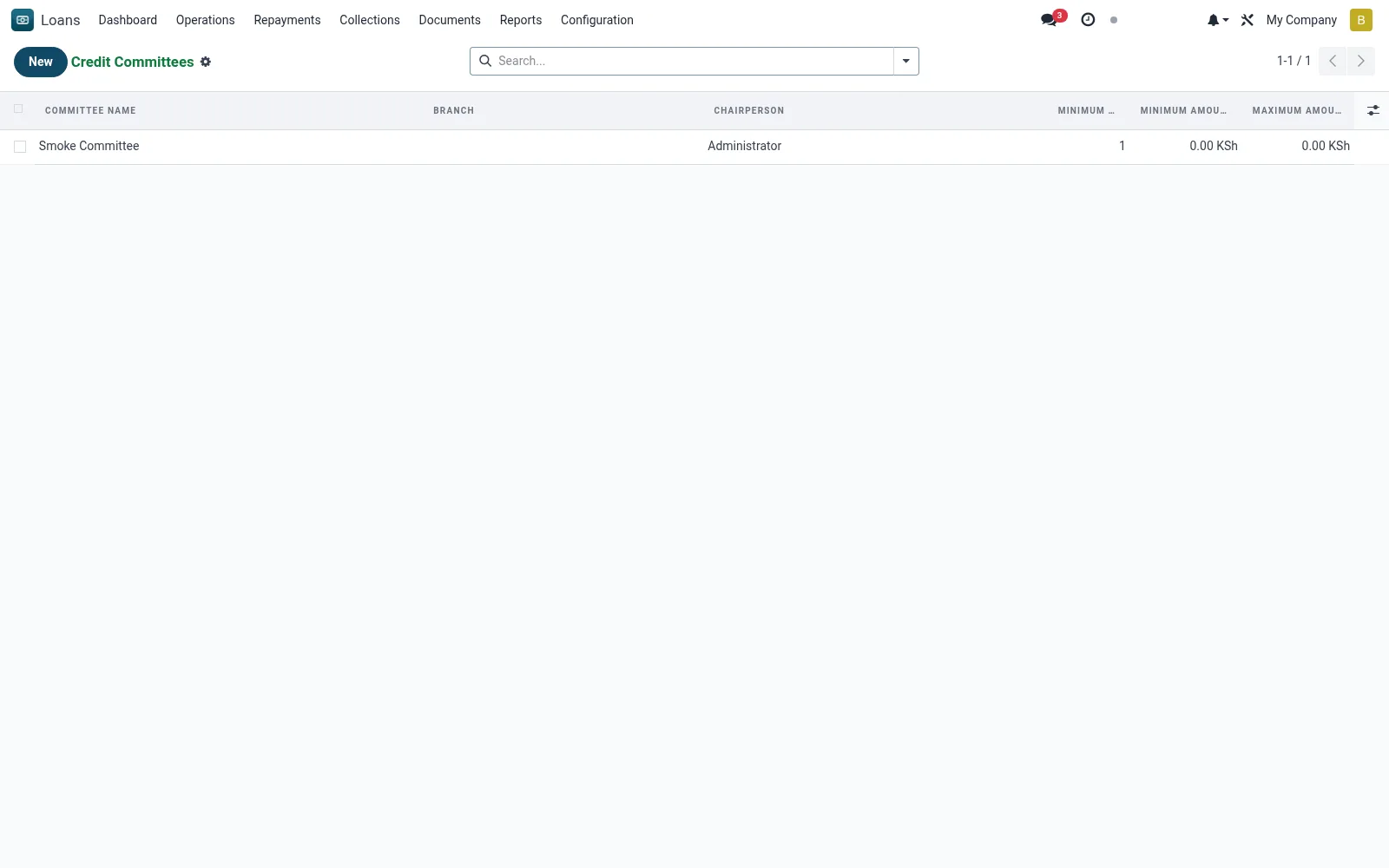
Workflow
- Create or open a credit committee.
- Add members and assign roles (chair, members).
- Set the committee's approval limit and quorum.
- Define the loan tiers or amounts it must approve.
- Save so the committee can be assigned to applications.
Fields reference
Every field on this screen, drawn from the live data model.
| Field | Type | Required | Description |
|---|---|---|---|
Committee Namename | Text | Yes | Committee Name |
Companycompany_id | Link → res.company | Yes | Company |
Has Messagehas_message | Yes/No | — | Has Message |
Activeactive | Yes/No | — | Active |
Branchbranch_id | Link → mfi.branch | — | Branch |
Currencycurrency_id | Link → res.currency | — | Currency |
Committee Membersmember_ids | Tags | — | Committee Members |
Chairpersonchair_id | Link → res.users | — | Chairperson |
Minimum Quorumquorum_min | Number | — | Minimum Quorum |
Minimum Amountmin_amount | Money | — | Minimum Amount |
Maximum Amountmax_amount | Money | — | Maximum Amount |
Notesnotes | Long text | — | Notes |
Meeting Countmeeting_count | Number | — | Meeting Count |
Notes & rules
- Model: mfi.loan.credit.committee.
- Defines members, mandate limit and quorum.
- Enforces approval-authority tiers.
- Referenced by committee meetings and loan approval.
Was this page helpful?