

Watchlist Entries
The consolidated store of individual watchlist records (mfi.aml.watchlist.entry) imported from every registered source - names, aliases, dates of birth and identifiers of sanctioned or high-risk parties. The screening engine matches members and counterparties against this store. Staff can inspect, search and annotate any entry behind a match.
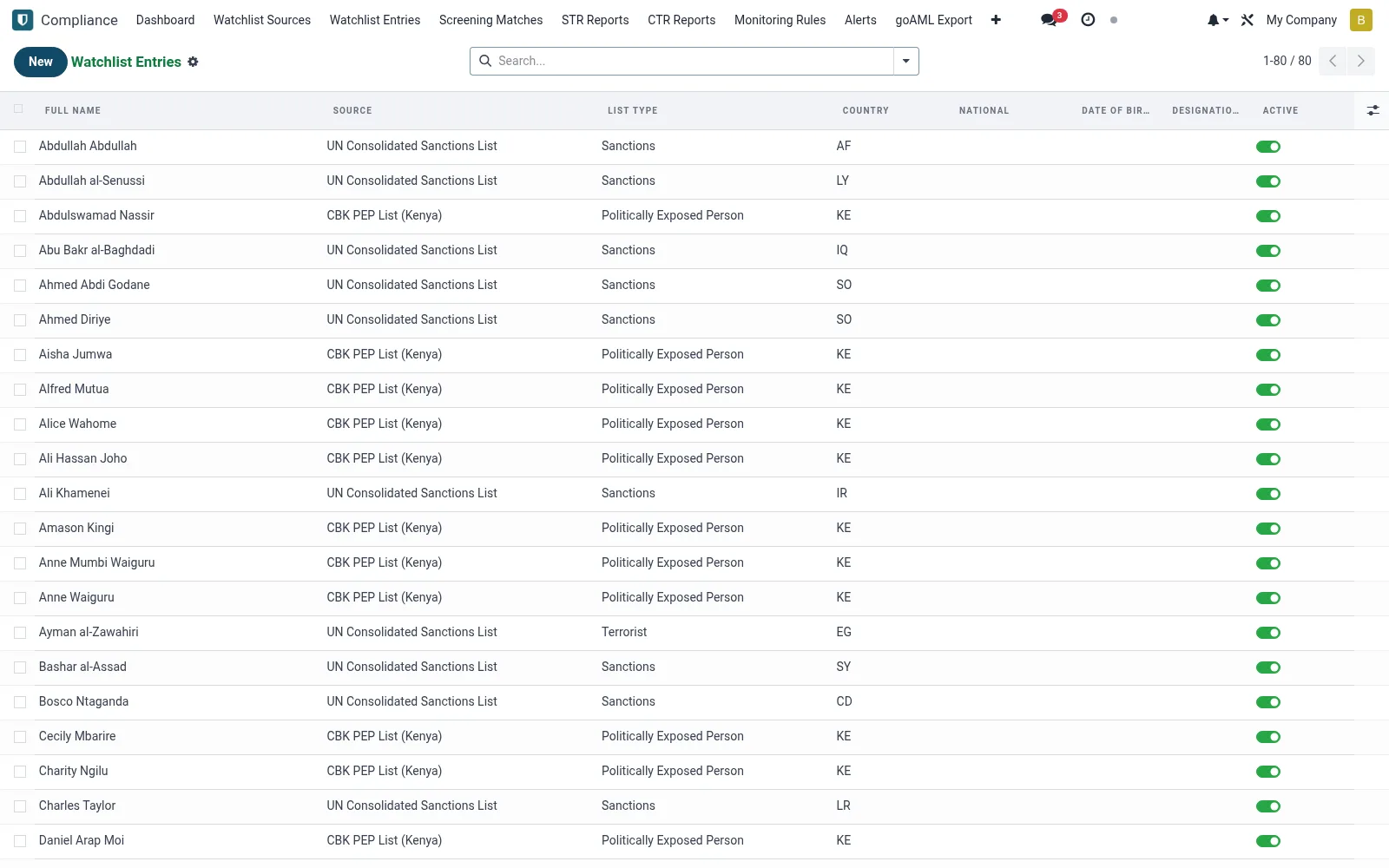
Workflow
- Open Watchlist Entries under Compliance.
- Search by name, alias or identifier to find a listed party.
- Open an entry to view its source, aliases and listing details.
- Confirm the source and listing date when reviewing a match.
- Annotate an entry with internal notes for recurring reviews.
Fields reference
Every field on this screen, drawn from the live data model.
| Field | Type | Required | Description |
|---|---|---|---|
Aliasesaliases | Text | — | Comma-separated aliases / akas |
Raw Payloadraw_payload | Long text | — | Raw JSON payload from source |
Sourcesource_id | Link → mfi.aml.watchlist.source | Yes | Source |
List Typelist_type | Choice: Politically Exposed Person, Sanctions, Criminal, Terrorist, AML High Risk | Yes | List Type |
Full Namefull_name | Text | Yes | Full Name |
Has Messagehas_message | Yes/No | — | Has Message |
Date Of Birthdate_of_birth | Date | — | Date Of Birth |
Nationalnational_id | Text | — | National |
Countrycountry | Text | — | Country |
Designation Datedesignation_date | Date | — | Designation Date |
Designation Reasondesignation_reason | Text | — | Designation Reason |
Removed Dateremoved_date | Date | — | Removed Date |
Notesnotes | Long text | — | Notes |
Activeactive | Yes/No | — | Active |
Notes & rules
- Aggregates entries from all active watchlist sources.
- Stores aliases and identifiers to widen match coverage.
- Each entry traces back to its originating source.
- Read reference for resolving screening matches.
Was this page helpful?