

Monitoring Rules
Defines the automated transaction-monitoring rules (mfi.aml.monitoring.rule) that scan activity for red flags - structuring, velocity spikes, threshold breaches and unusual patterns. Each rule sets its conditions and the alert it raises when triggered. Tuning these rules controls the balance between catching risk and generating noise.
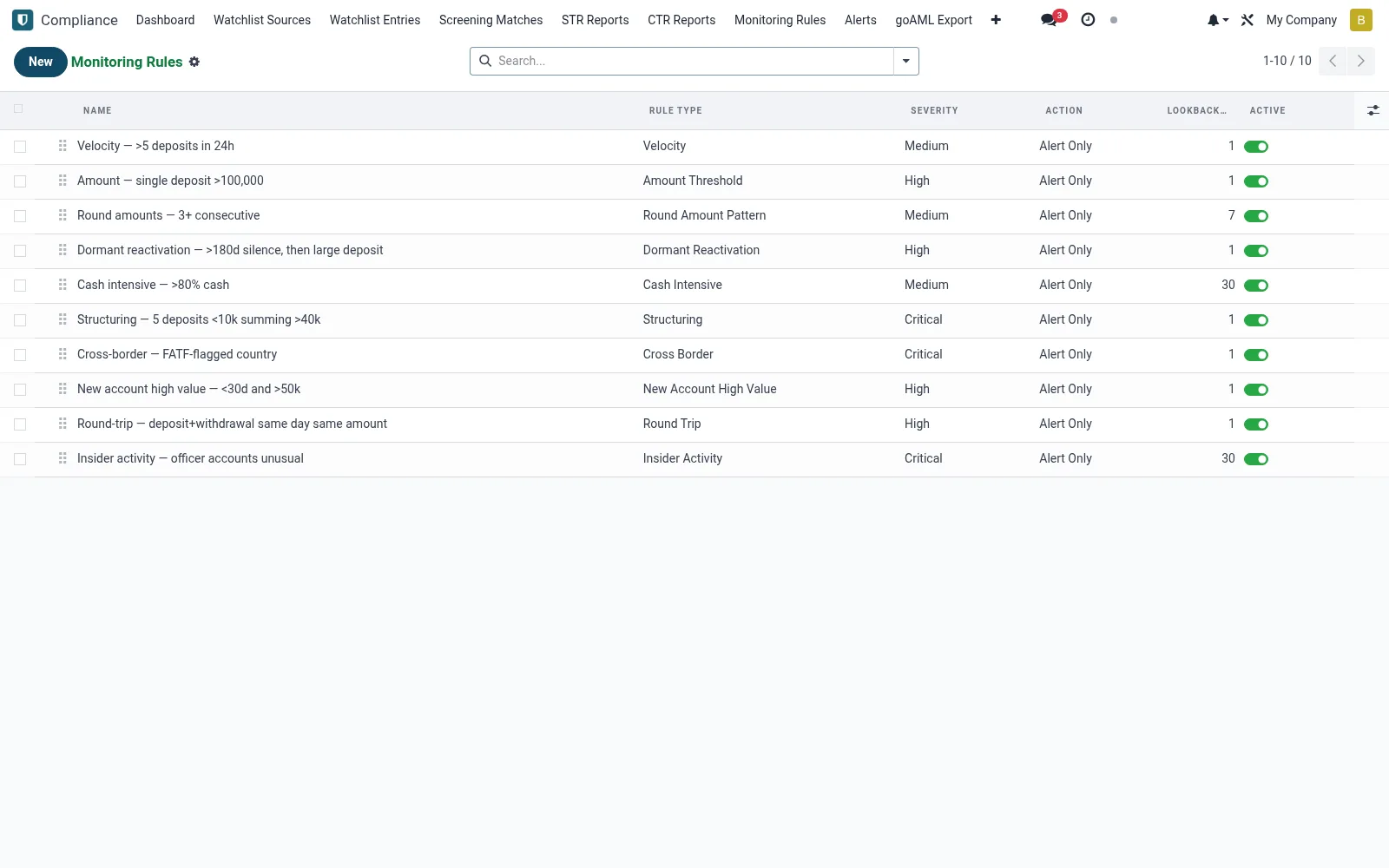
Workflow
- Open Monitoring Rules under Compliance.
- Create a rule and choose its pattern (velocity, structuring, threshold).
- Set the thresholds, look-back window and target population.
- Define the alert severity the rule raises on a hit.
- Activate the rule and review the alerts it produces to tune it.
Fields reference
Every field on this screen, drawn from the live data model.
| Field | Type | Required | Description |
|---|---|---|---|
Parametersparameters | Long text | — | JSON-encoded rule parameters |
Namename | Text | Yes | Name |
Rule Typerule_type | Choice: Velocity, Amount Threshold, Round Amount Pattern, Dormant Reactivation, Unusual Pattern, Cross Border, Cash Intensive, Structuring | Yes | Rule Type |
Severityseverity | Choice: Low, Medium, High, Critical | Yes | Severity |
Has Messagehas_message | Yes/No | — | Has Message |
Sequencesequence | Number | — | Sequence |
Actionaction | Choice: Alert Only, Block Transaction, Escalate to Compliance | — | Action |
Activeactive | Yes/No | — | Active |
Lookback Dayslookback_days | Number | — | Lookback Days |
Descriptiondescription | Long text | — | Description |
Notes & rules
- Rules detect structuring, velocity and threshold-breach patterns.
- Each rule maps to the alert severity it generates.
- Look-back windows let rules assess cumulative behaviour.
- Tuning thresholds manages false-positive volume.
Was this page helpful?