

Dashboard
The compliance command centre, summarising open alerts, pending screening matches, due STR/CTR filings and goAML submission status on one screen. It gives the compliance officer an at-a-glance read on the institution's AML posture and what needs action today. Tiles link straight through to the underlying work queues.
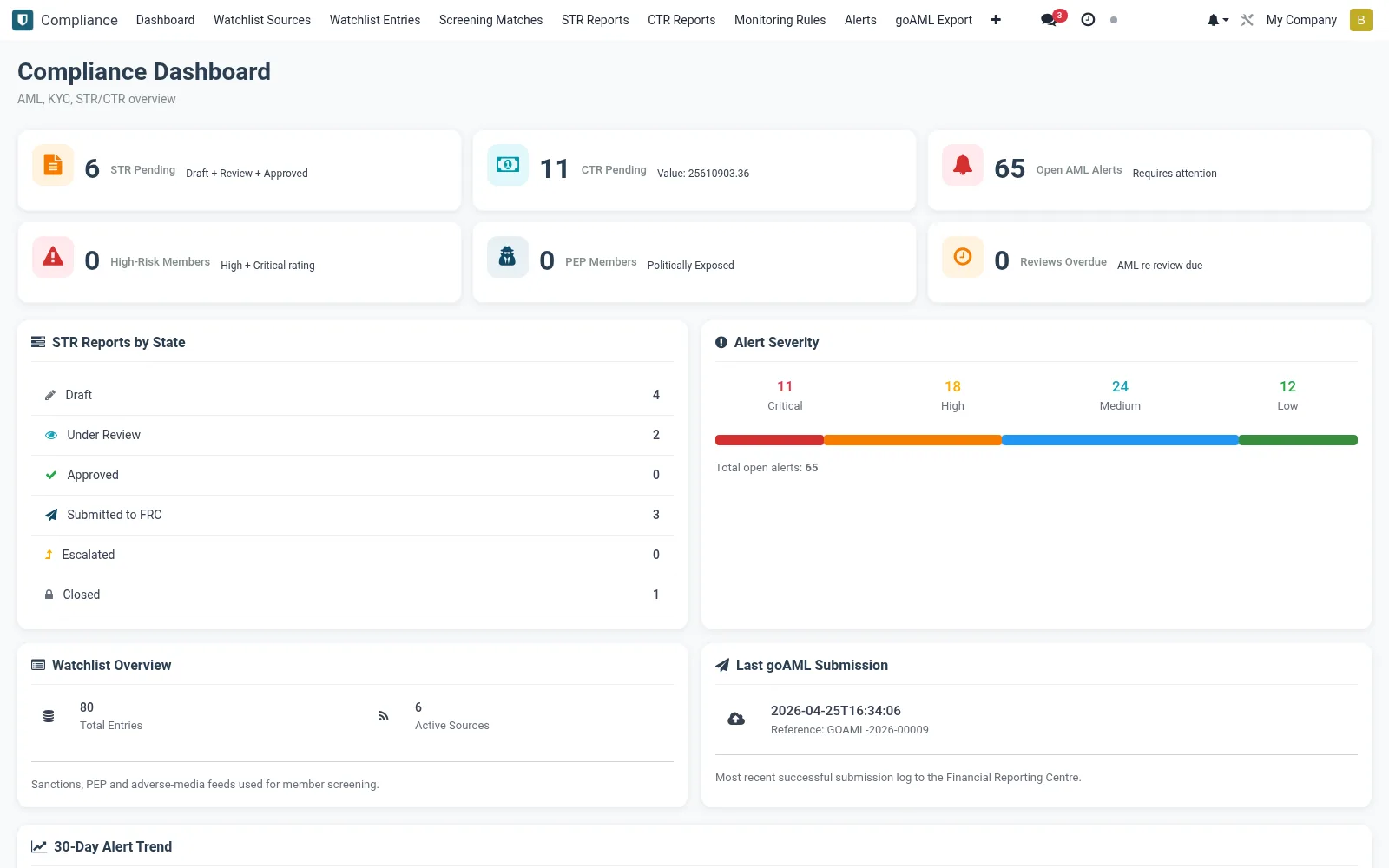
Workflow
- Open Compliance and select Dashboard.
- Review open-alert and unresolved-match counters.
- Check the queue of STR/CTR reports approaching their filing deadline.
- Confirm recent goAML submissions were accepted.
- Click any tile to jump into the relevant work queue.
Notes & rules
- Consolidates alerts, matches and reporting status in one view.
- Highlights filings nearing regulatory deadlines.
- A monitoring surface - actions are taken in the linked screens.
- Designed for the compliance officer's daily review.
Was this page helpful?