

The SACCO settings, tab by tab
One record holds the rules of your SACCO: its name and contacts, the share value, the membership and loan rules, the notifications, the portal and the tax rates. Every app reads it.
Who: Administrator.
Open the settings
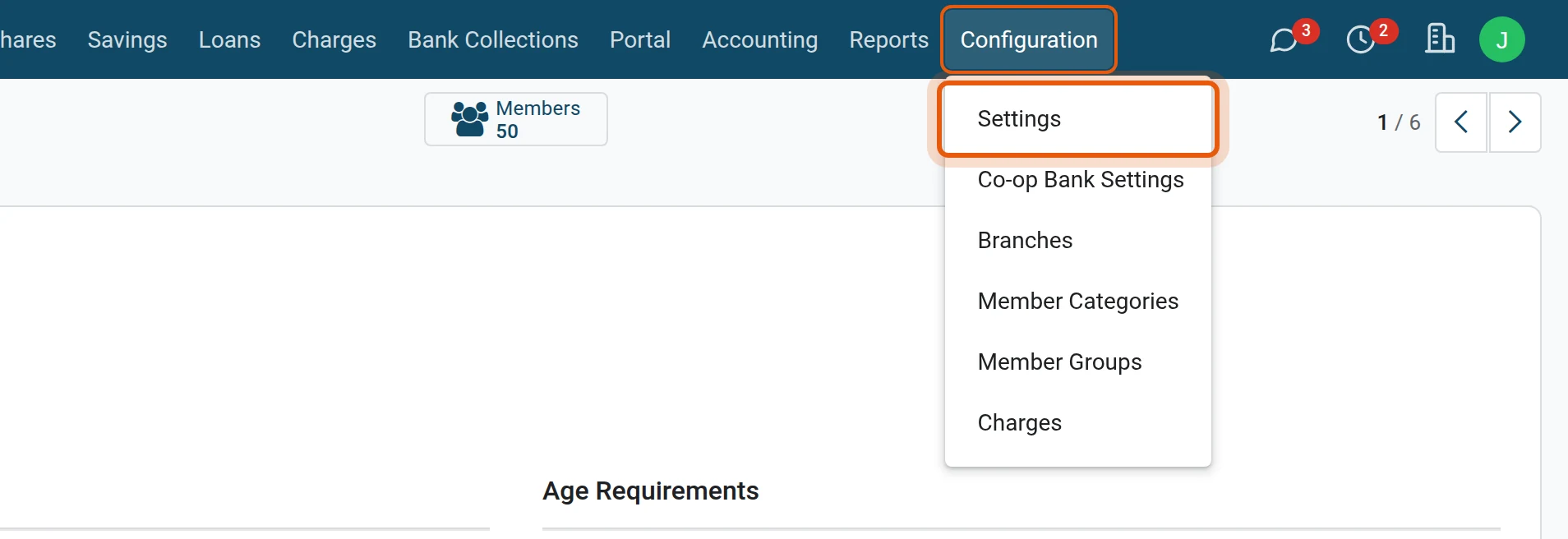
1Open Configuration, Settings
Open .
2Open your SACCO
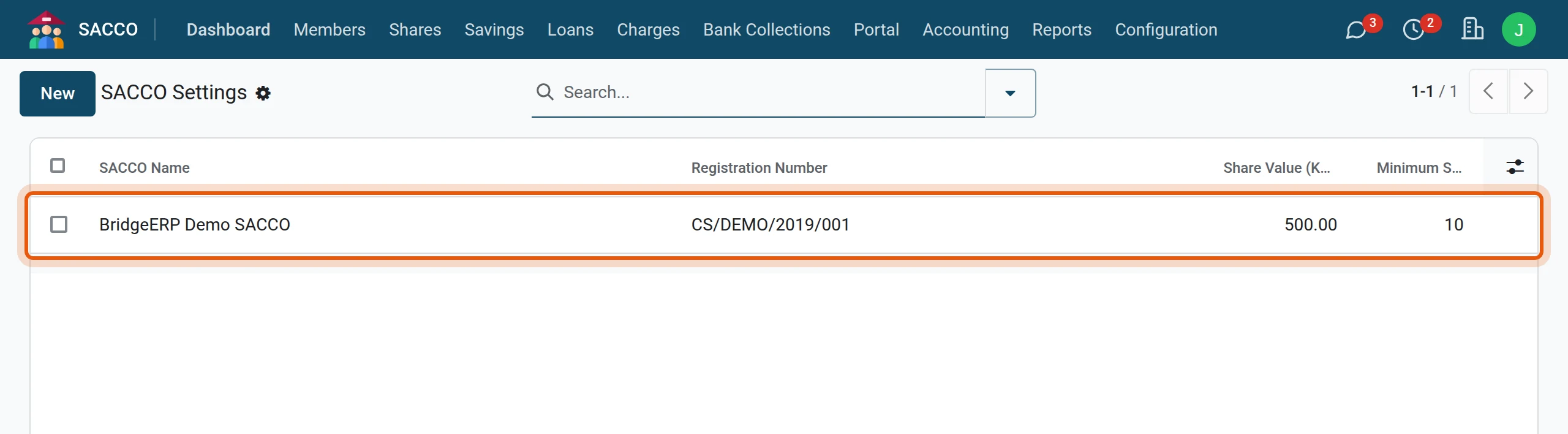
The list holds one line per company. Click yours.
3Change a value and save
Click in a field, type, and press the cloud icon to save. Changes apply from the next transaction; nothing already booked is recalculated.
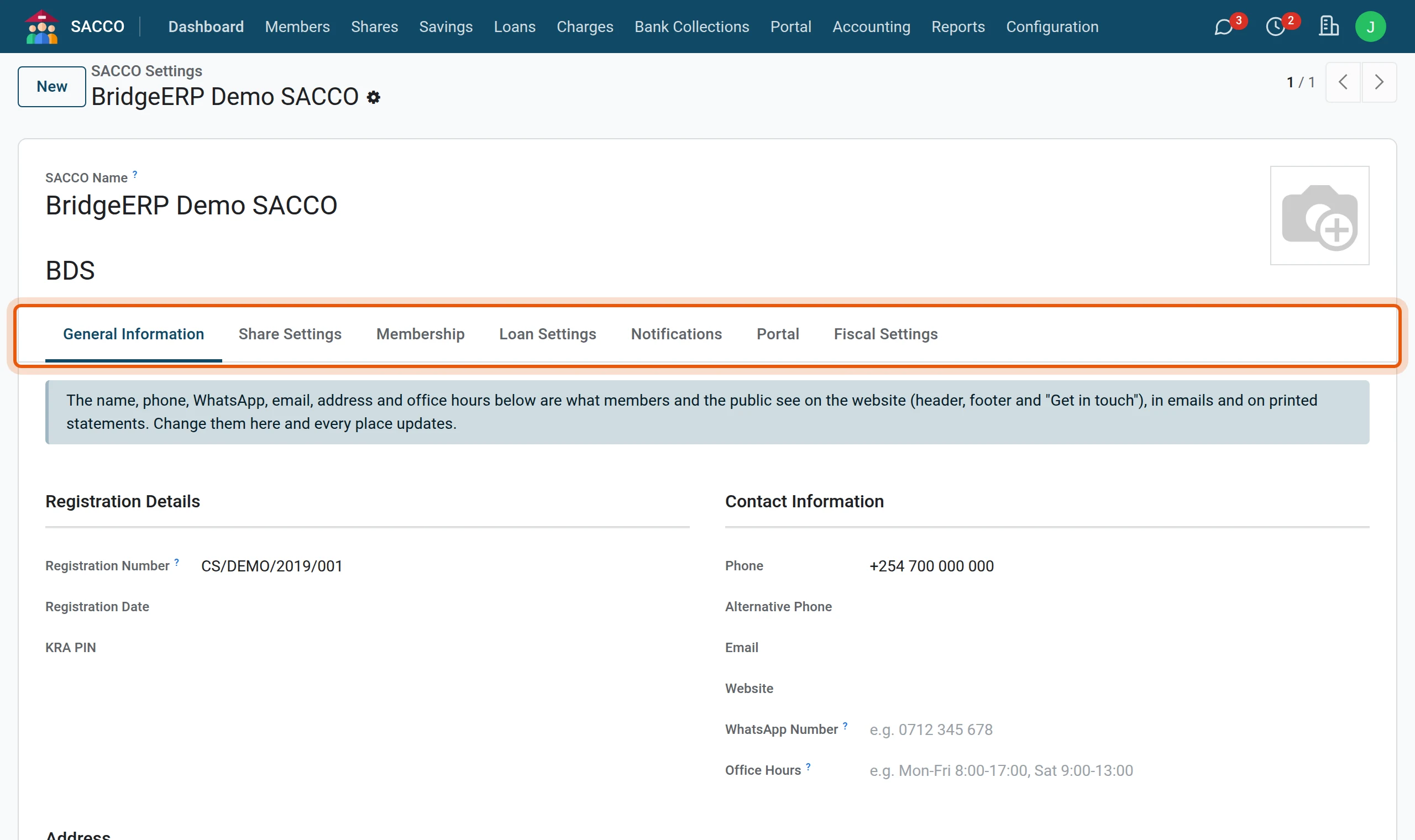
General Information
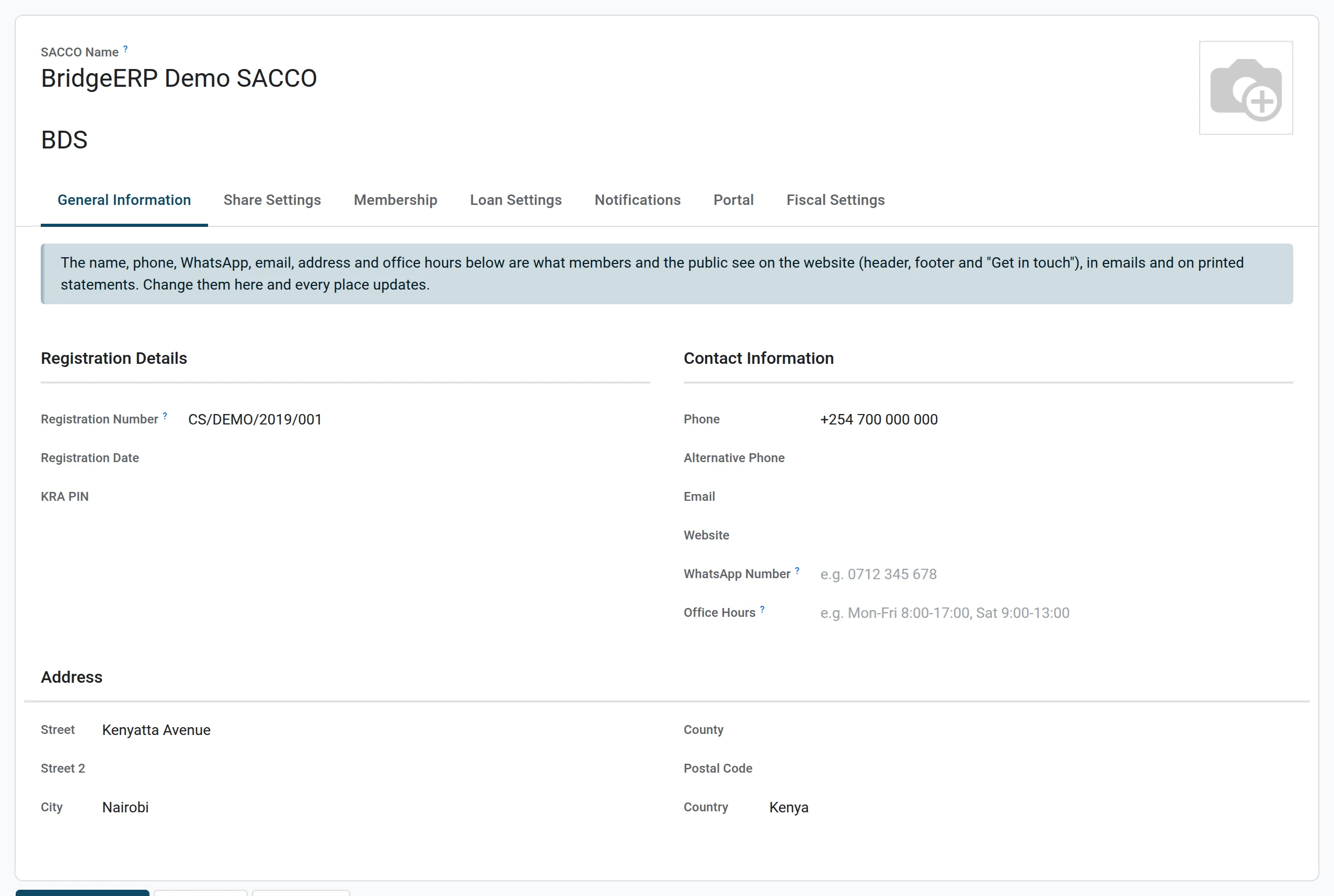
The name, registration number, phone, WhatsApp number, email, office hours and address. Members and the public see these on the website, in emails and on printed statements and receipts.
Share Settings
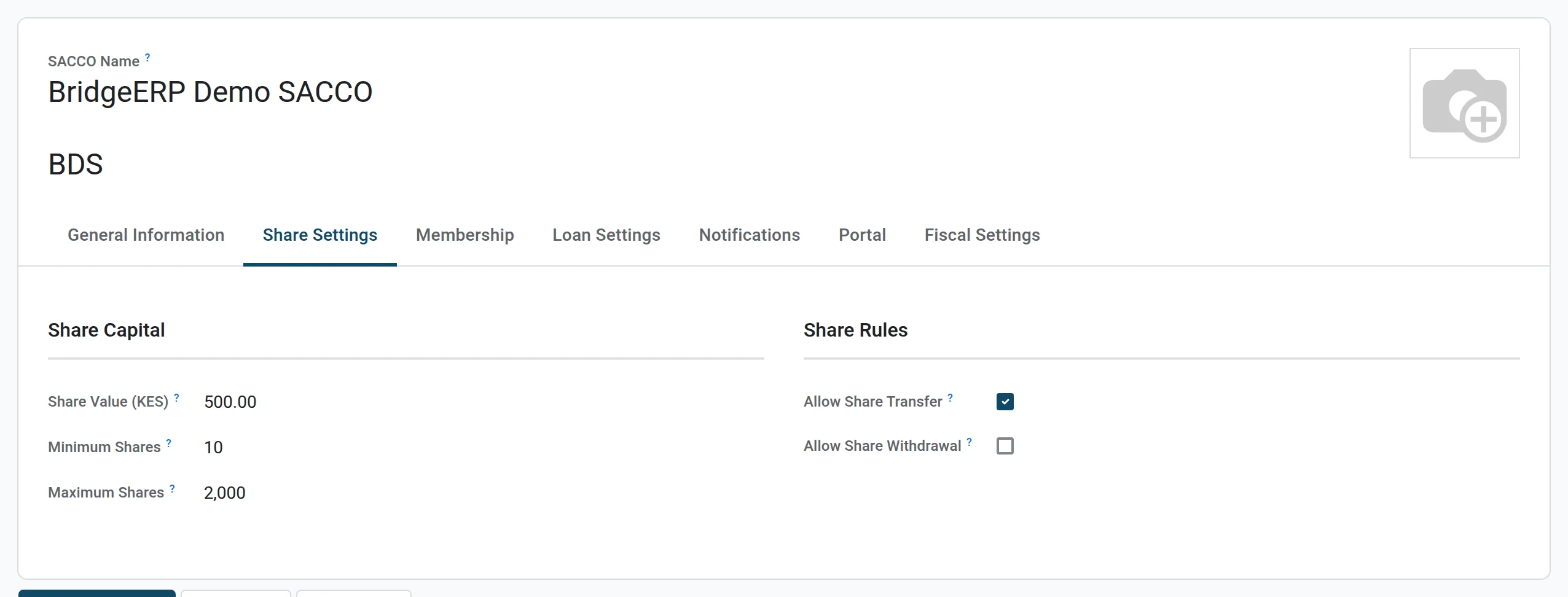
| Field | What it does |
|---|---|
| Share Value | The price of one share. Share transactions multiply the number of shares by it. |
| Minimum Shares | What a new member must buy before the membership becomes active. |
| Maximum Shares | The most one member may hold; 0 means no limit. |
| Allow Share Transfer, Allow Share Withdrawal | Whether your by-laws let members transfer or sell back shares. |
Membership
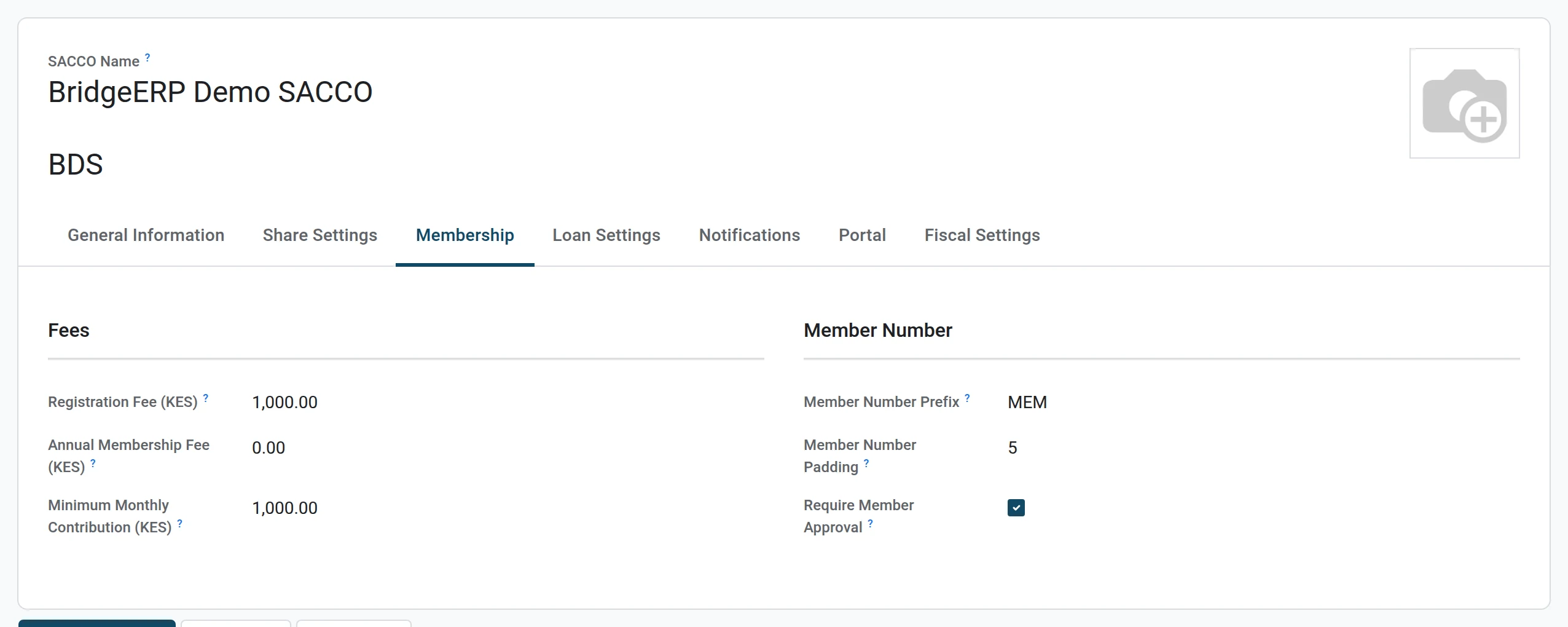
| Field | What it does |
|---|---|
| Registration Fee | The joining fee (also what the online joining form asks for). |
| Annual Membership Fee | A yearly fee, if your SACCO charges one. |
| Minimum Monthly Contribution | What each member is expected to save every month. |
| Member Number Prefix, Member Number Padding | How member numbers look: MEM and 5 give MEM/00061. |
| Require Member Approval | Applications pass through a manager before the member gets a number. |
Loan Settings
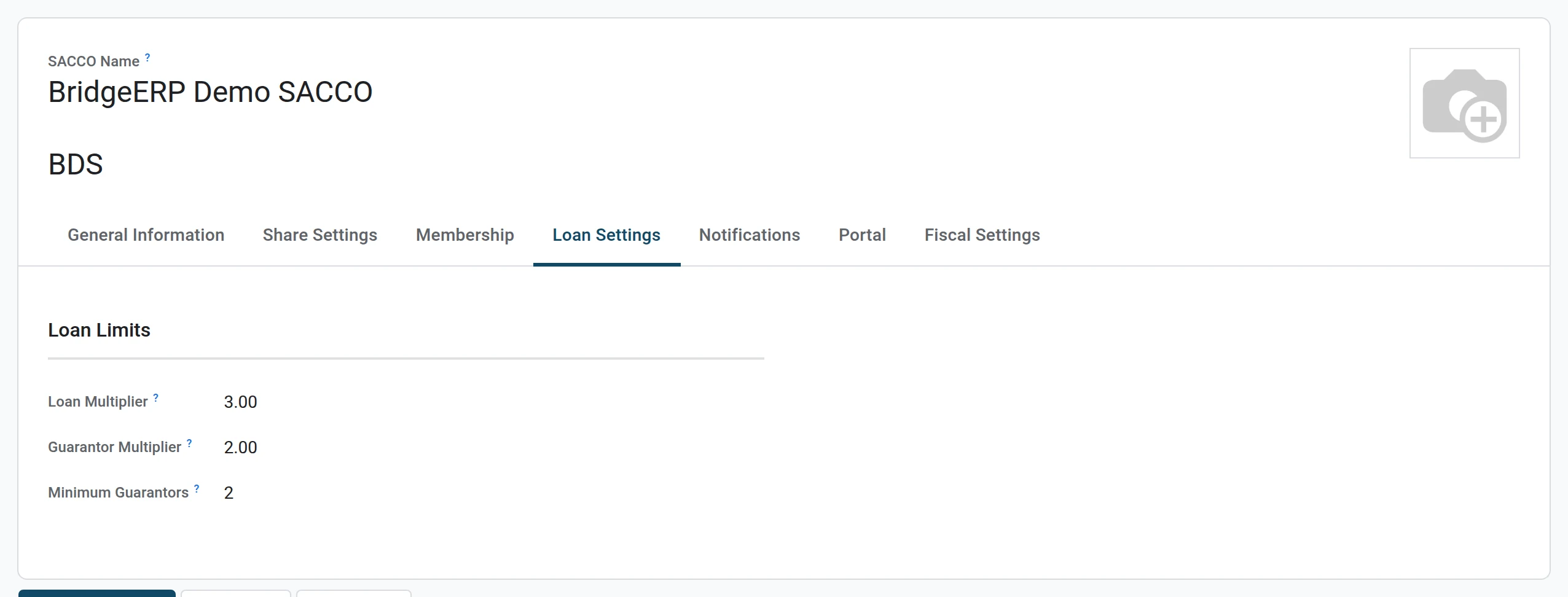
| Field | What it does |
|---|---|
| Loan Multiplier | A member may borrow up to this many times their deposits (3 means three times). |
| Guarantor Multiplier | A guarantor may guarantee up to this many times their own savings. |
| Minimum Guarantors | The default number of guarantors; each loan product can set its own. |
Notifications
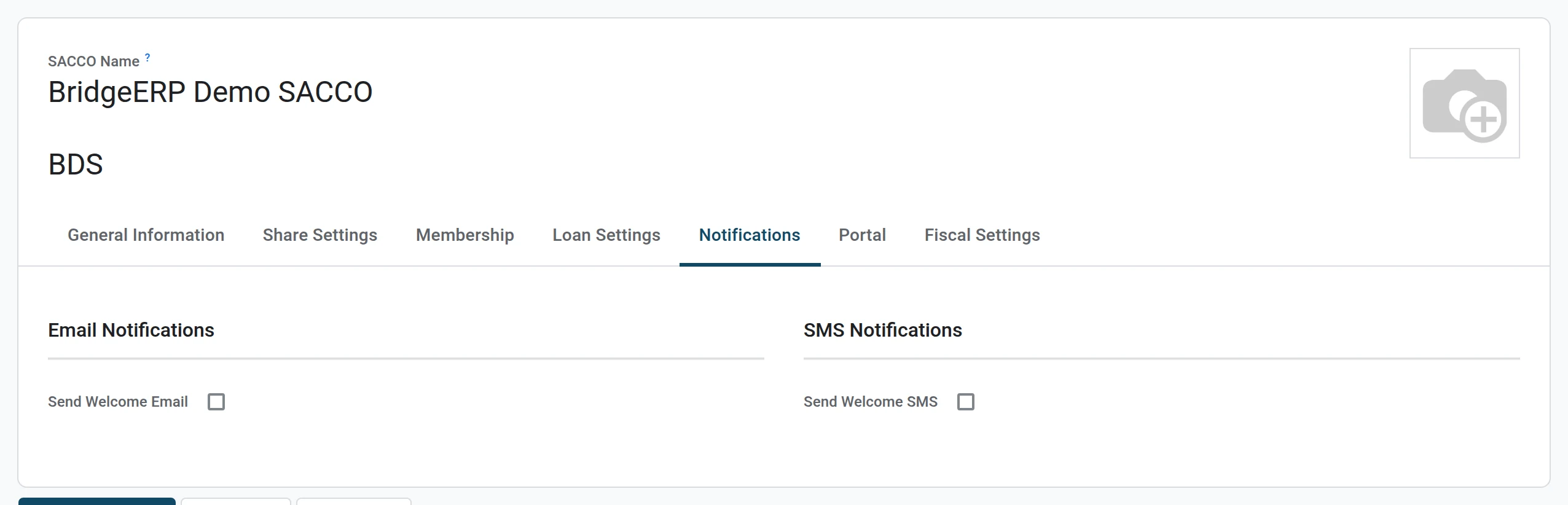
Whether a new member receives a welcome email and a welcome SMS.
Portal
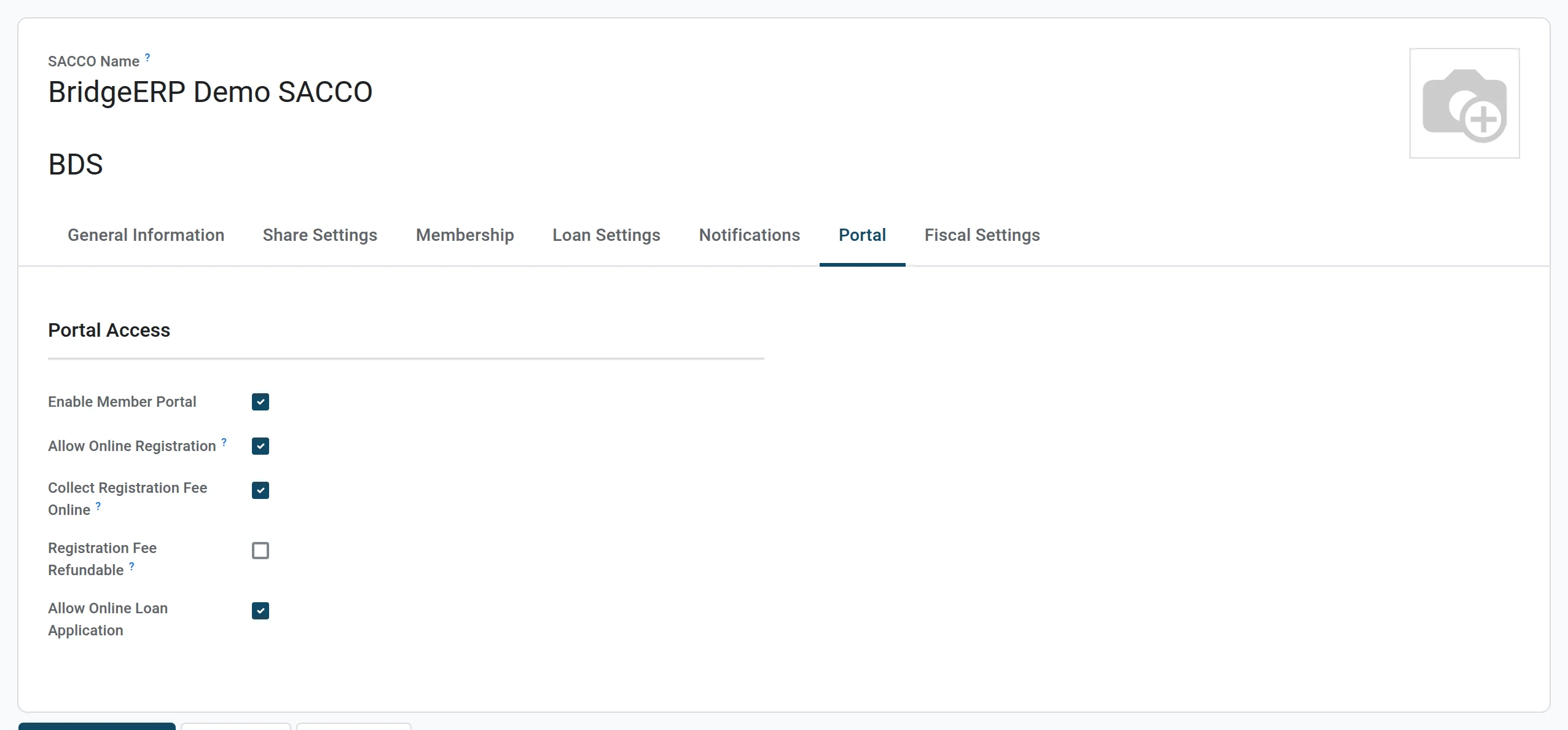
Switches for the member portal, online registration, collecting the registration fee online and online loan applications. See The member portal.
Fiscal Settings
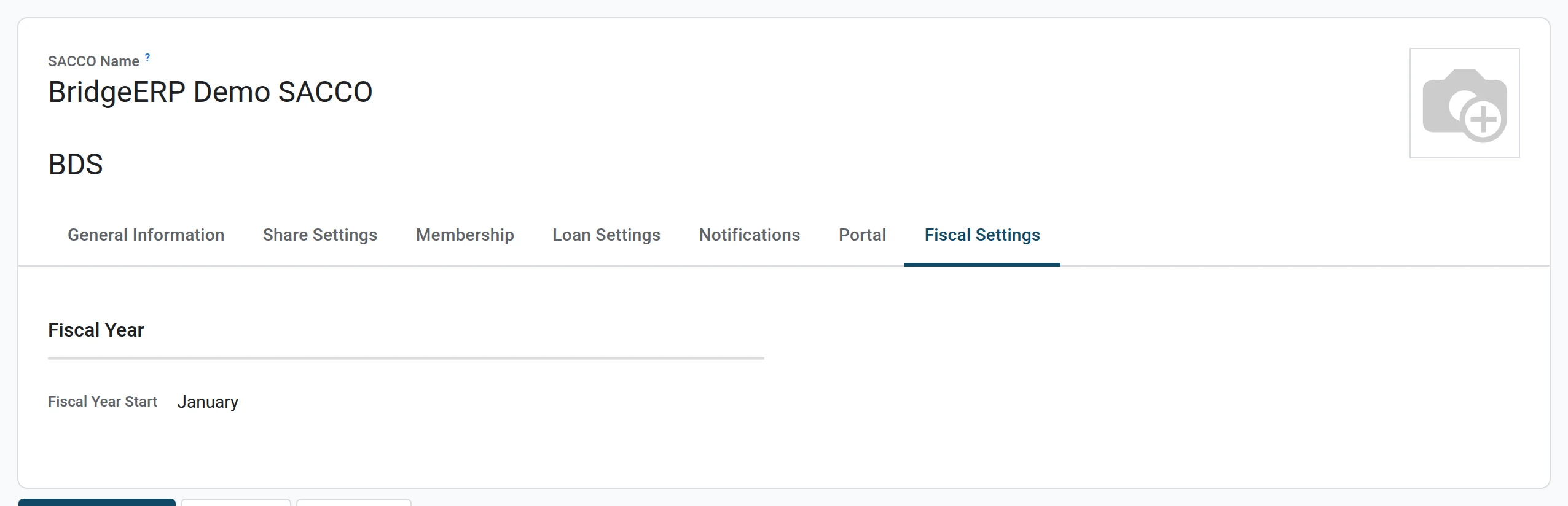
The month your financial year starts.