

Register a new member
A new member starts as an application. You type what is on the membership form, attach the ID and a photo, name a next of kin, and send the file for approval. It takes about five minutes.
Who: Officer (the front office) or anyone above. Before you start: The branch and member category you need already exist (branches and categories).
Tip
Applicants can also fill this form themselves on the website; their application then arrives ready to review. See online joining.
Step by step
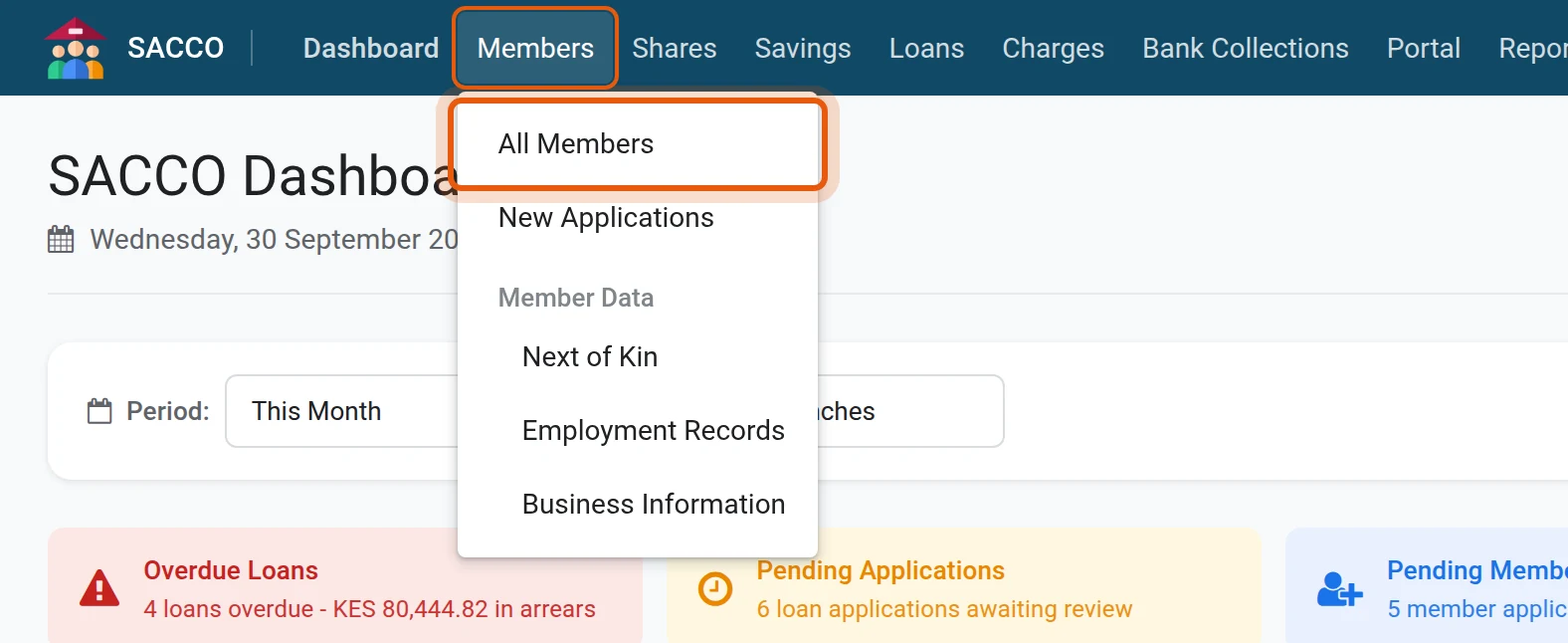
1Open the member register
In the SACCO app, open .
2Start a new member
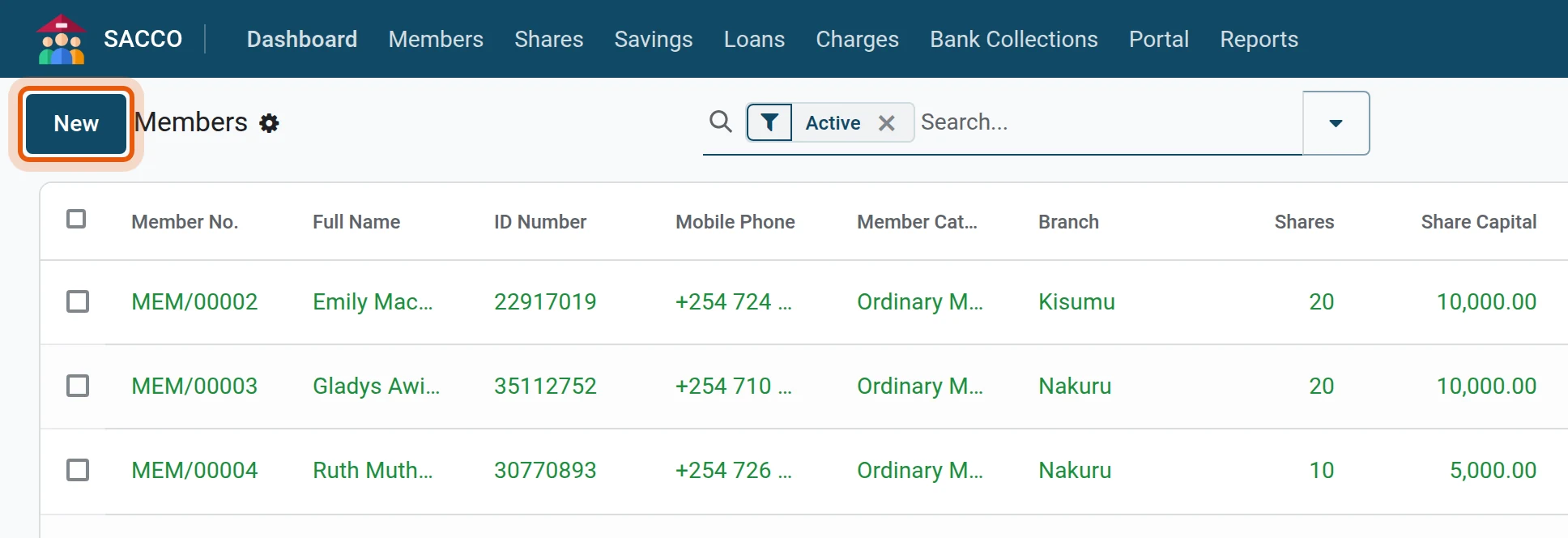
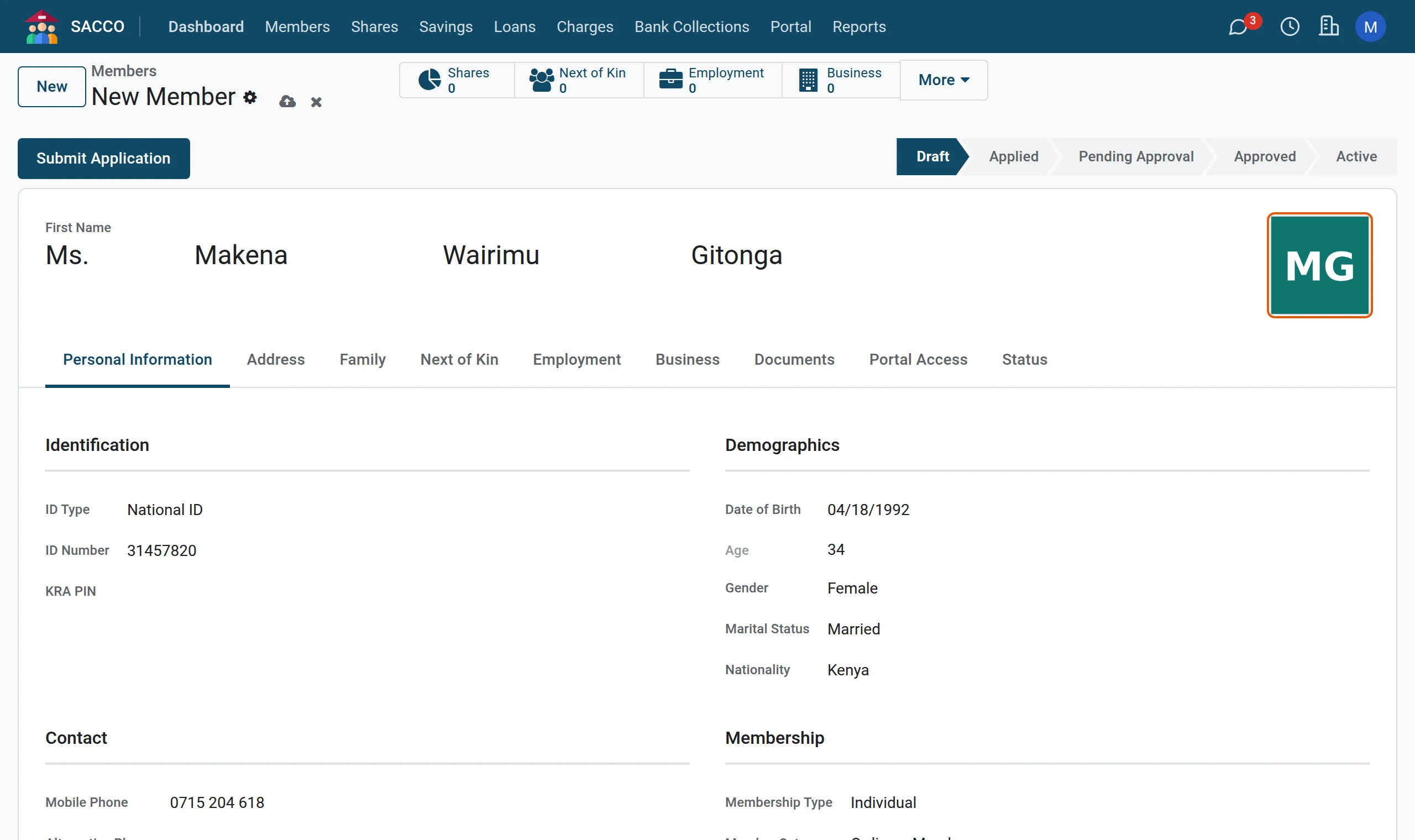
Press New at the top left. An empty member form opens in the status Draft.
3Type the names
In the large boxes at the top, pick the title and type the first, middle and last name as they appear on the ID.

4Identity and date of birth
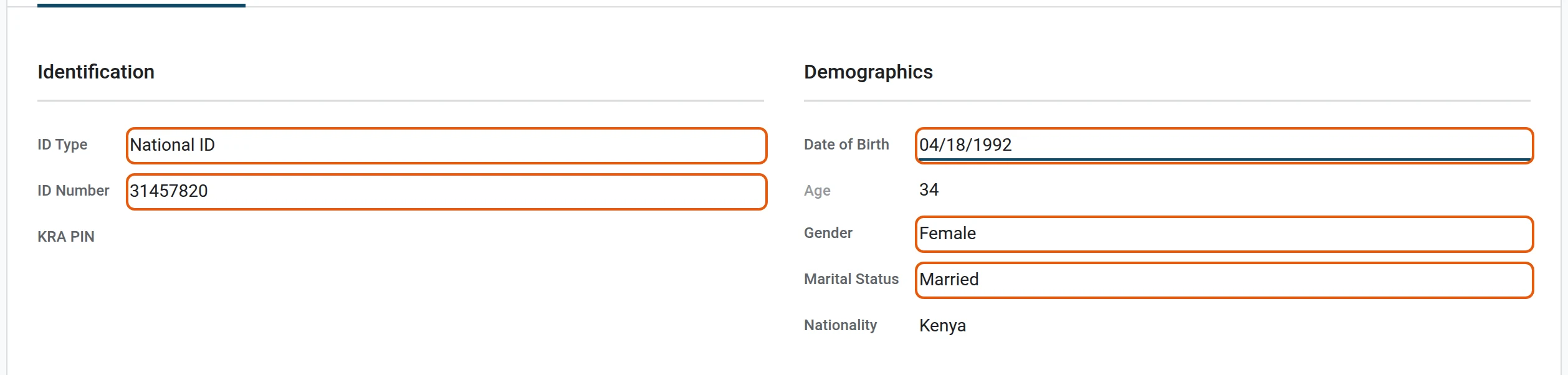
Under Identification choose the ID Type and type the ID Number. Under Demographics type the Date of Birth and pick the Gender and Marital Status. The age is worked out for you; a member must be 18 or older unless the member category allows minors.
5Contacts and membership
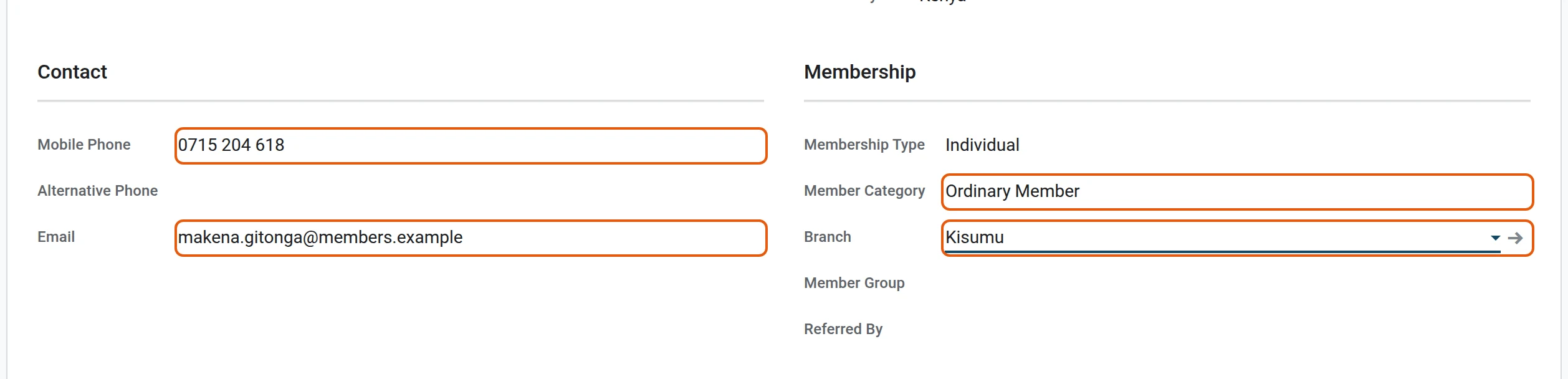
Type the Mobile Phone and the Email (the email becomes the member’s portal login), then pick the Member Category and the Branch.
6Add the photo
Hover over the picture frame at the top right of the form, press the pencil and choose the member’s photo. The photo is required before the file can go for approval.
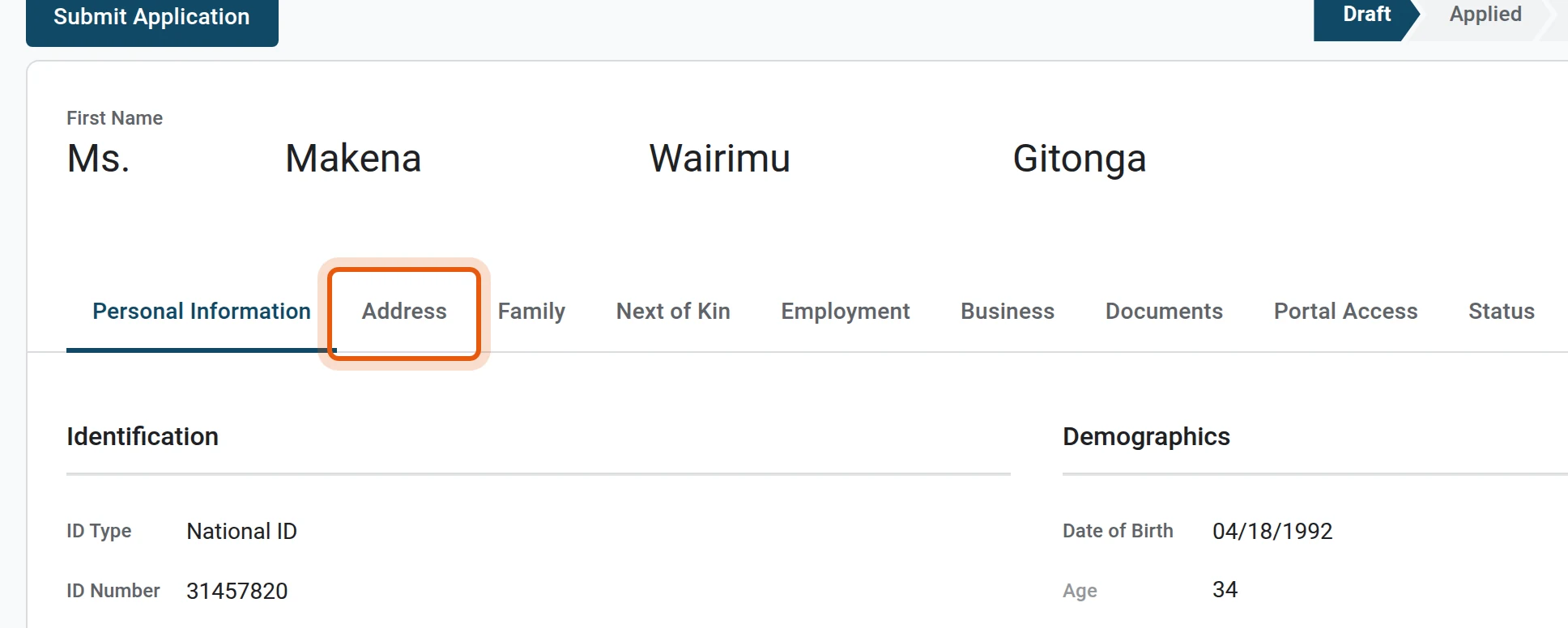
7Address
Open the Address tab.
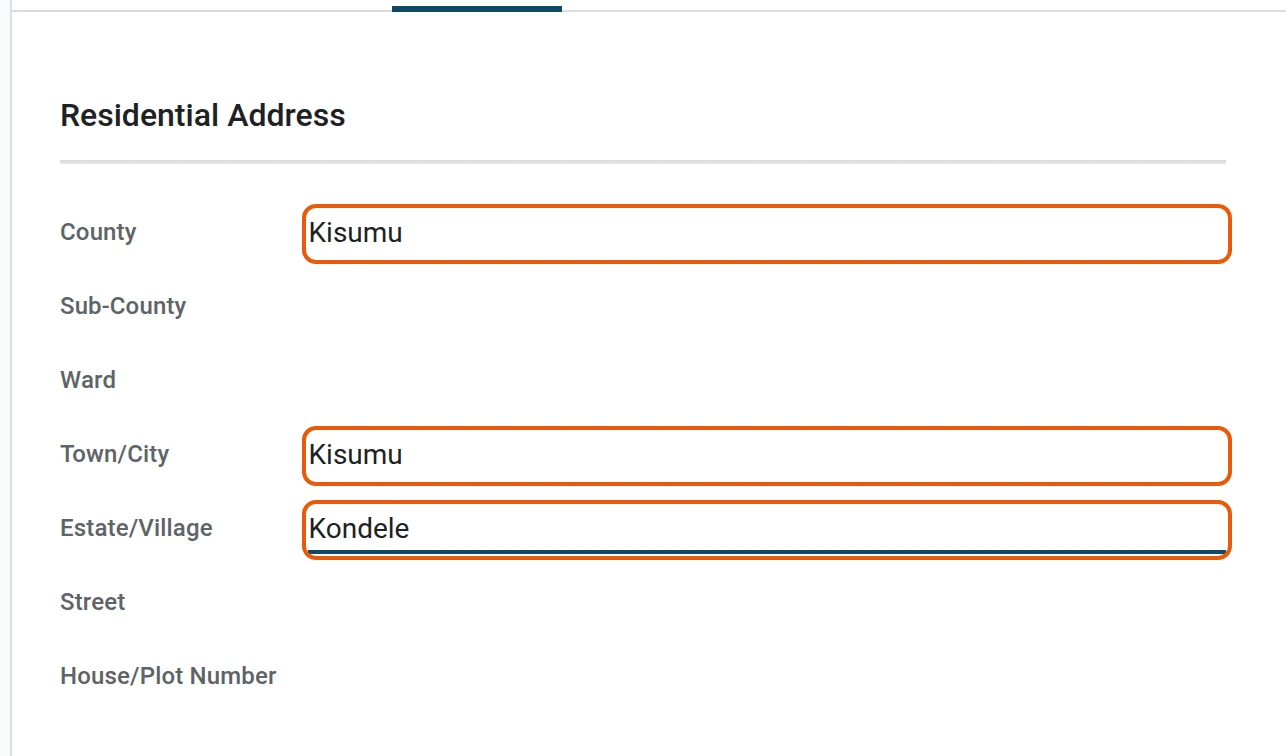
8Fill in where the member lives
Type the county, town and estate or village. The rest is optional.
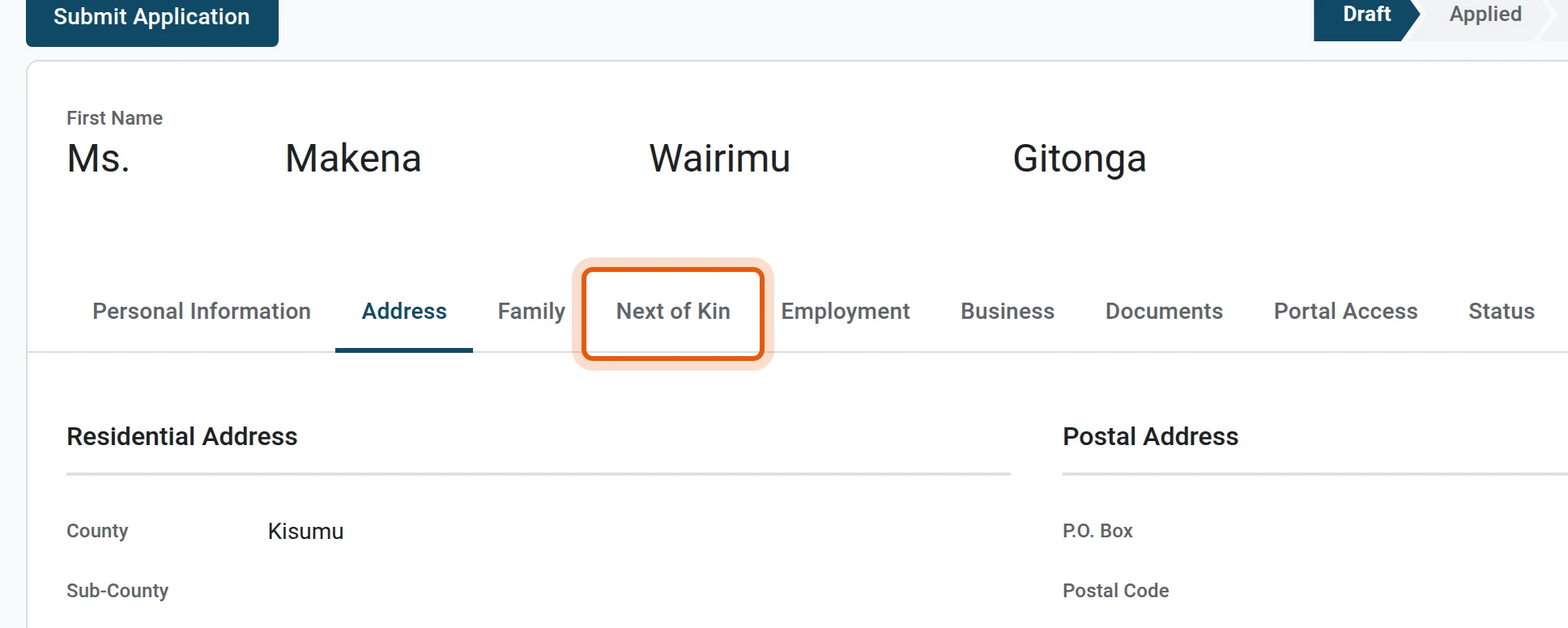
9Next of kin
Open the Next of Kin tab.
10Name at least one next of kin
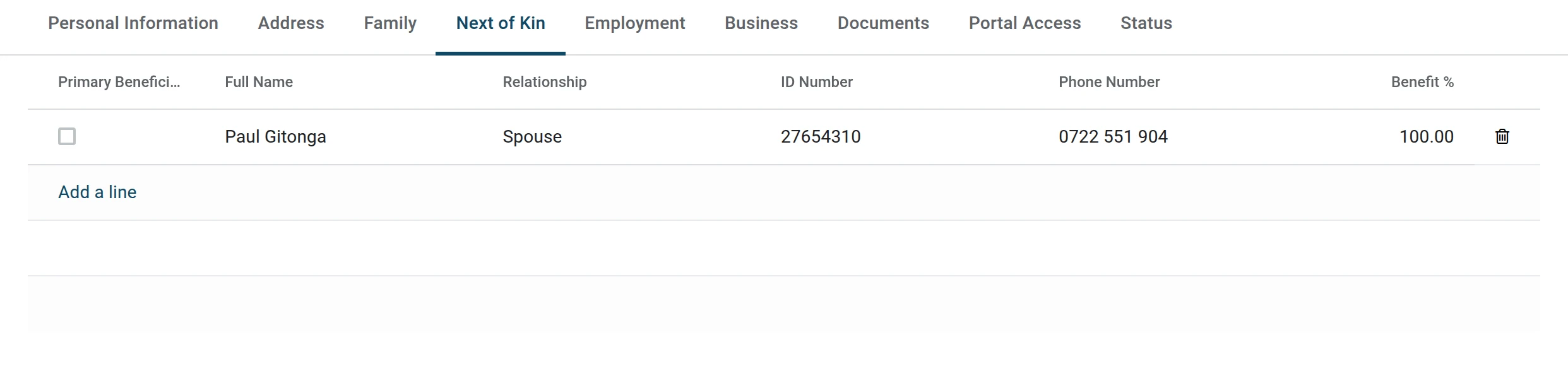
Press Add a line and type the name, relationship, ID number, phone and the share of the benefit this person receives. The percentages of all next of kin may not pass 100. At least one next of kin is required.
11Documents
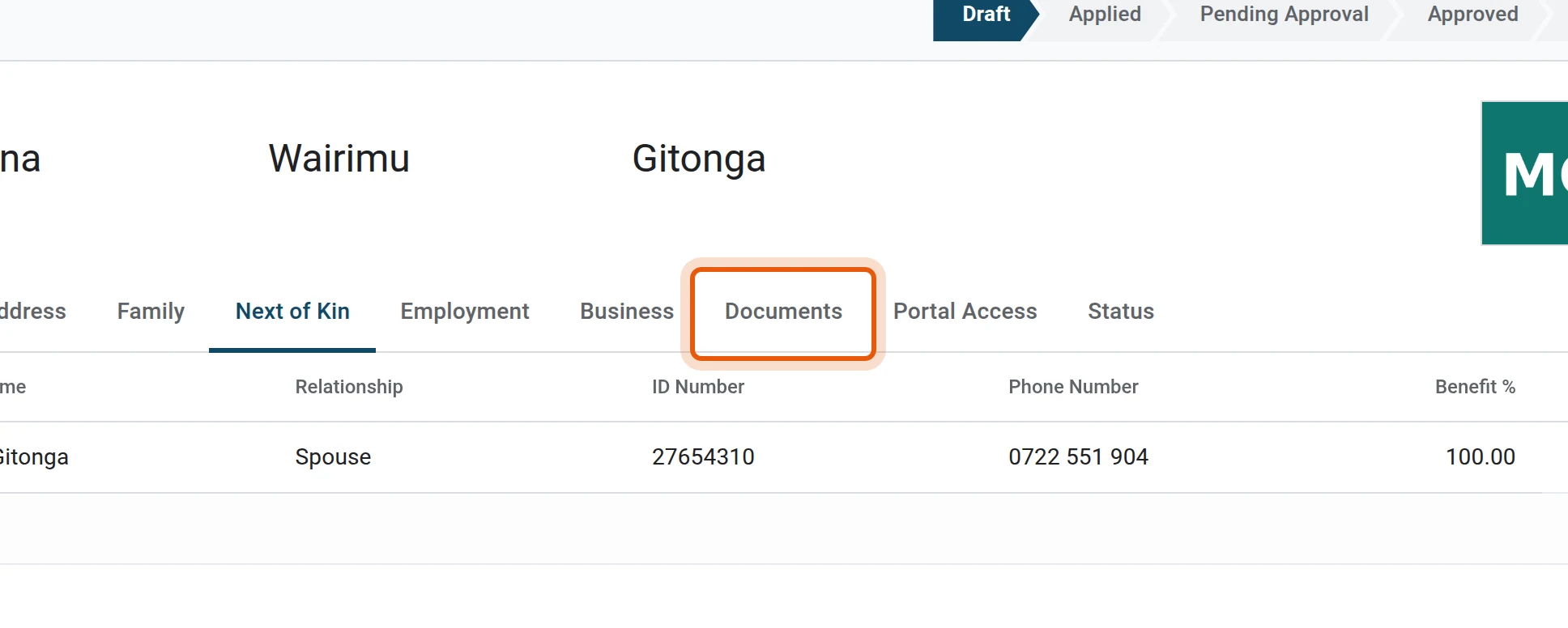
Open the Documents tab.
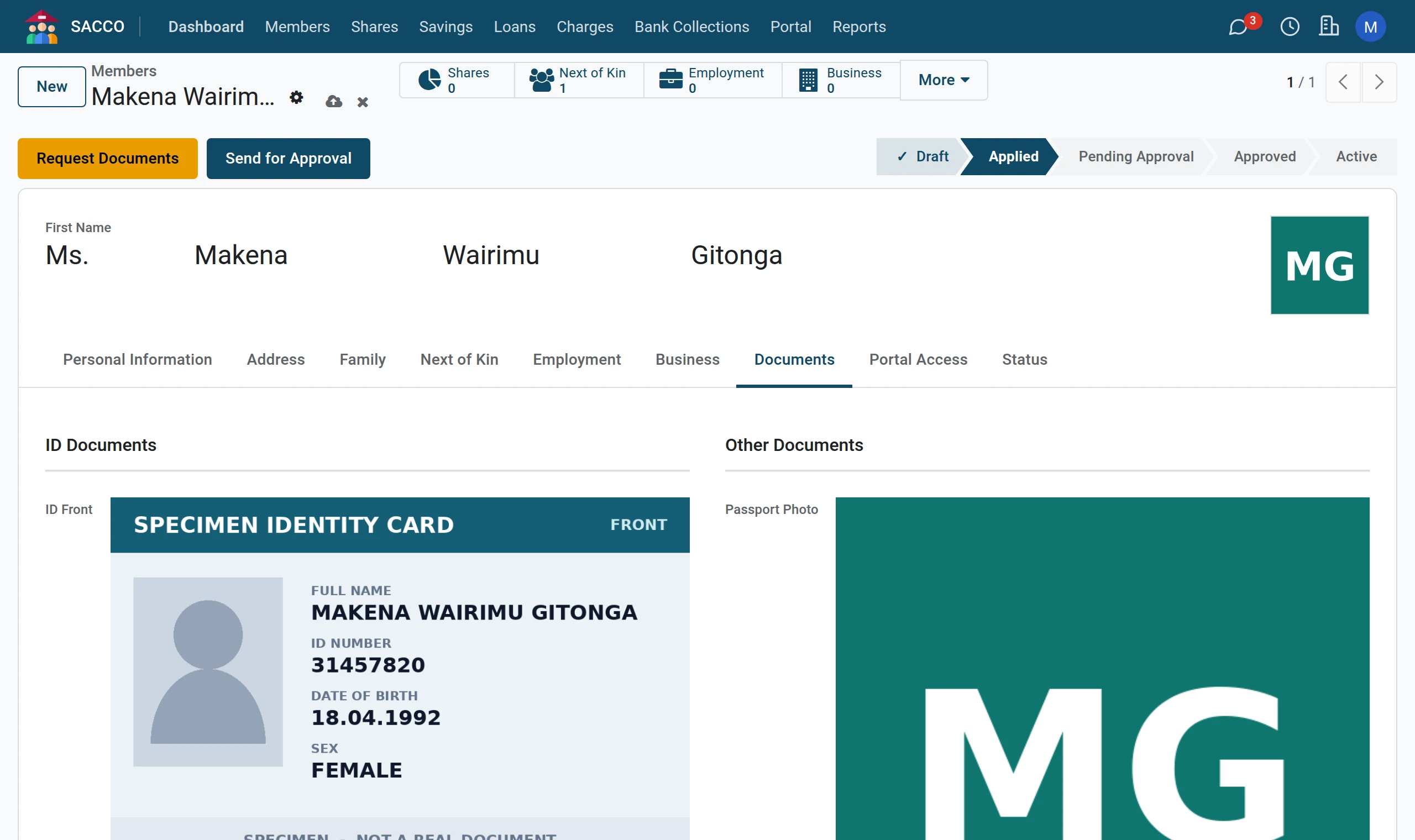
12Attach the ID and signature
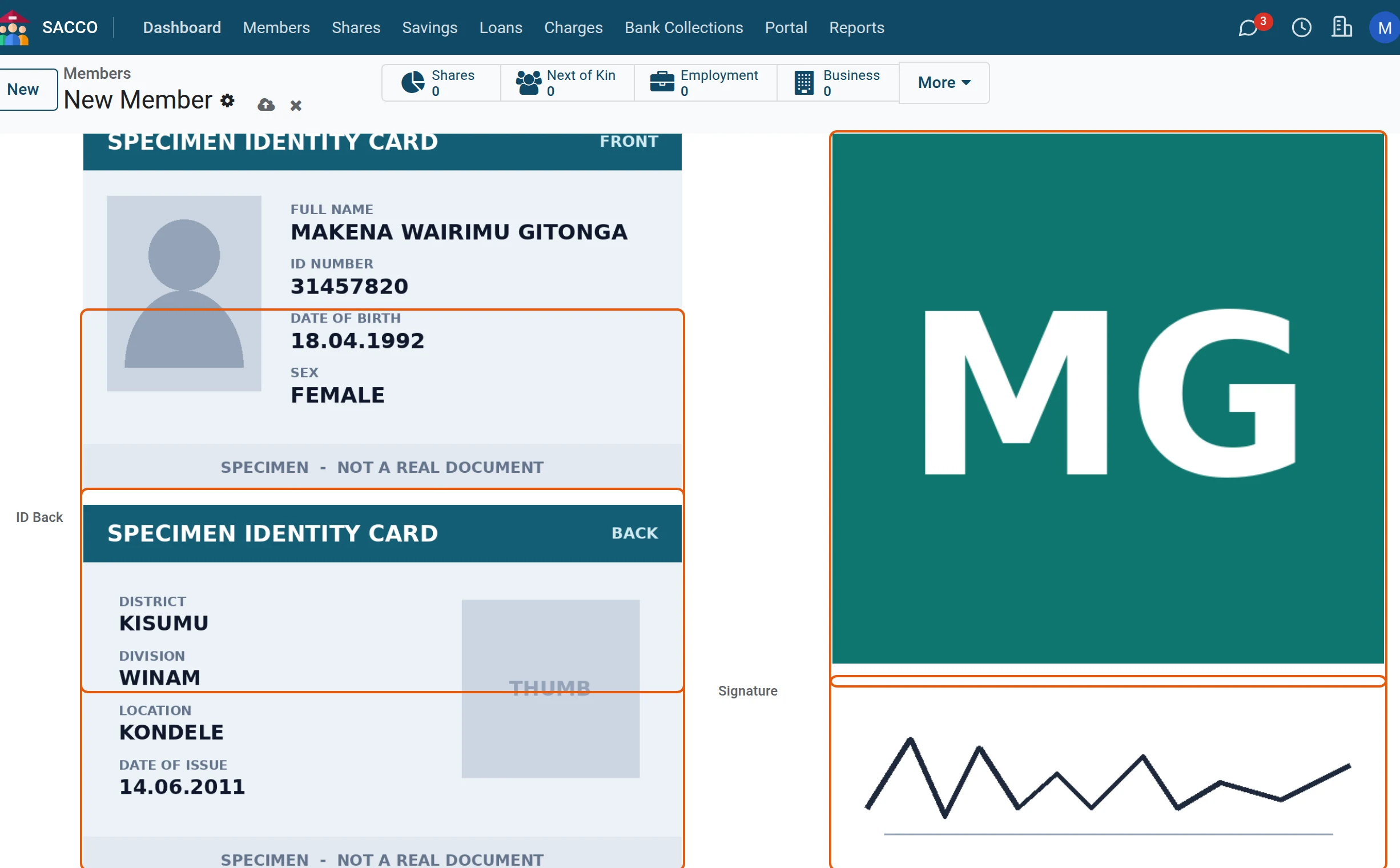
Add a picture of the front and back of the ID, a passport photo and the signature. The ID Front is required; the others are good practice.
13Submit the application
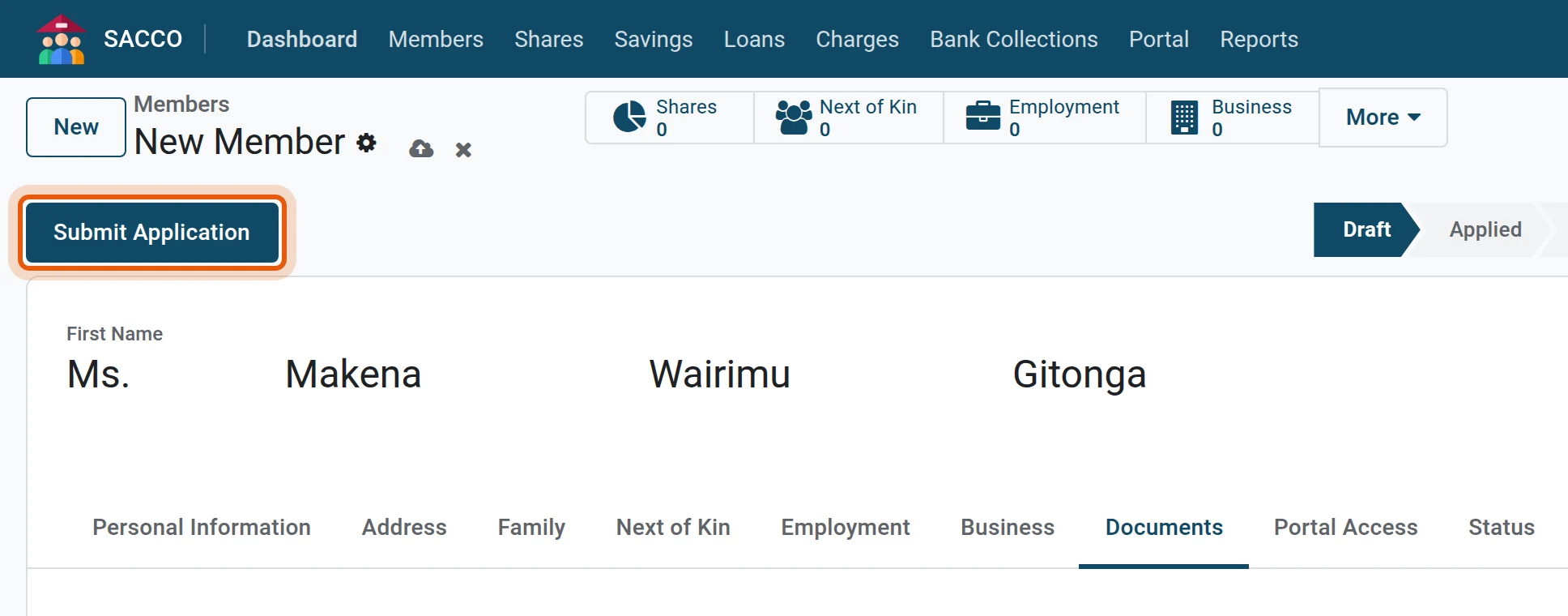
Press Submit Application. The record is saved and the status moves to Applied.
14Send it for approval
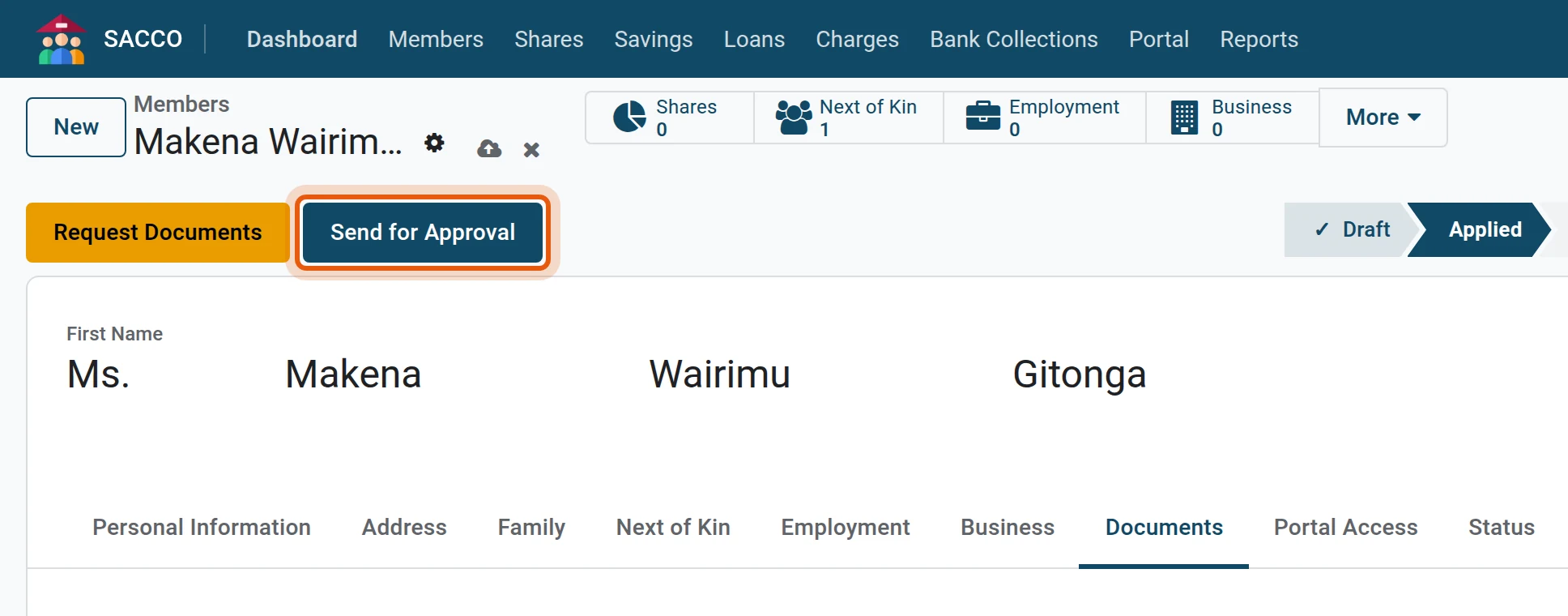
When the file is complete press Send for Approval. If papers are missing, press Request Documents instead; the application waits until they arrive.
What happens next
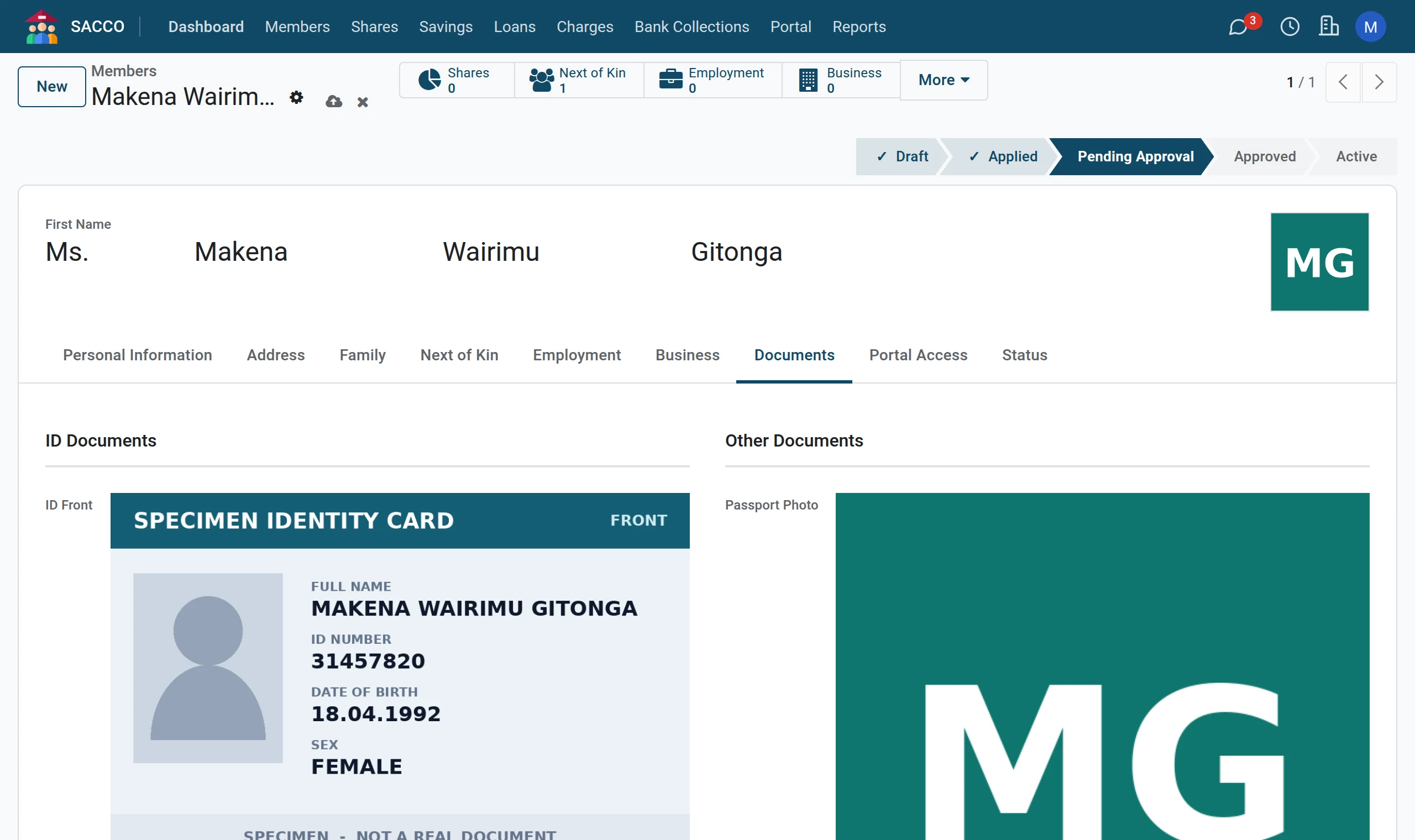
The application now sits under for a manager. Go on to approve and activate the member.
If the form stops you
| Message | What to do |
|---|---|
| Member must be at least 18 years old. | Check the date of birth, or choose a member category whose minimum age allows this member. |
| Please enter a valid Kenyan phone number. | Type the mobile number as 07… or 01… (ten digits) or with +254. |
| National ID must be 6-8 digits. | Check the number, or pick another ID Type (passport, alien ID). |
| ID document front copy is required. | Add the ID Front picture on the Documents tab. |
| Member photo is required. | Add the photo in the frame at the top right. |
| At least one next of kin is required. | Add a line on the Next of Kin tab. |
| Total benefit percentage for next of kin cannot exceed 100%. | Lower the percentages until they add up to 100 or less. |