

Co-operative Bank of Kenya collections
SACCO Co-op Bank Collections collects through the Co-operative Bank: members pay at the bank’s M-Pesa paybill into the SACCO’s account, the bank tells the system, and the member is credited. Members can also announce a payment on the portal, or receive a prompt on their phone.
Who: Administrator sets up; Officer reviews. Before you start: A collection account at Co-operative Bank of Kenya and Co-op Connect API access for it.
Connect the bank
Open . This screen holds the keys of your bank connection: keep it to the administrator.
| Where | What to fill |
|---|---|
| Bank Identity | Operator Code issued by the bank, the SACCO Account Number the collections settle into, the Bank User Id |
| API Credentials | The consumer key and secret of your Co-op Connect application |
| Callback URLs to give Co-op | Two addresses the system shows you. Give both to the bank: they are where the bank announces payments |
| Collection Rules tab | Minimum Top-up, Maximum Per Transaction and Daily Ceiling; Offer M-Pesa Prompt (STK Push) once the bank has enabled prompts for you |
| Savings Posting tab | Default Savings Product, Open Account On First Top-up, Auto-confirm Verified Payments, Auto-credit Bank Notifications and Auto-credit From Account Statement |
| Paybill tab | The M-Pesa Paybill number, the Paybill Account Format members are told to type, and Extra Paybill Instructions shown on the portal |
Press Test Bank Connection: the result is kept on the Last Test tab.
Warning
Rotate Callback Token changes the two callback addresses at once. The bank must be given the new ones, or payments stop arriving.
How a payment reaches the member
| Way | What happens |
|---|---|
| The member pays at the paybill | The bank notifies the system. The member is found from the member number in the account typed, then from the phone that paid, and credited. |
| The member announces the payment on the portal | Pay the SACCO on the portal shows the paybill steps and records what the member is about to pay. The bank notification then confirms it. |
| The account statement | Every few minutes the SACCO account statement is read from the bank and any paybill deposit not yet recorded is credited. A payment is never credited twice. |
| A prompt on the phone | With prompts enabled, Request Payment on a member sends an M-Pesa prompt; nothing is posted until the bank confirms. |
Payments waiting for you
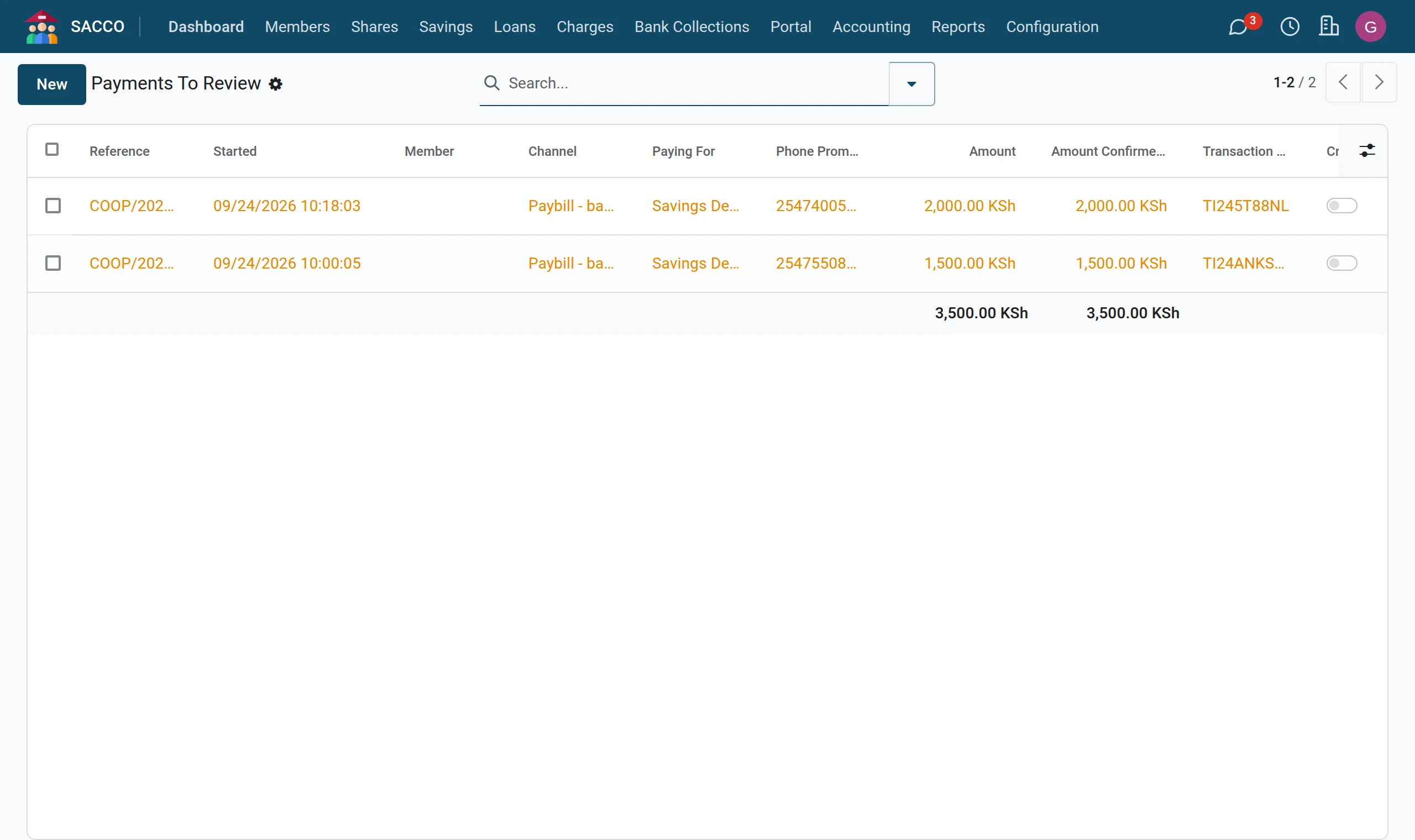
1Open what is waiting
Open . These are payments the bank reported that could not be matched to a member, or that are held because automatic crediting is switched off.
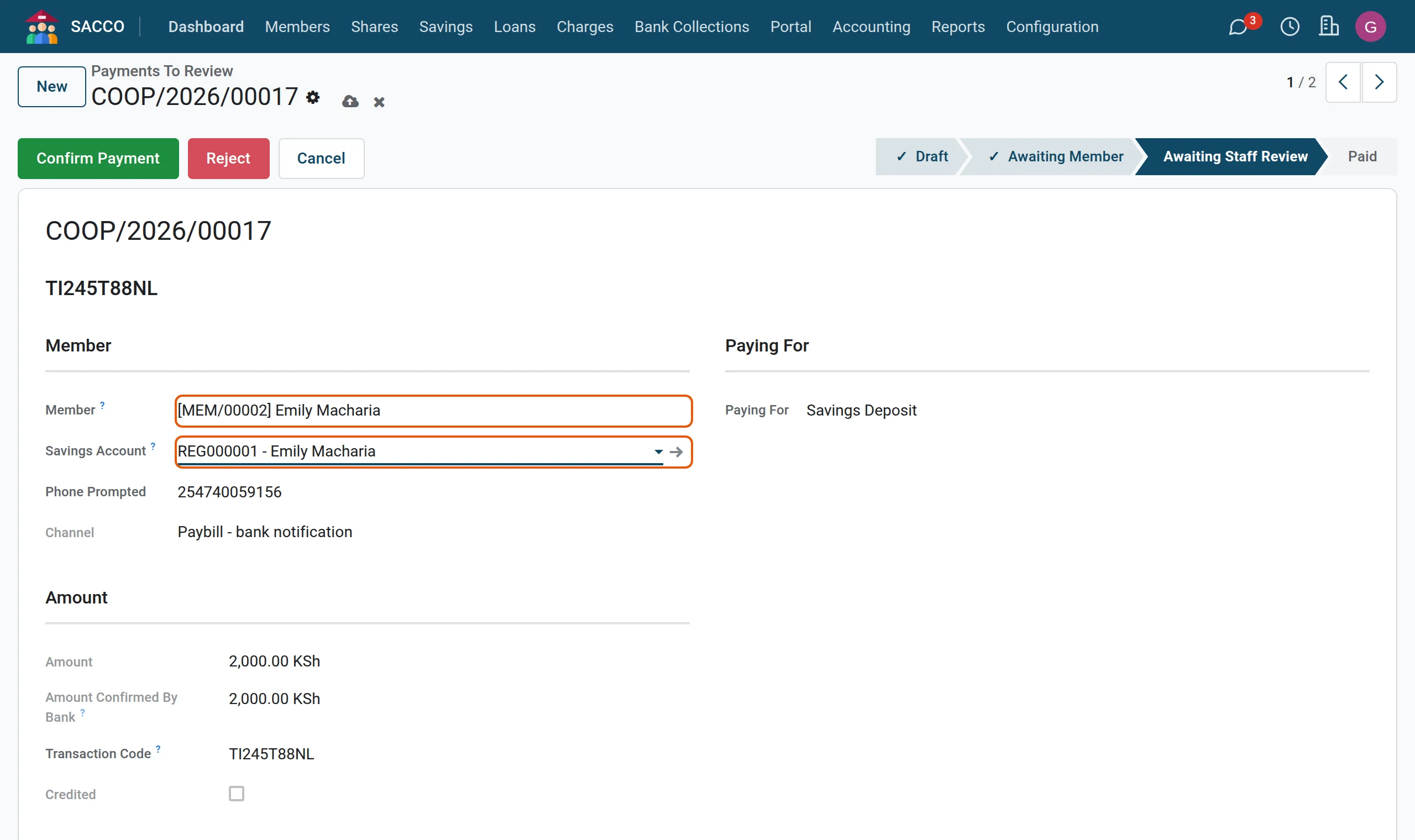
2Pick the member
Open the payment. The Transaction Code, the amount and what the payer typed are shown. Pick the Member and the Savings Account.
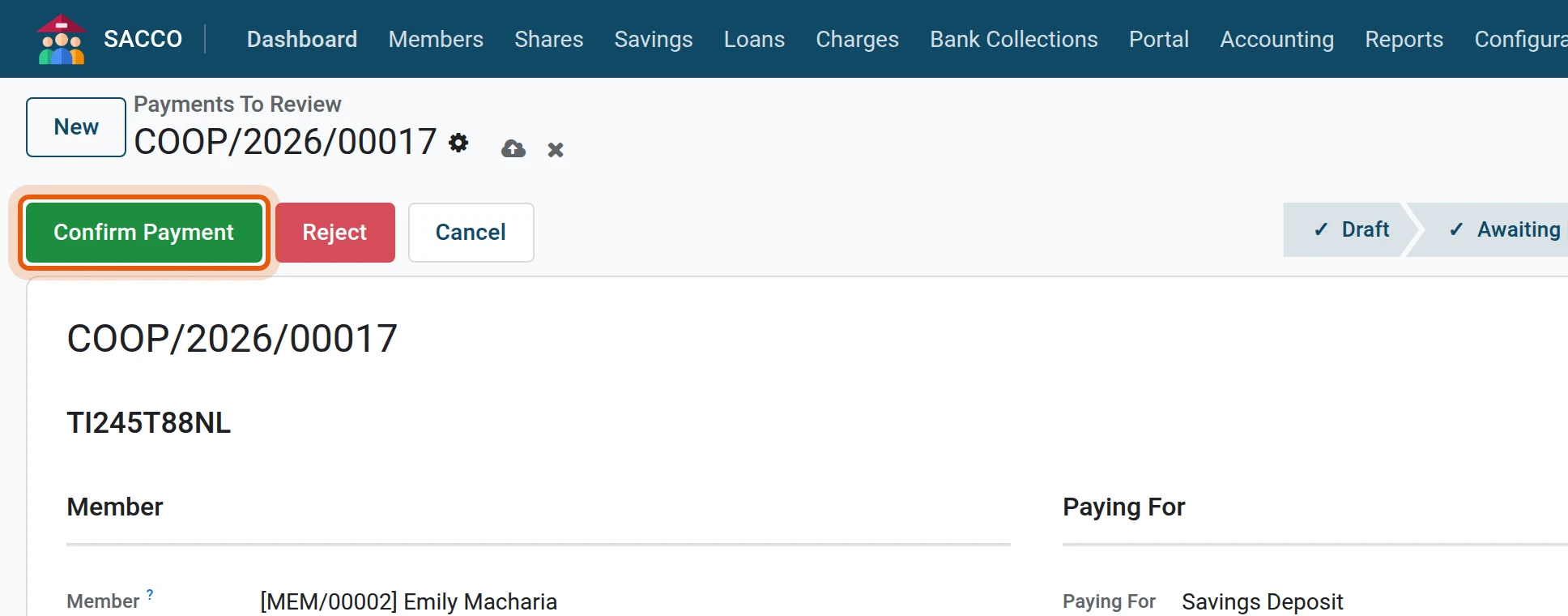
3Confirm
Check that the payment is on the SACCO bank account, then press Confirm Payment and confirm. The member is credited; Where The Money Went on the SACCO Posting tab says what was posted.
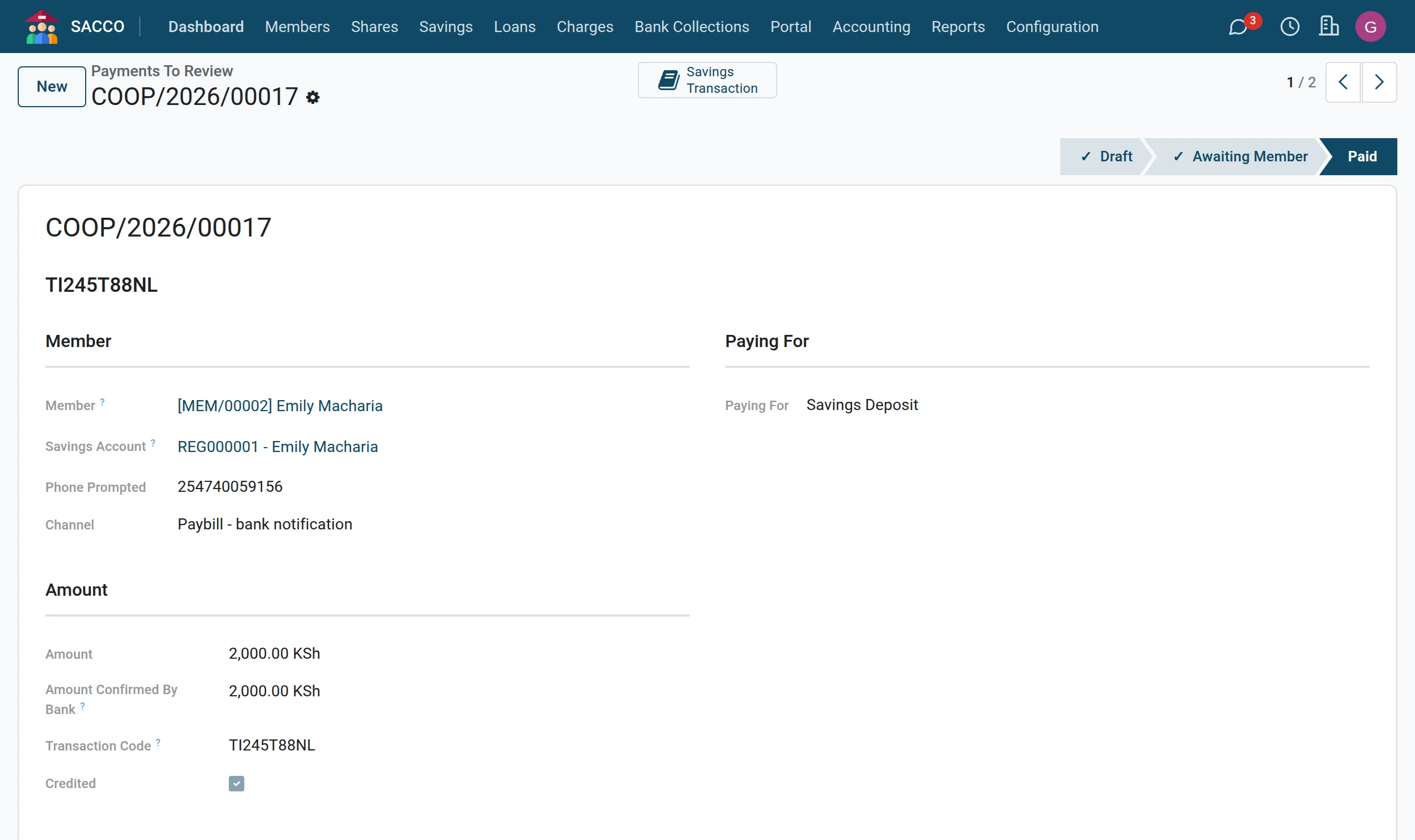
Reject refuses a payment that is not yours to credit. Post Again retries a confirmed payment whose posting failed (the reason is shown in red on the payment).
The bank statement feed
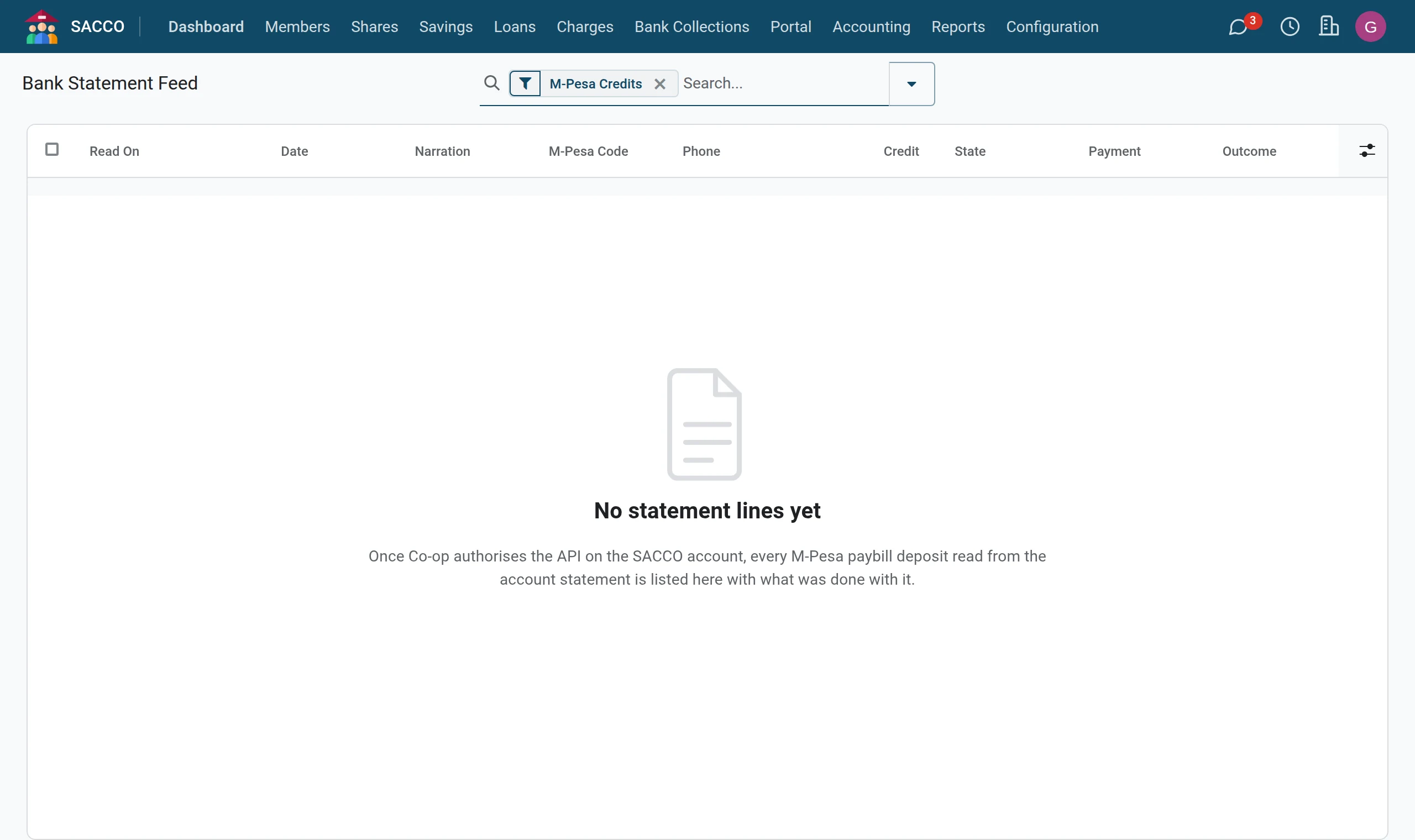
Each line of the bank statement is kept with its outcome: Processed (credited), Already Recorded, Not a Member Payment (charges, money out), Before Go-live (on the statement before the feed started, not credited) or Error. lists every message the bank sent.
If you are stopped
| Message | What it means |
|---|---|
| Co-op Bank is not configured yet. … | Fill the consumer key, the secret and the operator code in the settings. |
| Pick the member this payment belongs to before confirming. | Fill Member. |
| That transaction code is already recorded. Please check it. | The same M-Pesa code is on another payment. |
| The smallest top-up is KES … / The largest single top-up is KES … | The amount is outside the limits of the Collection Rules tab. |
| This would take today’s collections past the bank daily ceiling of KES … | The daily ceiling is reached. |
| A credited payment cannot be rejected. Reverse the transactions it created instead. | Reverse the deposit or repayment. |
| The bank returned an empty result. M-Pesa STK Push is not yet enabled … | The bank has not enabled prompts for your operator code yet: members use the paybill. |