

Find members and export the register
The register answers most questions without a report: search it, filter it, group it, and export what you see.
Who: Any SACCO user.
Search
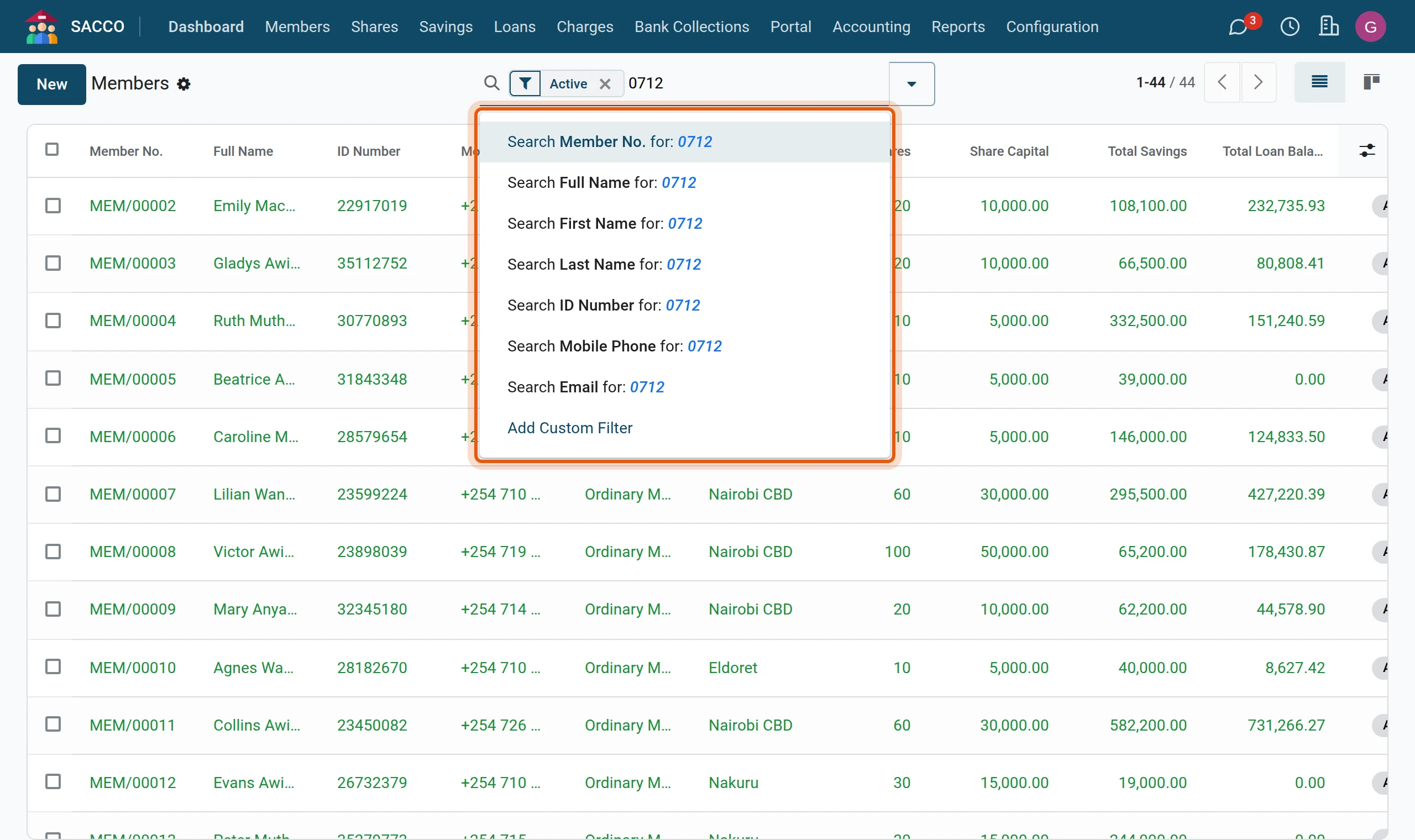
1Type what you know
In type part of a name, a member number, an ID number, a phone number or an email in the search bar. The box offers the field to search; pick one or press Enter for the first.
2Filter by status
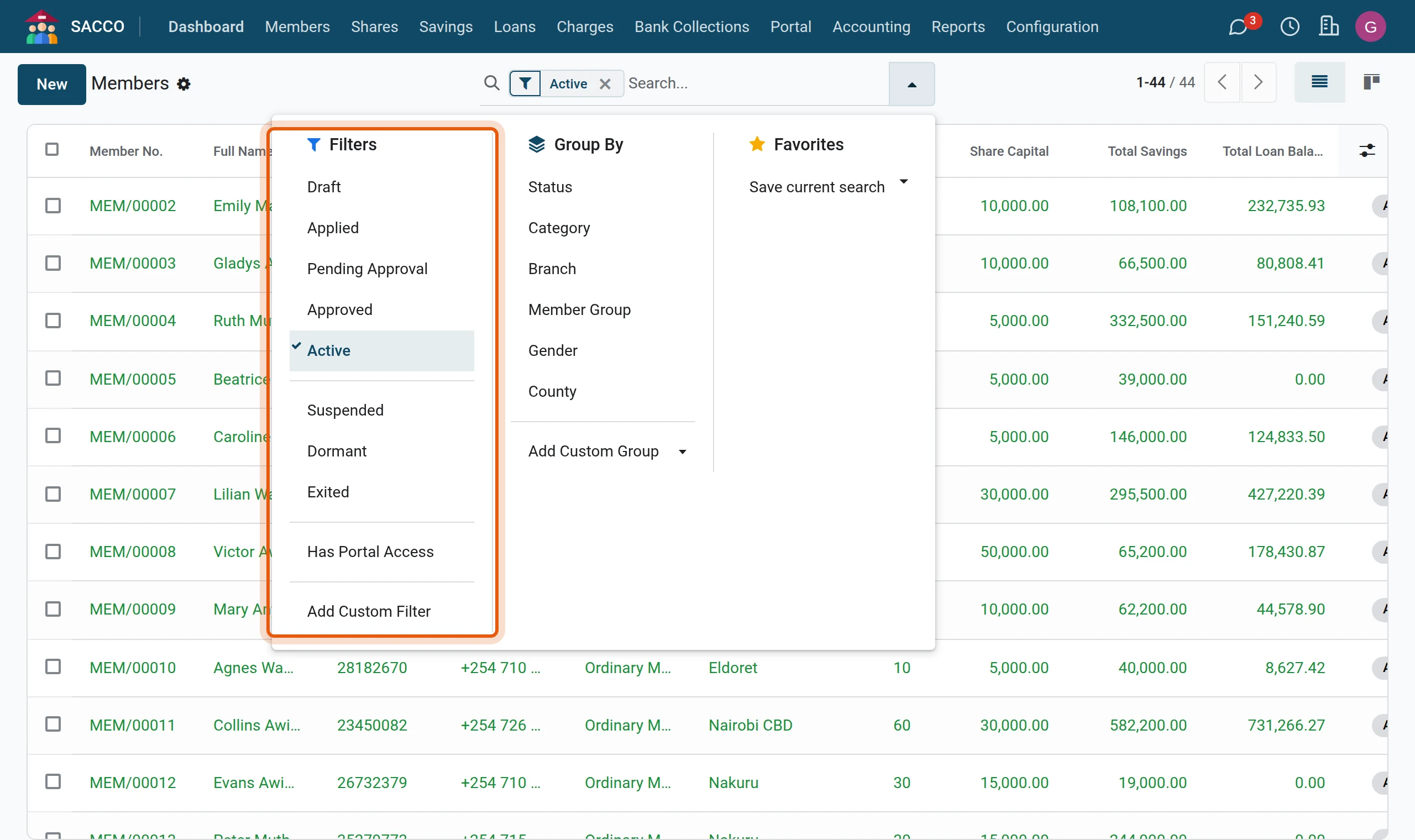
Open the filter list with the arrow at the right of the search bar. The list opens on Active; tick another status (Draft, Applied, Pending Approval, Approved, Suspended, Dormant, Exited) or Has Portal Access.
3Group the register
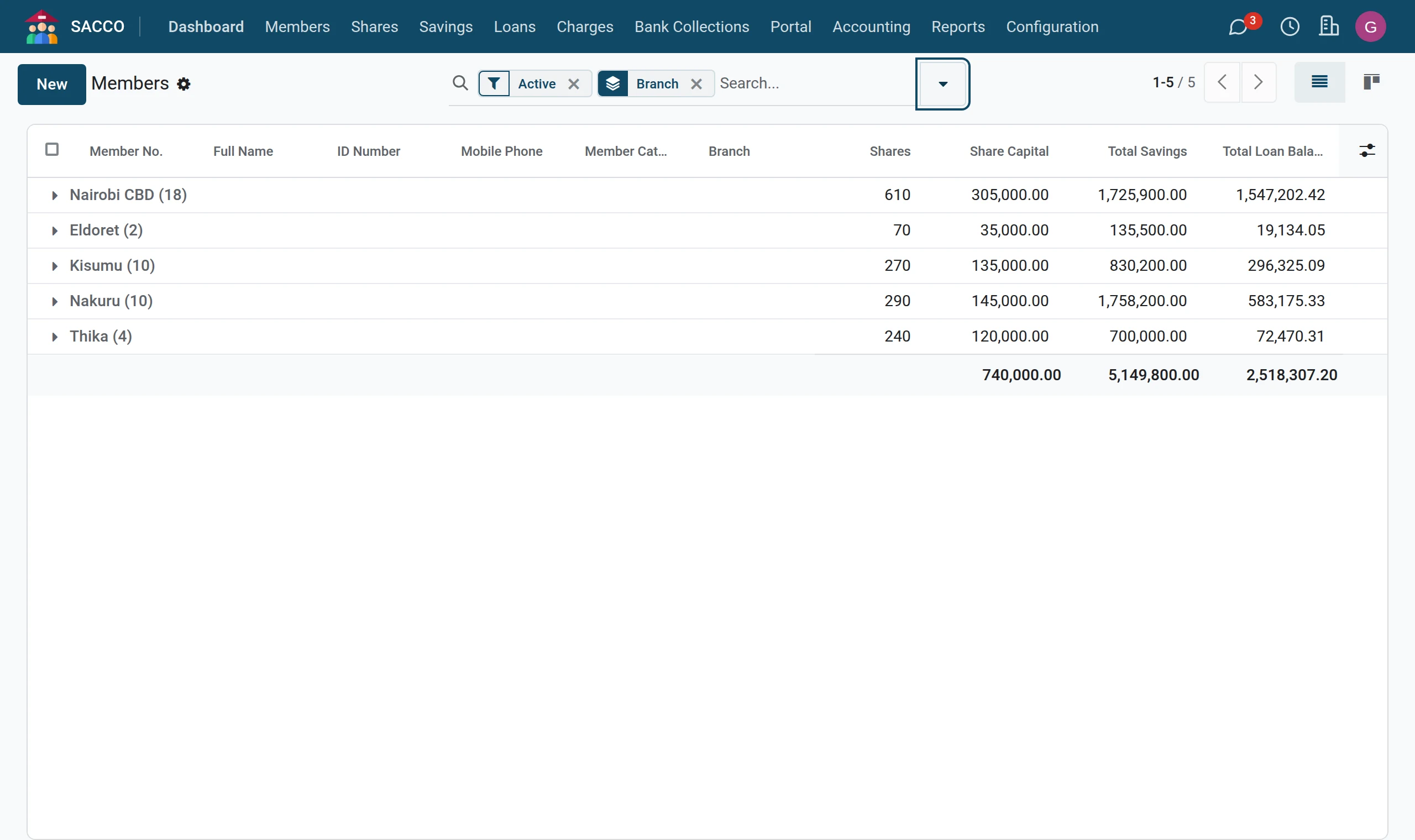
Under Group By pick Branch, Category, Status, Member Group, Gender or County. Each group shows its number of members and the totals of shares, savings and loans.
Export to Excel
Who: A user with the right Access to export feature (see Users and roles).
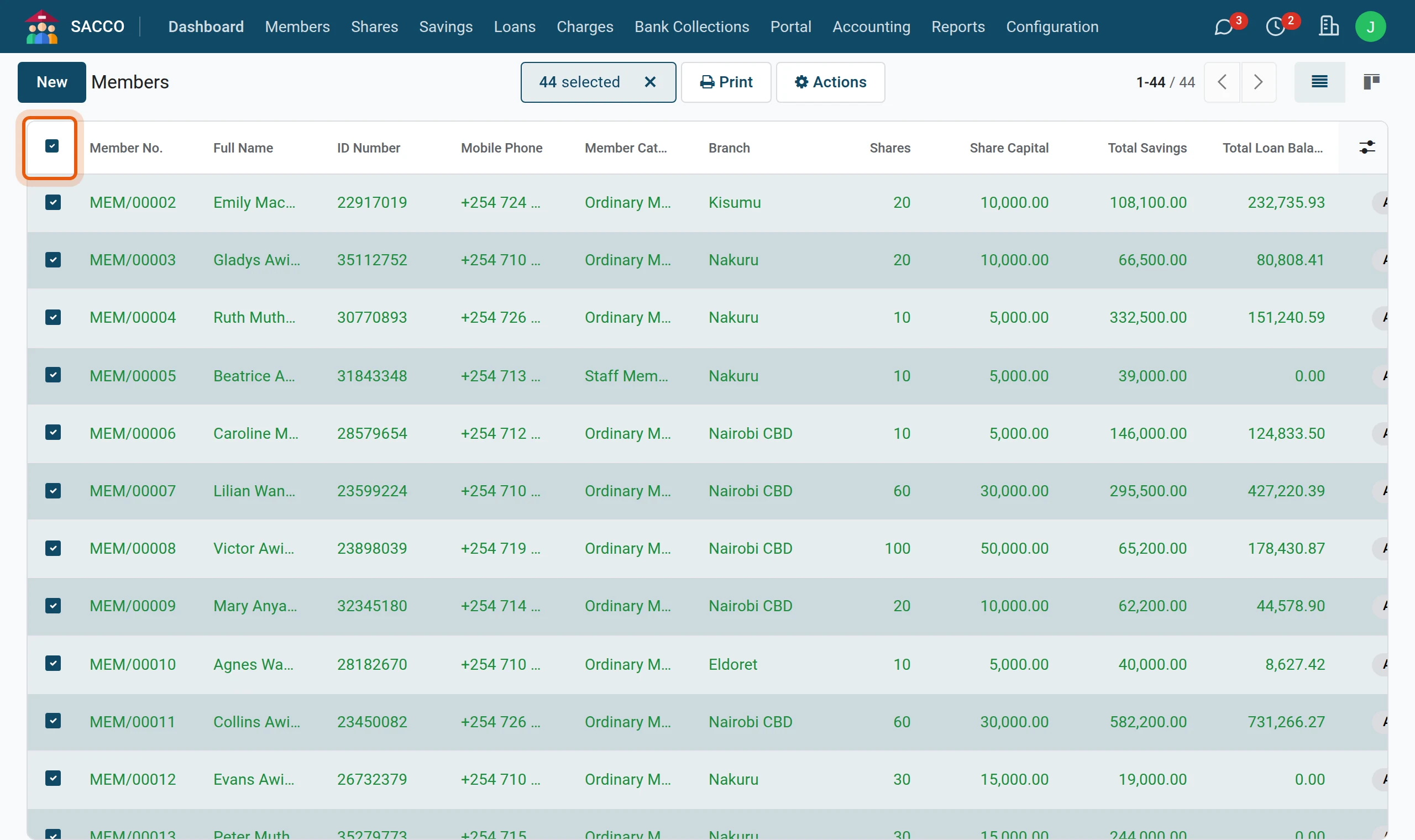
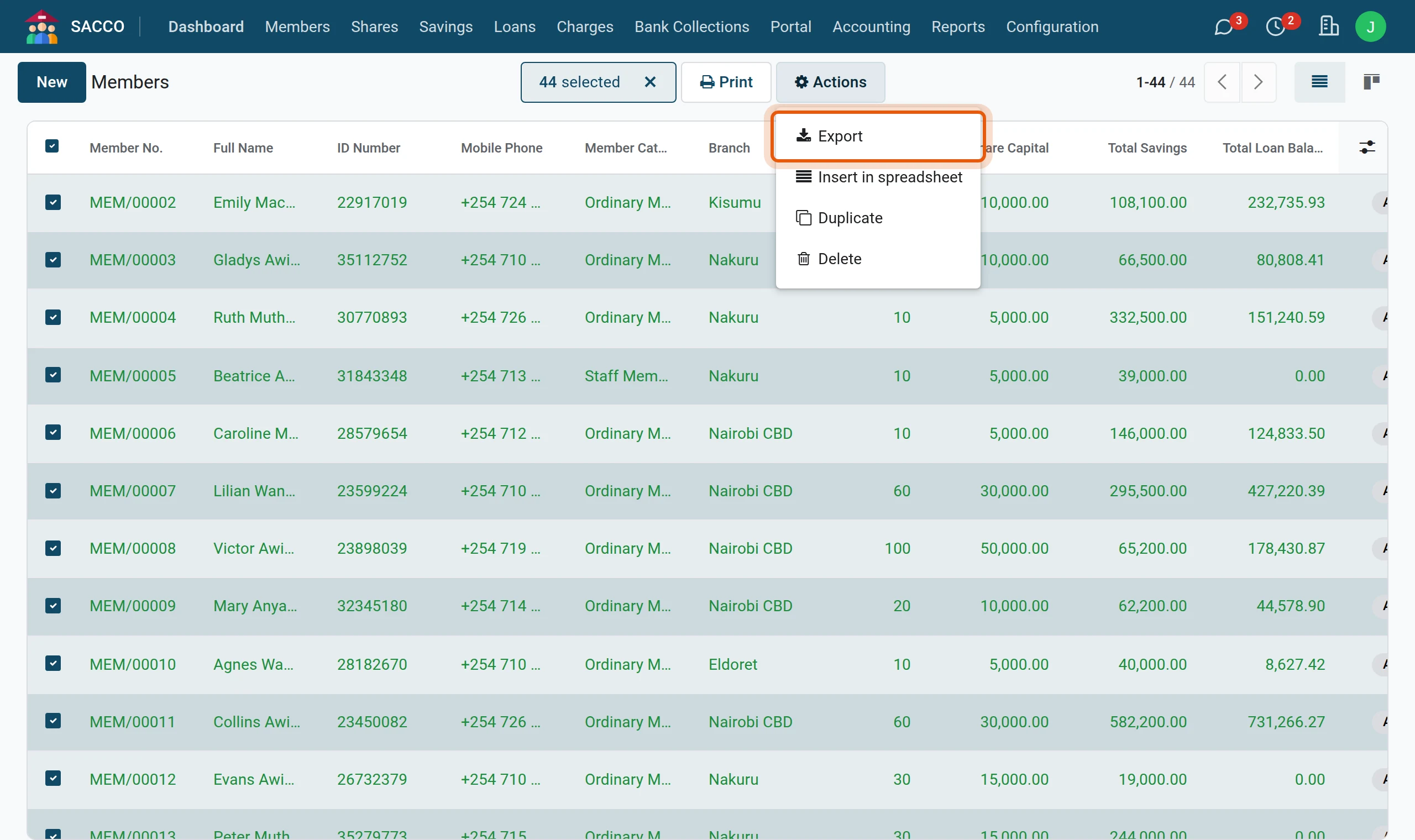
1Select the members
In tick the members you want, or the box at the top left of the list for all of them.
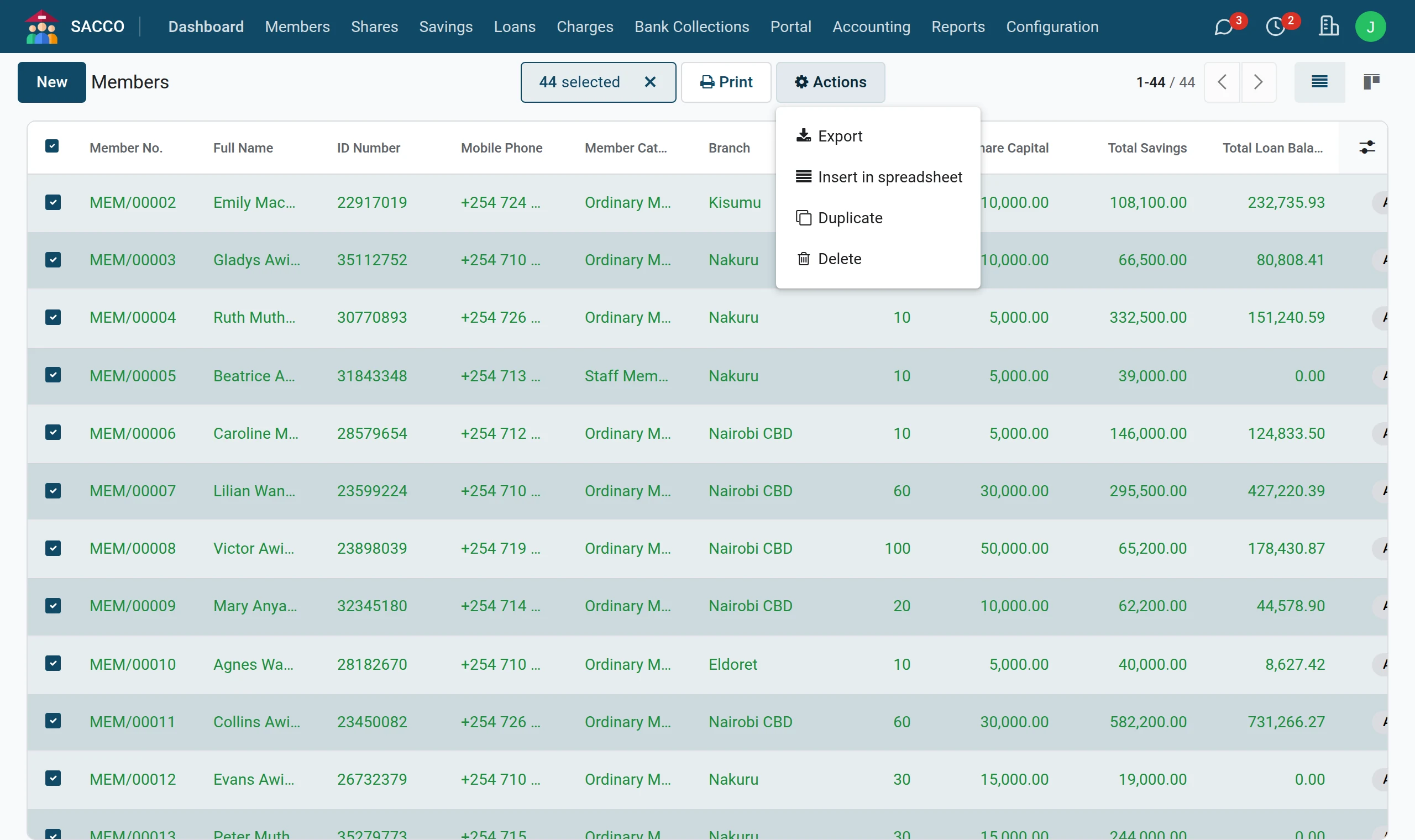
2Actions, Export
Press Actions and Export.
3Choose the columns
Pick the columns on the left (they move to the right-hand list), choose XLSX and press Export. The file is downloaded to your computer.
The ready-made lists
| Menu | Shows |
|---|---|
| Everyone; opens on active members. | |
| Drafts, applications and those waiting for documents. | |
| Applications waiting for a manager. | |
| People who applied on the website (SACCO Member Portal). | |
| Every beneficiary, with the benefit percentage. | |
| Employers, salaries and whether they were verified. | |
| Members’ businesses. | |
| The register as a report, with pivot and graph. |
Tip
Save a search you use often: open the filter list, and under Favorites press Save current search.