

Share capital
Shares are the member’s stake in the SACCO. Every purchase, sale and transfer is a share transaction with its own receipt; the member’s share count is the sum of the confirmed ones.
Who: Officer records; Manager approves; Accountant confirms.
Record a share purchase (two people)
An officer who may not confirm money records the purchase and submits it; a manager approves and confirms it. This is the usual control in a SACCO: the person who takes the money is not the person who books it.
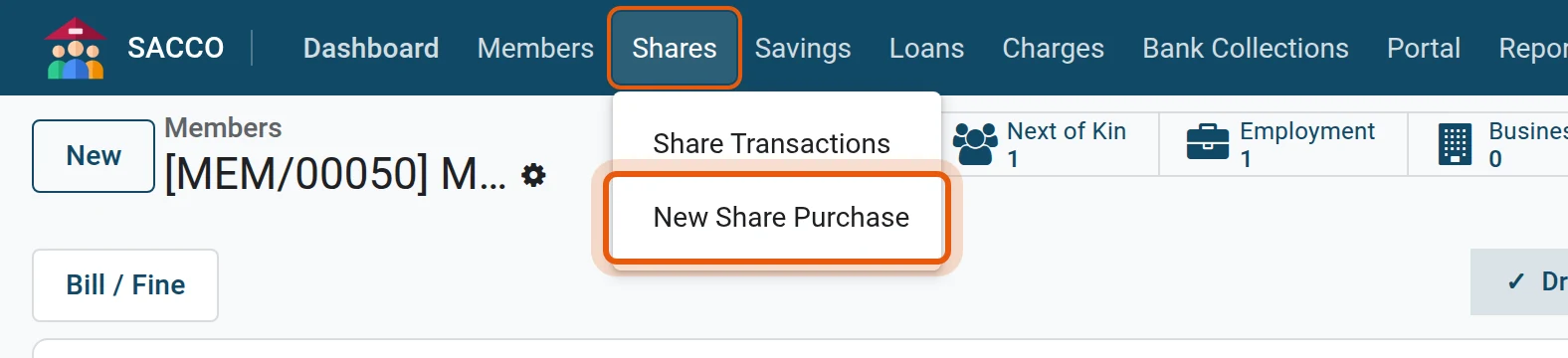
1Start a share purchase
Open .
2Member, number of shares and payment
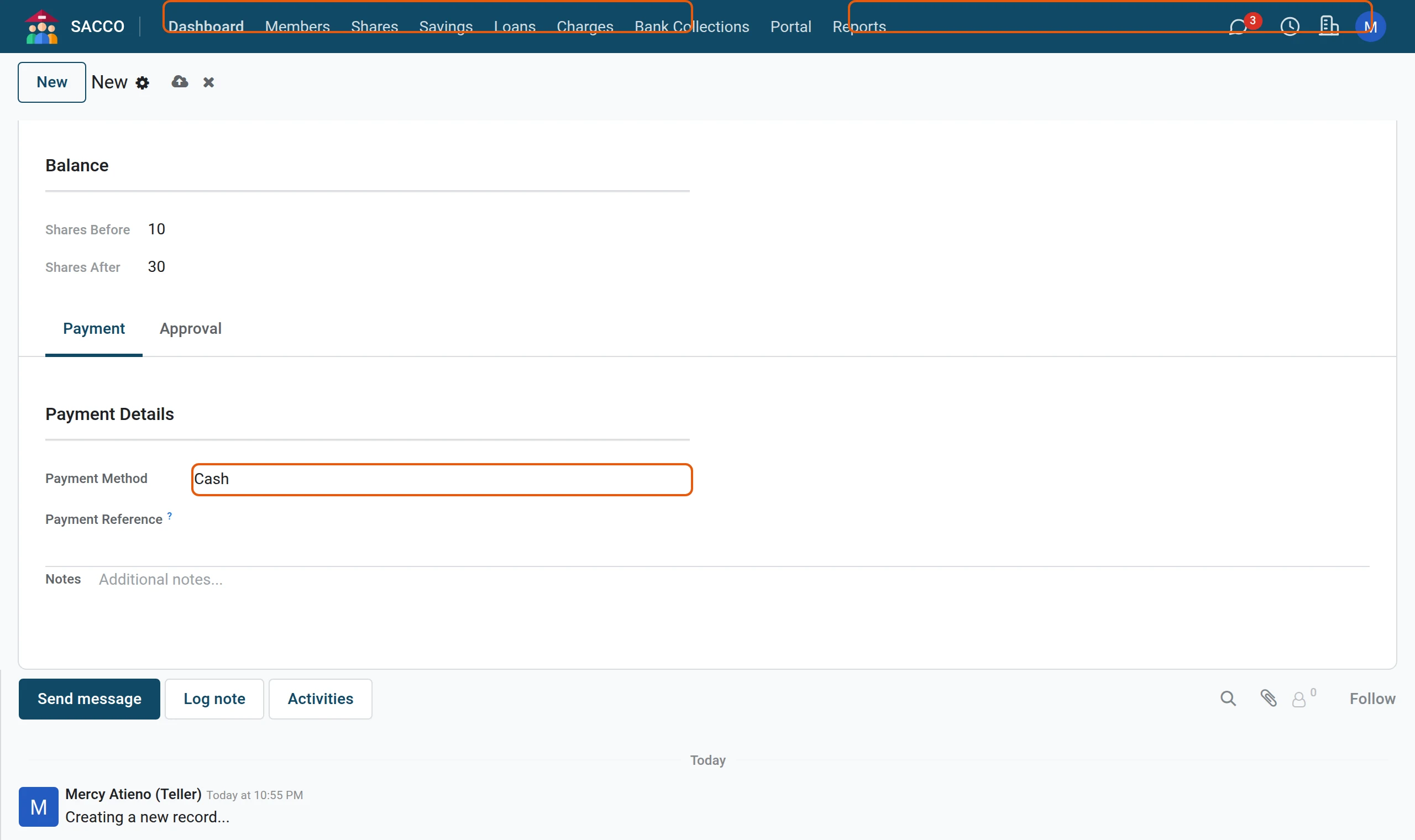
Pick the Member and type the Number of Shares. The Total Amount follows from the share value in the settings. Choose how the member paid.
3Submit for approval
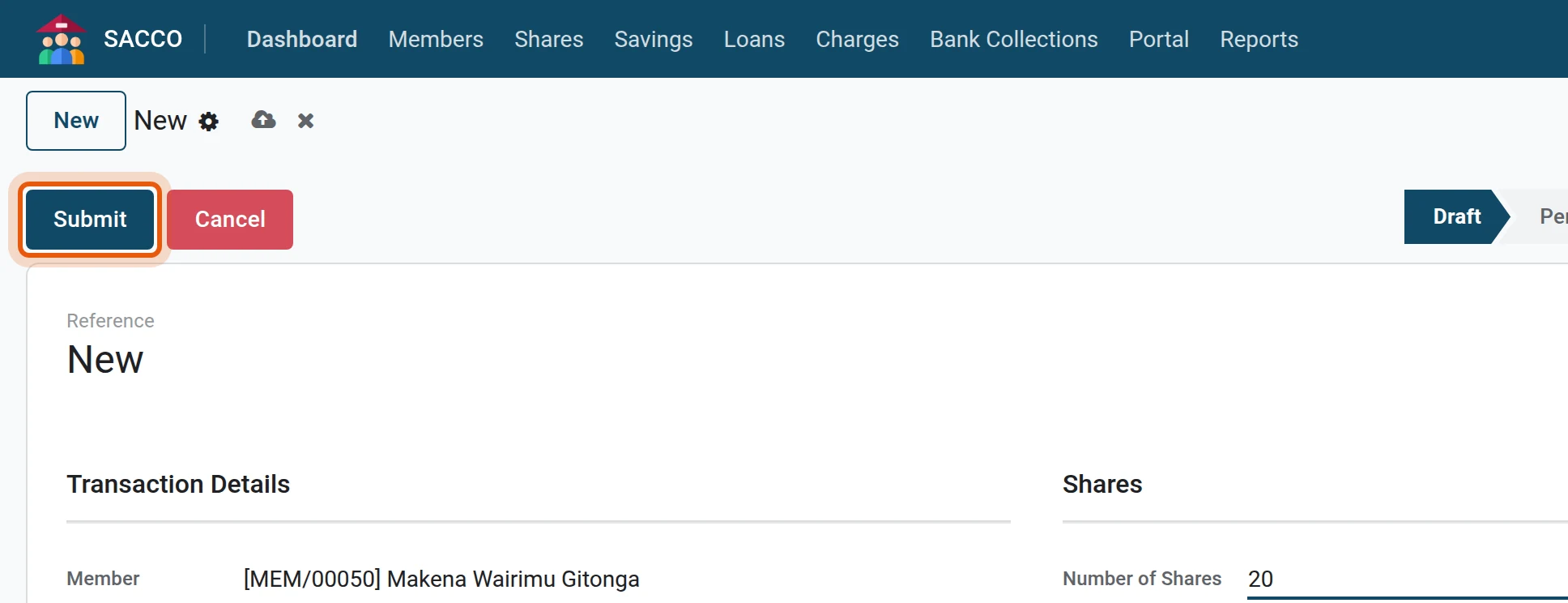
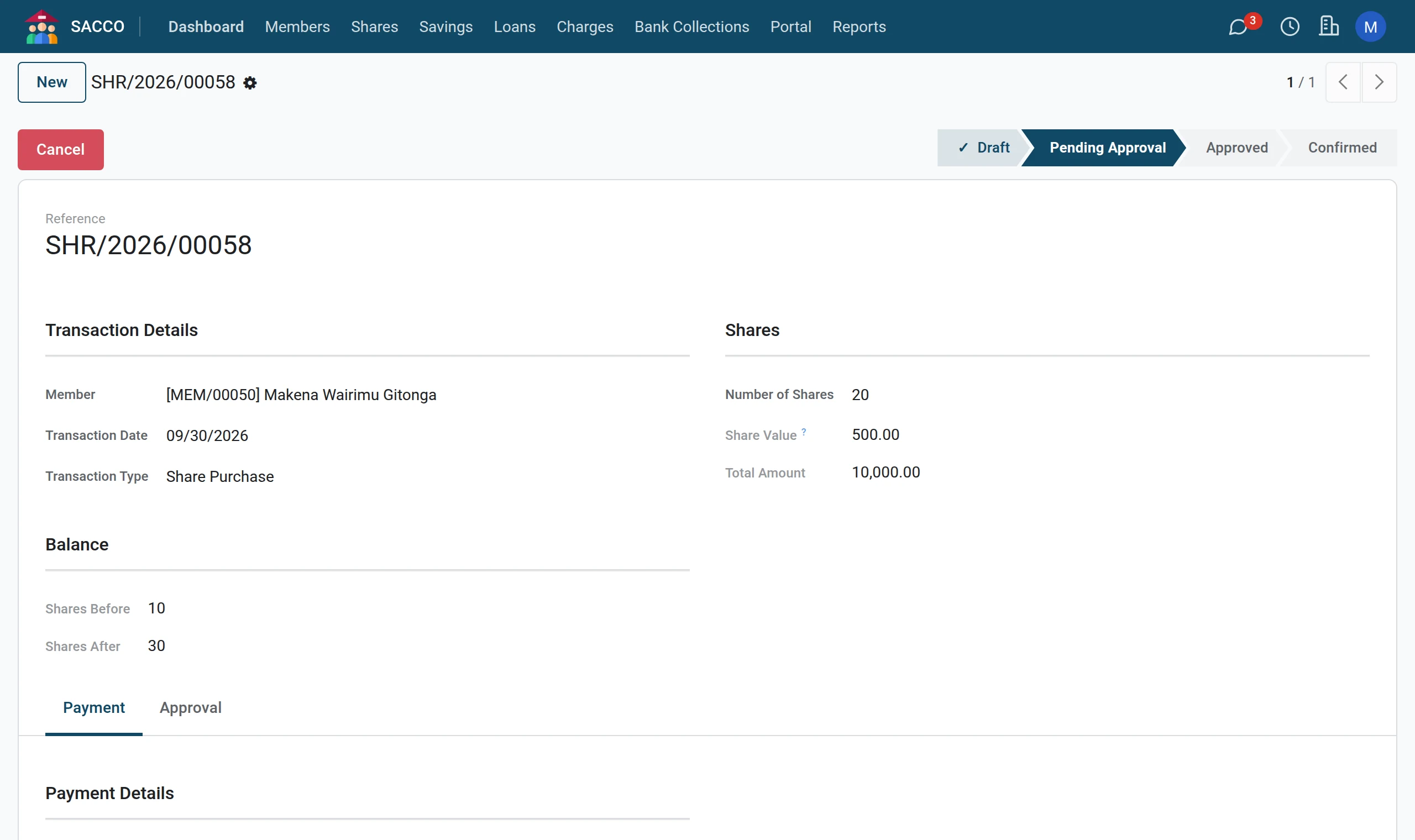
Press Submit. The status becomes Pending Approval and the transaction gets its reference.
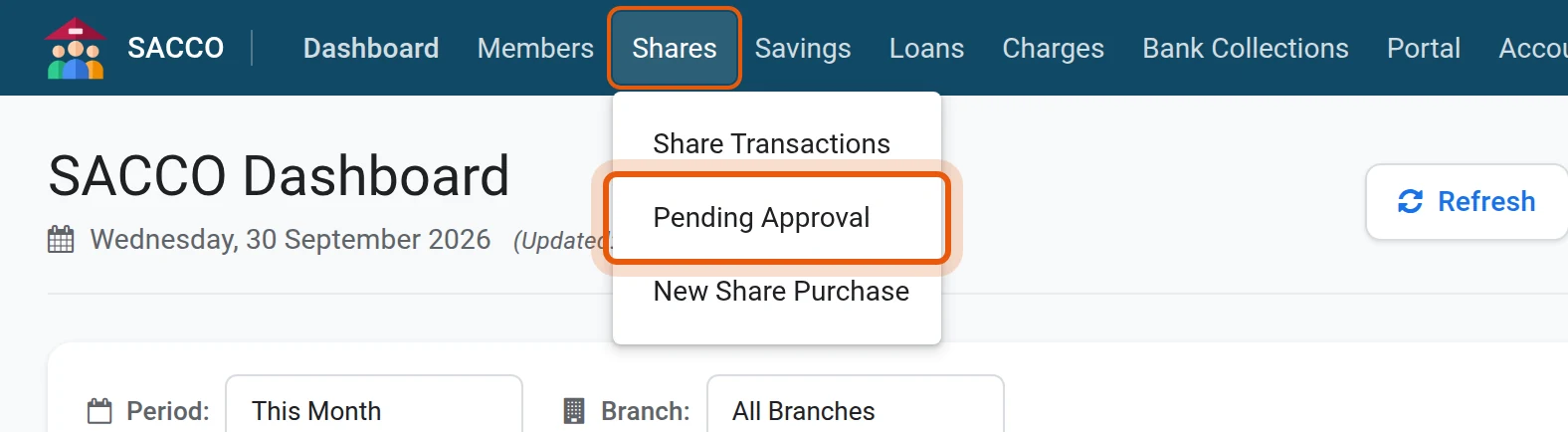
1Open the approval queue
The manager opens .
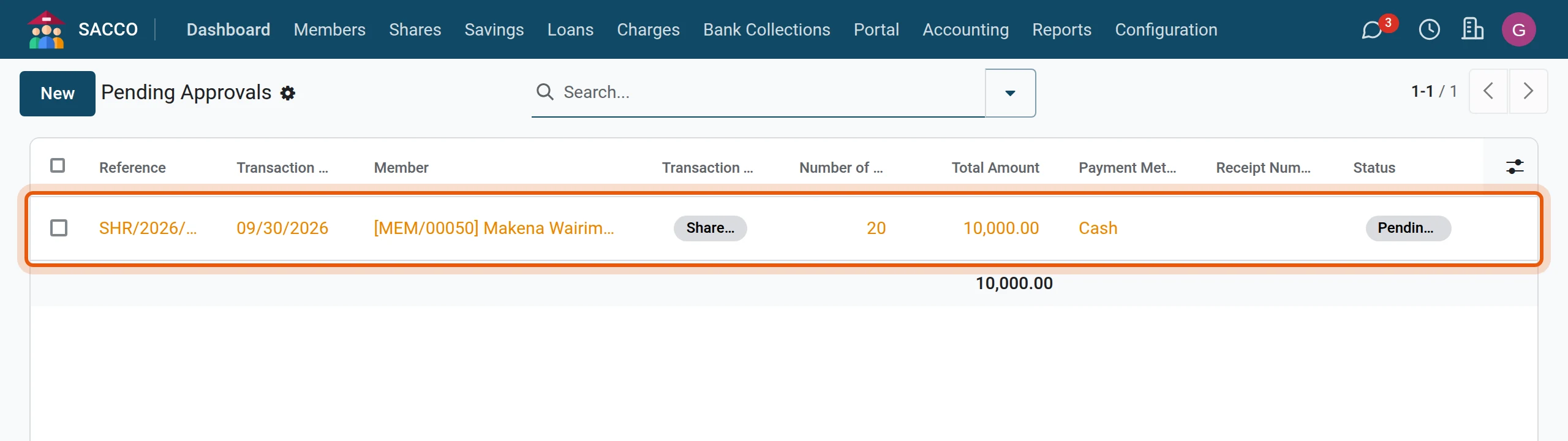
2Open the transaction
Click the line.
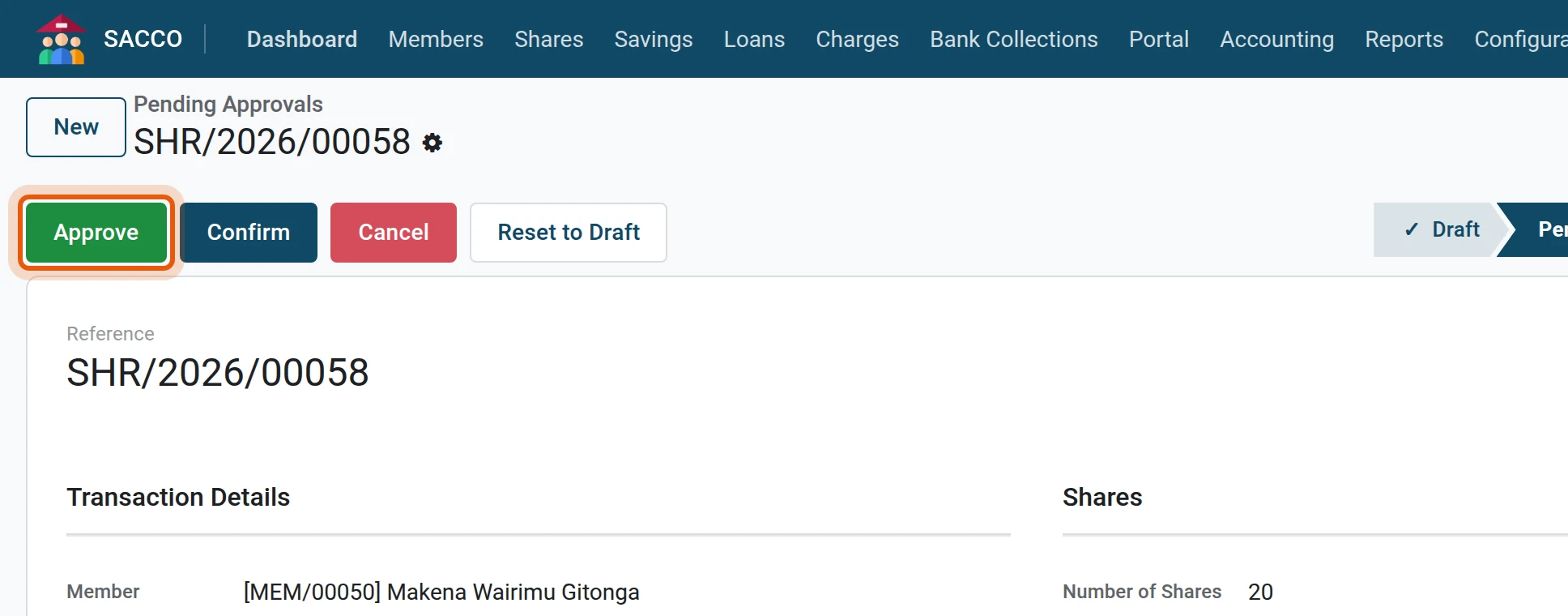
3Approve
Check the amount and the payment, then press Approve.
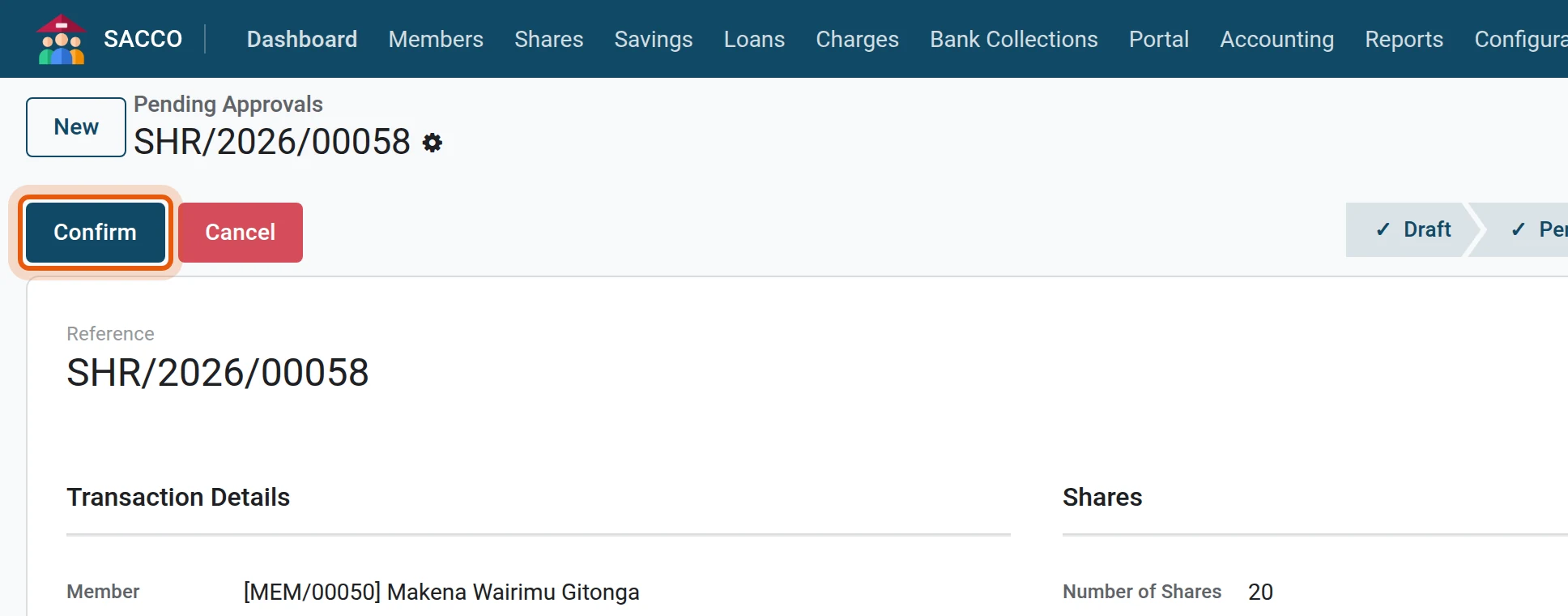
4Confirm
Press Confirm. The shares are added to the member, a receipt number is given and, with SACCO Accounting, the entry posts to the share capital account.
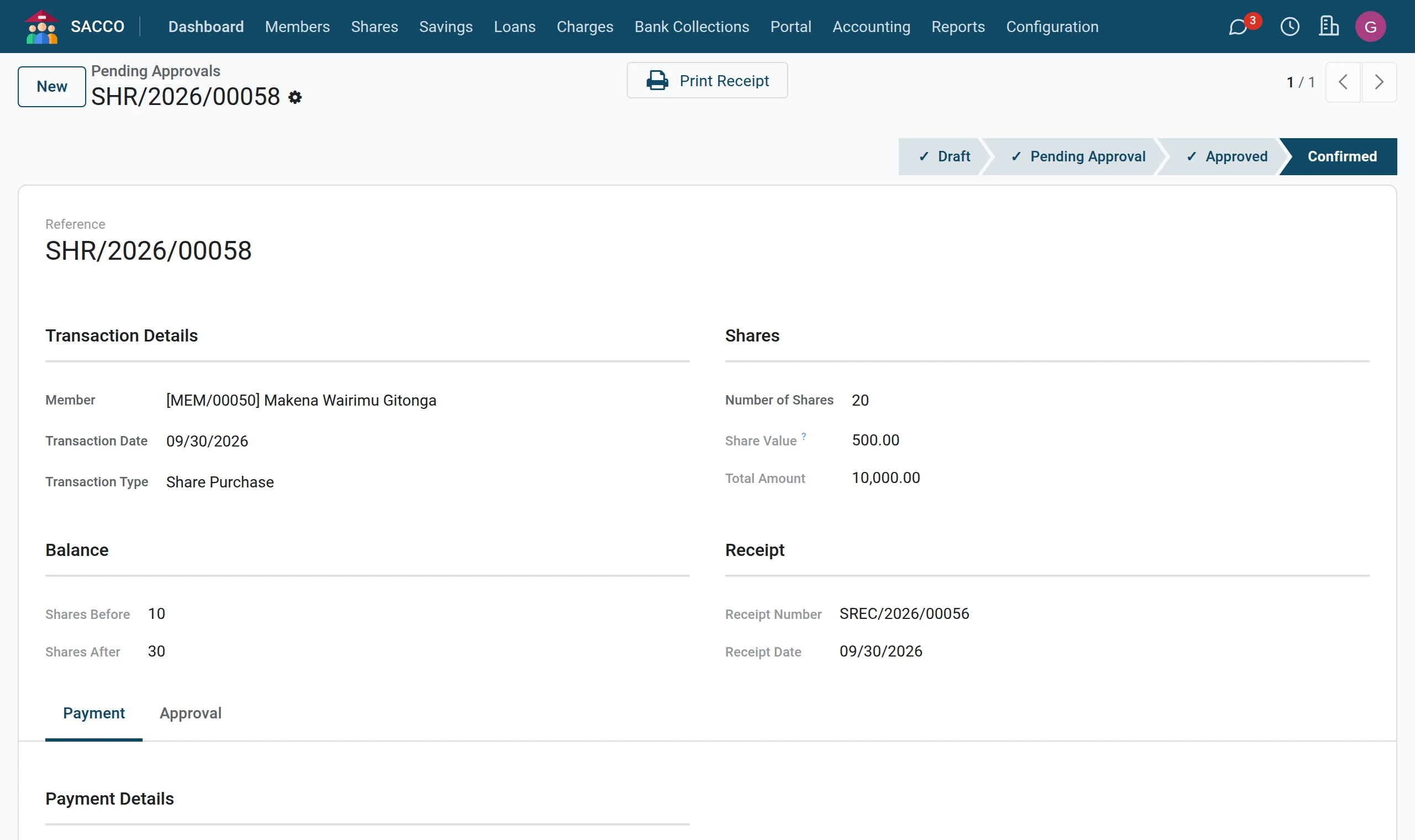
5Print the receipt
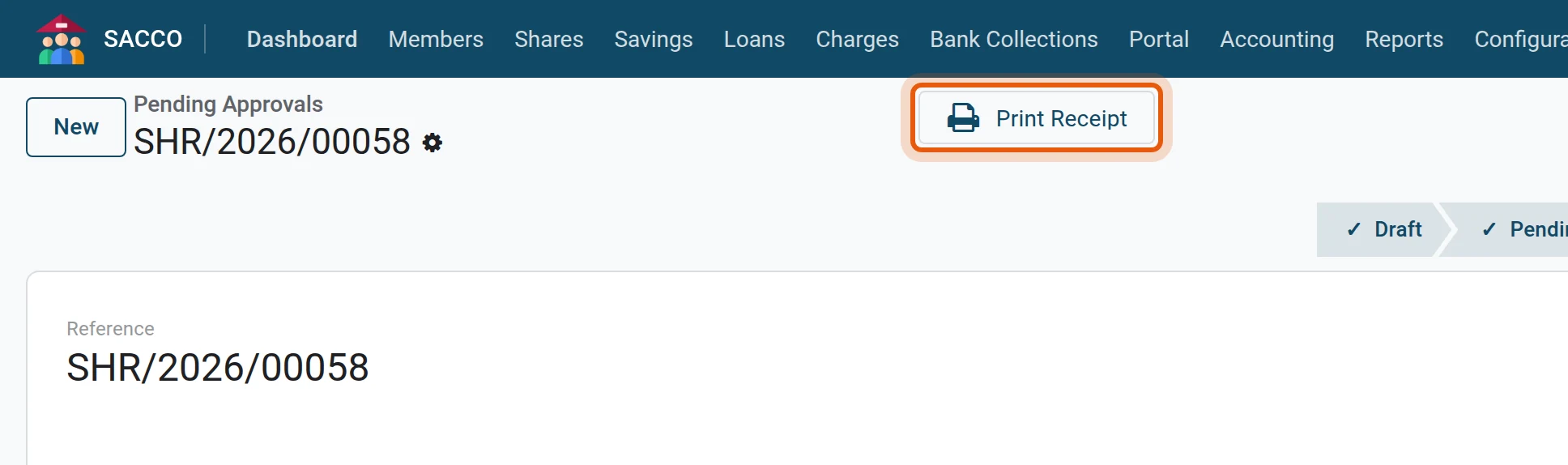
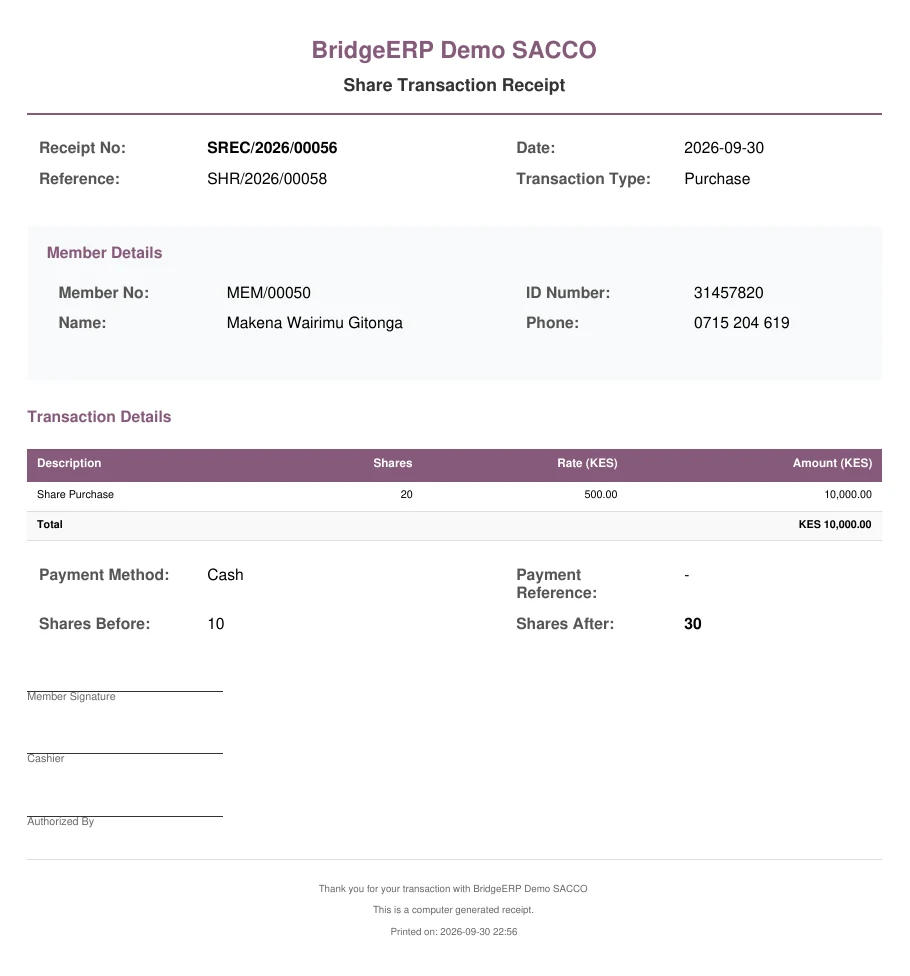
Press Print Receipt at the top of the form.
A user with the Accountant role or above can press Confirm straight from Draft, as in the first shares of a new member.
The kinds of share transaction
| Transaction Type | Use it for |
|---|---|
| Share Purchase | The member buys shares. |
| Share Sale/Withdrawal | The SACCO buys shares back. The member cannot sell more than they hold. |
| Transfer Out | The member hands shares to another member: pick the receiving member. On confirmation the matching Transfer In is created for the receiver and linked under the Transfer button. |
| Dividend Reinvestment | Shares bought with a dividend. |
| Bonus Shares | Shares given without payment. |
| Initial Shares | Opening balances when you move from another system. |
See a member’s shares
On the member’s form the Shares button opens that member’s transactions. lists everyone’s; switch to the pivot or the graph to total by month, type or payment method.
Made a mistake?
Before confirmation press Cancel (a manager can also press Reset to Draft). A confirmed share transaction cannot be cancelled or deleted: record the opposite transaction (a sale for a wrong purchase) so both stay in the history.
See also
- Share value, minimum and maximum shares in the settings.