

Savings products
A savings product is the rule book of a kind of account: who may open it, how much goes in and out, what it earns and which ledger account it posts to. Set the products up once; every account follows its product.
Who: Administrator. Before you start: With SACCO Accounting, the chart of accounts is in place (accounting setup).
The products you have
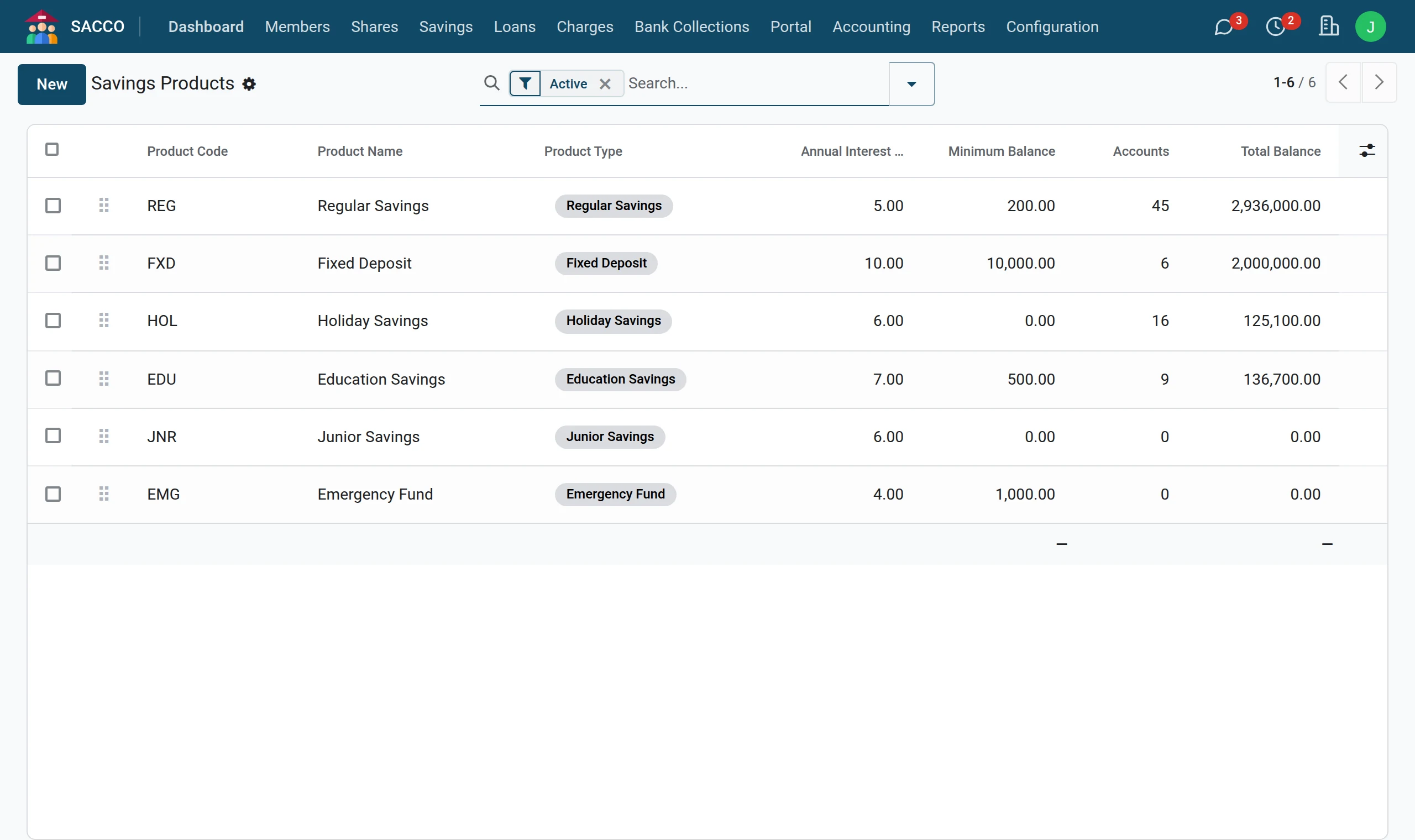
Click a product to change it, or press New to add one.
Add a product
1Open the products and press New
Open and press New.
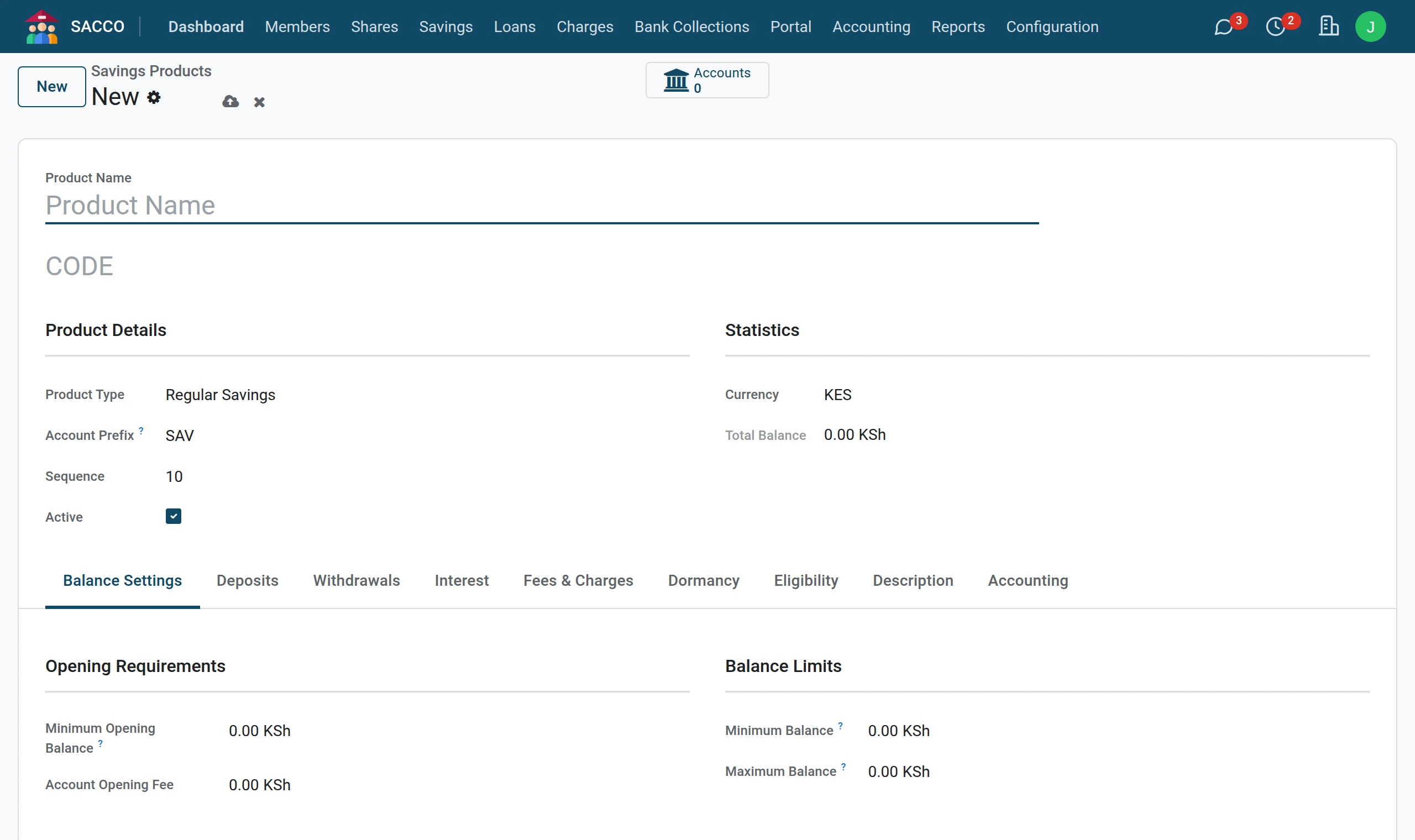
2Name and type
Type the Product Name and, on the line under it, a short code of your own (each product needs a different one). Pick the Product Type, and give an Account Prefix: account numbers of this product start with it (WED000001, WED000002…).
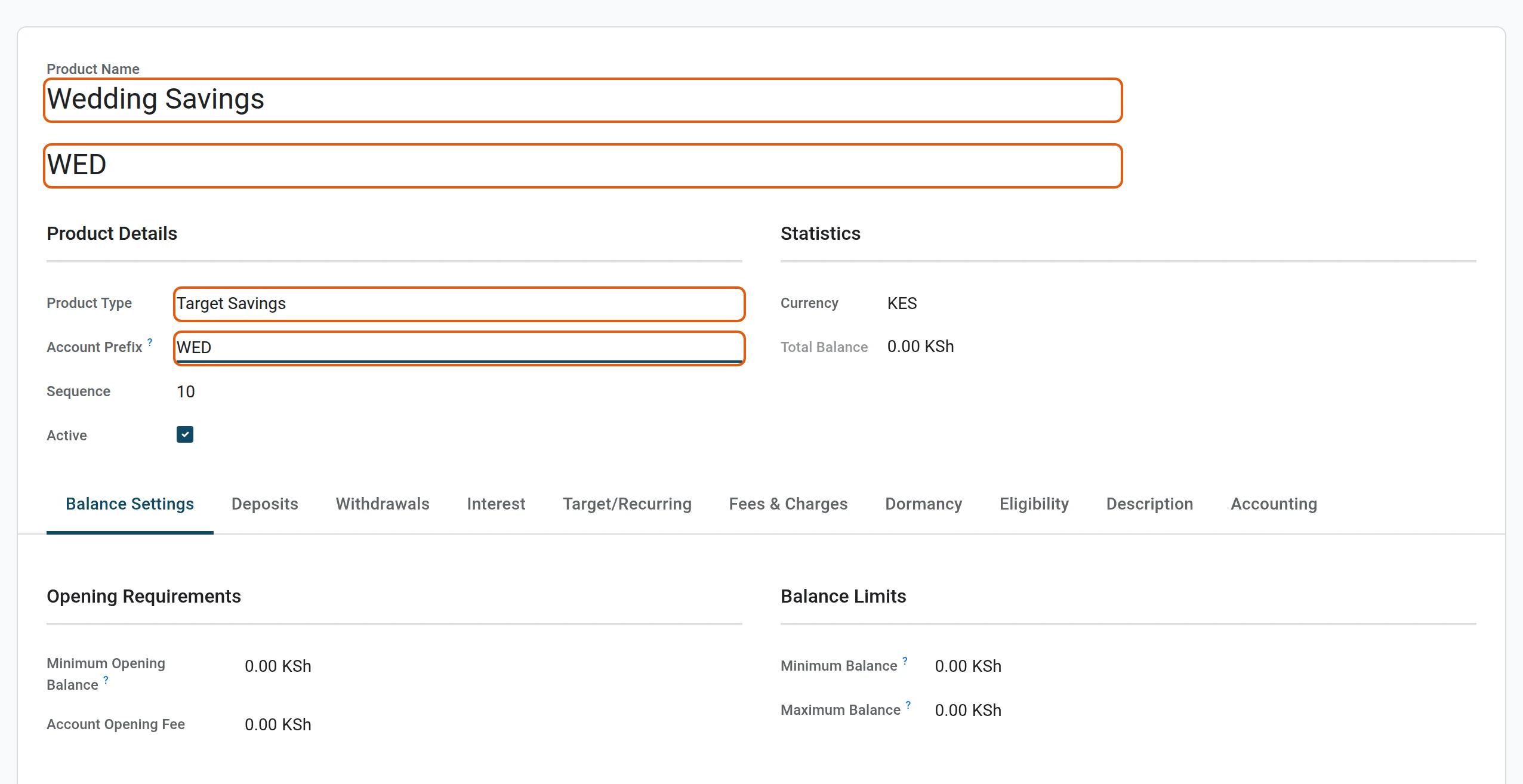
3Opening and balance limits
On the Balance Settings tab type the Minimum Opening Balance and the Minimum Balance that must always stay on the account. 0 in Maximum Balance means no ceiling.

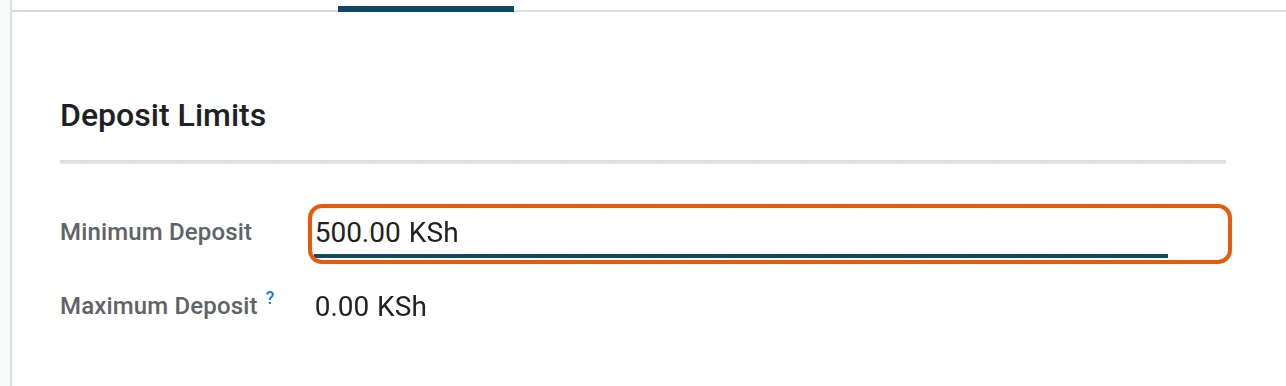
4Deposits
On the Deposits tab set the smallest deposit the counter accepts.
5Withdrawals
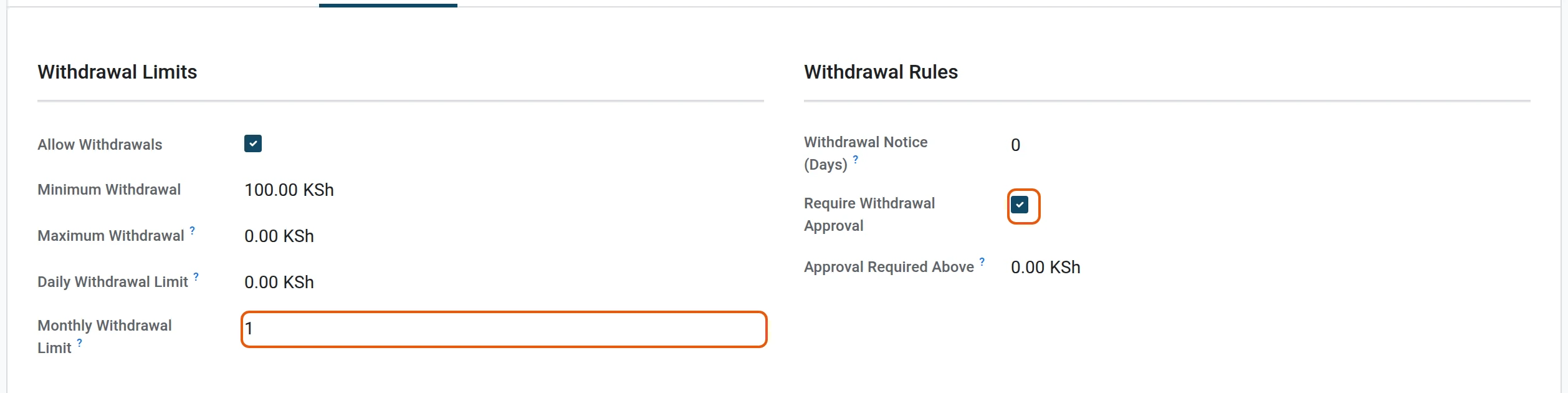
On the Withdrawals tab decide whether members may withdraw at all, the smallest and largest withdrawal, the daily limit in money and the monthly limit in number of withdrawals. Tick Require Withdrawal Approval to send every withdrawal to a manager first.
6Interest
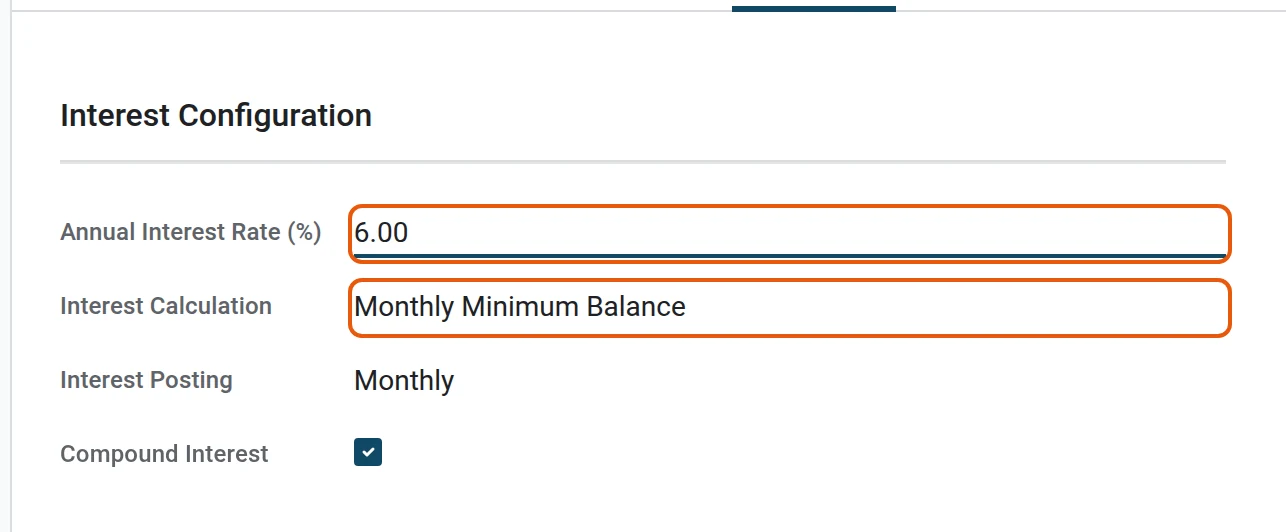
On the Interest tab type the Annual Interest Rate (%) and pick how interest is worked out.
7Save
Press the save icon next to the product name (or just leave the form: it saves itself). The product is ready to open accounts on.
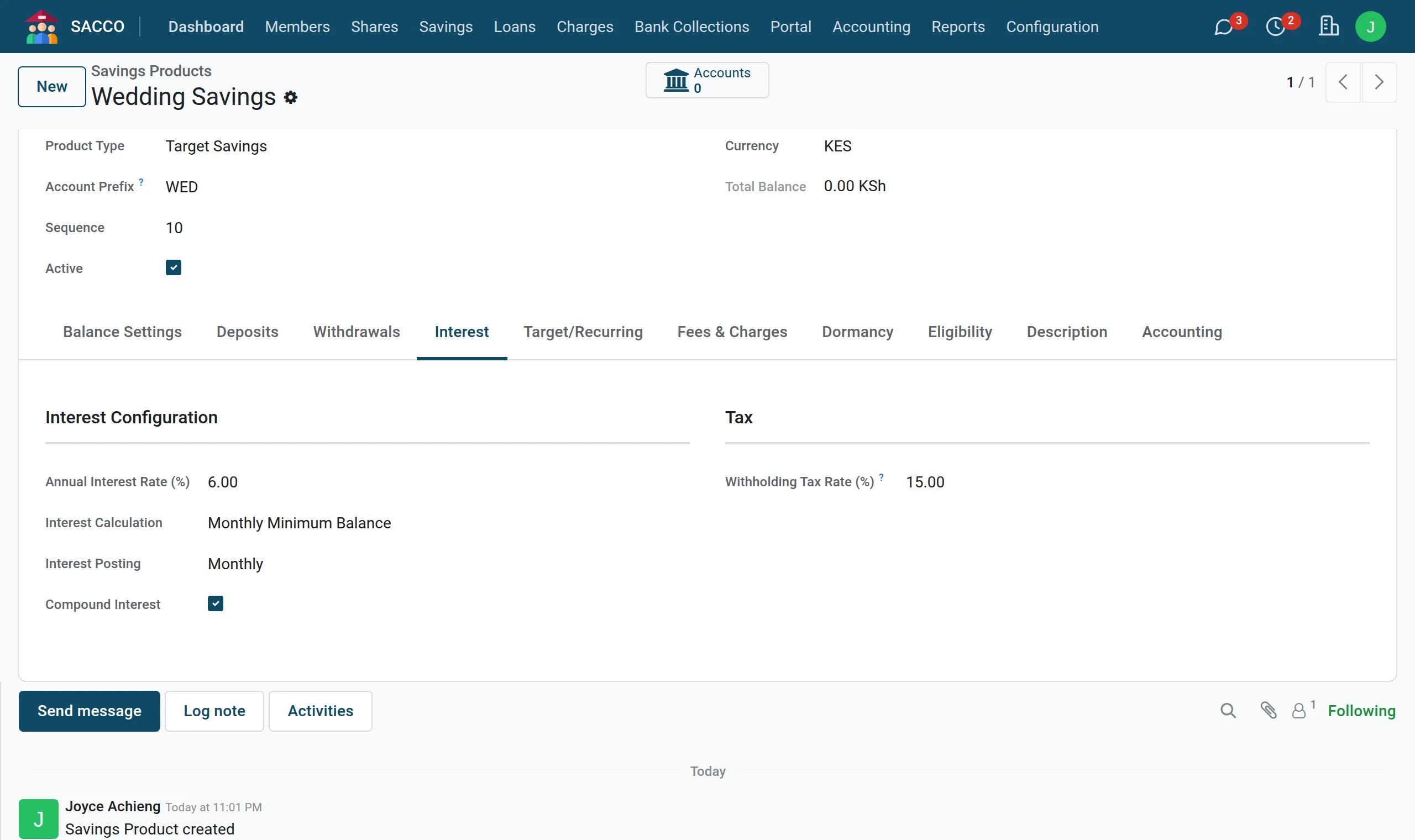
Every setting, tab by tab
Balance Settings
| Field | What it does |
|---|---|
| Product Type | Regular, fixed deposit, recurring, target, holiday, education, junior, emergency and others. A fixed deposit cannot be withdrawn before it matures; a target account can be locked until the target is reached. |
| Account Prefix | The letters in front of the account number. |
| Minimum Opening Balance | The first deposit the SACCO expects on a new account. |
| Minimum Balance | Always stays on the account: a withdrawal that would go below it is refused. |
| Maximum Balance | A deposit that would pass it is refused. 0 = no limit. |
Deposits
| Field | What it does |
|---|---|
| Minimum Deposit / Maximum Deposit | A deposit outside these amounts is refused. 0 in the maximum = no limit. |
| Allow Multiple Deposits per Day | Kept on the product for your procedures. |
Withdrawals
| Field | What it does |
|---|---|
| Allow Withdrawals | Unticked: no withdrawal at all (the way member deposits work in a BOSA). |
| Minimum Withdrawal / Maximum Withdrawal | A withdrawal outside these amounts is refused. |
| Daily Withdrawal Limit | The most money that may leave one account in a day. |
| Monthly Withdrawal Limit | The number of withdrawals allowed in a month. 0 = no limit. |
| Require Withdrawal Approval | Every submitted withdrawal waits for a savings manager (approve a withdrawal). |
Interest, fees, dormancy
| Field | What it does |
|---|---|
| Annual Interest Rate (%) | Copied to each new account of the product and shown to the member on the portal. |
| Interest Calculation | No interest, daily balance, monthly minimum balance or average monthly balance. |
| Withholding Tax Rate (%) | The tax rate that goes with interest on this product. |
| Withdrawal Fee / Withdrawal Fee (%) | With SACCO Accounting, taken from the account as a Fee/Charge line each time a withdrawal is confirmed, and posted to fee income. |
| Account Opening Fee, Monthly Maintenance Fee, Below Minimum Balance Fee, Dormancy Fee | Your tariff, kept on the product. Bill these to members with SACCO Fees and Fines. |
| Dormancy Period (Days) | How long an account may stay unused before you treat it as dormant (freeze, dormant, close). |
Eligibility and accounting
| Field | What it does |
|---|---|
| Eligible Member Categories | Empty: every member. Otherwise only members of these categories may open the account. |
| Minimum Membership Days | A member must have been active this long before opening the account. |
| Savings Liability Account and the other accounts | Where this product posts. Empty = the defaults of the SACCO account settings. |
Note
The notice period, the fee fields other than the withdrawal fee, and the dormancy period are reference values in this version: the system keeps them on the product but does not apply them by itself.