

Freeze, dormant and close
A savings manager can stop an account for a while, mark it dormant, wake it up and close it.
Who: Savings Manager.
Step by step
1Freeze
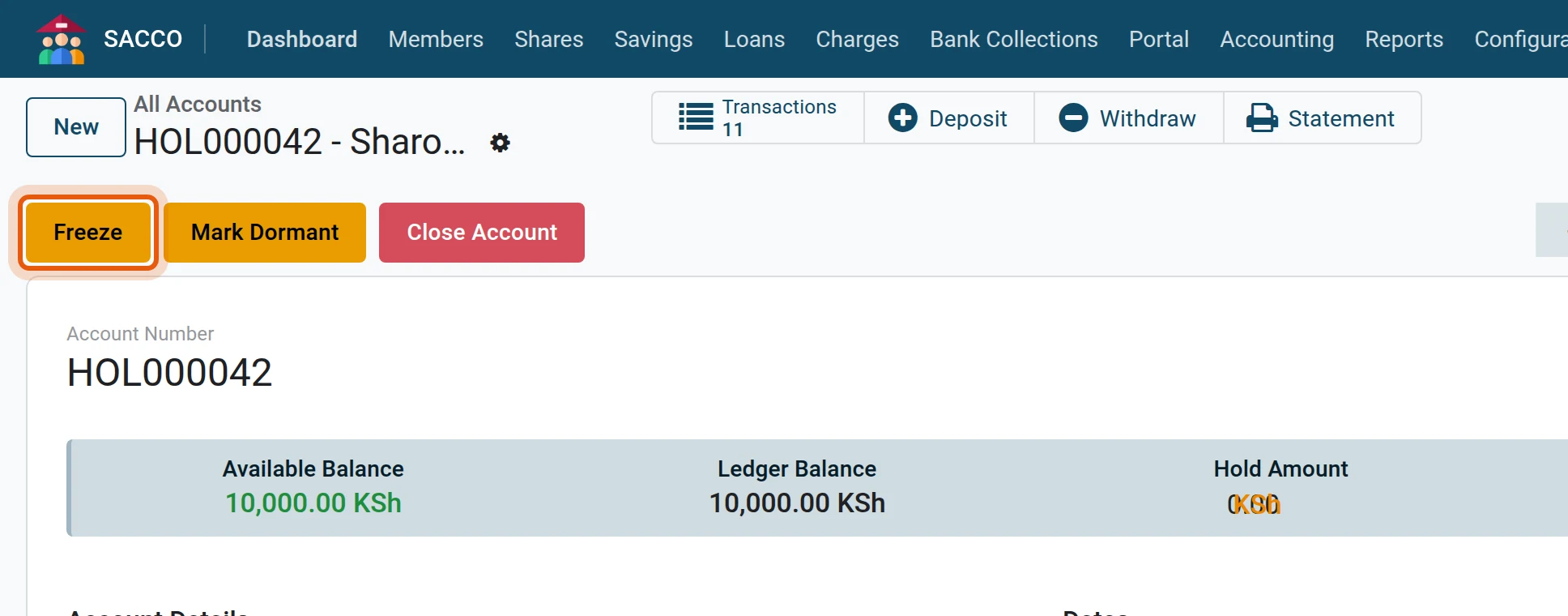
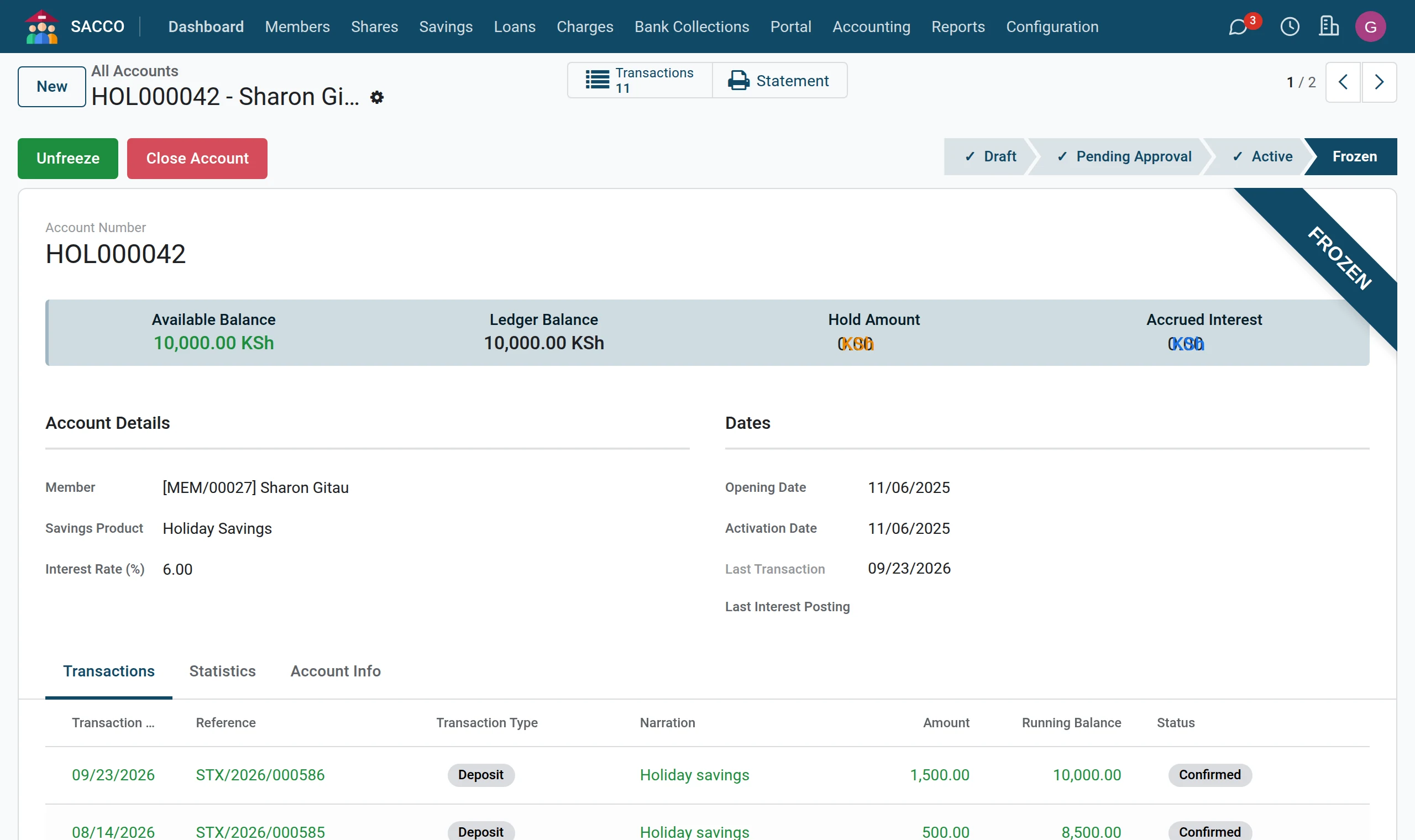
Open the account and press Freeze. While an account is Frozen no deposit and no withdrawal is accepted. Use it for a dispute, a court order or a suspected fraud, and write the reason in the chatter.
2Unfreeze
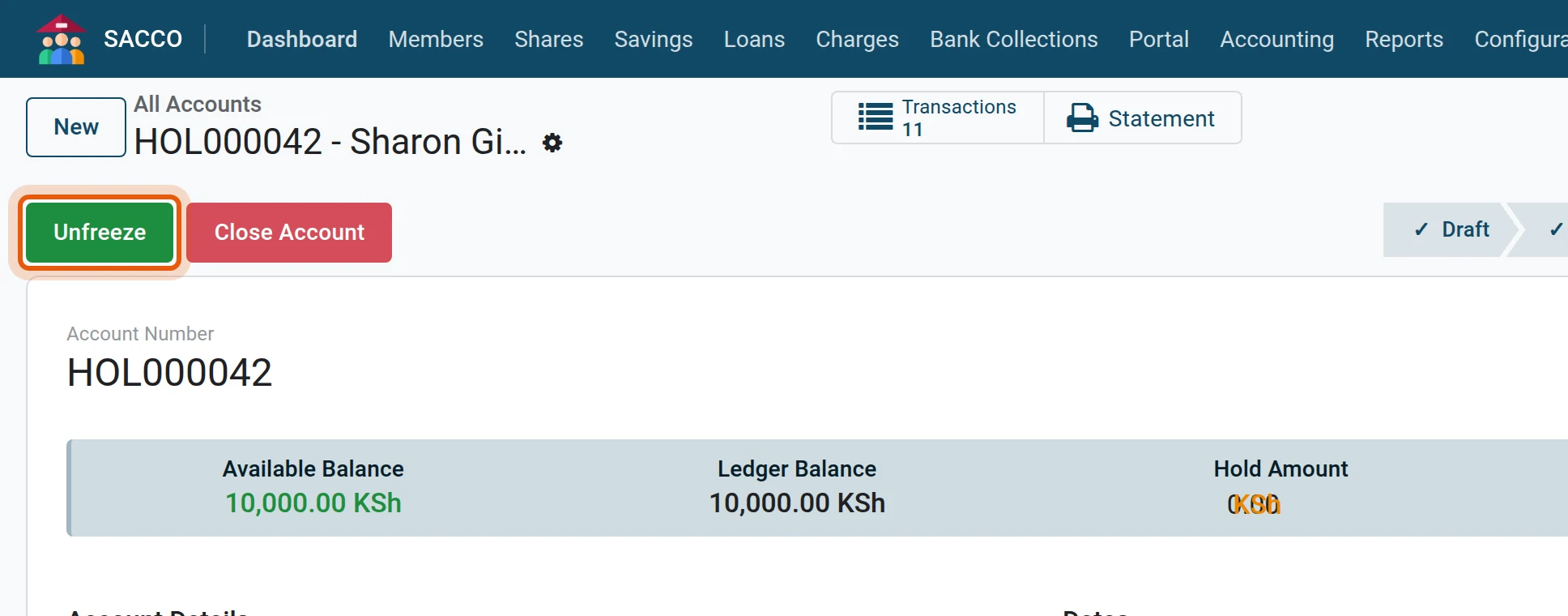
Press Unfreeze to open the account again.
3Mark dormant
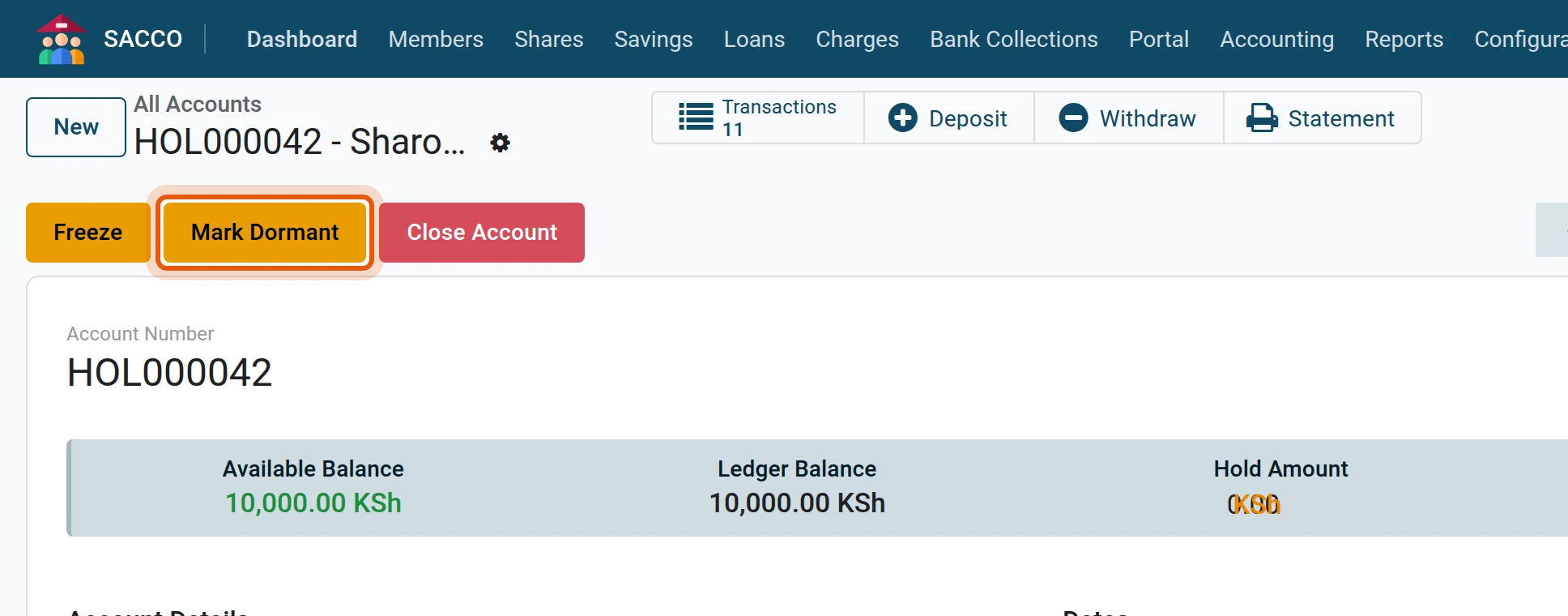
Press Mark Dormant on an account that has not been used for the period your policy sets. A dormant account refuses withdrawals; a deposit on it makes it active again.
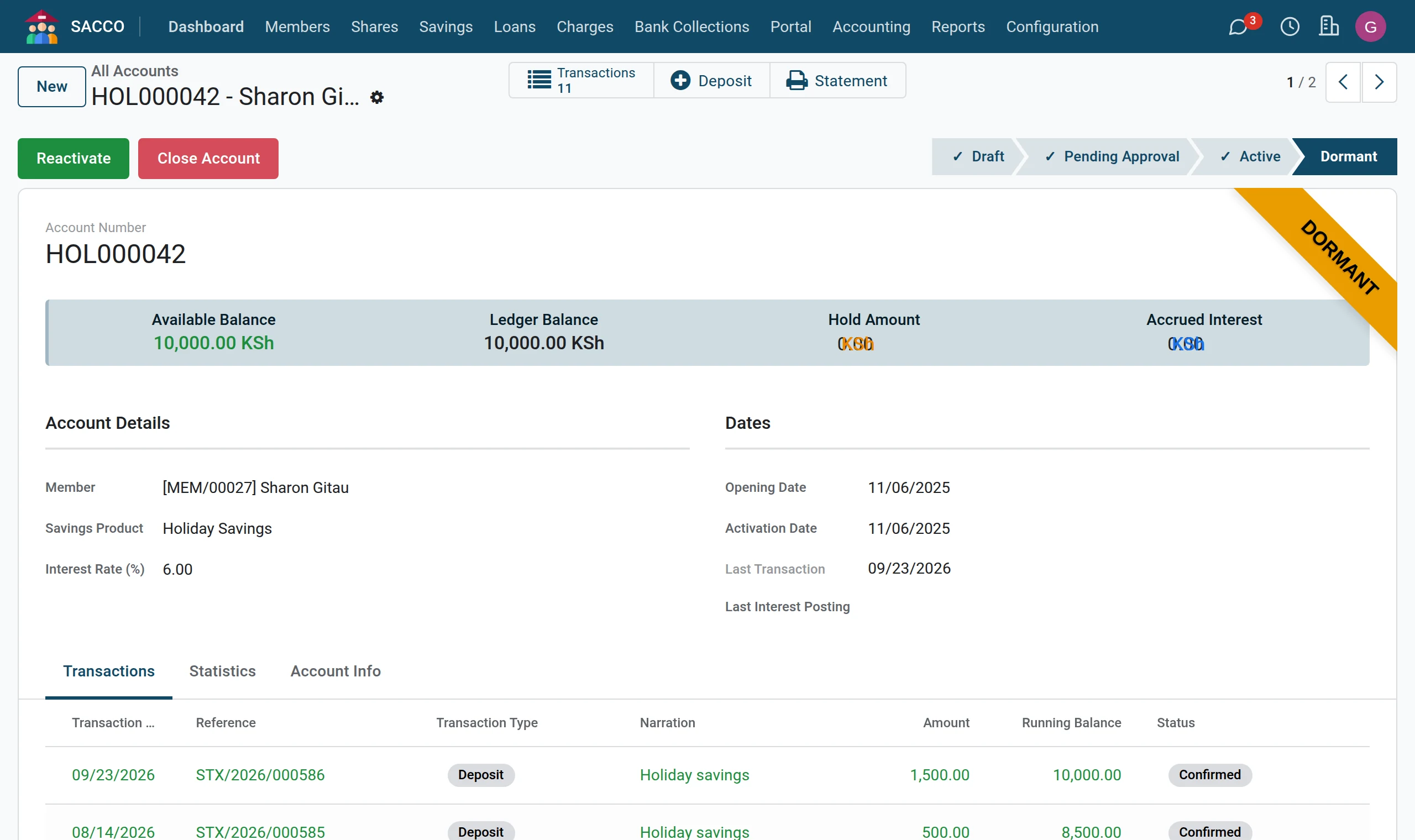
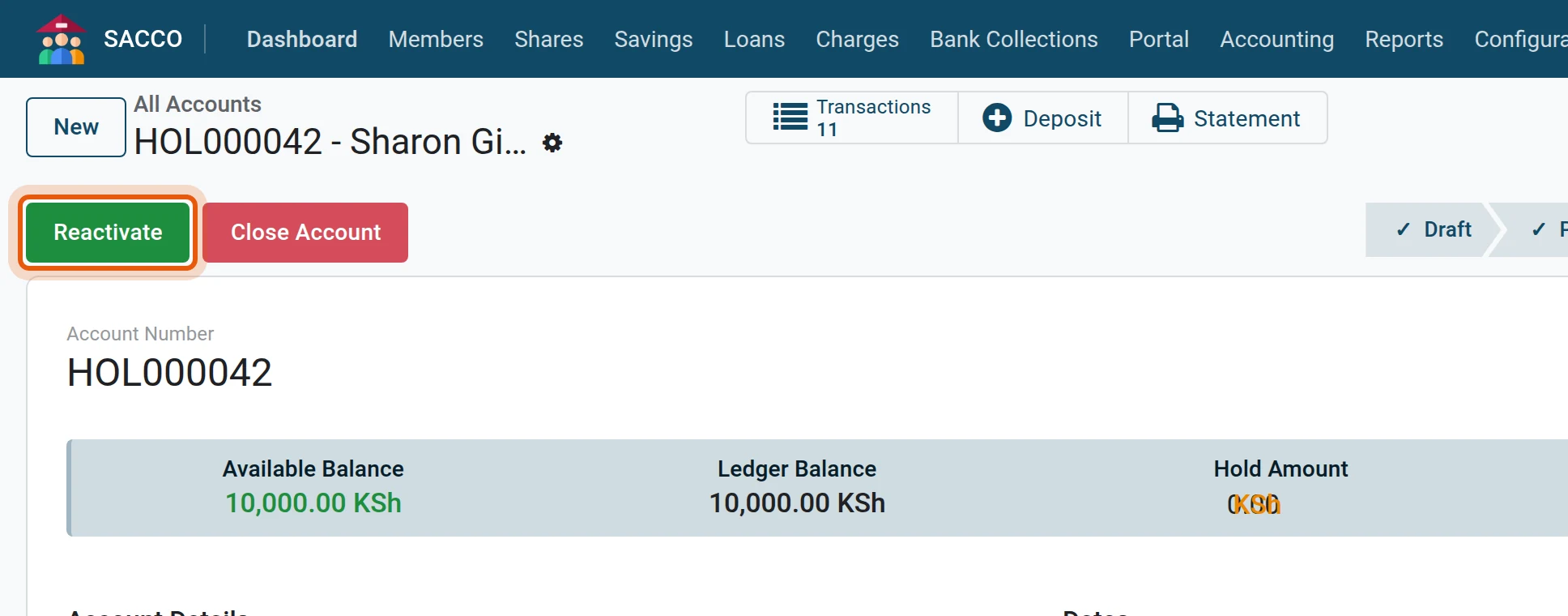
4Reactivate
Press Reactivate when the member comes back.
5Close
Press Close Account and confirm. An account can only be closed when its balance is zero; otherwise the system says so. Pay out the balance first (pay a withdrawal).

Where to find them
| Menu | Shows |
|---|---|
| Accounts in use. | |
| New accounts waiting for a savings manager. | |
| Accounts marked dormant. | |
| Every account, whatever its status; group by Status or Savings Product. |
Note
Dormancy is marked by hand in this version: sort by Last Transaction to find the accounts that have been quiet for longer than your policy allows.
See also
- Member exit: closing a membership pays out and closes all the member’s accounts in one step.