

Pay a withdrawal
A withdrawal is checked against the product rules when you submit it, and again when you confirm it. If a rule is broken the system says which one and nothing moves.
Who: Savings Officer (tellers have this role). Before you start: The account is Active and you have checked the member’s identity.
Step by step
1Open the account and press Withdraw
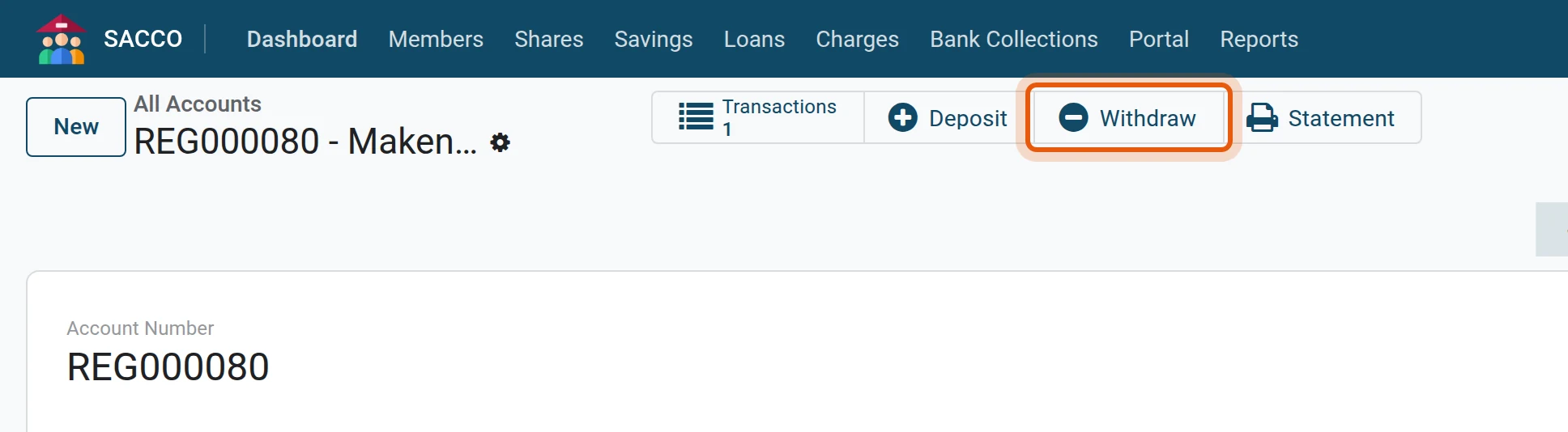
Open the member’s account and press the Withdraw button across the top.
2Amount and payment method
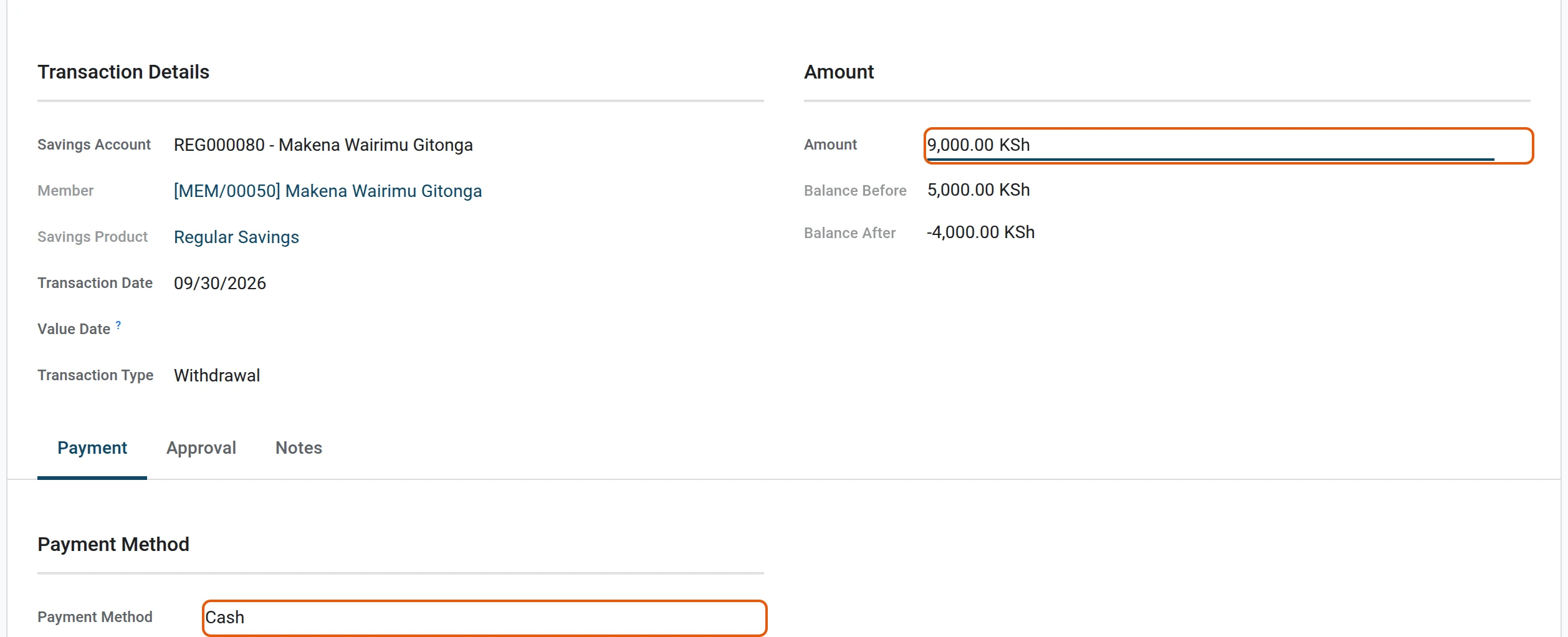
Type the Amount and pick the Payment Method.
3Submit: the rules are checked
Press Submit. Here the member asks for more than the account can give: the account holds 5,000 and 200 must stay on it, so the system refuses and says why.

4Correct the amount and submit again
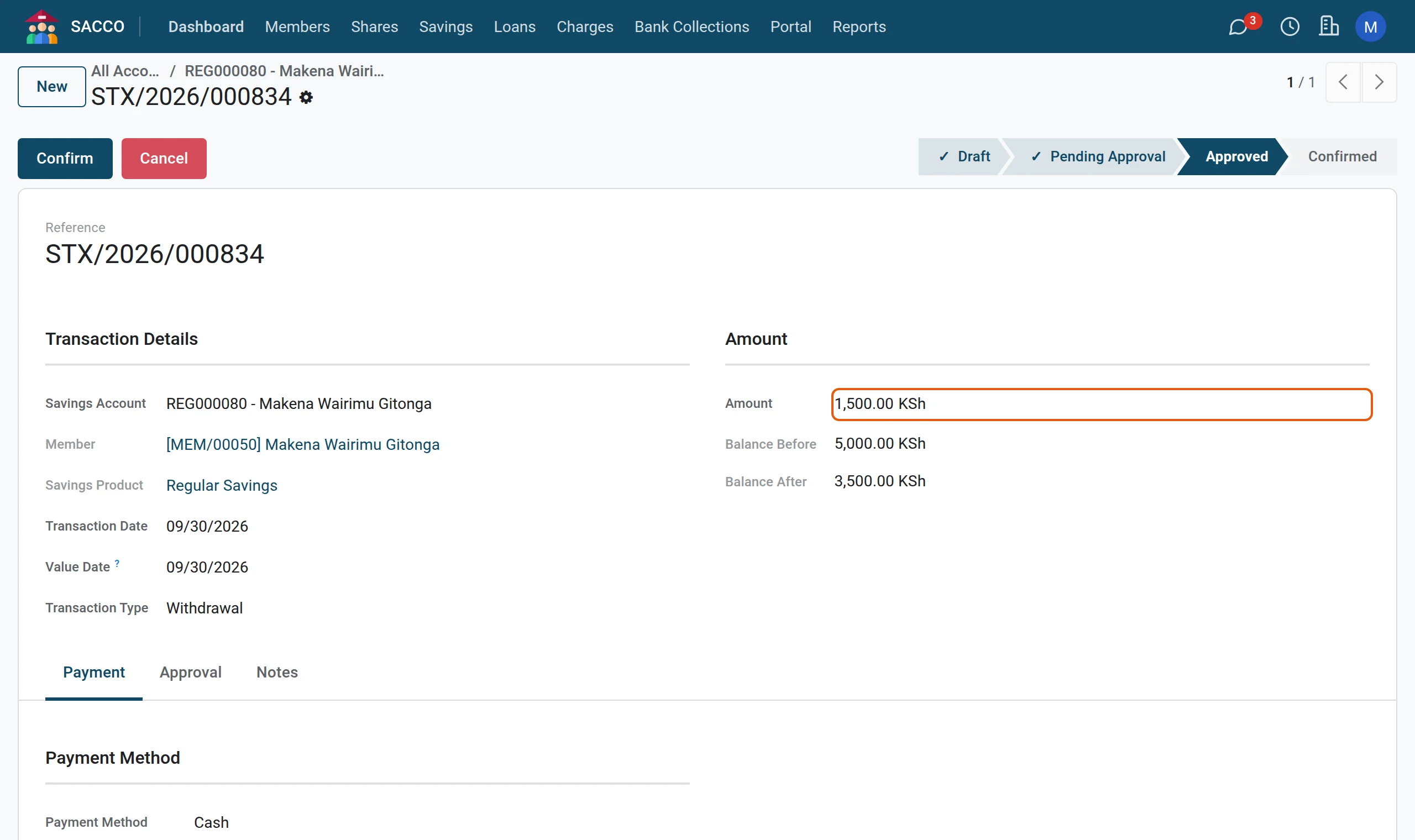
Change the amount and press Submit again. The status moves to Approved: the withdrawal respects the rules and may be paid.
5Confirm and pay
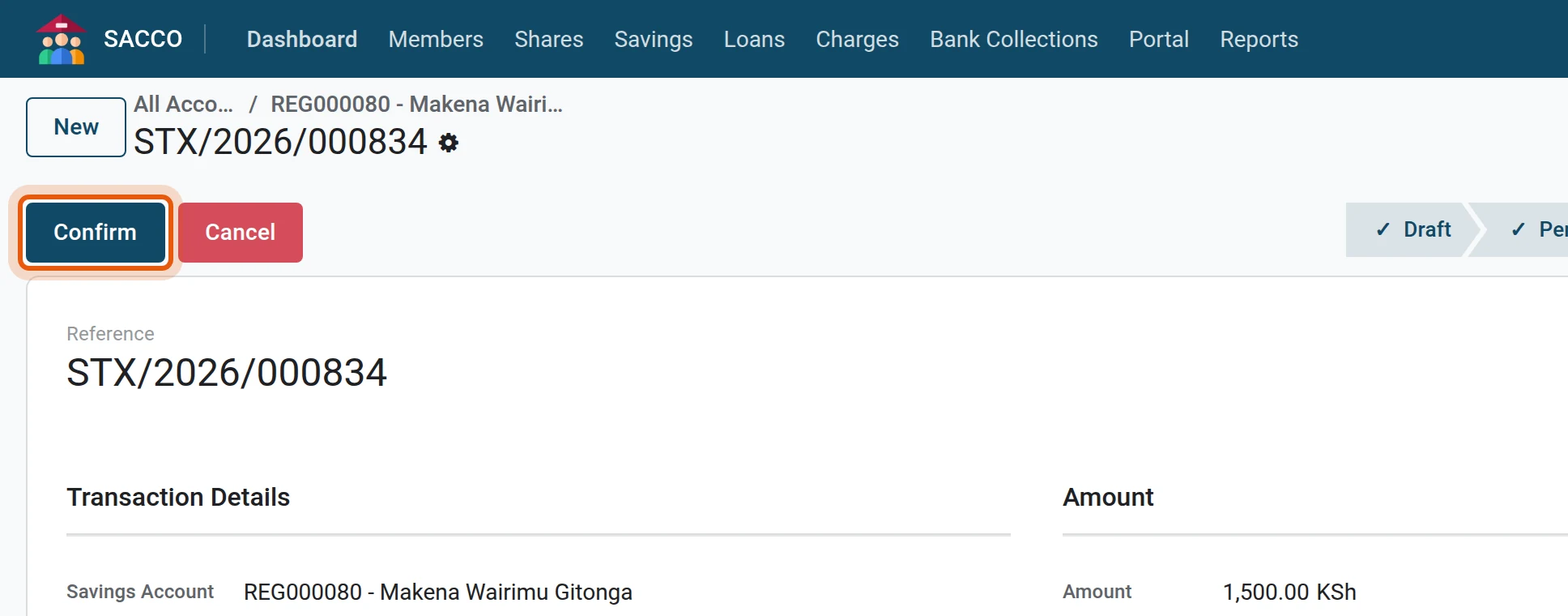
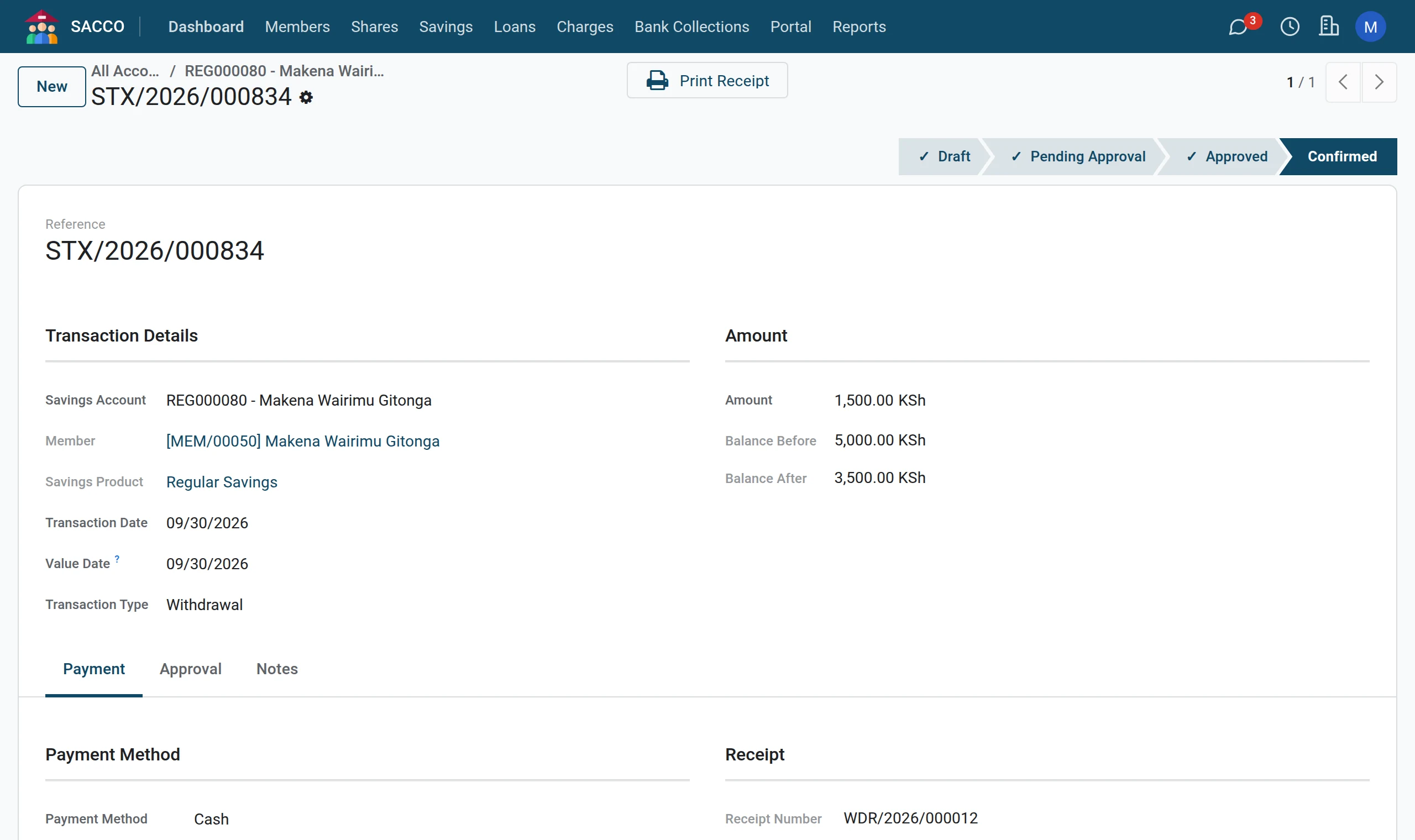
Hand over the money and press Confirm. The balance goes down and the receipt number is given.
6Print the receipt
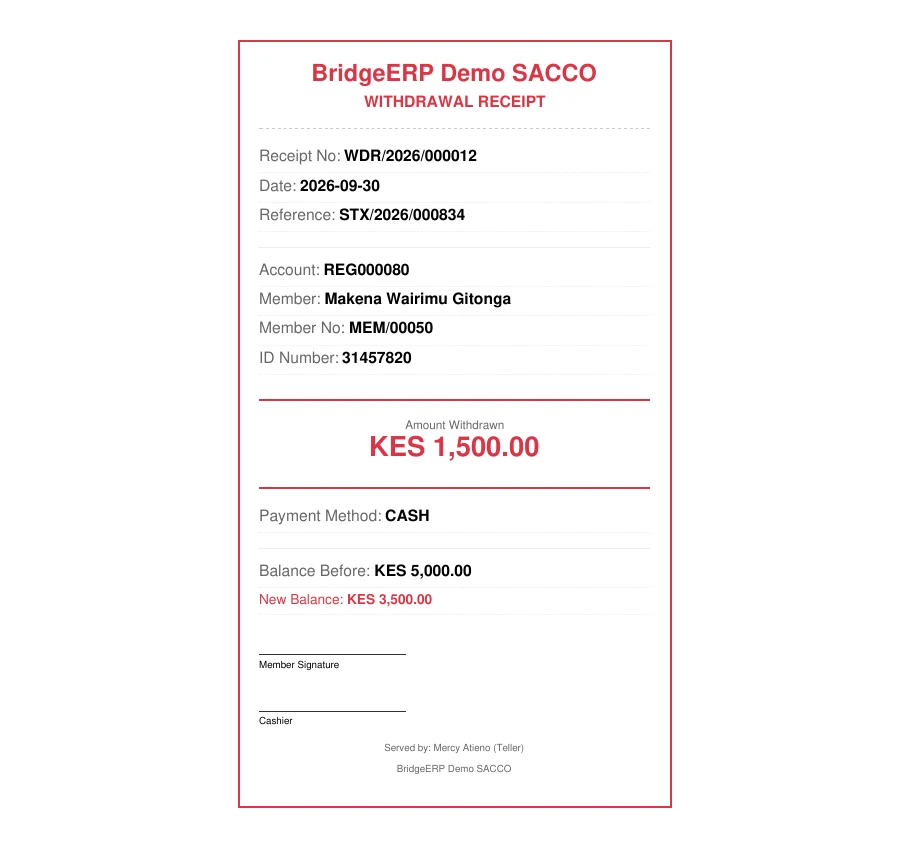
Press Print Receipt; the member signs the SACCO’s copy.
Tip
On a product without approval a savings officer may also press Confirm straight from the draft. On a product that asks for approval the system answers “This withdrawal needs approval: submit it for approval first.” (approve a withdrawal).
What the refusals mean
| Message | What to do |
|---|---|
| Insufficient balance. Available: … (maintaining minimum balance of …). | Lower the amount: the product’s minimum balance must stay. |
| Withdrawals are not allowed for this product. | The product has Allow Withdrawals unticked. |
| BOSA deposits are withdrawn only when the member exits. Use the member exit settlement. | Member deposits leave when the member exits (member exit) or to clear a loan (offset from deposits). |
| This withdrawal needs approval: submit it for approval first. | Press Submit instead of Confirm. |
| Minimum withdrawal amount is … / Maximum withdrawal amount is … | The product limits one withdrawal. |
| Daily withdrawal limit of … would be exceeded. | The member has taken out the day’s maximum. |
| Monthly withdrawal limit of … transactions reached. | The product allows only so many withdrawals a month. |
| Fixed deposit has not matured yet. Maturity date: … | Wait for the maturity date. |
| Target savings is locked until target amount of … is reached. | The member has not reached the target yet. |
| Account is not active. | The account is frozen, dormant, closed or not yet approved. |
Made a mistake?
A draft or approved transaction: press Cancel. A confirmed transaction cannot be cancelled: a savings manager opens it and presses Reverse. Both the transaction and its reversal stay on the account with a Reversed ribbon, and neither counts in the balance.