

Balances and statements
Everything about an account is on its form: the balance, every transaction with its running balance, and the statement to print.
Who: Any SACCO user.
Read an account
1Open the account
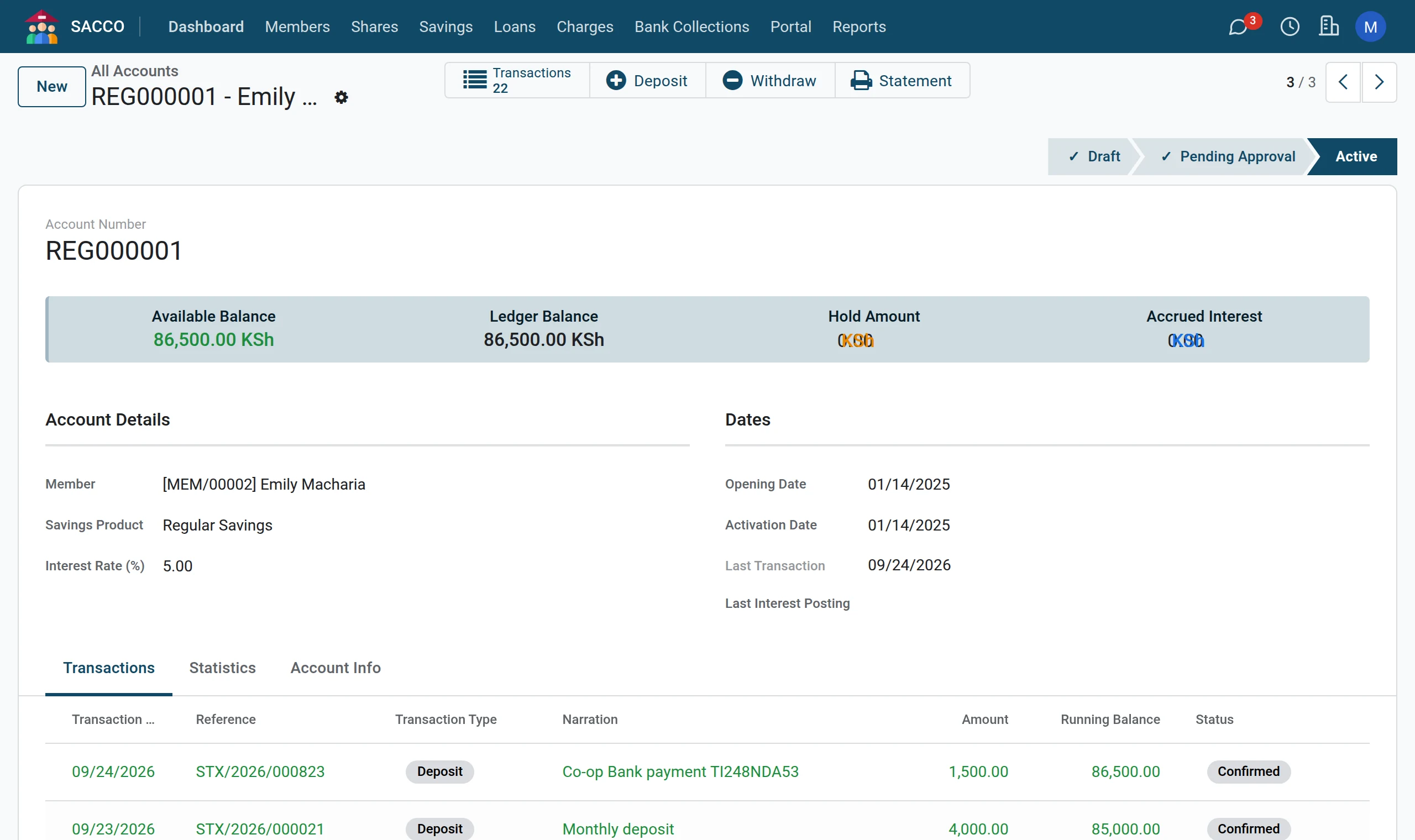
Open the account. The figures at the top are the Available Balance, the Ledger Balance, the Hold Amount and the Accrued Interest. The Transactions tab lists every movement with the running balance after it.
2Totals
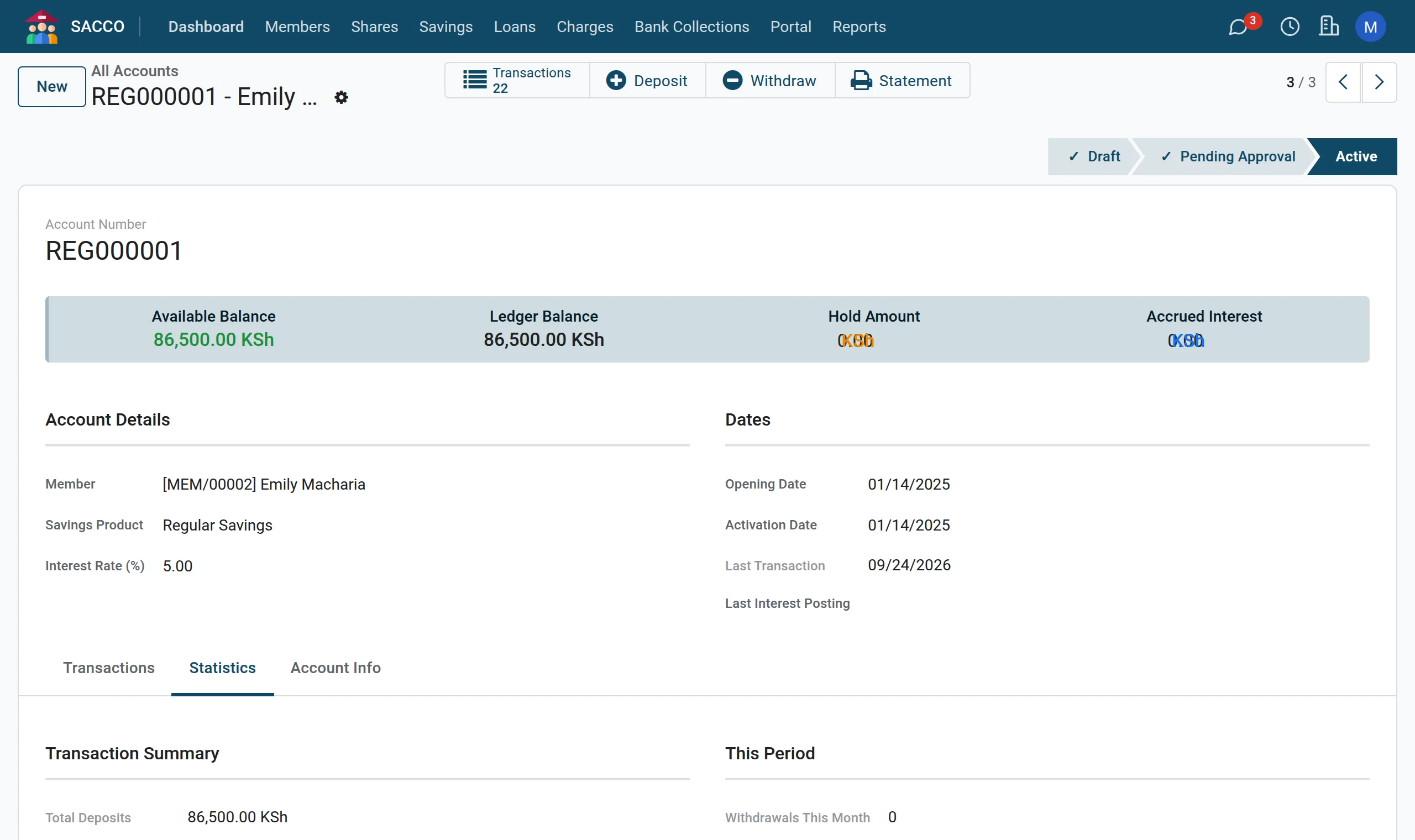
The Statistics tab adds up the deposits, the withdrawals and the interest earned, and shows the withdrawals of this month and of today (the figures the limits are checked against).
3Print the statement
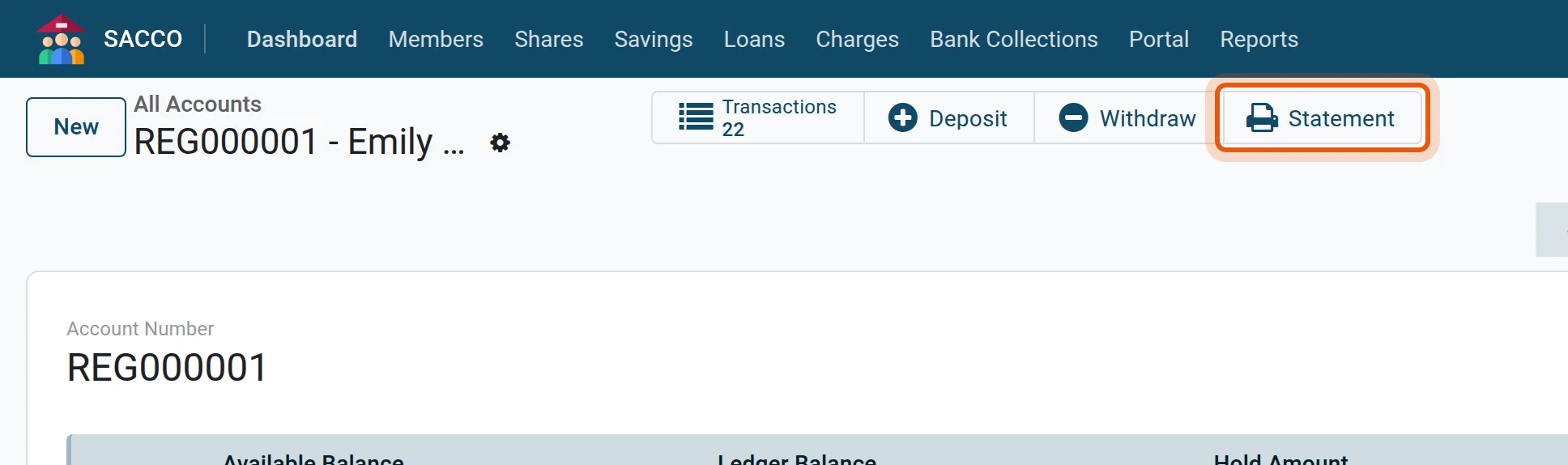
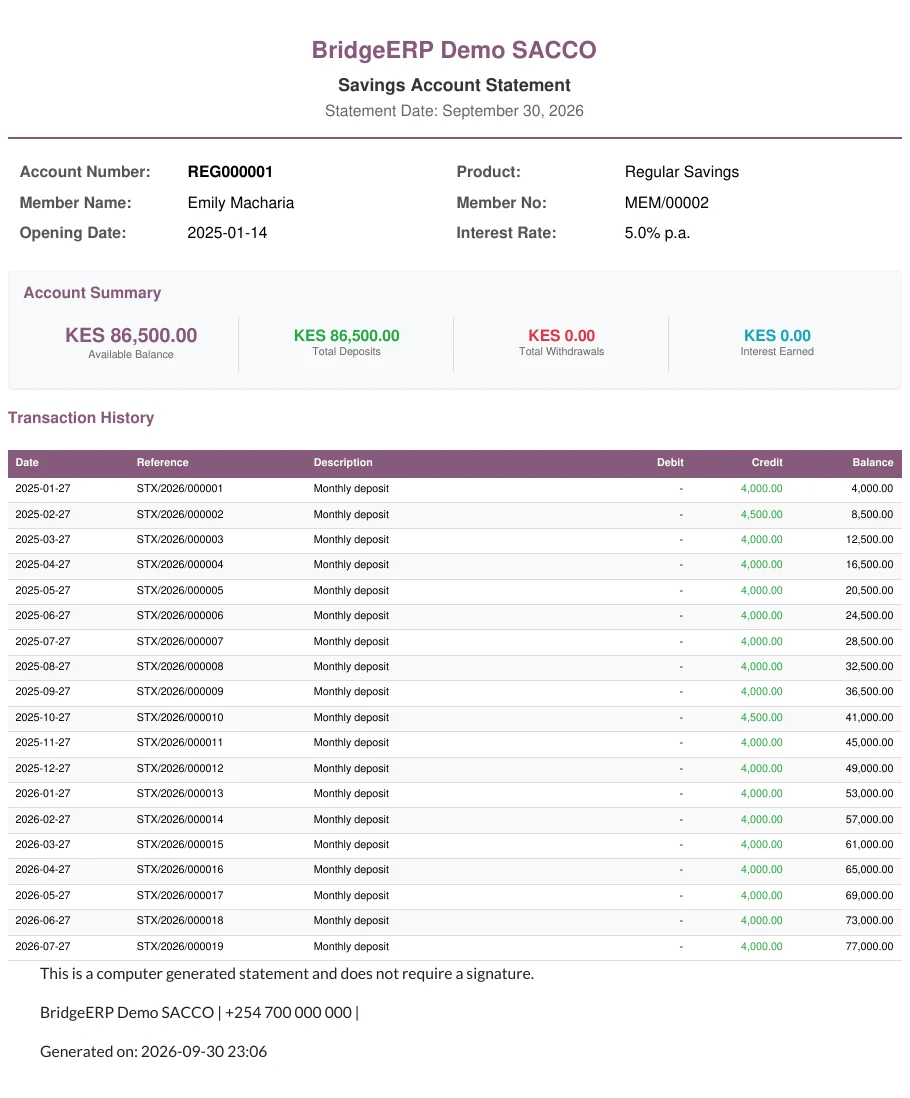
Press Statement across the top. The statement opens as a PDF to print or send.
Lists of transactions
| Menu | Shows |
|---|---|
| What was confirmed today: the list to check the day against. | |
| / | One kind only. |
| Everything. Switch to the pivot or graph view for totals by product, method or month. | |
| Every account with its balance (reports). |
See also
- The member statement: shares, savings and loans of one member for a period.
- The member portal: members read their own balances and activity.
Was this page helpful?